Support every learner with Read&Write

Literacy support that helps all students read, write, and understand with confidence

Make learning accessible and independent for every student

Read&Write gives students the tools they need to access the curriculum, take part, and show what they know. All in a way that works for them.

From Text-to-Speech and Co:Writer Prediction, to study tools and vocabulary support, Read&Write helps every learner build confidence, independence, and success.

En lærer underviser en klasse med elever

Why districts choose Read&Write

Improved literacy outcomes: Students understand and retain more when they can listen, read, and interact with text in multiple ways.

Greater independence: Tools that let learners access information and complete tasks without extra adult support.

Neuroinclusion made practical: Simple, scalable support for students with dyslexia, ADHD, and other learning differences.

Support for students with disabilities: Empower neurodivergent students, those with IEPs (Individualized Education Programs) or 504 plans.

Support for multilingual learners: Scaffolds for vocabulary acquisition, reading comprehension, and language development - whether students are new to English or progressing toward proficiency.

Key features educators rely on

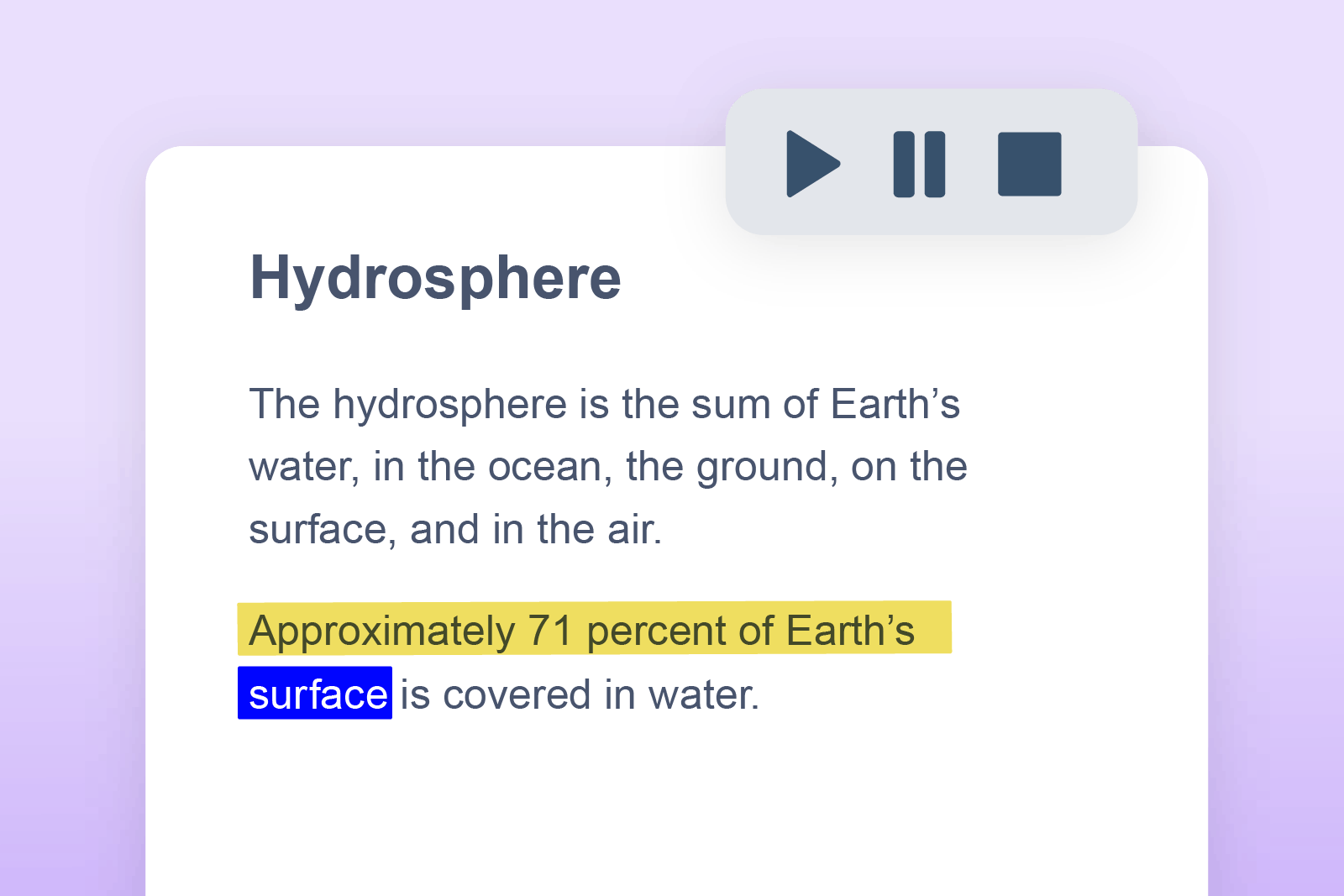
Text-to-speech feature in action

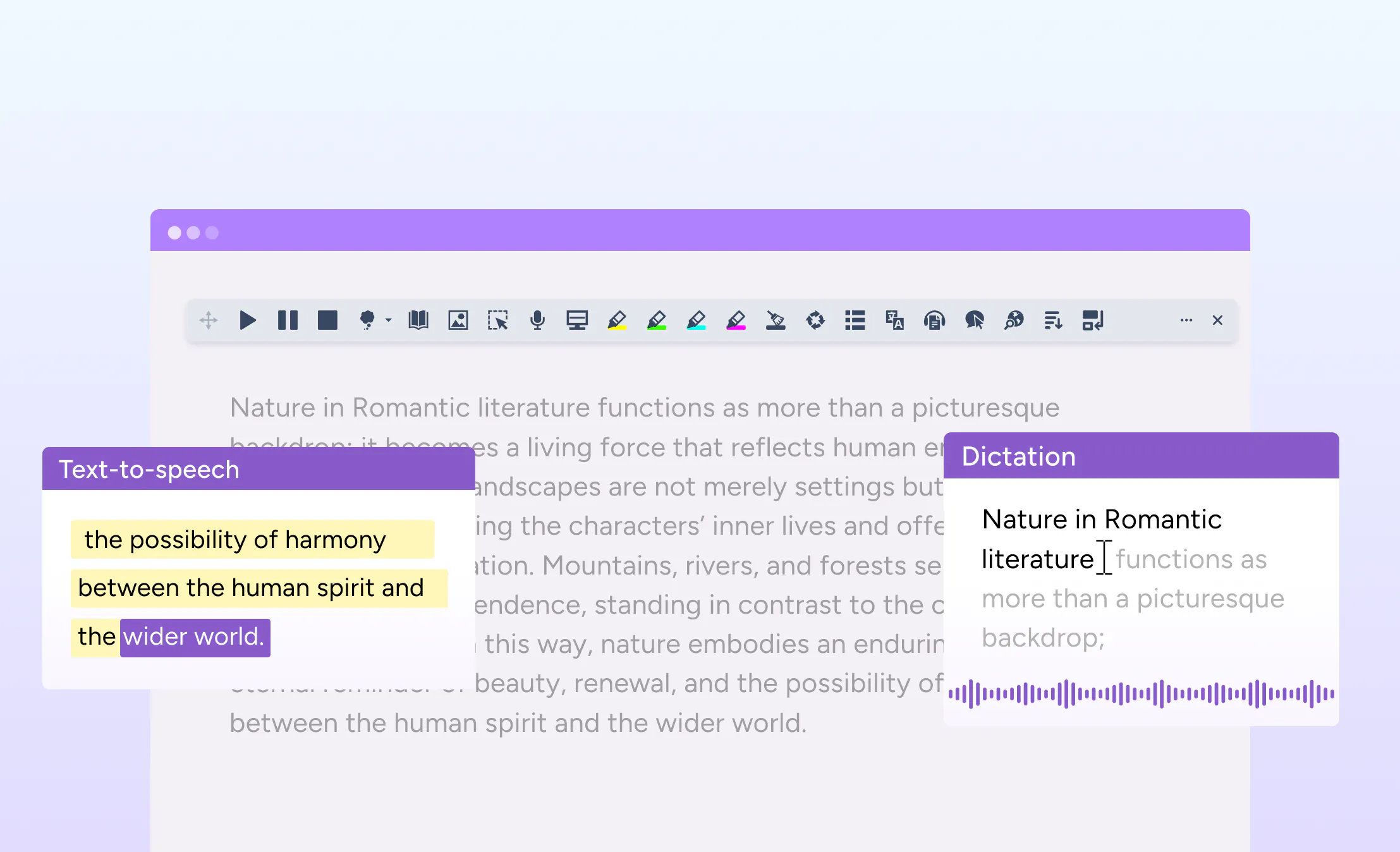
Text-to-speech

Students can listen to individual words or full documents with dual-color highlighting for easy tracking.

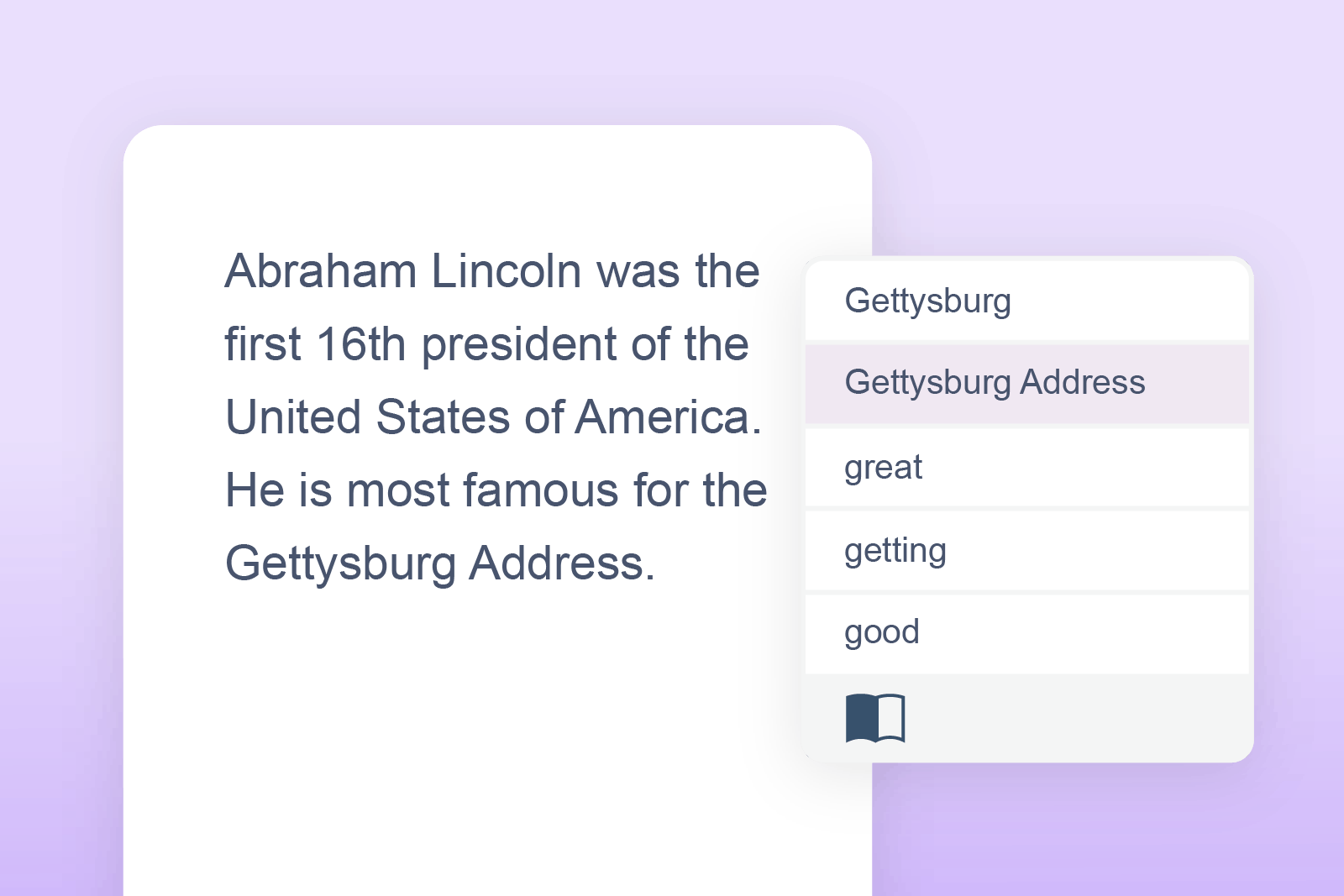
Co:Writer Prediction feature in action

Co:Writer Prediction

A simple-to-use word prediction engine specifically designed to free up ideas so they more naturally flow into writing.

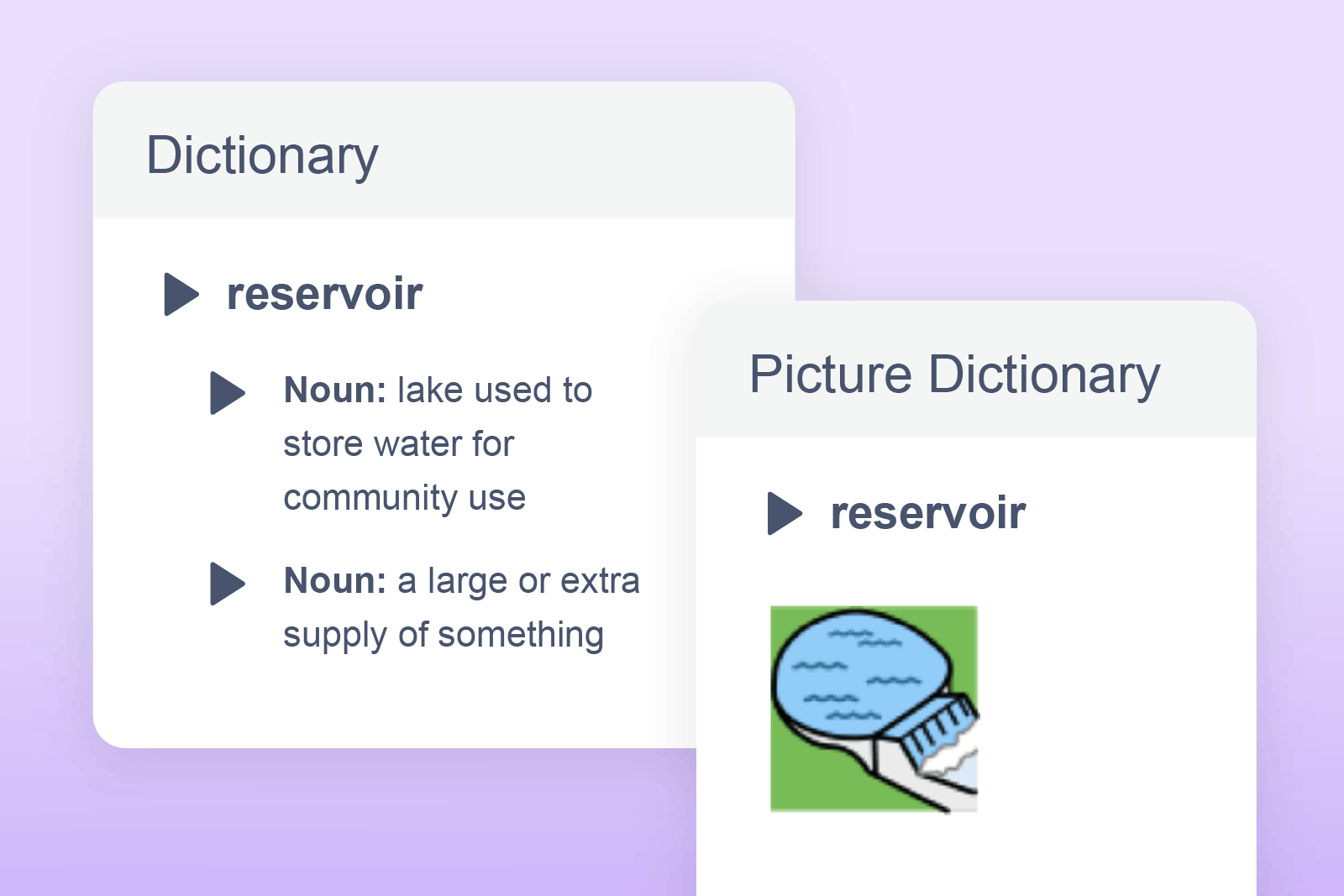
Text & Pictionary Dictionary feature in action

Text & Picture Dictionaries

Provides written and visual image definitions of selected words to help comprehension and understanding.

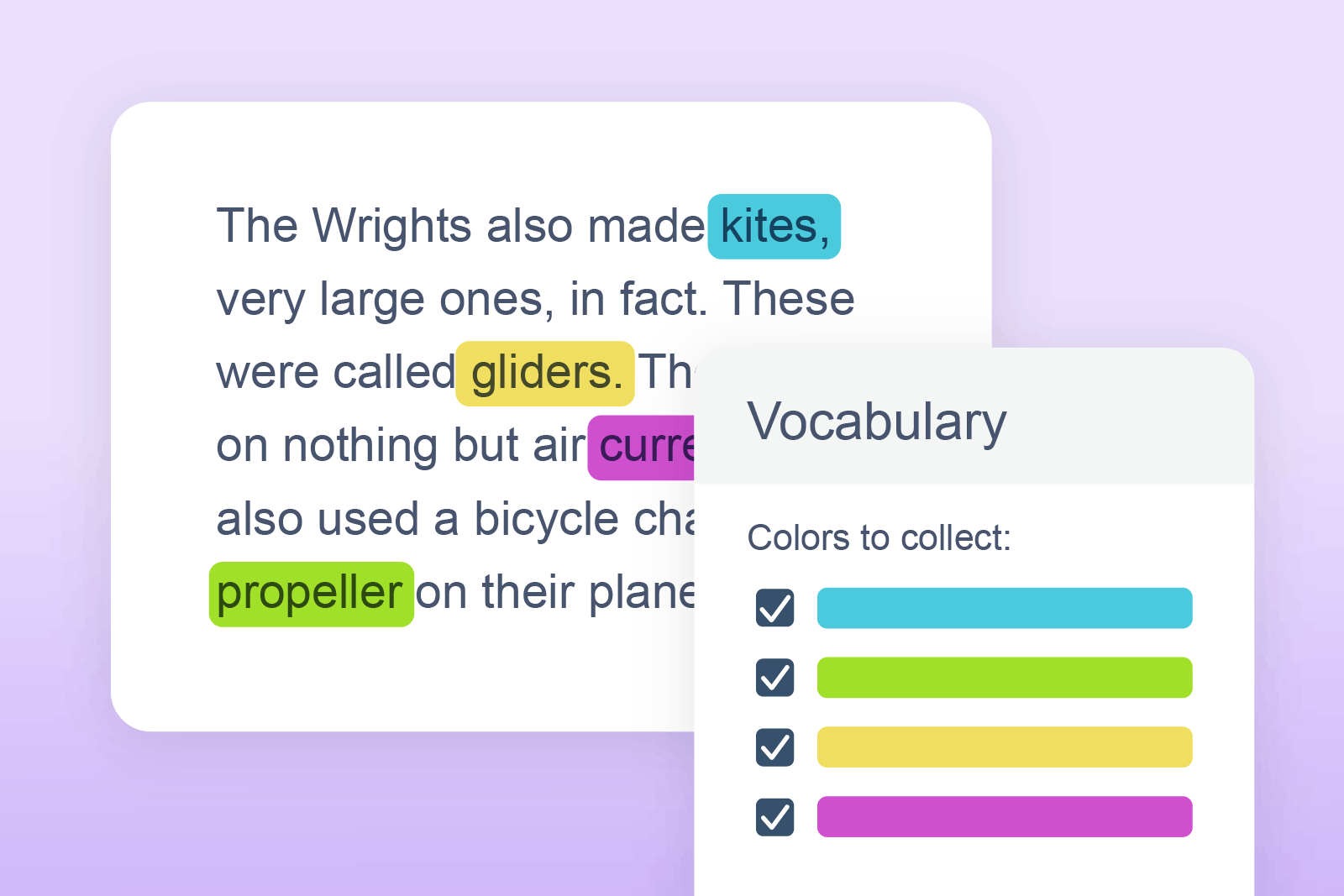
Vocabulary List feature in action

Vocabulary List

Builds a list of words in a new document for selected words to include definitions, image symbols and a space for notes.

Check It feature in action

Check It

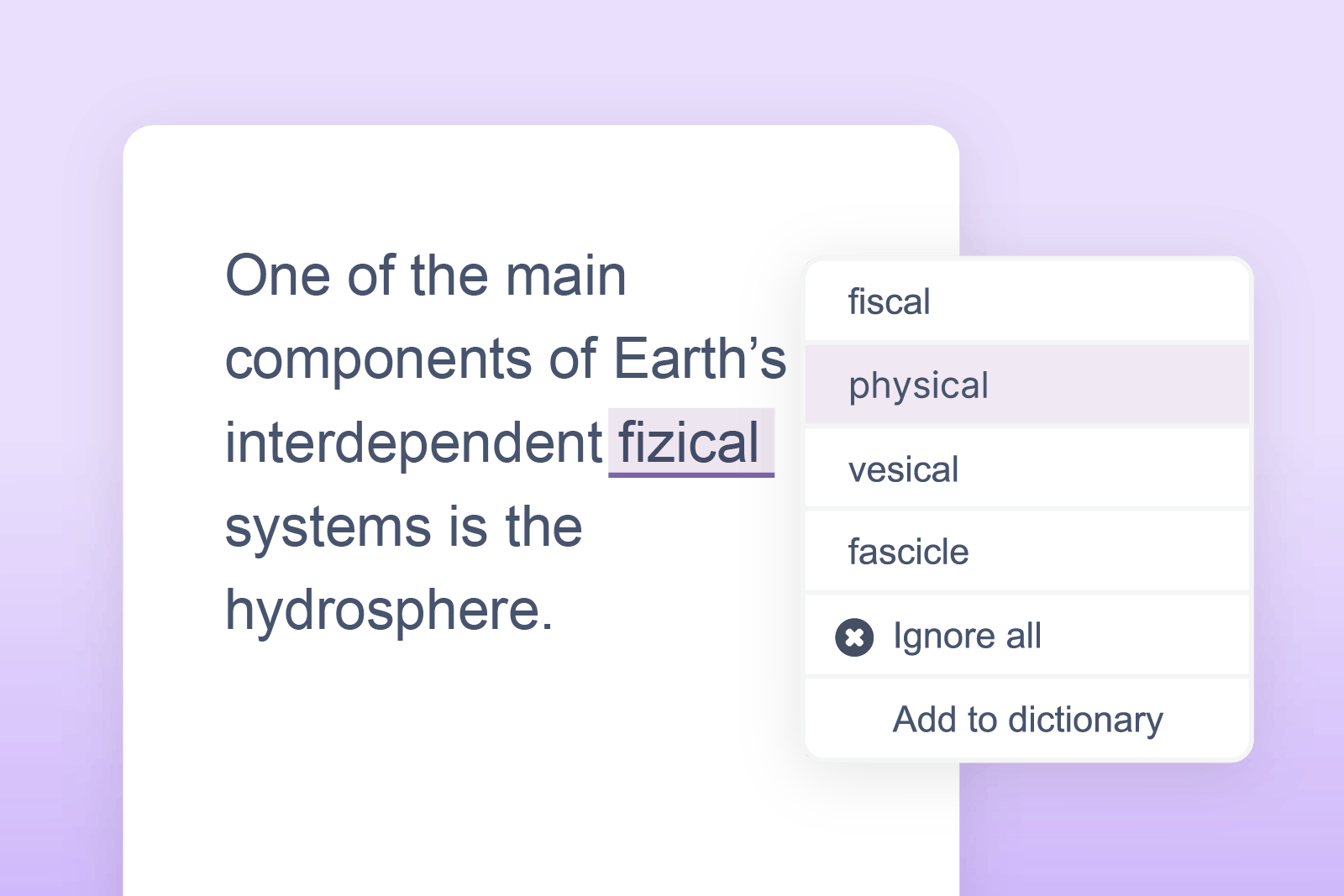
Highlights and corrects grammar, spelling (including phonetic) errors for accurate and confident writing.

Rewordify

Simplifies complex text without changing its meaning, improving accessibility and understanding. (Google Chrome & Microsoft Edge version).

Audio Maker

Converts written text into audio files to download for flexible, on-the-go learning. Perfect for auditory learners or those who prefer to listen to text.

Talk&Type

Students can turn their speech into text as an alternative to typing or writing. (Unavailable for Mac users).

Are you ready to find out more?

Speak to our team about how you can implement Read&Write across the schools in your district.

Designed for classrooms, built for districts

  • Works across Chrome, Windows, Mac, and iPad
  • Integrates with Google Workspace and Microsoft 365 and many popular learning management systems
  • Easy to deploy and manage at school or district level
  • Compliant and built with privacy and data security in mind
Windows
Apple
MacOS
iPadOS
Android
chromebook

Trusted by leading educators

Pittsburgh Public Schools

Minneapolis Public Schools

Cincinnati Public Schools

Nova Scotia

Edmonton Public Schools

Arkansas Department of Education

I literally almost cried because it was so meaningful to me. We had a kid in the classroom who was so smart, but struggled with reading - which is true for so many kids.

He had the cognitive ability to understand this information, but he was not quite able to read. I think about that story repeated over and over [in our schools] all the time."

Jesse Morgan, District Program Facilitator, Occupational Therapist and Head of the Assistive Technology Center at Minneapolis Public Schools

Jesse Morgan

See Read&Write in action

Discover how Read&Write can help your students build literacy skills, confidence, and independence, wherever they learn.

Complete your details to book a short, guided demo tailored to your school or district’s needs.


Please enter your school, district, or organization email

Please enter your first name

Please enter your last name

Please enter your job title

Please enter your school, district, or organization name

Please select the category most similar to your job title or role

Please select your institution level


By submitting this form, you agree to Everway's Privacy Policy. You also agree to receive relevant emails, promotions and general messages from us, which you can unsubscribe from at any time.