Everway tools vs Kami

Annotation is helpful. But learning needs more than markup.

Educators need tools that support reading, writing and understanding, not just comments and highlights inside a PDF.

Read&Write and OrbitNote work together so students get the support they need in one place.

Image of student using a laptop and headphones
This table compares Everway tools to Kami
Feature Everway tools (Read&Write and OrbitNote) Kami
Accessibility support Extensive literacy and accessibility tools Limited accessibility features
PDF annotation OrbitNote annotation tools PDF annotation
Reading support All reading support tools universally available across Google workspace and websites Limited availability of reading tools
Writing support Robust Word prediction, dictation, study tools Limited writing support
Math support Equatio integration Basic equation editor
Collaboration Real-time document collaboration Annotation collaboration
Integrations Google Workspace, LMS platforms, cloud storage LMS integrations
Teacher access Read&Write is free for teachers $149

Why Everway is different

  • Created from over 30 years of experience
  • Designed for neuroinclusive classrooms and workplaces
  • Built with accessibility and literacy support from the start
  • Simple for teachers and students to use
  • Consistent across documents, PDFs and web pages
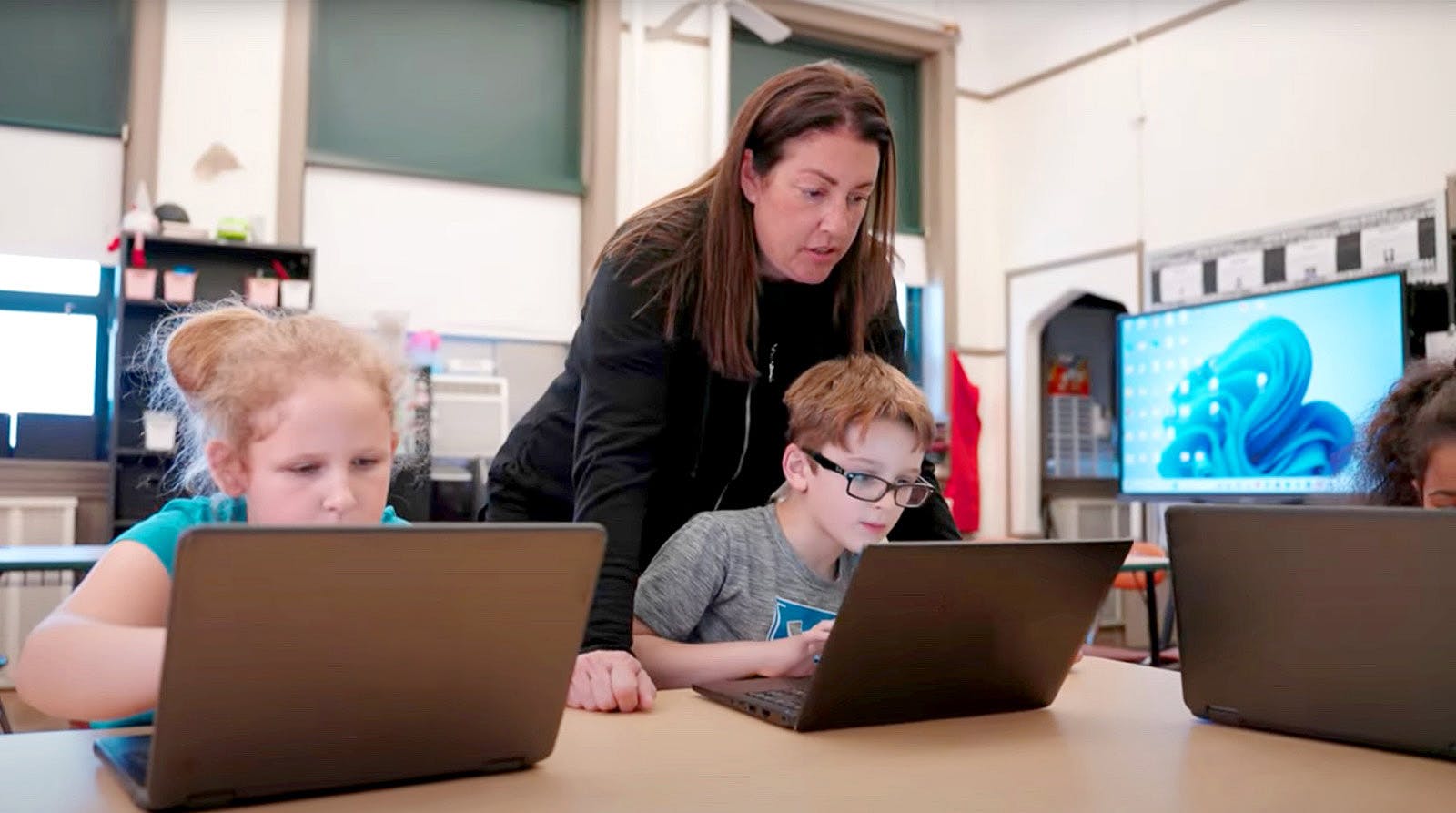
Two students being supervised by a teacher

OrbitNote Icon

OrbitNote vs Kami

Many annotation tools focus on interaction. OrbitNote focuses on access and understanding.

OrbitNote and Kami both support document annotation. OrbitNote goes further by helping every learner access and understand the content they’re working with. With built-in accessibility tools and seamless integration with Read&Write and Equatio, students can listen to text, support their writing, and work with maths inside the same document.

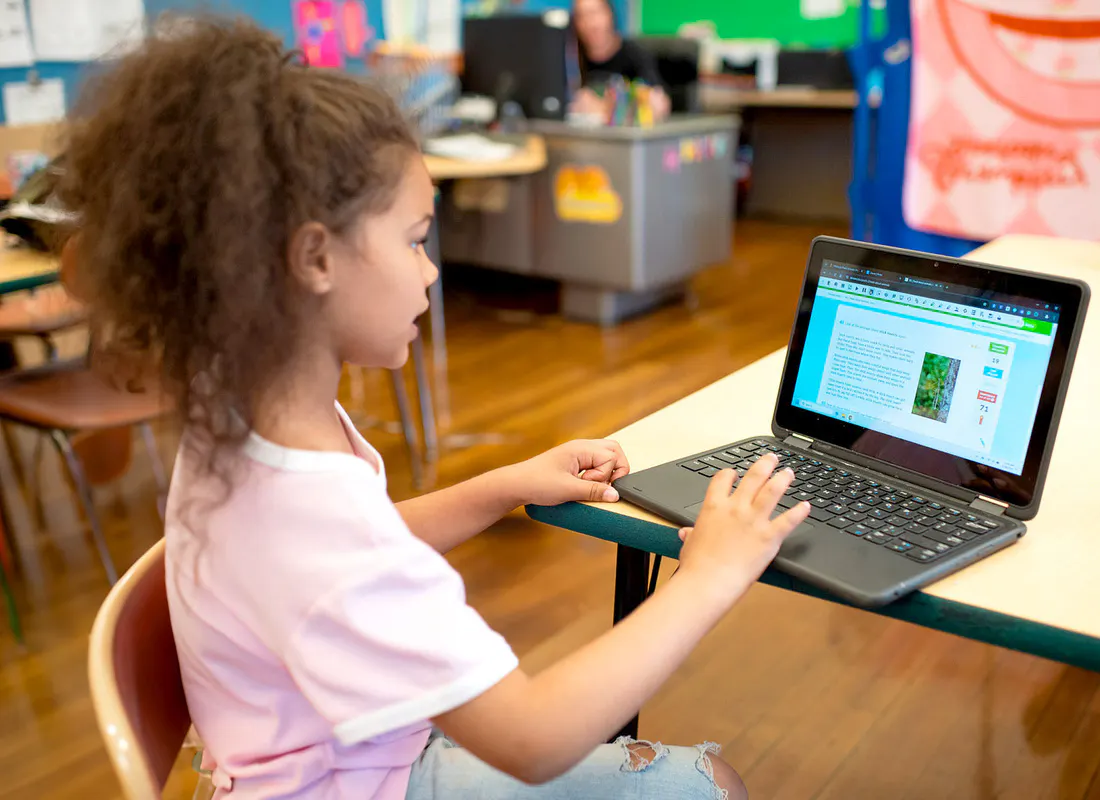
Student in classroom smiling whilst working on a laptop.

Annotate documents

Students can highlight text, add comments and interact with digital learning materials.

OrbitNote

  • Highlight text, add comments and draw on documents
  • Add text boxes and shapes for structured annotation
  • Use alongside Read&Write for accessibility support

Kami

  • Annotate and mark up PDF documents
  • Designed primarily for working inside PDFs

Annotate documents

Students can highlight text, add comments and interact with digital learning materials.

OrbitNote

  • Highlight text, add comments and draw on documents
  • Add text boxes and shapes for structured annotation
  • Use alongside Read&Write for accessibility support

Kami

  • Annotate and mark up PDF documents
  • Designed primarily for working inside PDFs

Read&Write Icon

Read&Write vs Kami Companion

Read&Write is a comprehensive literacy support toolbar built on over 30 years of expertise in accessibility and learning technology. Trusted by millions of users worldwide, Read&Write is a mature solution designed to support learners wherever they work online.

Kami Companion sits on top of webpages and offers tools to help users read, write, and understand content. It is currently in beta and available through early access for existing Kami users.

Kami Companion is Kami’s latest offering. While Kami Companion is still growing, Read&Write already provides a full set of accessibility tools that support learners across their entire digital learning environment.

A group of students sitting in a classroom, at desks, with laptops

Reading support

While both tools support reading, Read&Write offers additional options designed to help users access and understand content across many types of digital text.

Read&Write

Read&Write includes a wide range of tools that help students access and understand digital text.

  • Text-to-speech with natural voices
  • Flexible text to speech options including read aloud on hover and reading continuously through a whole page
  • Translation that works in-context on the page, and can translate whole websites in a single click
  • Remove distractions from webpages

Kami Companion

Kami Companion includes reading support features within the Kami environment, on specific websites and partially works in Google Workspace.

  • Text-to-speech with natural voices
  • AI tools to summarize or explain content
  • Immersive Reader and reading display options

Reading support

While both tools support reading, Read&Write offers additional options designed to help users access and understand content across many types of digital text.

Read&Write

Read&Write includes a wide range of tools that help students access and understand digital text.

  • Text-to-speech with natural voices
  • Flexible text to speech options including read aloud on hover and reading continuously through a whole page
  • Translation that works in-context on the page, and can translate whole websites in a single click
  • Remove distractions from webpages

Kami Companion

Kami Companion includes reading support features within the Kami environment, on specific websites and partially works in Google Workspace.

  • Text-to-speech with natural voices
  • AI tools to summarize or explain content
  • Immersive Reader and reading display options

Learning tools, connected

Students learn across many environments.

They read web pages, write assignments, complete worksheets and take assessments.

Everway tools provide consistent support across all of these spaces:

  • Read&Write supports reading and writing
  • Equatio supports accessible maths
  • OrbitNote supports document workflows and annotation

Together they create a consistent learning experience wherever learning happens.

What educators say

A student using Read&Write on a laptop

Supporting literacy at Pittsburg Public Schools

“Read&Write and OrbitNote help support literacy here in Pittsburgh Public Schools. It gives all students access to their learning or learning level and helps them complete assignments. It’s easy for students to transition from one to the other because they both have the toolbar that’s user friendly and easily accessible at the top”

Alicia Connolly, Assistive technology consultant at Pittsburgh Public Schools


Read the full story from Pittsburg Public Schools

Ready to see the difference

Complete the form to request a personalized demo or a quote and we'll be in touch promptly.

Frequently asked questions

Yes. Kami Companion can run alongside other extensions, including Read&Write.

Most features work smoothly together. If you experience any issues, temporarily pausing another extension may resolve the problem.

Yes. OrbitNote provides annotation and document editing features similar to Kami. When combined with Read&Write and Equatio, Everway tools also provide reading, writing and maths support across documents, web pages and learning platforms.

For many schools and organizations, this means one connected solution instead of multiple tools.

Yes. Everway tools integrate with platforms such as Google Classroom, Canvas and Microsoft Teams.

Teachers can assign work and provide feedback using the systems they already use.

Yes. Everway tools support a wide range of learners, including students with diverse learning needs.

Accessibility and literacy tools are available when students need them, without adding complexity for teachers.

Many schools use different tools for annotation, reading support and maths.

Everway tools combine these capabilities into one connected system. This reduces tool overload while providing consistent support across the learning environment.