
Literacy toolbar
Read&Write helps every student to read, write and study with confidence.
Institution-wide access for students and staff
Read&Write helps every student to read, write and study with confidence.

OrbitNote makes PDFs accessible and actionable.
The Read&Write toolbar offers students fully customisable tools to help them tackle literacy challenges, improve comprehension and reduce distraction.
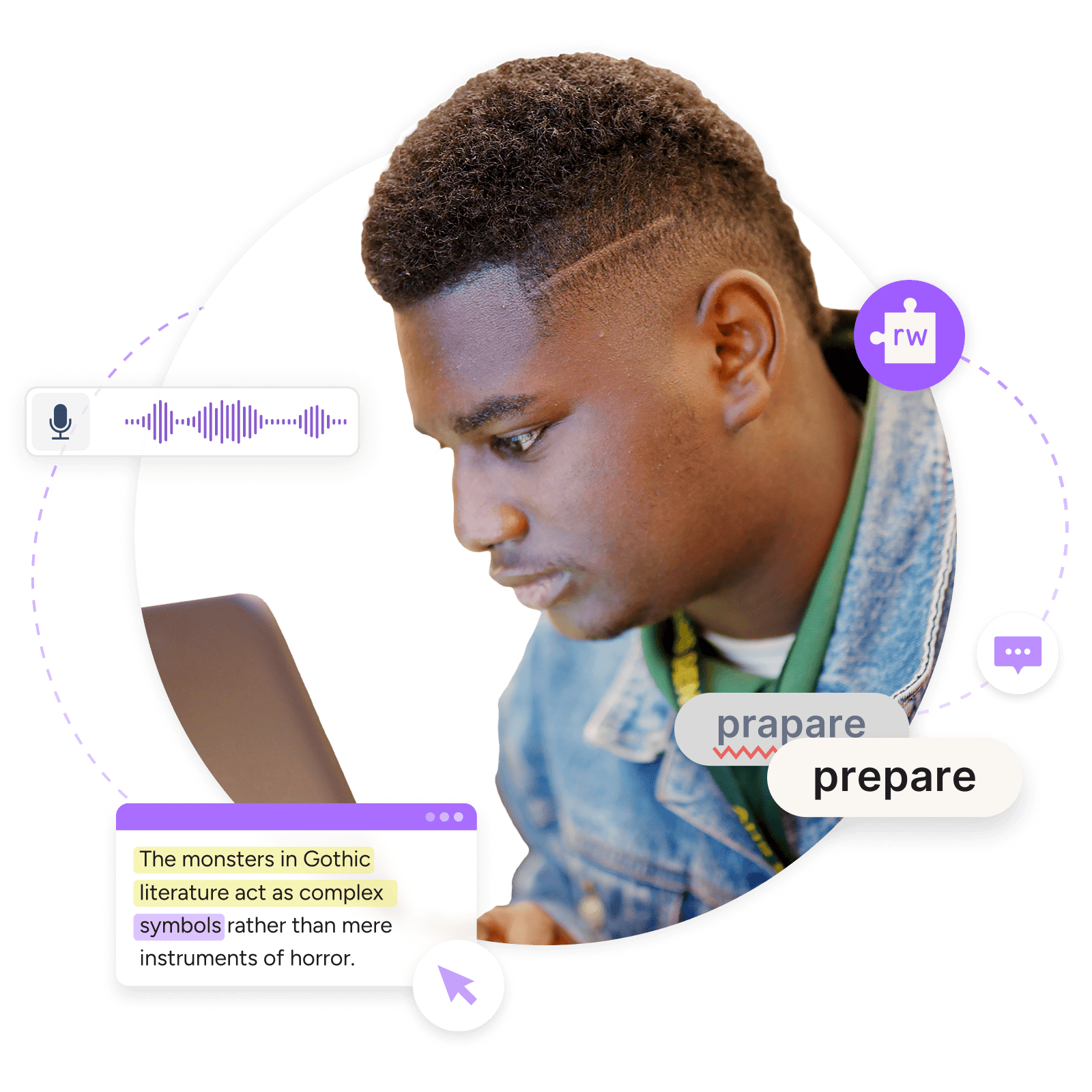
Find out how to get the best out of Read&Write. Whether you’re a teacher or student, learning at home or in school, we've got resources to help you.

Browsers
Google Chrome and Microsoft Edge

Operating systems
Windows, Apple and Android
OrbitNote transforms PDFs into editable documents. Create, mark-up and annotate PDFs with ease, and use literacy features to make content accessible to all learners.
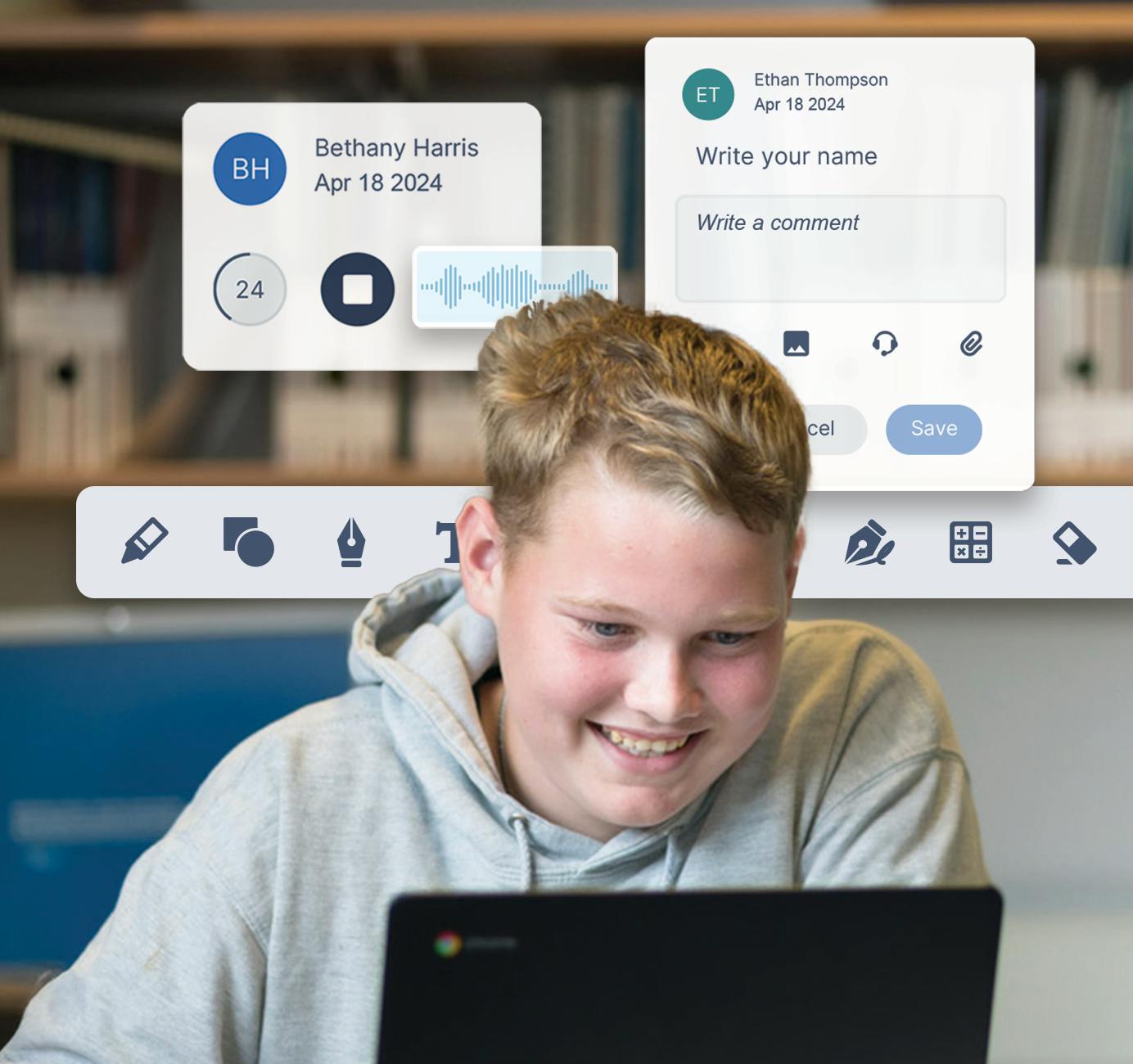
We’ve got lots of resources to help you use OrbitNote. Discover top features and how to get the best out of the software for your students.
If you’ve got any questions about how to install or use your Everway tools, our team is here to help.

Everway tech support