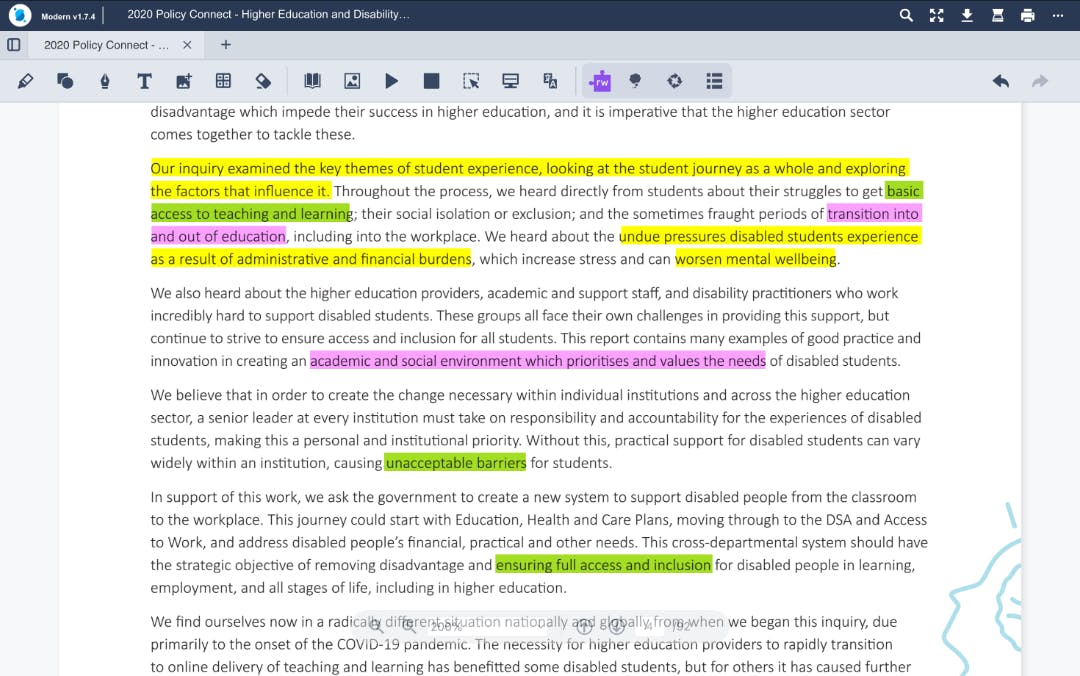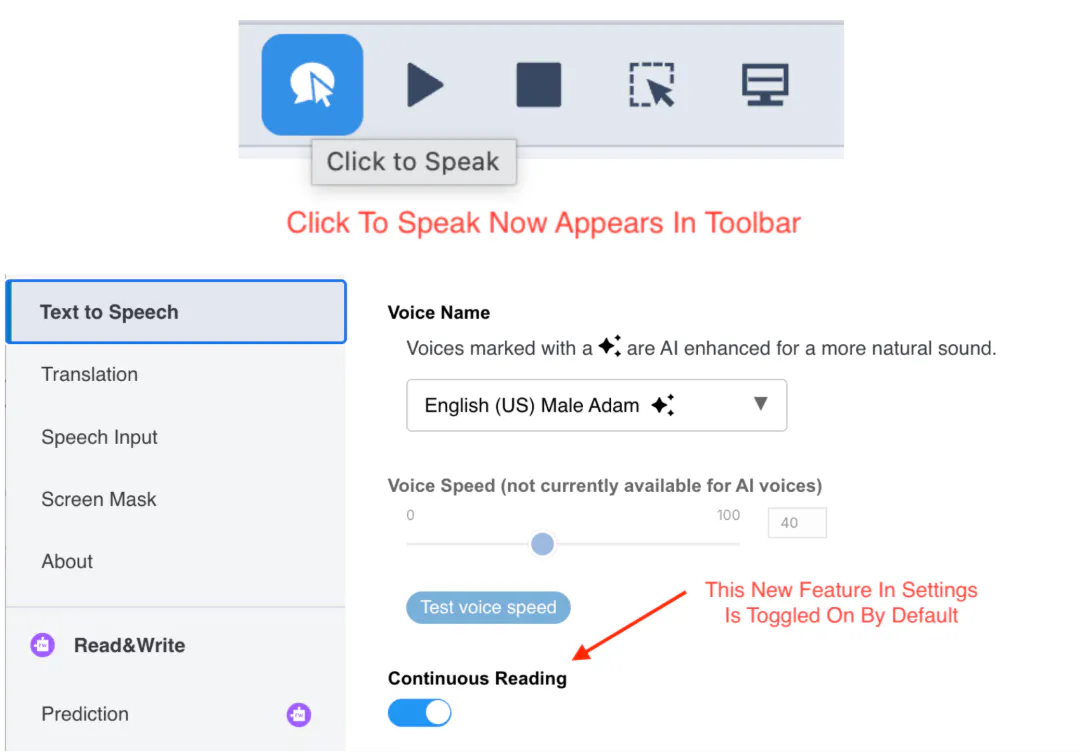
We’ve introduced Click to Speak in OrbitNote Modern, bringing a familiar and essential reading feature into the updated experience.
This feature makes it easier for students to access and understand content by allowing them to hear text read aloud instantly - exactly where they need it.
What’s new
With Click to Speak, users can now click directly on any text within a PDF to hear that sentence read aloud. There’s no need to start from the beginning of a document or listen to more than is needed.
This supports more flexible, on-demand reading, helping students focus on specific sections, revisit key information, or work through content at their own pace.
Designed for accessibility and focus
Click to Speak is a key accessibility feature used by students with reading difficulties, attention challenges, or formal accommodations. By adding this capability in OrbitNote Modern, students transitioning from Classic can continue to use the reading support they rely on.
It also supports more efficient workflows, making it easier to move between reading, reviewing, and understanding content without interruption.
Supporting targeted reading in the classroom
By enabling quick, precise access to text-to-speech, Click to Speak helps students engage more confidently with PDFs and other learning materials.
It’s a simple but powerful addition that supports inclusive reading practices - giving every student more control over how they access and understand information.