
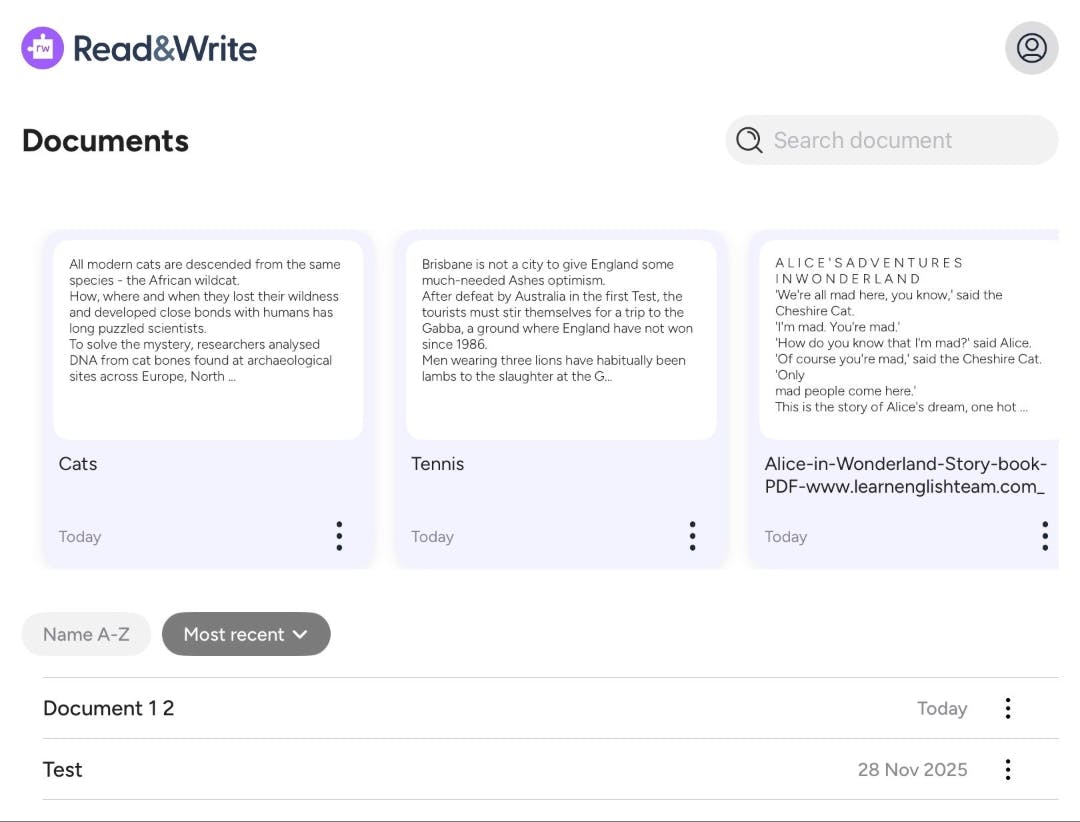
If you’re a Read&Write user and also have OrbitNote iOS we’ve added a new option in Read&Write iOS that gives users more options over how they open and work with PDF files.
Users can now open PDFs from the Read&Write app home and choose the experience that best fits their task - whether that’s editing and reading text in Read& Write or working with the full document in OrbitNote.
What’s new
When opening a PDF from the Read&Write home screen, users can now choose between two experiences:
- Text-only view in Read&Write
- Full PDF view in OrbitNote
This makes it easier to access the right tools for the job, whether the goal is writing and focused reading or working with annotations and document features.
Designed for clarity
This update gives the user a clearer PDF opening experience. It helps them to know exactly where to view and interact with their documents.
A clearer, more flexible workflow
By giving users a clear path into OrbitNote, this update improves discoverability and makes it easier to take advantage of its full PDF capabilities.
The result is a more predictable, flexible experience that supports different ways of working with documents - from reading to annotating and beyond.
A clearer, more flexible workflow
By giving users a clear path into OrbitNote, this update improves discoverability and makes it easier to take advantage of its full PDF capabilities.
The result is a more predictable, flexible experience that supports different ways of working with documents - from reading to annotating and beyond.