
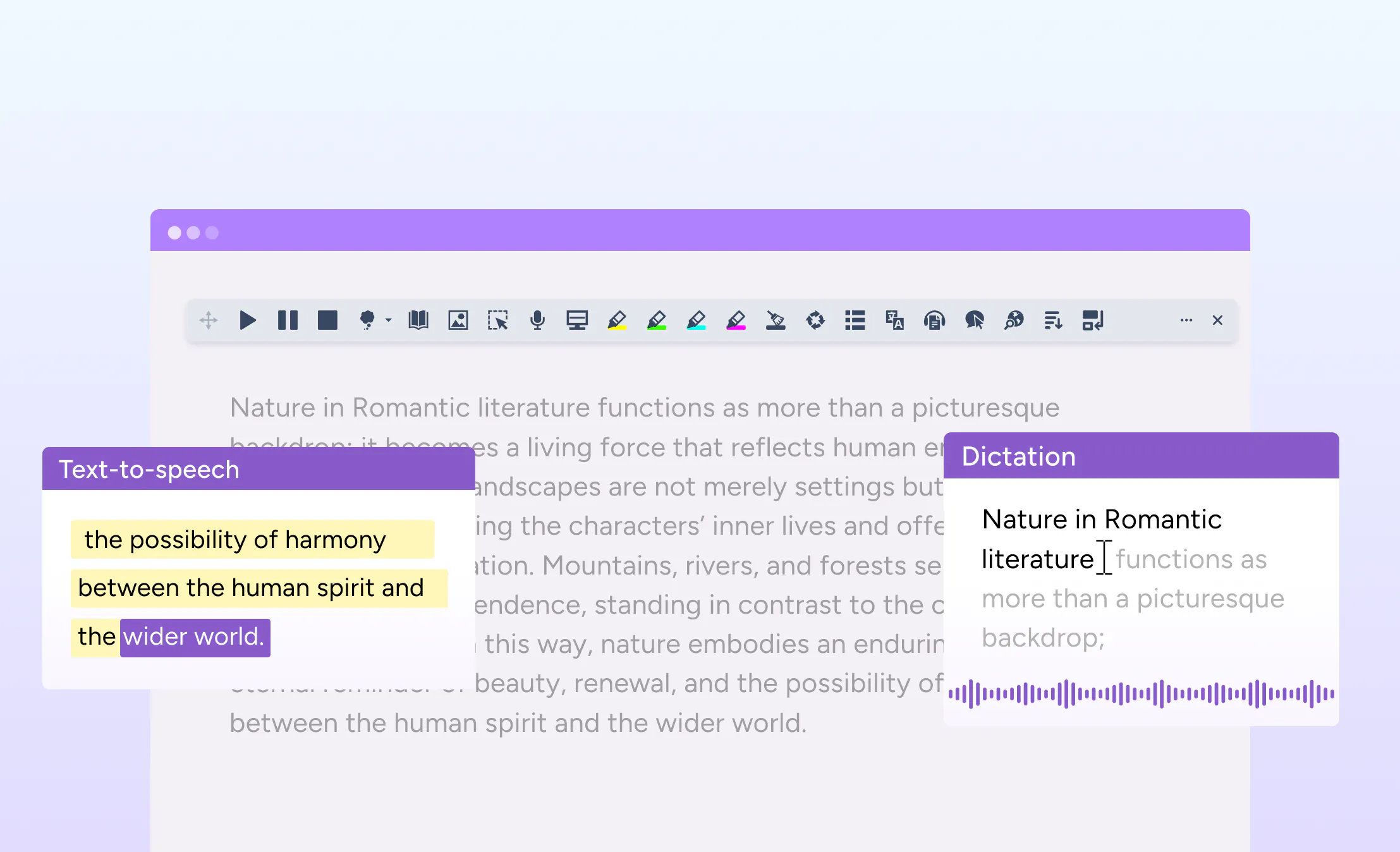
We’re making an update to Read&Write that simplifies how the tool is deployed and used. Screenshot Reader is now built directly into the Read&Write extension, removing the need for a separate installation.
Coming soon, this change brings two commonly used tools together in one place, making it easier for schools and organisations to get started with Read&Write and manage it at scale.
What’s changed
Previously, Screenshot Reader was installed as a separate extension. With this update, it is now fully integrated into the main Read&Write extension for Google Chrome and Microsoft Edge.
Users can continue to access Screenshot Reader in the same way, with no change to how the feature works day to day.
Designed to simplify setup
Managing multiple extensions can add complexity for IT teams and slow down onboarding. By combining Screenshot Reader into Read&Write, this update reduces the number of steps required to deploy and maintain the tool.
For new customers, this creates a more straightforward setup experience. For existing customers, it helps streamline ongoing management.
A smoother experience for teams and users
Bringing Screenshot Reader into Read&Write means fewer moving parts and a more unified experience. There’s no need to manage separate installations, and users can access the tools they need from a single extension.
This update helps remove friction from deployment and onboarding, making it easier for more users to access reading support from day one.
Supporting simpler, more accessible access
This change is part of our ongoing work to make Read&Write easier to use, manage, and scale. By simplifying how tools are delivered, we help ensure that support is available when and where it’s needed - without unnecessary complexity.