TOP FEATURE
Summaries
Tailored summaries that reshape content into formats that suit different cognitive styles.
*Coming soon to Group and Enterprise subscriptions

Read&Write gives employees practical support to understand, write, and communicate with confidence, reducing cognitive effort and helping collaboration flow more smoothly.
Help every employee, including neurodivergent team members, process and retain information. Make digital content easier to understand, reduce cognitive load and aid focus and concentration.
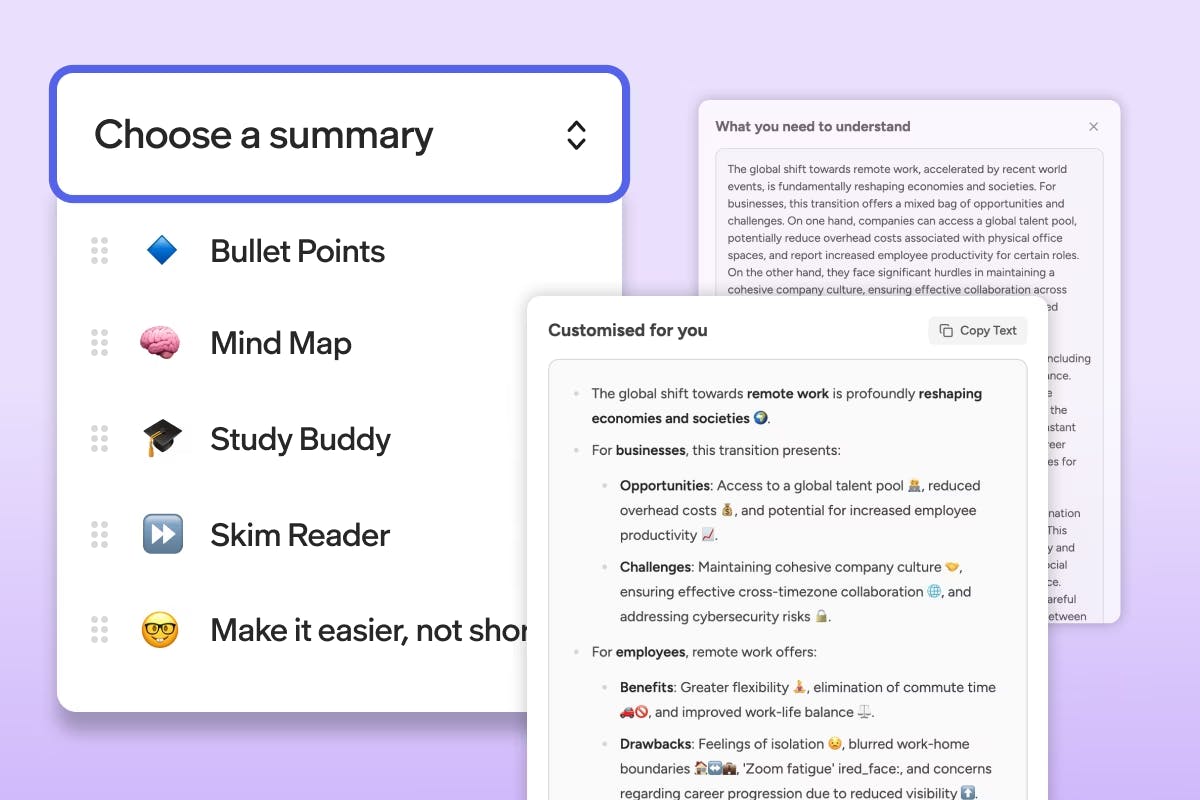
Tailored summaries that reshape content into formats that suit different cognitive styles.
*Coming soon to Group and Enterprise subscriptions
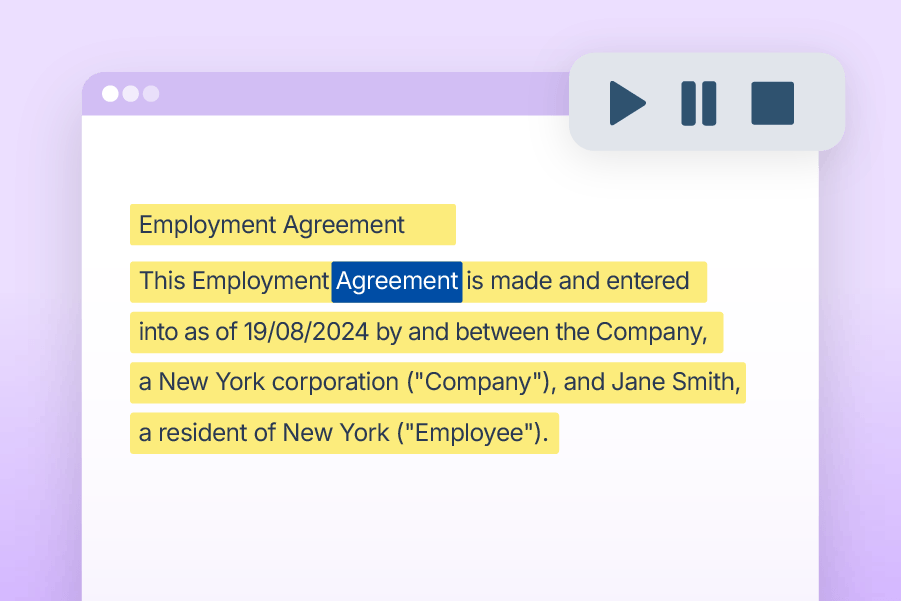
Reads text aloud with synchronised highlighting, supporting focus, comprehension, and retention.
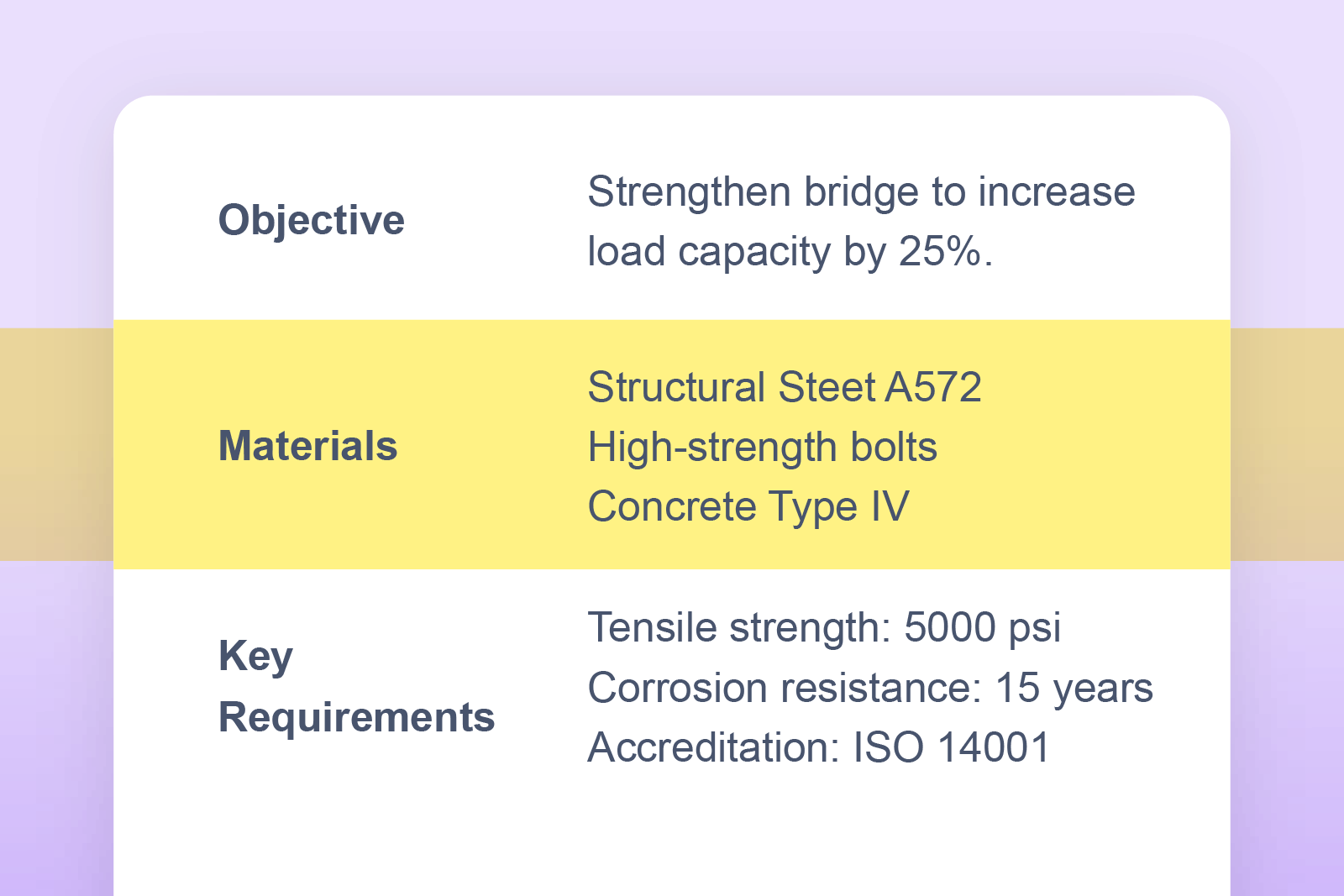
Adds a customisable tint or reading pane to reduce visual stress and aid concentration.
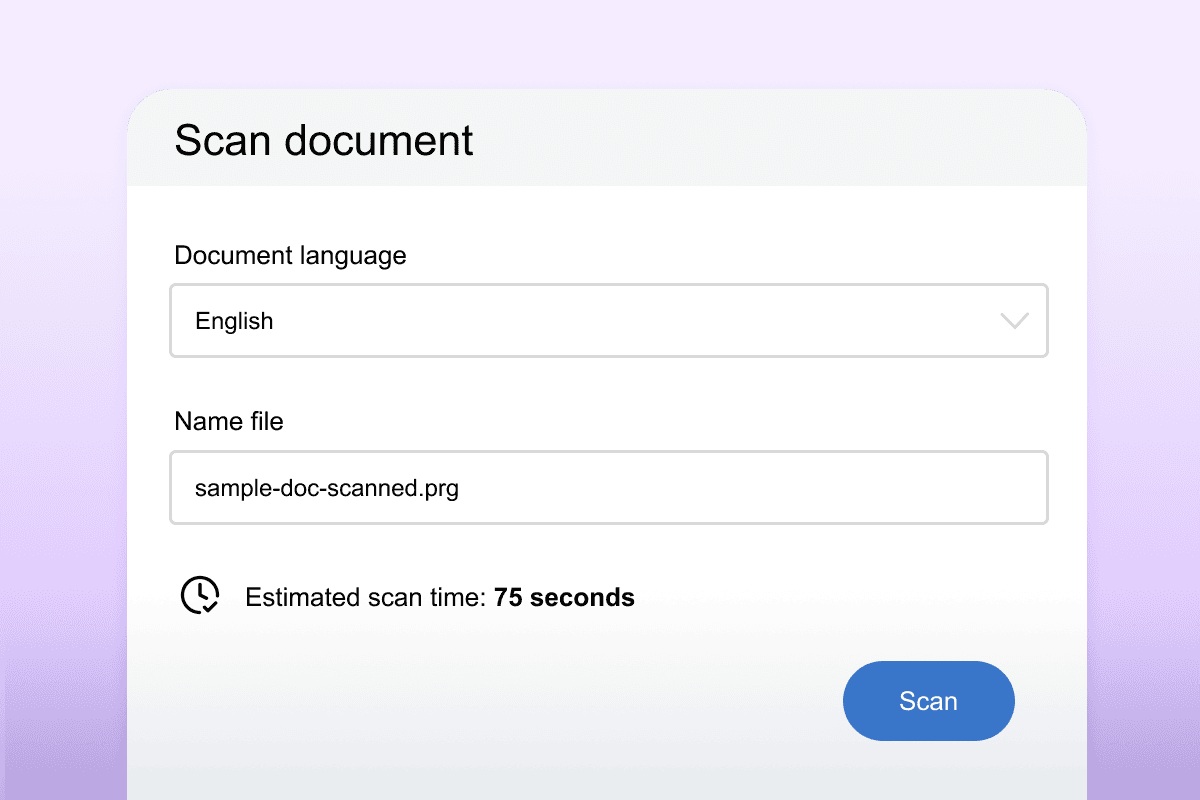
Converts PDFs and images into accessible, editable text that can be read aloud or annotated.
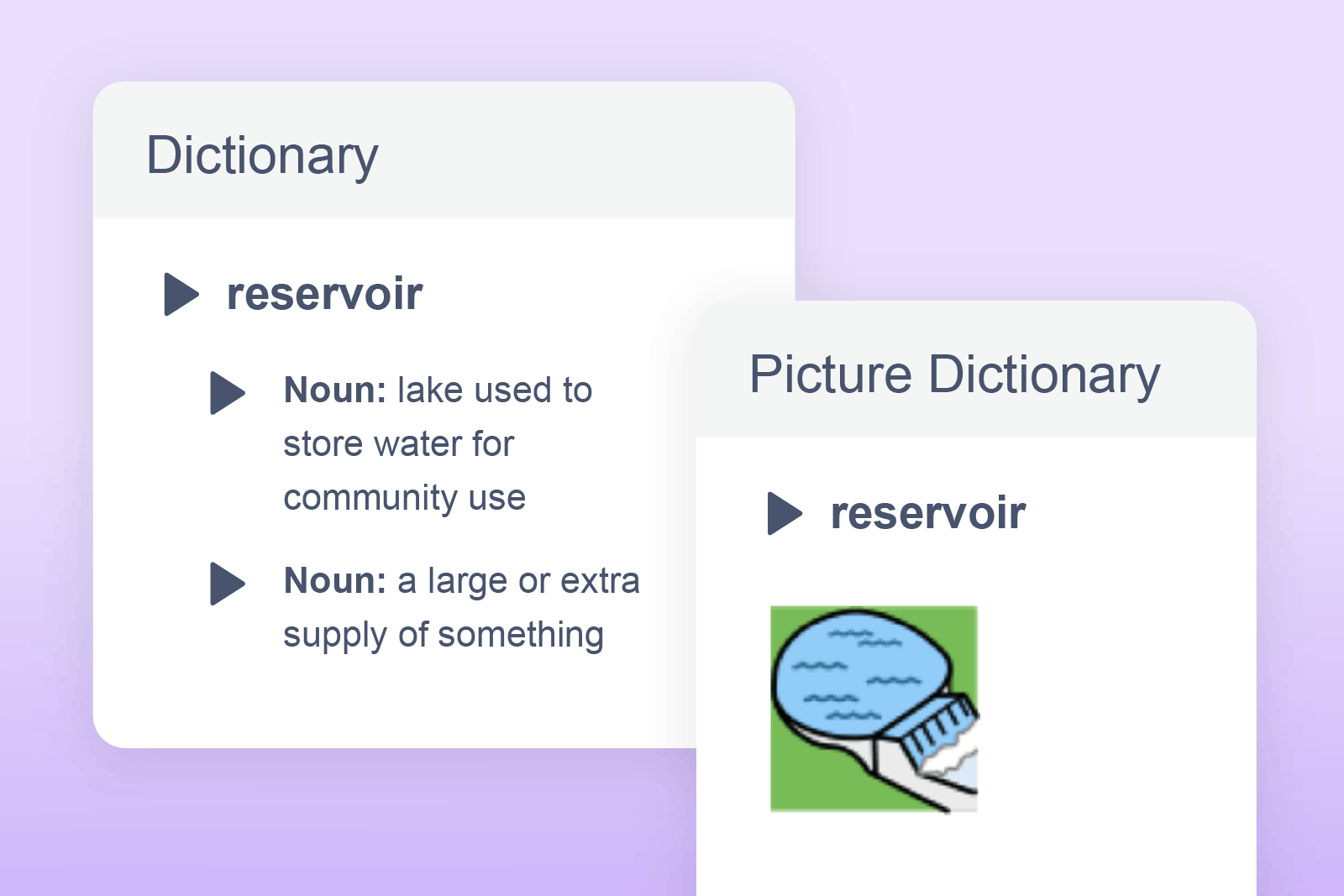
Provides instant definitions and alternative word suggestions to support clear, consistent communication.
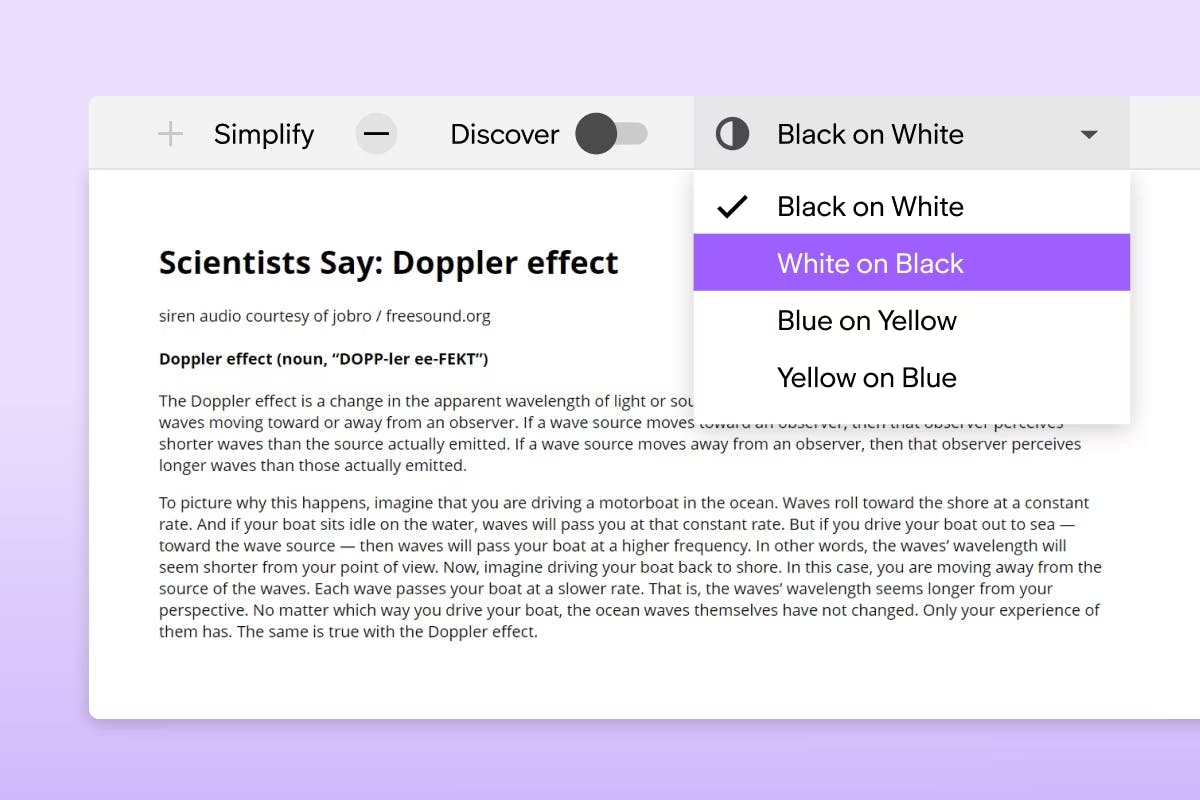
Removes images, simplifies text, and alters fonts, spacing and layout on any webpage.
*Available with Read&Write for Google only
Give employees the tools to write clearly and confidently, whether they're typing or speaking. Improve accuracy, boost fluency, and make everyday communication smoother and more professional.
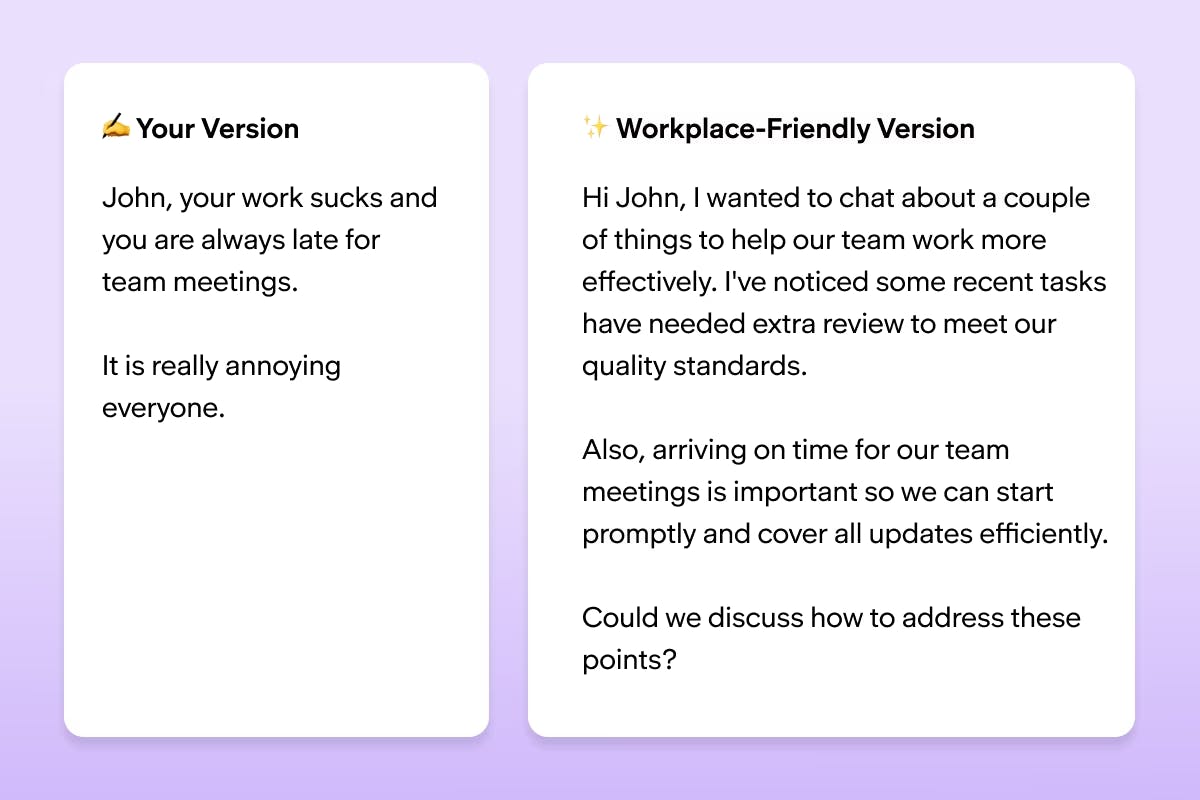
Real-time tone support to help messages feel workplace-ready, with templates for everyday workplace conversations.
*Coming soon to Group and Enterprise subscriptions
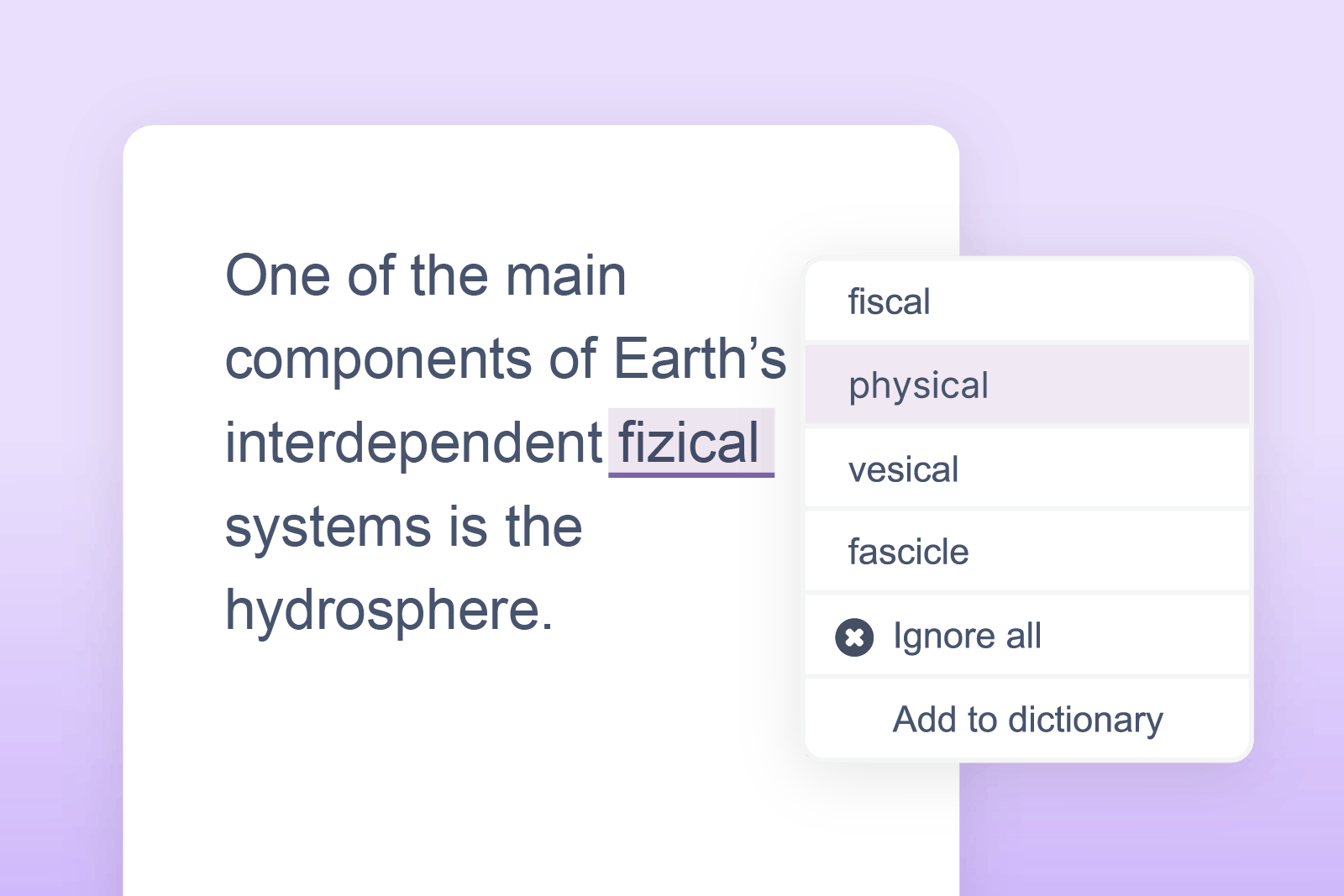
Identifies spelling, grammar, and homophone errors to improve clarity and precision.
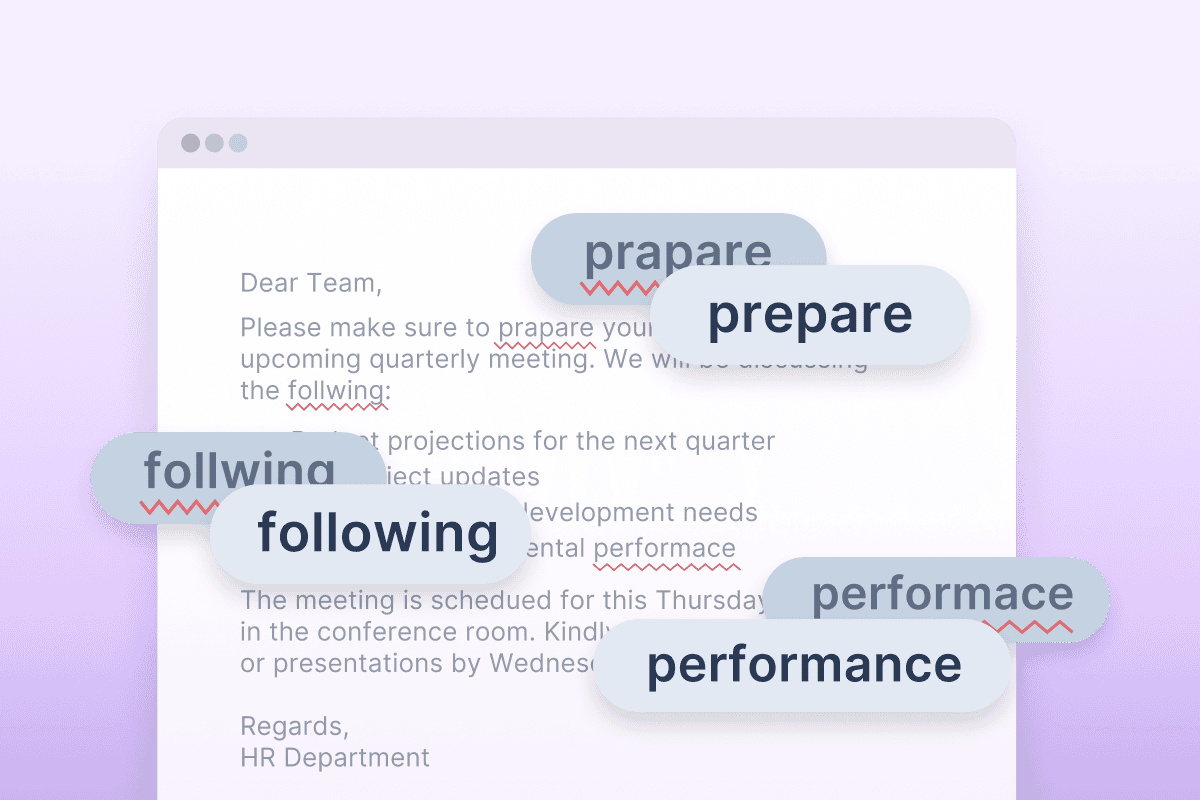
Automatically fixes spelling mistakes as you type, learning from your common errors to give you personalised, seamless writing support.
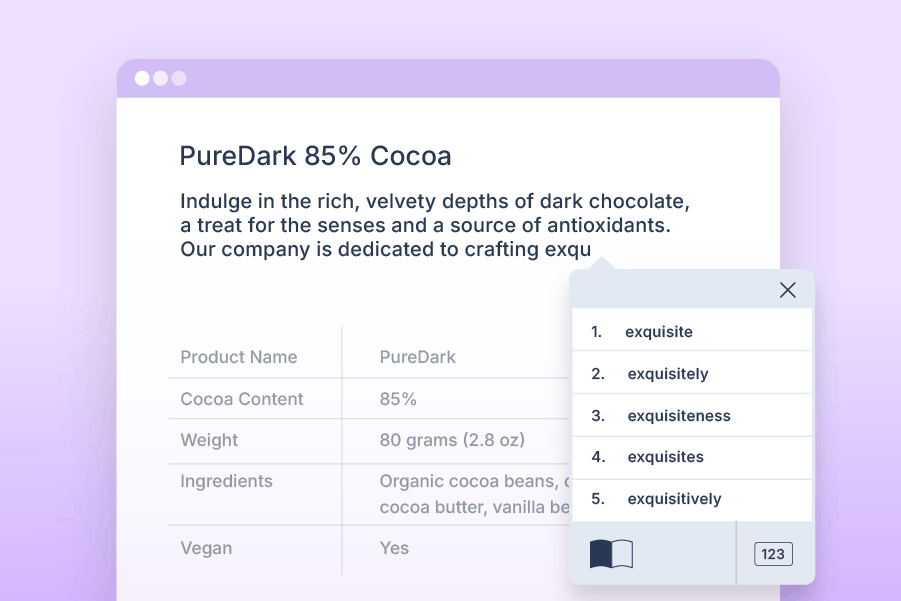
Suggests accurate words in real time, reducing typing effort and supporting written flow.
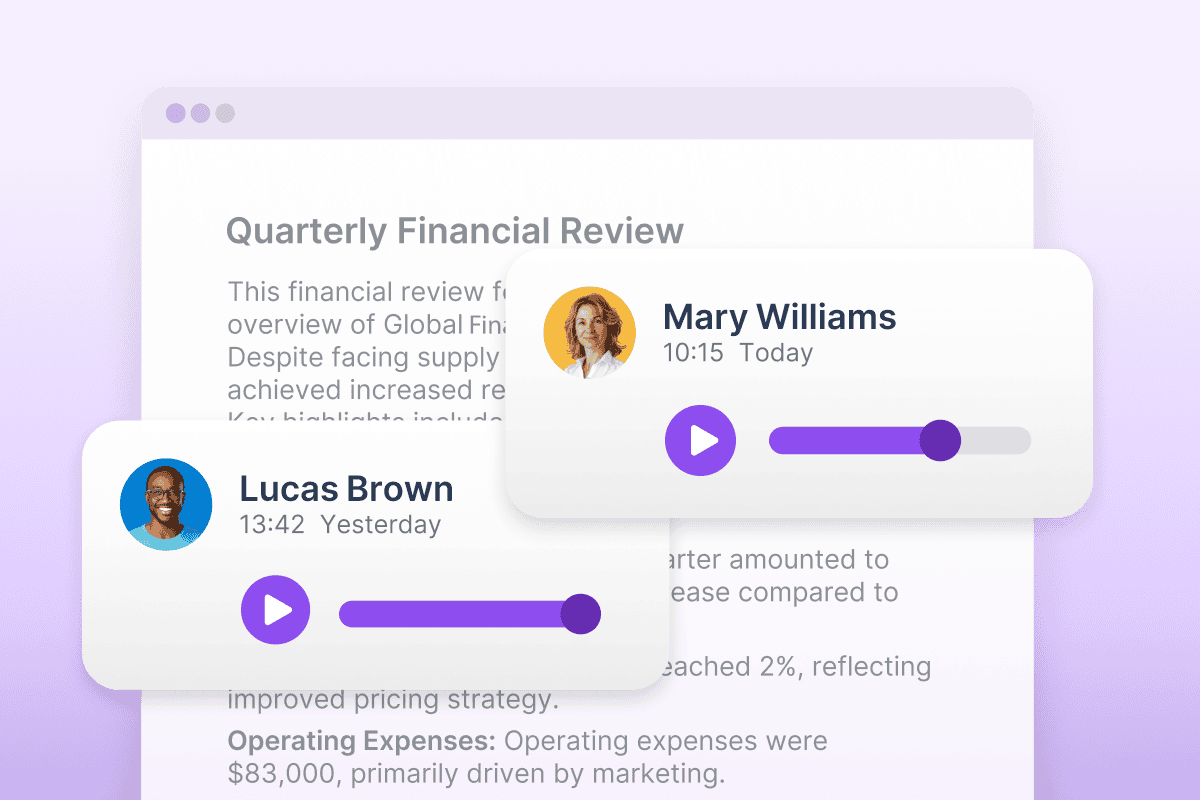
Let teams collaborate naturally. Record and share quick voice comments in any document.
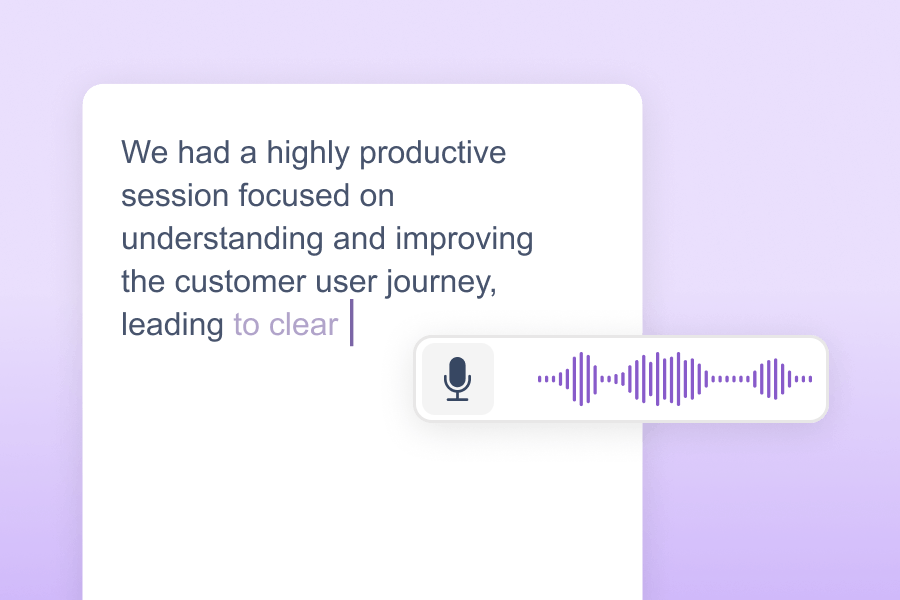
Turn speech into text to help employees get ideas down faster with fewer keystrokes.
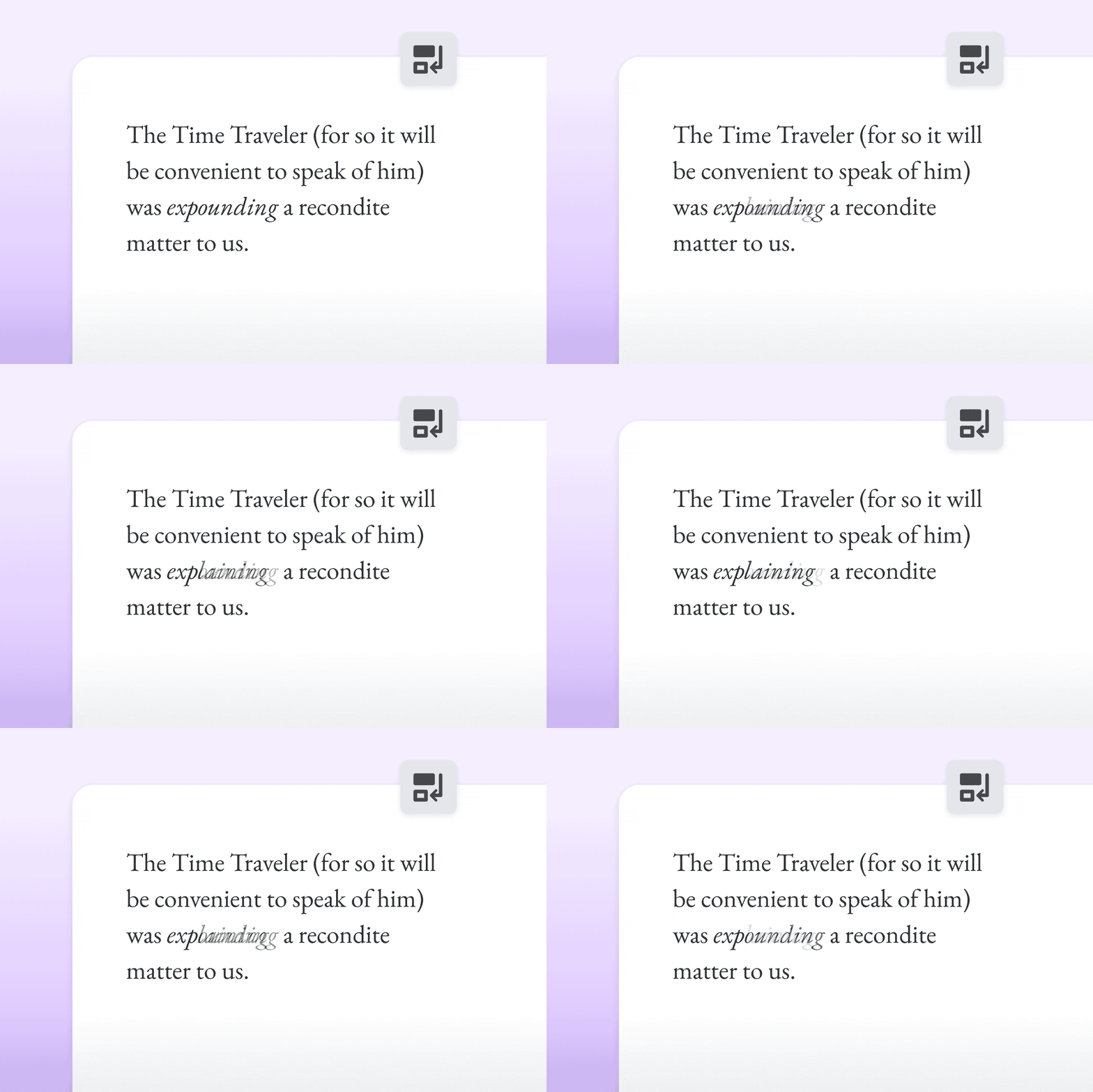
Simplifies complex text without changing its meaning, improving accessibility, and understanding.
*Available with Read&Write for Google only
Support organization and streamline productivity for every employee. Whether they’re preparing reports, analyzing data, or learning new content.
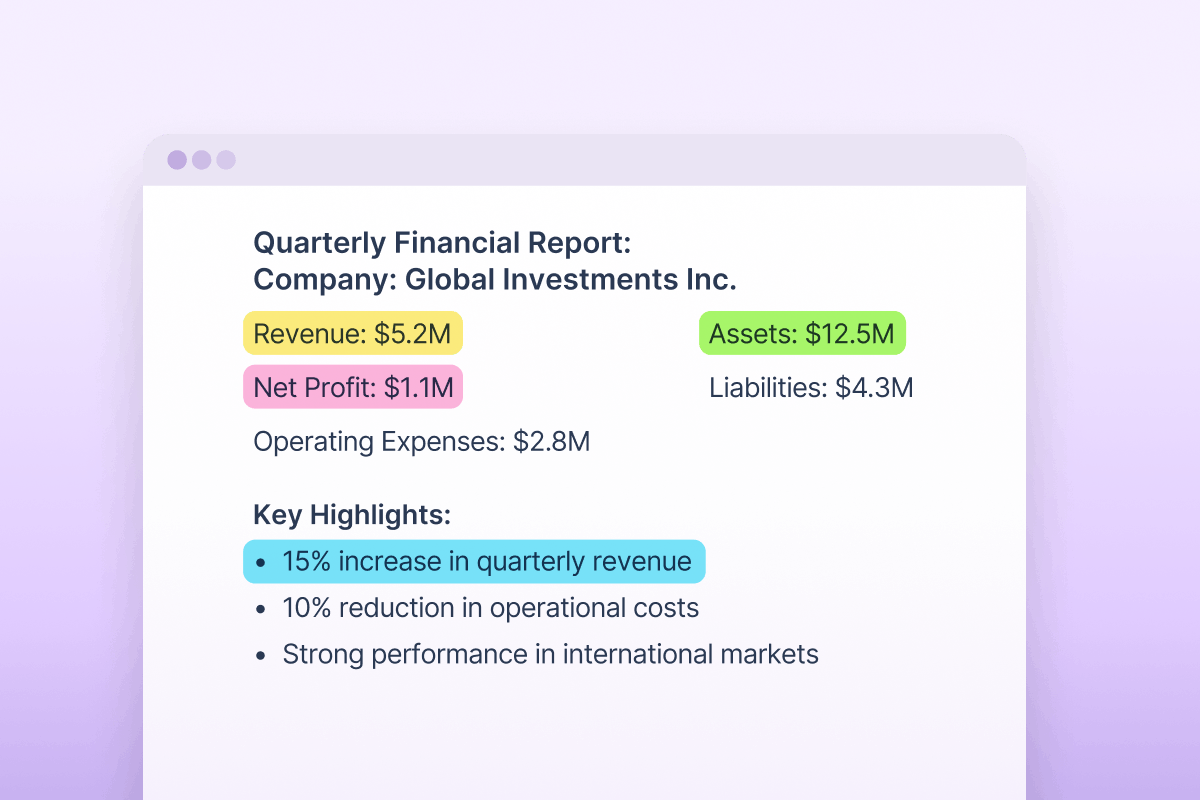
Colour-code, organize, and export research notes automatically with linked references.
Make paper documents and inaccessible PDFs fully searchable and editable.
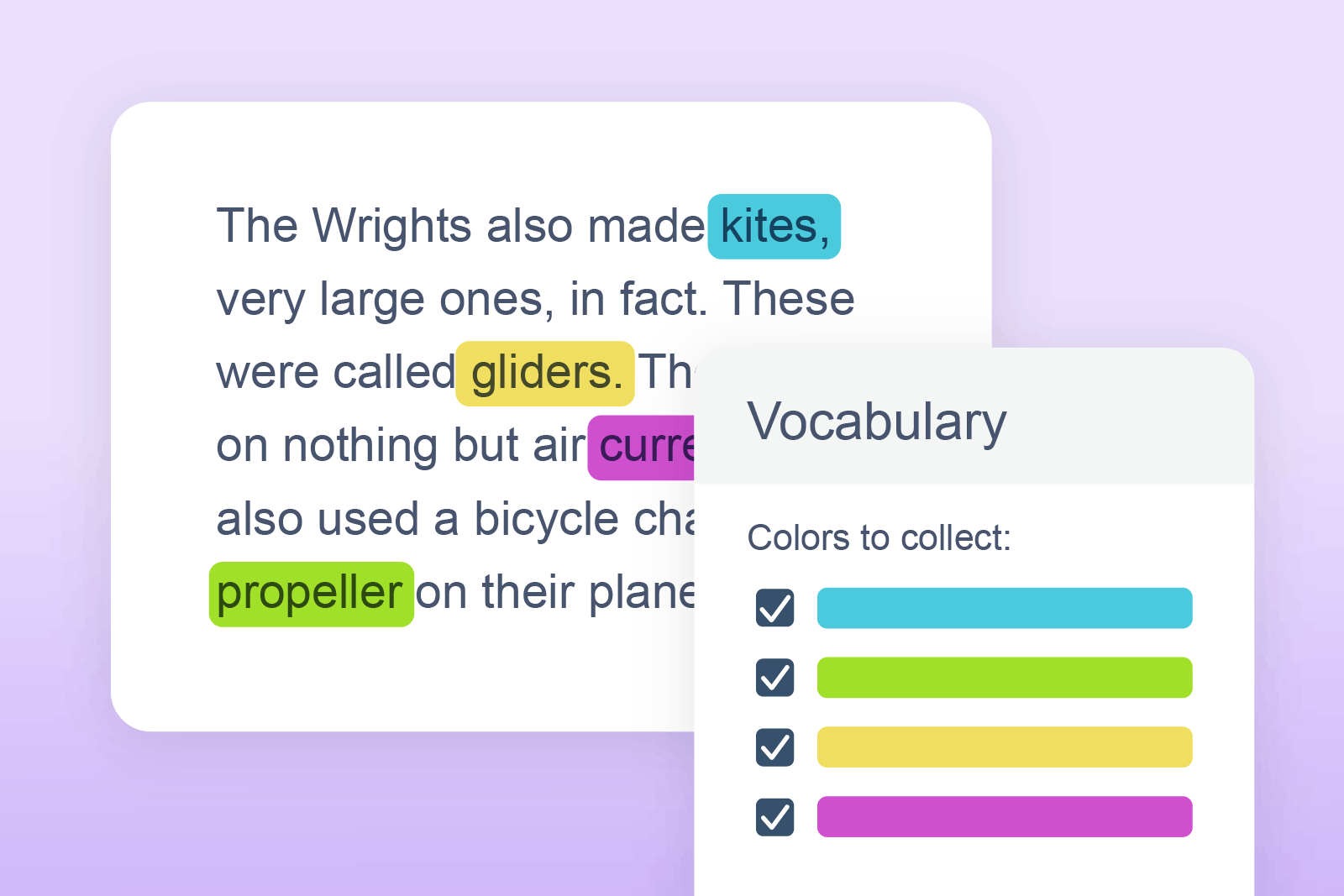
Build personalized word banks to strengthen understanding and improve writing.
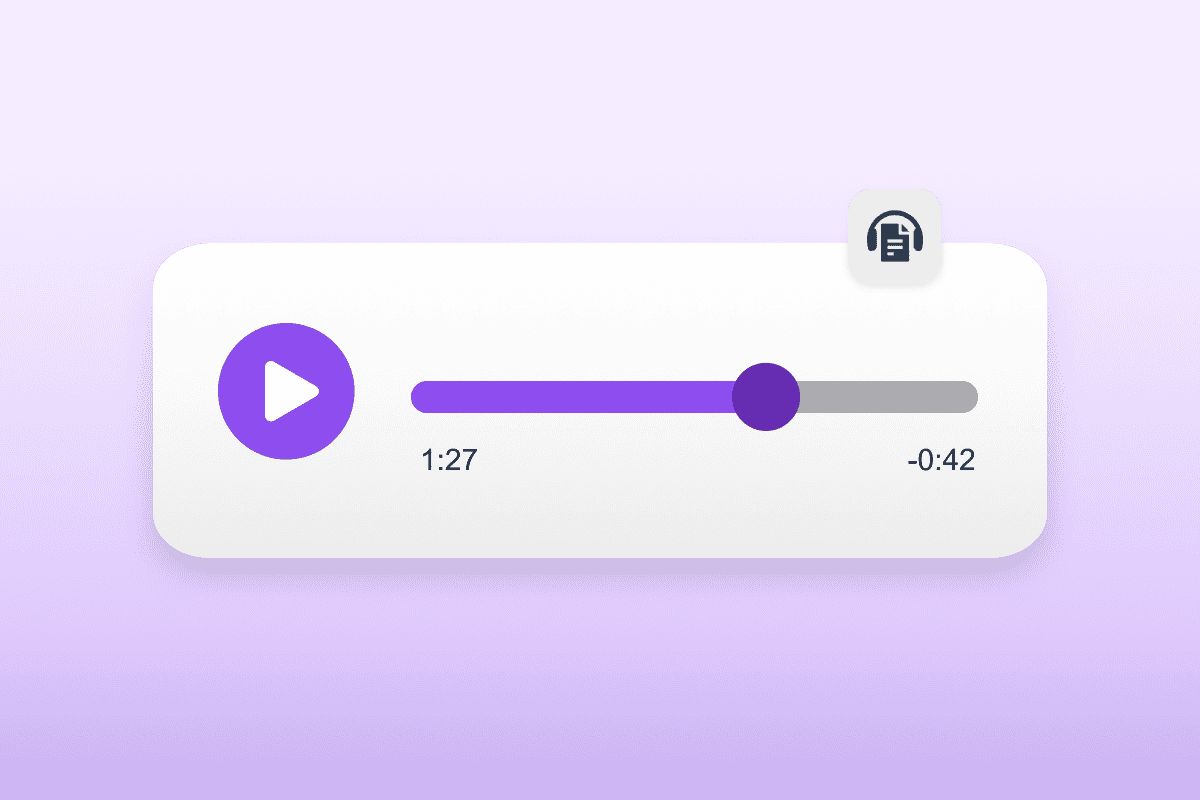
Instantly converts documents into MP3 files for listening on the go.
Make content accessible for every employee, no matter the language they use. Alongside Read&Write’s core translation support, these tools offer deeper ways to understand, translate, and work with information accurately across multiple languages.
Translate your words instantly as you speak or type. This real-time support helps users communicate in the language they’re most comfortable with, making writing smoother and removing friction in multilingual conversations.
Translate selected text, multiple paragraphs, or even full pages with a single click. Ideal for longer or more complex content, it helps users understand large amounts of information quickly in the language that feels most familiar.
Our technology is designed to remove barriers, effectively, and at scale. Instantly making your workplace more accessible and neuroinclusive.
Works seamlessly on Windows, Mac, Chrome, Edge, Android, and iOS. Wherever employees work.
Adjust colours, fonts, voices and toolbar settings to meet individual preferences.
Works alongside everyday platforms like Microsoft 365, Google Workspace, and web browsers without disruption.
Ready to roll out Read&Write across your organization? Follow our step-by-step setup and rollout guide to install, share, and support your teams with everything they need to succeed.
Watch our short video guides on how to use each of Read&Write for Work’s features.
Articles and videos with answers to common questions on how to use Read&Write for Work
Whether you're an organization training your team or an individual user, you'll find lots of useful resources in our academy.

Read&Write is part of Everway for Work - a suite of tools that support neuroinclusive work environments, enhances productivity, and supports business outcomes. Fill in the form and we’ll be in touch to share how Everway for Work could benefit your workforce.