Learn your way

Bett 2026:

what we shared, and what comes next

At Bett, educators joined us to talk about personalised learning that works in real schools, trusts and local authorities.

We shared how Everway supports learners with different needs, helps educators do more with confidence, and makes inclusive practice practical at scale.

Watch the highlights

Bett 2026 brought education leaders together to talk about personalised learning in real-world settings.

At the Everway stand, conversations centred on supporting SEND learners, reducing barriers to understanding, and using digital tools that fit the realities of schools and local authorities.

This highlights reel captures what mattered most, and why so many visitors wanted to keep the conversation going after the event.
Everway at Bett 2026
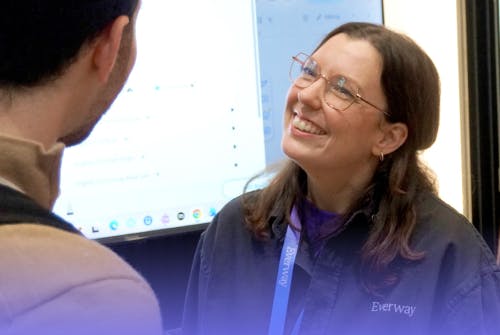
An Everway employee smiling and speaking with a customer at and event

Learn like Glasgow

During Bett, we shared findings from our work with Glasgow City Council, looking at how Everway tools support literacy in real local authority contexts.

The study explores how inclusive, personalised digital tools can support learners and educators at scale, and what that looks like in practice.

Digital tools for personalised learning

Trusted tools that improve student reading, writing and understanding by 88%
- working across iPads, Chromebooks, and Windows devices.

Read&Write is a literacy support tool to help students with reading, writing, comprehension and independent learning.

Learn more

ExamWritePad is a secure, customisable word processor for exams and controlled assessments. It can be used in line with JCQ and SQA guidelines.

Learn more

Take your documents to the next level. OrbitNote is a dynamic PDF editor that transforms the way you work with documents.

Learn more

Include everyone in your maths classroom with Equatio. Speak, type or draw maths problems with ease and make maths accessible for every learner.

Learn more
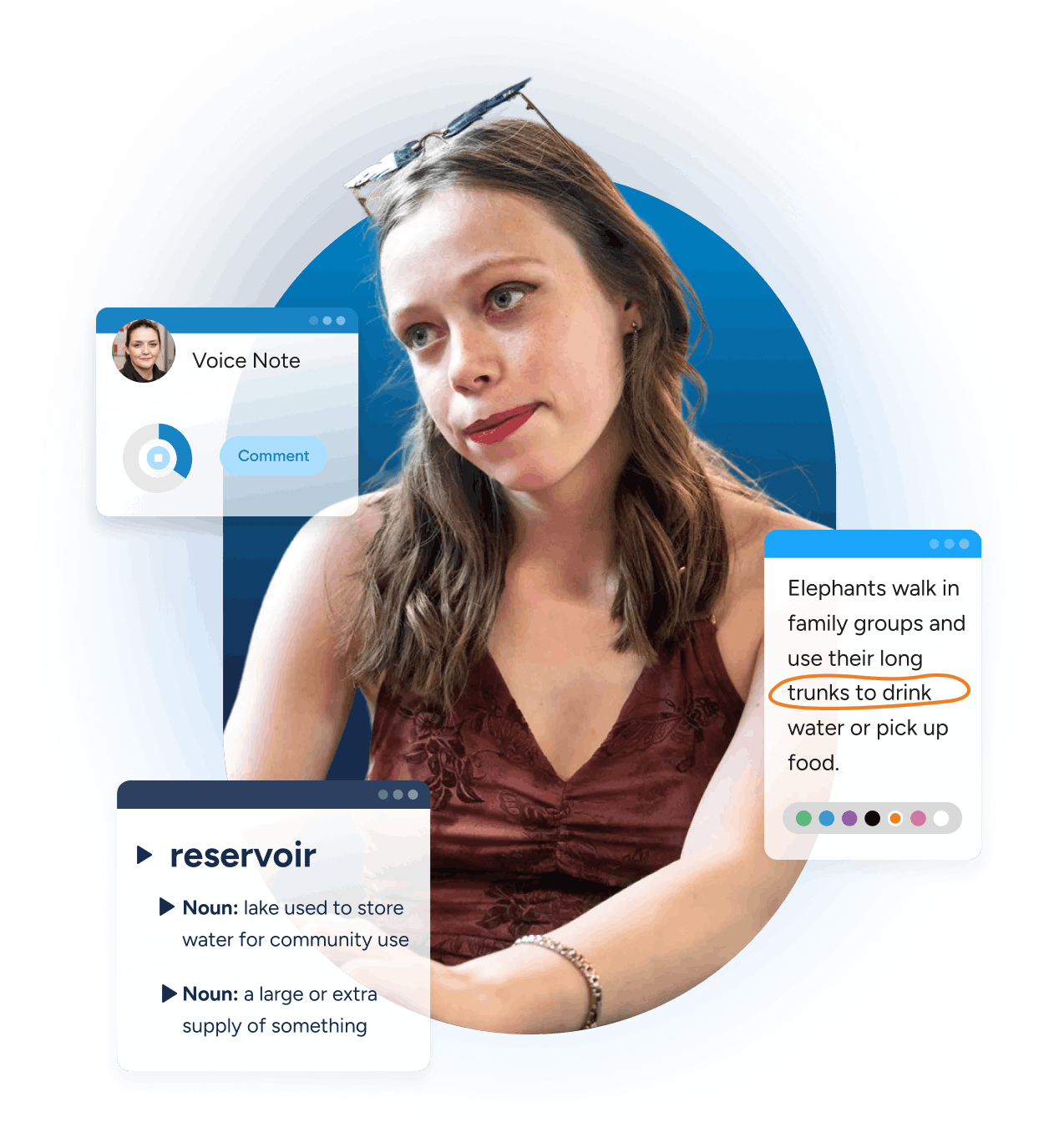
Student using Read&Write - with product UI overlaid
Student studying with UI mockups of ExamWritePad features including auto backup, screen tint and text-to-speech.
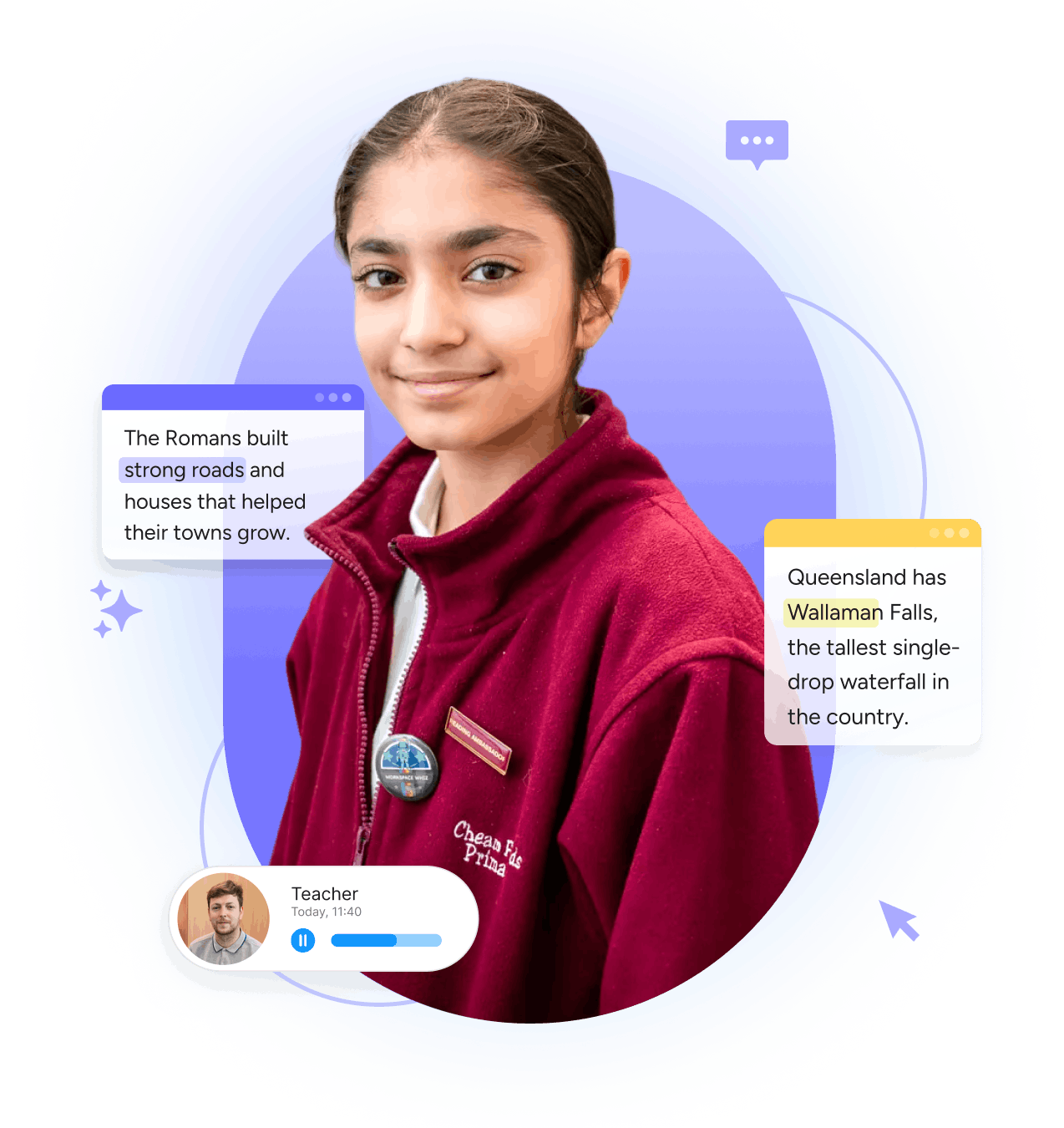
Student using Orbit Note - with product UI overlaid
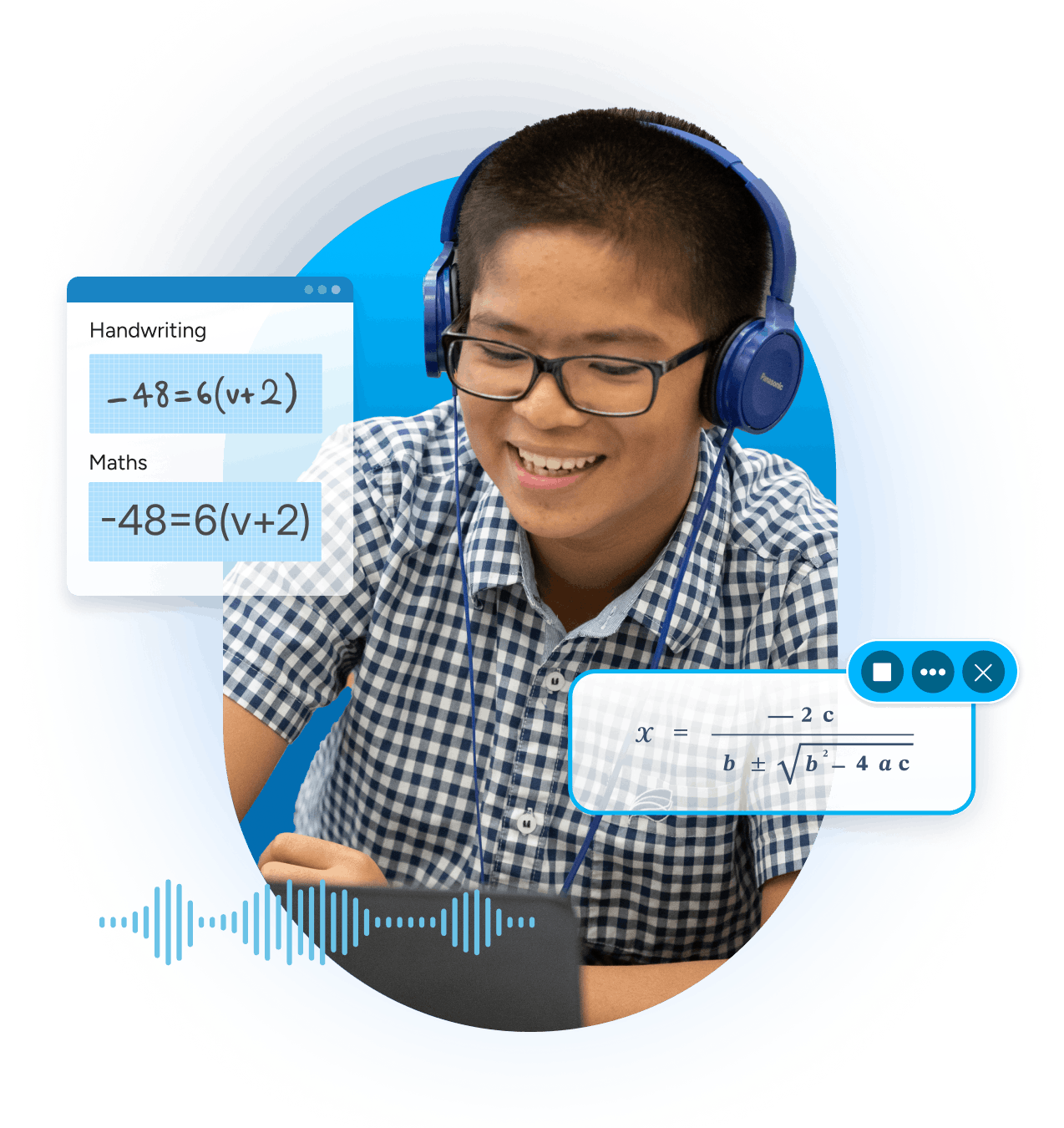
Student using Equatio - with product UI overlaid

Book a meeting
with our education team

If you’d like to continue the conversation from Bett, or explore how Everway could support your setting, we’d love to talk.

In this meeting, we'll cover:

  • Your context, priorities, and challenges
  • The Everway tools most relevant to your learners
  • Clear next steps, if it feels like a good fit

This is a practical conversation, not a sales pitch.


Learn your way graphic