



"We use various [Everway] tools across our organisation to help improve access to learning for our students; helping to remove barriers and improve their love of learning."
Daniel Bull
Head of Learning Technologies, Leigh Academies Trust

Designed to support a student's normal way of working, ExamWritePad provides a familiar and flexible exam experience for candidates with access arrangements.
Trusted by leading educators



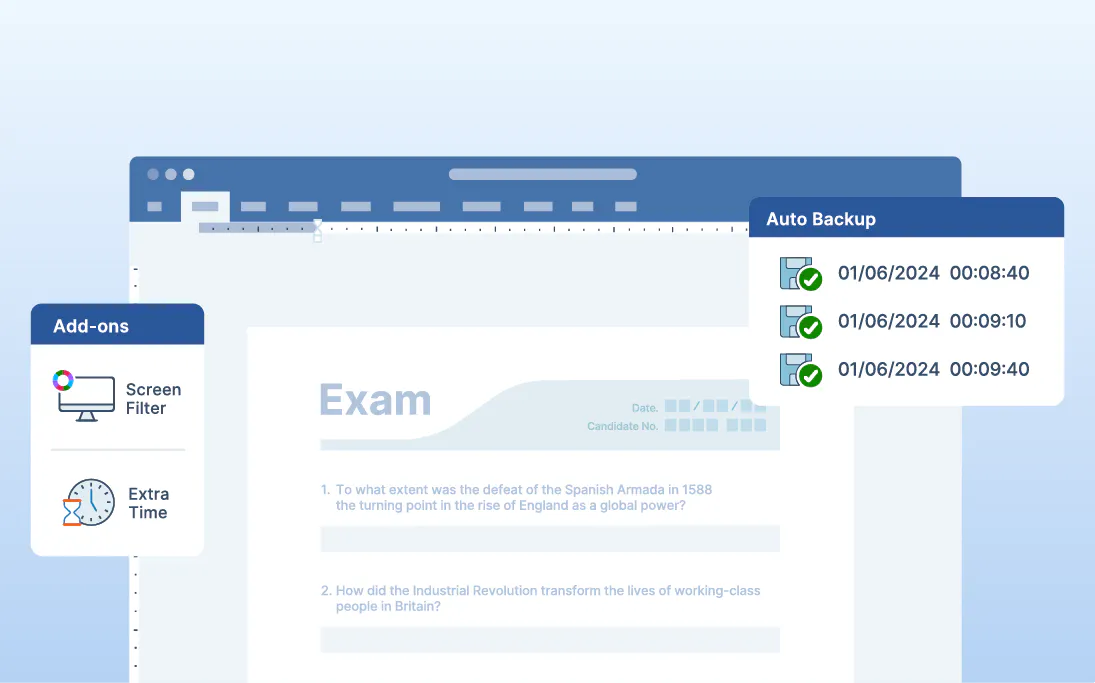
ExamWritePad offers an easy-to-use word processing solution, allowing students to type, edit and format work with confidence. Customisable features, such as font size, colours and accessibility options, mean every individual can work in a way that suits them.

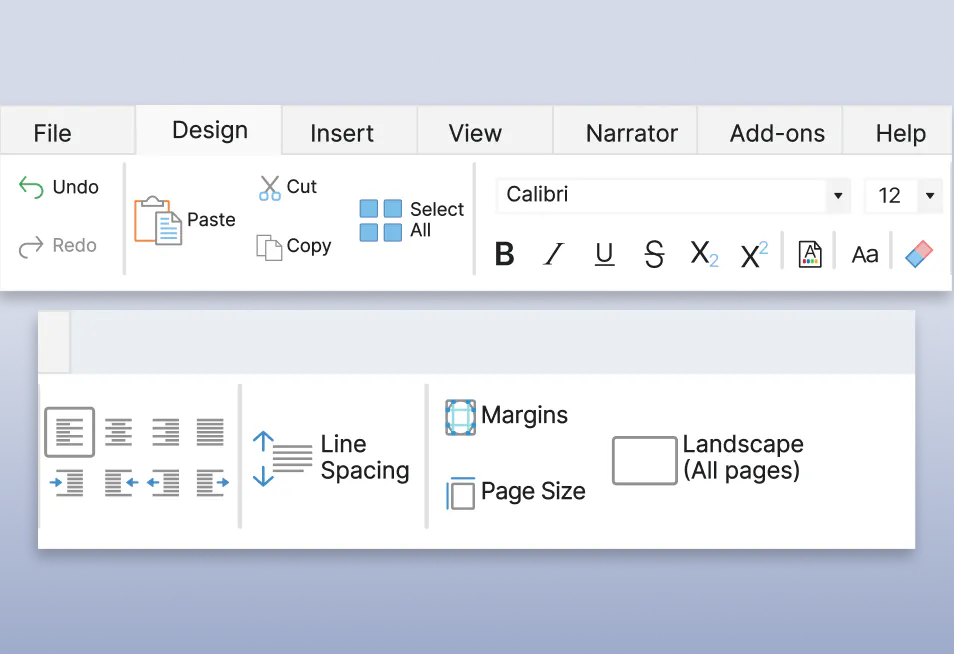
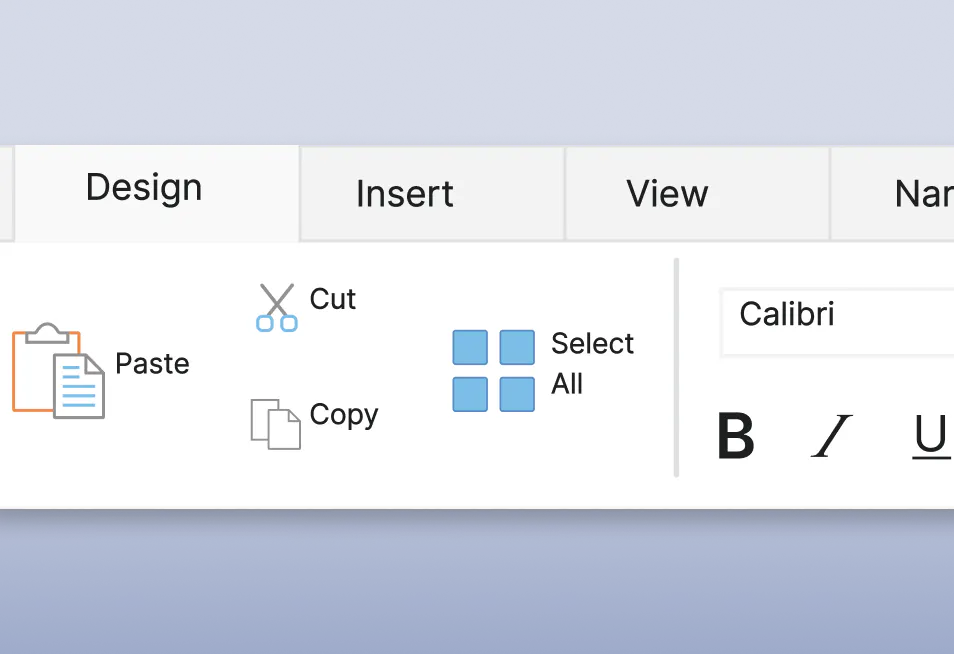
ExamWritePad offers all the word processing tools students need to write, edit and format their work during exams.
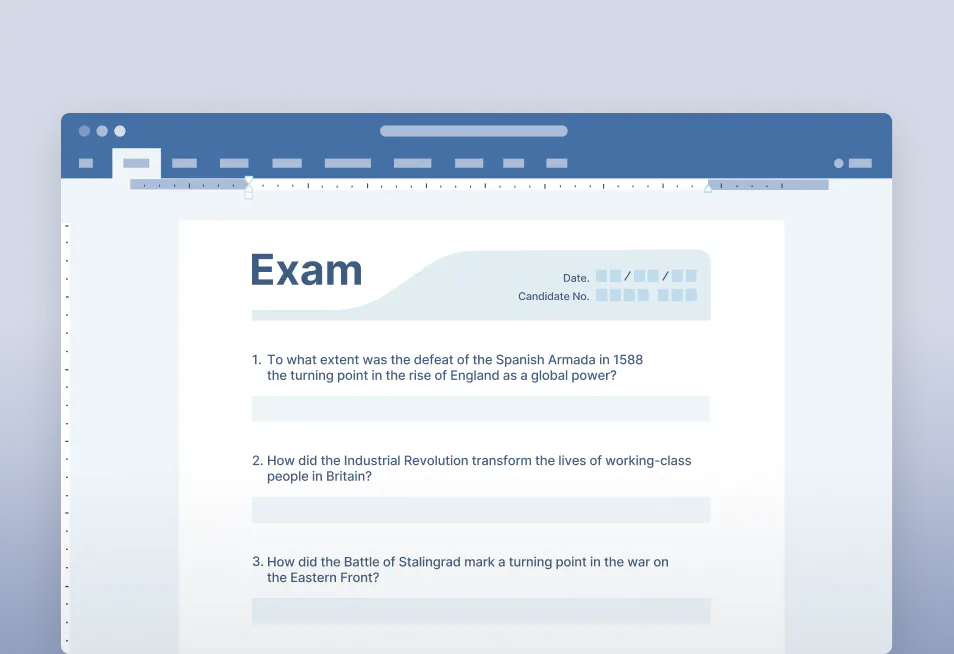
A complete word processing tool that allows students to type, edit and format their work with ease during exams.
The user-friendly interface helps students navigate the software without distraction, allowing them to focus on their work.
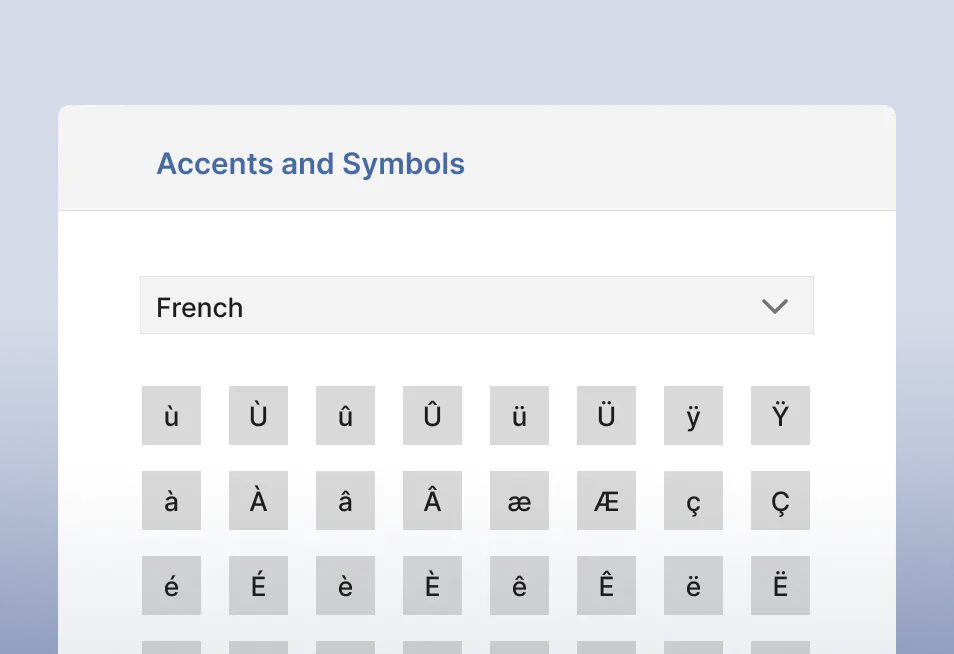
Students can easily insert accented characters and symbols, perfect for foreign language exams or technical subjects.
 Fully featured word processor
Settings can be tailored to meet individual candidate needs, including font size, colours and additional accessibility options.
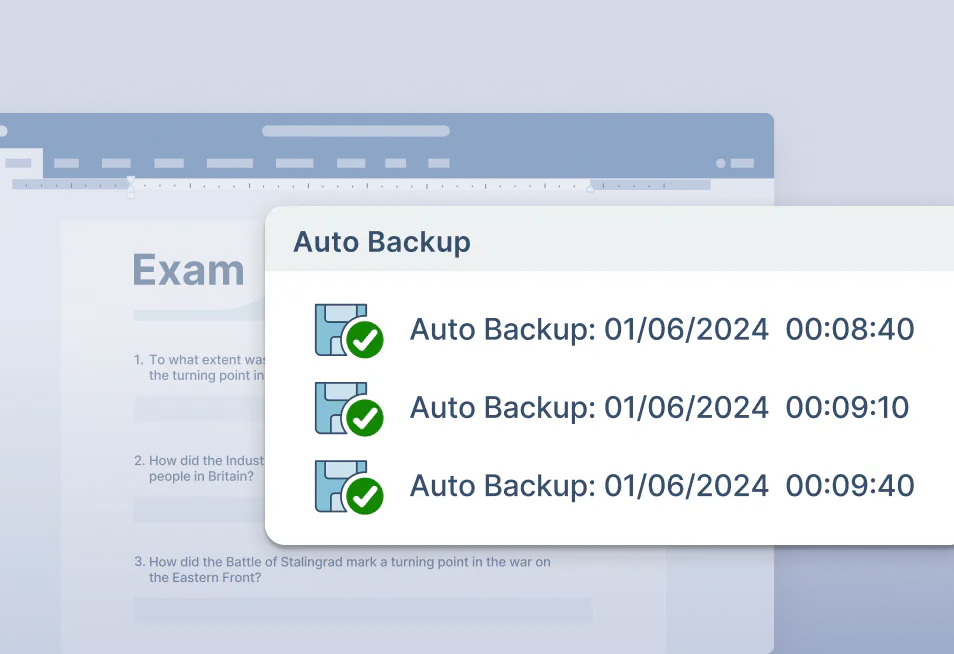
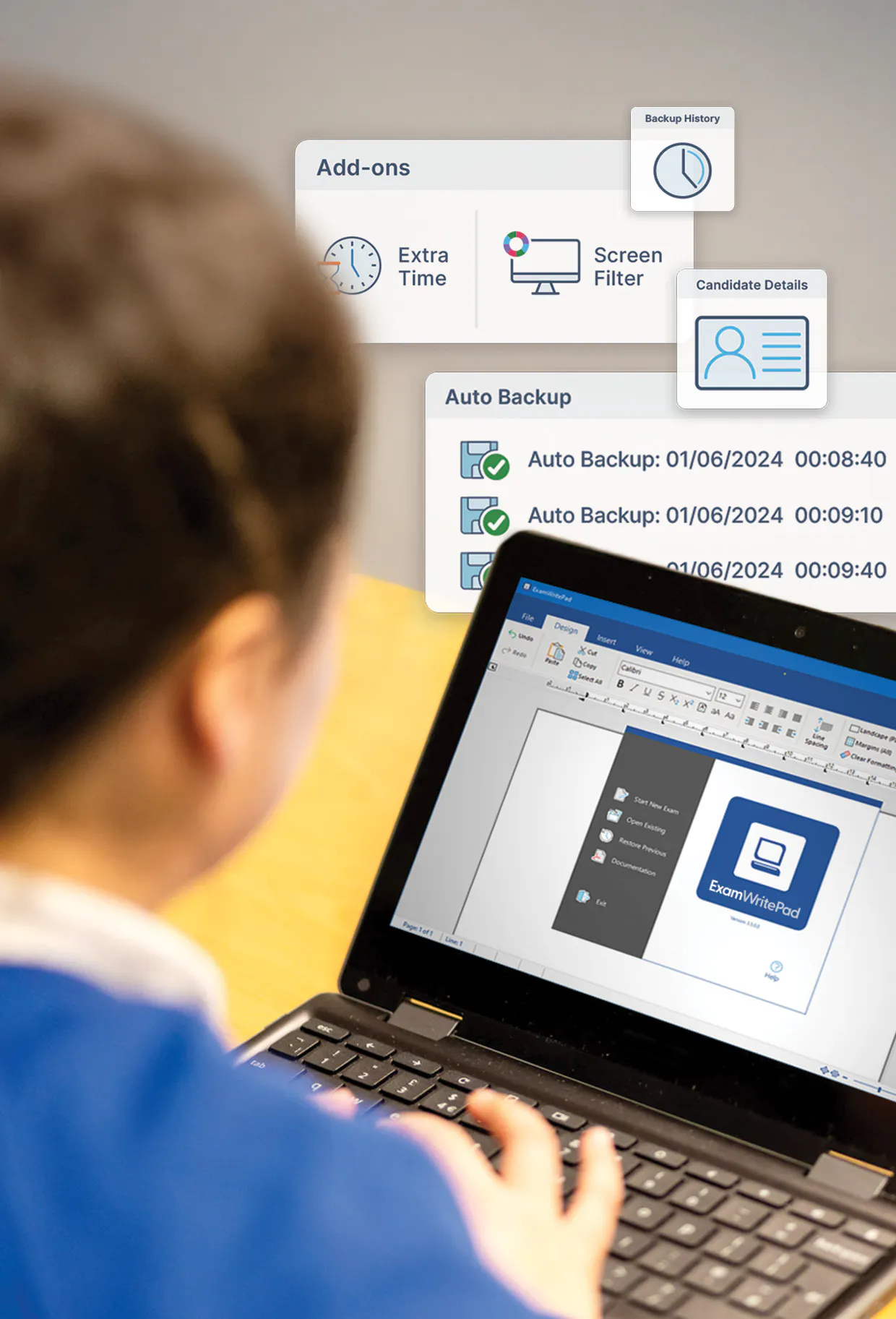
Automatically saves and backs up work to prevent data loss, even in the event of a system failure.

ExamWritePad includes a custom configuration tool that gives IT teams complete control over deployment and exam settings.
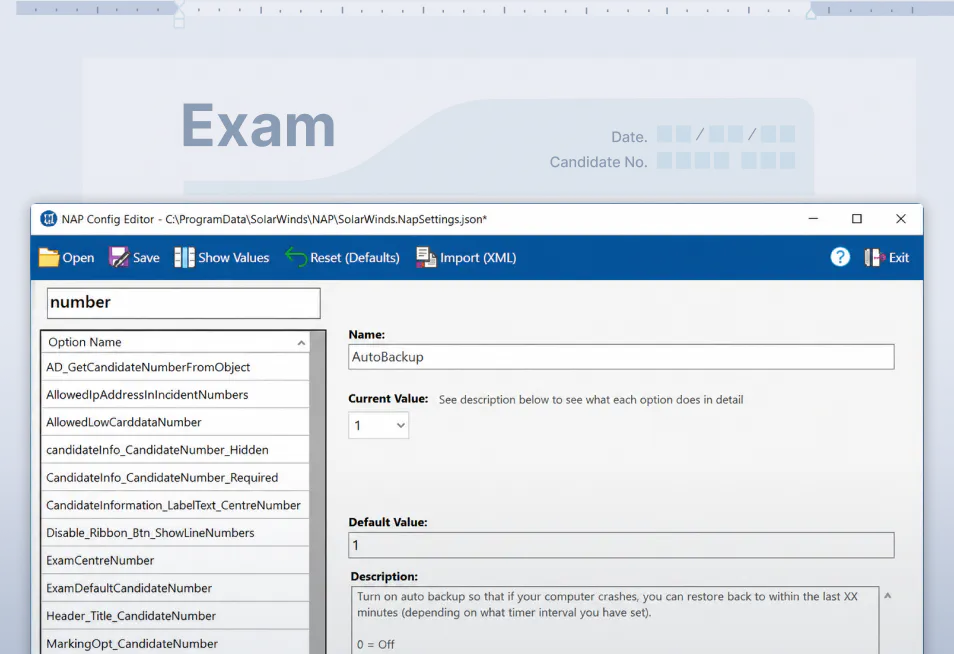
Adjust more than 250 settings, including spell check, line spacing, printing controls and save options.
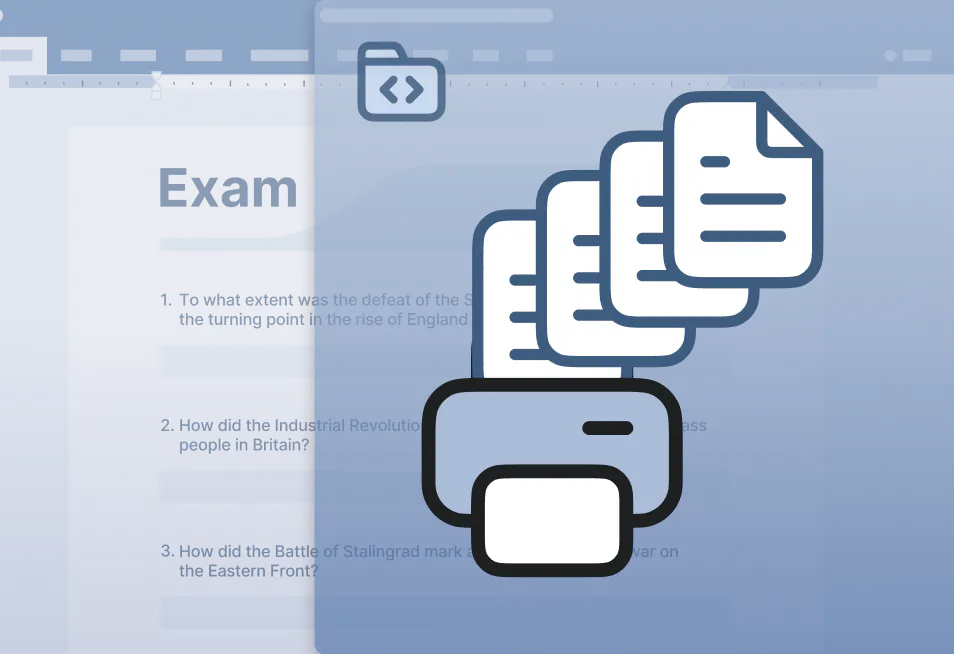
Efficiently print multiple student papers at once, saving valuable administration time.
Stay risk-free with access arrangement guidelines. ExamWritePad is compliant with JCQ, SQA and Cambridge iGCSE requirements.
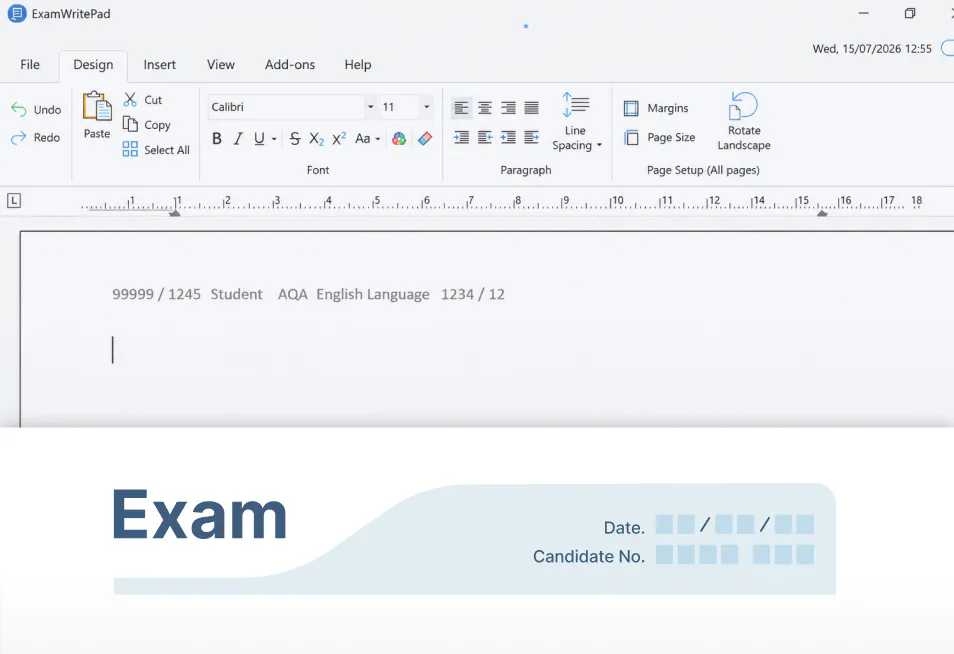
Automatically generates headers, footers and cover sheets to help ensure documents meet exam regulations and submission requirements.
Supports the secure use of a word processor in exams and controlled assessments, helping schools deliver access arrangements in line with regulatory requirements.
It allows students to use a word processor as their 'normal way of working' accommodation without an Access Arrangements Online (AAO) application.
Pair ExamWritePad with Read&Write or ClaroRead to provide Computer Reader, Scribe and Word Processor support in exams.

Daniel Bull
Head of Learning Technologies, Leigh Academies Trust
ExamWritePad is designed for Windows devices used in exams and controlled assessments, providing a secure and compliant word processing experience.
We offer flexible pricing for schools, further and higher education. If you’ve got questions, book a chat with our product specialists.
Pricing is based on student enrolment numbers
Contact us to find out more about special bundle offers with ExamWritePad and Read&Write

Discover how ExamWritePad can help you provide secure, compliant exam support.
Yes, ExamWritePad, along with Read&Write or ClaroRead, ensures complete compliance with JCQ and Cambridge guidelines for access arrangements. This makes your exam process safe, secure and risk-free from non-compliance.
Absolutely. ExamWritePad allows you to customise features like spell check,candidate details, autosave and other tools to match each student’s normal way of working.
Yes, ExamWritePad autosaves and backs up all student work to prevent data loss during exams. It ensures that even in case of a power cut or system failure, no work is lost.
Yes, ExamWritePad runs fully offline - ensuring a secure exam environment without internet access.
ExamWritePad works alongside Read&Write or ClaroRead to provide a complete access arrangement exam solution. Read&Write handles reading and dictation tasks, as a Computer Reader for both the paper and typed words, and/or as a Scribe to enable words to be spoken into the word processor window. ExamWritePad manages word processing and submission. Together, they cover all reading, writing, and submission needs in exams, ensuring full compliance with JCQ guidelines.
Yes, ExamWritePad can be used on its own for students who only qualify for word processing support. However, when used with Read&Write or ClaroRead, it offers a full exam solution for reading and writing access arrangements.
ExamWritePad is designed for Windows-based systems and is easy to install across your school network. It integrates seamlessly with Read&Write and ClaroRead for a complete exam solution.
ExamWritePad offers simple domain-based pricing, allowing you to deploy it across your entire school site affordably. Bundled pricing with Read&Write or ClaroRead is also available for schools looking for a complete access arrangements exam solution. Contact us for more information.
No, Read&Write or ClaroRead is designed to support reading and dictation tasks as a Computer Reader or Scribe, while ExamWritePad handles word processing and submission. Both tools are needed to ensure all forms of access arrangements can be met.
Exam access arrangements are adjustments made to help students with disabilities or diverse learning needs sit exams on equal terms. ExamWritePad is secure digital exam software that supports those who need exam access arrangements, allowing students to type, edit and format their responses in a compliant, customisable environment.


