Product overview
With OrbitNote, employees are equipped with fully customisable tools to support their work. Check out this short video to explore more.

OrbitNote reimagines the PDF, offering new ways to access and interact with documents.
With OrbitNote, employees are equipped with fully customisable tools to support their work. Check out this short video to explore more.
OrbitNote supports a wide range of accessibility requirements.
Bring greater accessibility and interactivity to PDFs.
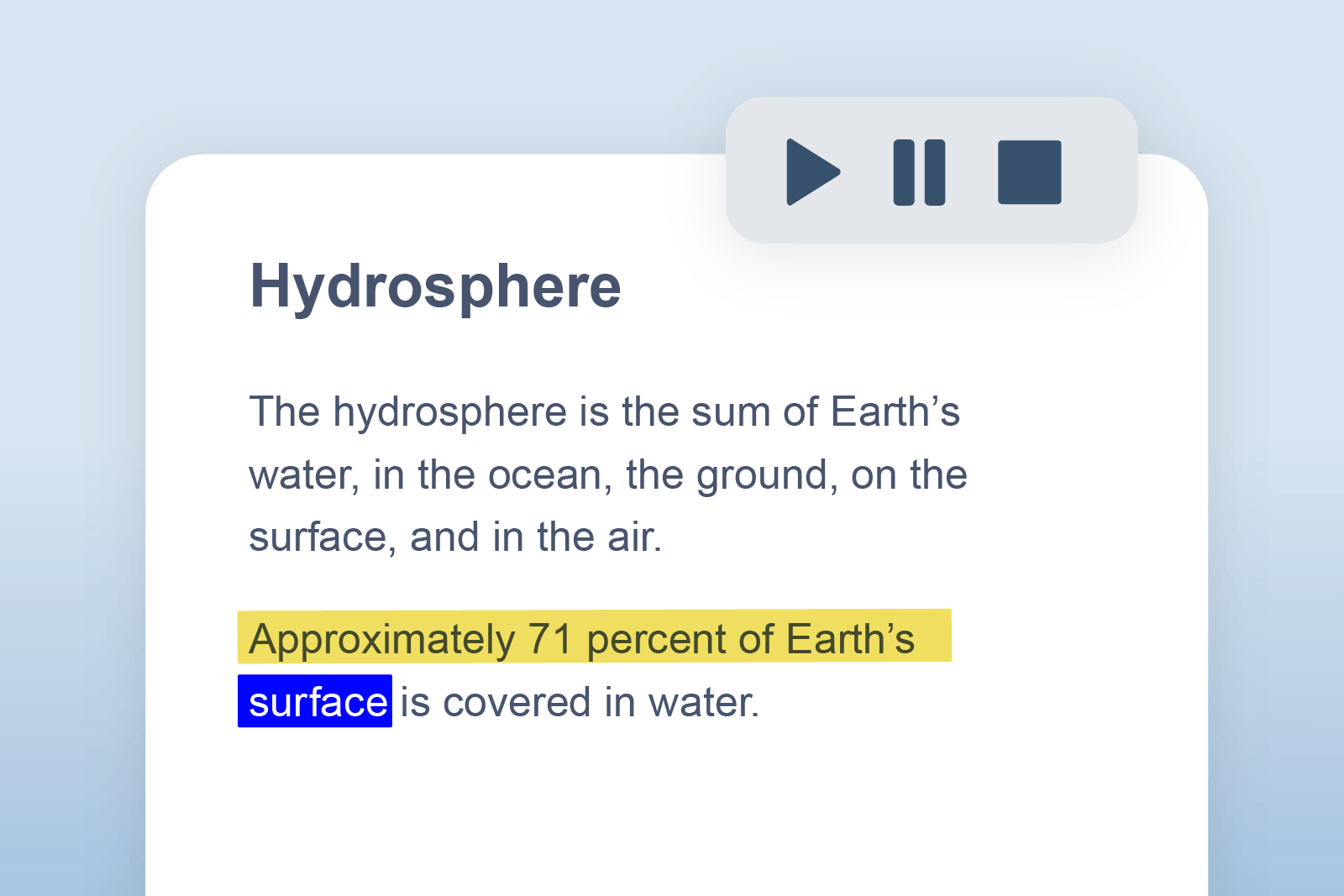
Reads words, passages or whole documents aloud with easy-to-follow dual highlighting.
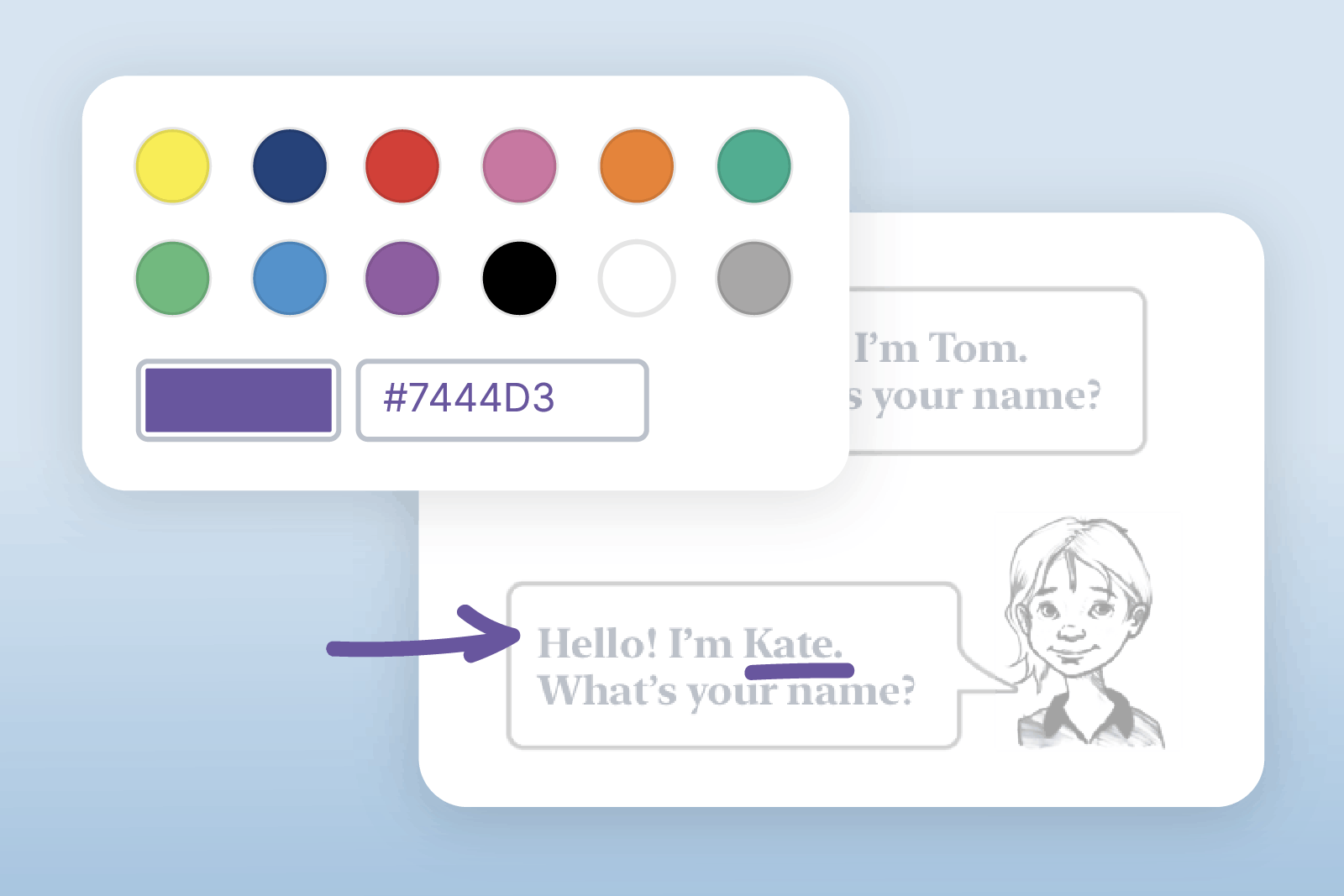
Enables users to hand-write or draw on PDFs to annotate as if on paper.
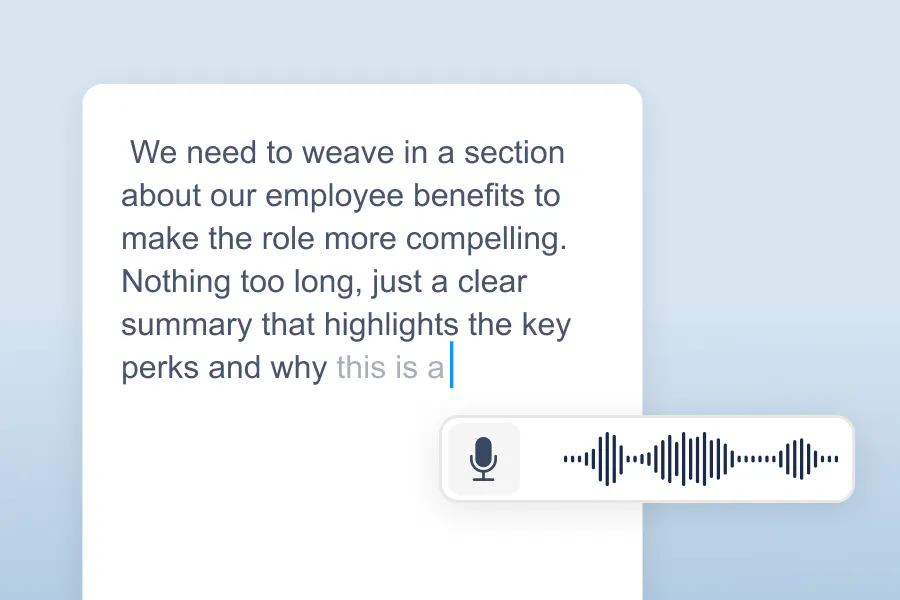
A handy way for employees to leave quick annotations on documents, either for themselves or colleagues.
Reduce cognitive overload and support focus with an adjustable screen overlay.
Make image-only PDFs editable at the touch of a button.
Annotate and customise your PDF by typing text.
Our OrbitNote toolbar will work alongside most applications whether you use Windows, or Mac.
Access to Work licences of Read&Write and ClaroRead now include OrbitNote.
A subscription means users can enjoy the benefits of OrbitNote across all platforms including Windows, Mac and Google Chrome.
For answers to commonly asked questions, visit our Support site. If you can’t find what you’re looking for there, our Tech Support team is on hand to help with troubleshooting or technical issues at support@everway.com 9am -5pm every day.