
Supporting diverse minds in the workplace
Read&Write for Work equips professionals with custom reading, writing and research tools to help them work to their full potential.
Read&Write for Work equips professionals with custom reading, writing and research tools to help them work to their full potential.
With Read&Write, employees are equipped with fully customisable tools to support their work. Check out this short video to explore more.
Read&Write supports a wide range of accessibility requirements.
Tools to help you achieve your potential at work – all in one discreet toolbar.
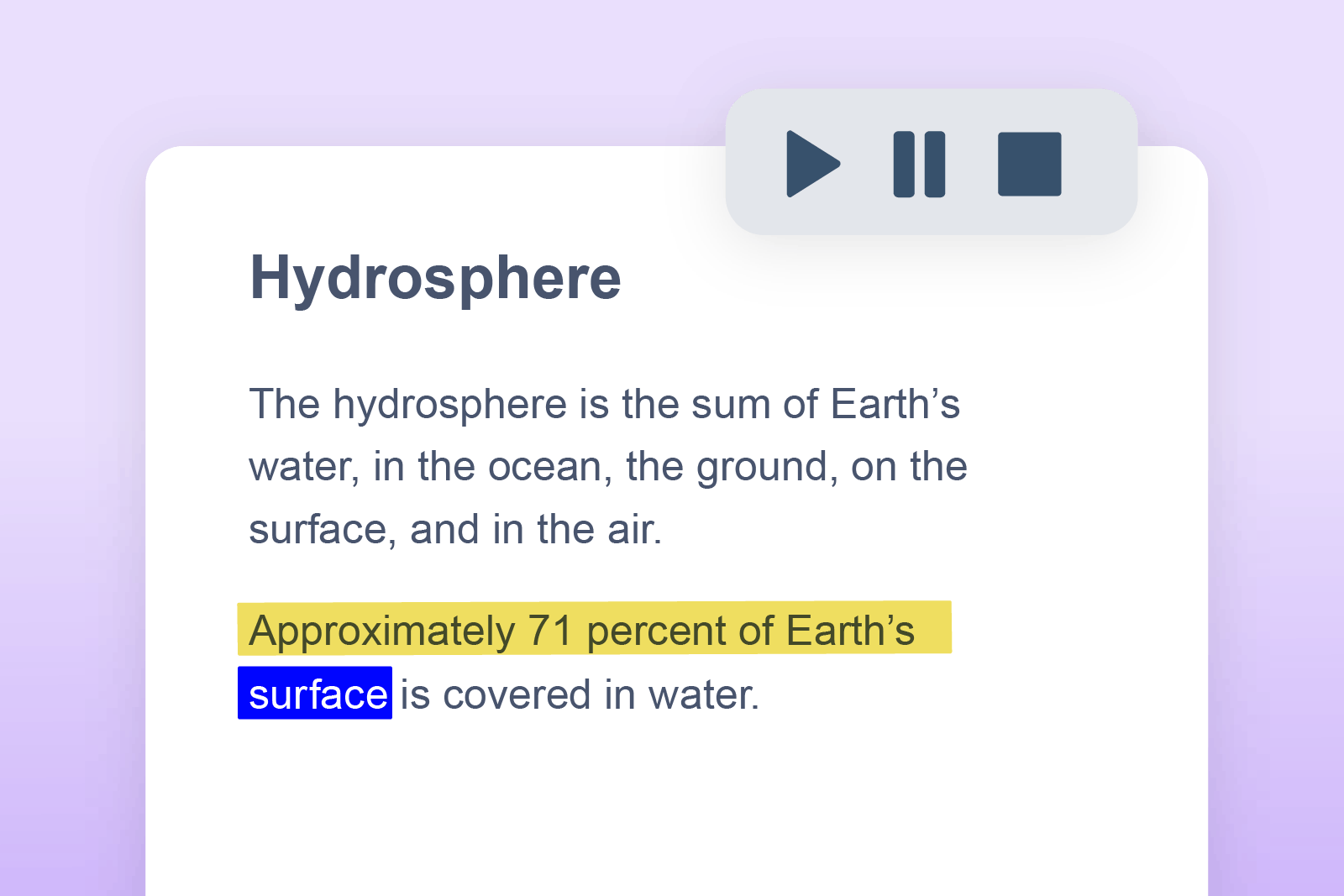
Reads text aloud, helping to reinforce understanding and reduce burnout when reading long texts. Some find this a useful proofing tool for checking the fluency of written work.
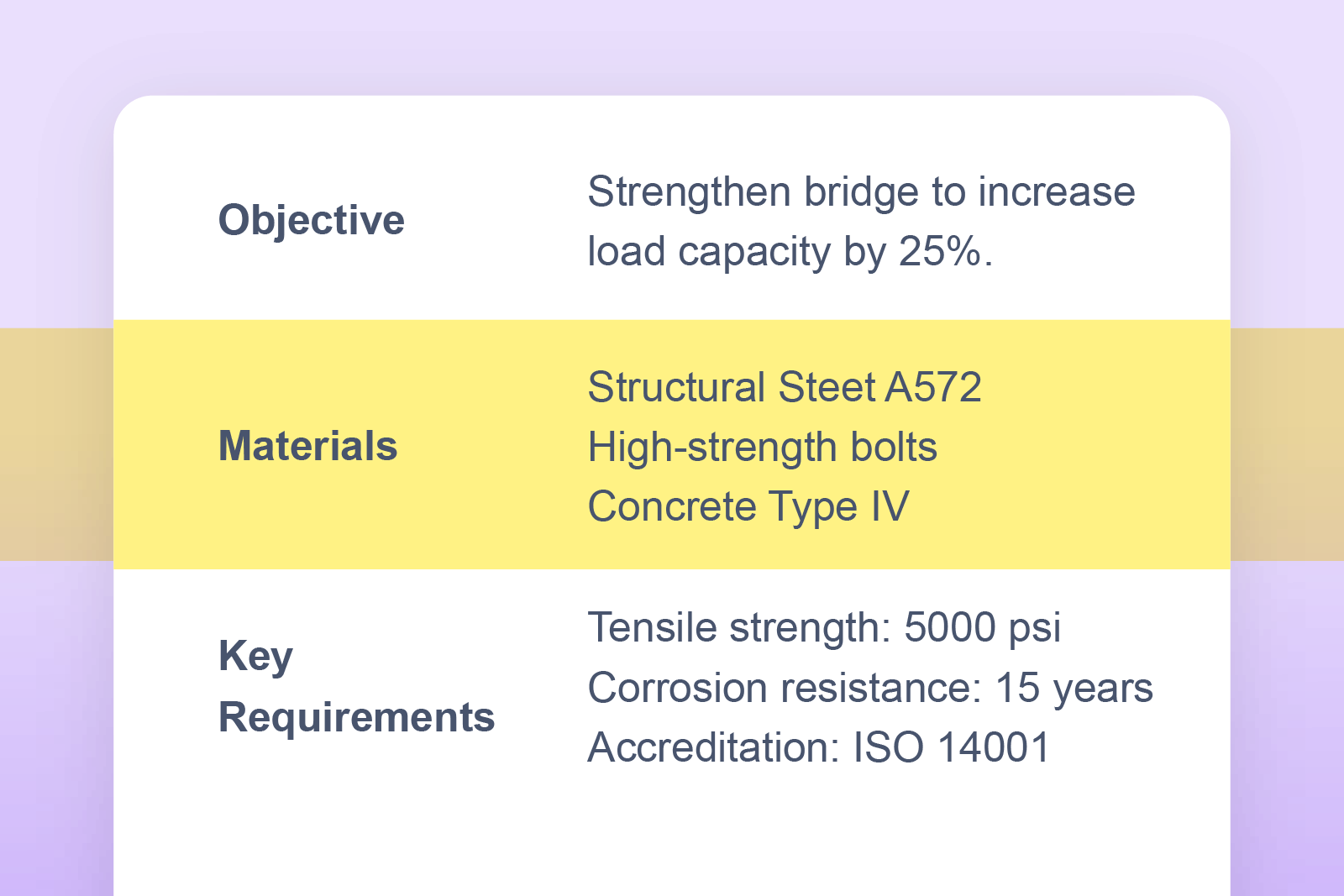
An adjustable screen tint helps improve reading focus and reduce visual fatigue. Users can tailor the size, colour and transparency to their liking.
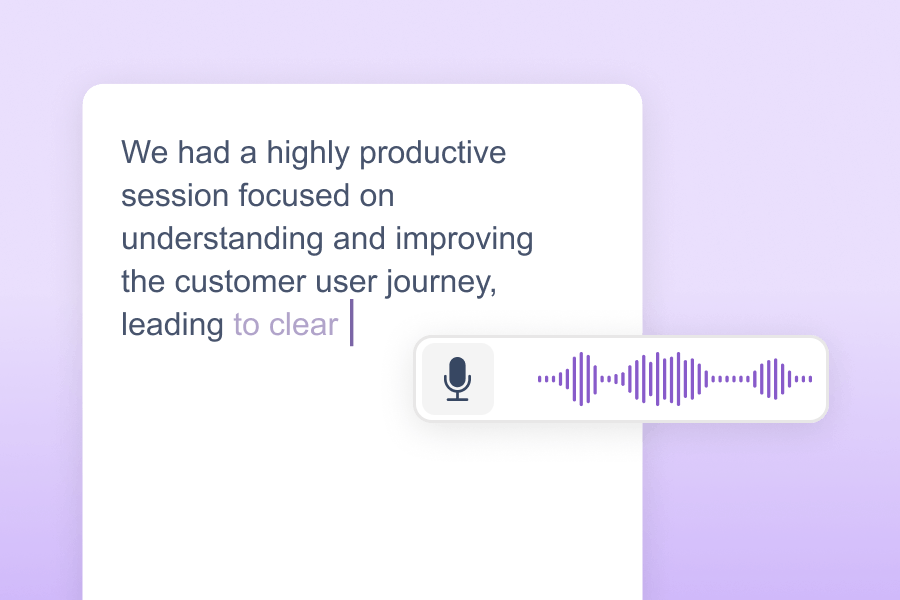
Speak into your device and let Read&Write turn your words into writing. Helpful for capturing thoughts on paper, without the distraction of typing.
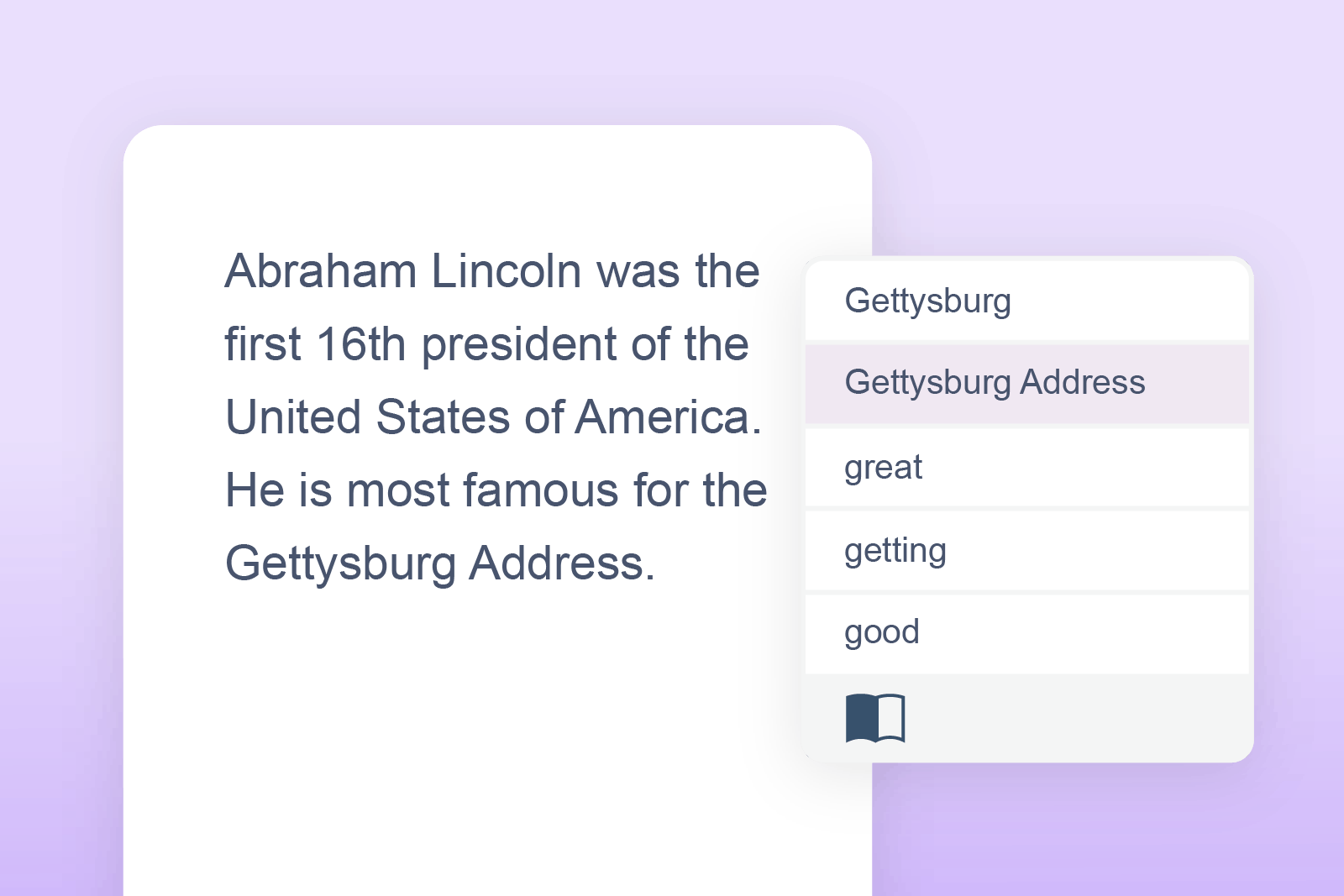
Prediction offers word suggestions as users type, enabling error-free writing. For those who find spelling a barrier to expressing their thoughts and ideas, this is a big help.
Share ideas and collaborate effortlessly through Voice Notes. Record feedback and add it as a comment to any document.
Proof the accuracy of writing with this spelling and grammar correction tool.
Organise information with ease using colour-coded highlights. Gather highlights into a separate document at a click, with sources linked for easy reference.
Read&Write seamlessly integrates with eight main platforms. Users can use Read&Write on their Chromebook, laptop, MacBook or tablet.

Read&Write is beneficial for people with dyslexia, ADHD, autism, dyspraxia, dyscalculia and more, as well as individuals who need reading support or writing assistance. Read&Write also supports professionals with mental health disorders, and those with physical disabilities or dexterity challenges. There are also features in Read&Write that can help individuals who live with low vision, visual impairments and hearing loss.
Some features on the toolbar do require internet access. While Read&Write for Google Chrome is a browser extension that requires the internet for most features, text to speech can still be used offline. In the case of using the desktop versions of Read&Write for Windows and Mac, only a few features require the internet.
Read&Write integrates across Windows, Mac and Google Chrome. It’s compatible for use across most devices including laptop, tablet or chromebook. Not only that, users can enjoy features as they browse the web, read PDFs, or collaborate with one another in a shared document.
Enjoy the benefits of Read&Write for Work across all platforms including Windows, Mac, Google Chrome, Edge, iPad and Android.
Yes, Read&Write is available in lots of different languages, including Arabic and most recently Irish (Gaelic). To see all of the languages Read&Write supports, follow the instructions in this support article.
Yes, Read&Write works in many of the major LMS's such as Canvas, Schoology and Brightspace. If you don't see your LMS on that list, just ask us.
For answers to commonly asked questions, visit our Support site. If you can’t find what you’re looking for there, then our Tech Support team is on hand to help with troubleshooting or technical issues at support@everway.com 9am to 5pm every day.