What is the DSA?

Your guide to understanding the Disabled Students’ Allowance

Student sitting at a desk using a desktop computer in a modern classroom or study area with colourful wall posters in the background.

The Disabled Students' Allowance (DSA) is a grant to help eligible students with essential, study-related costs due to a disability, long-term physical/mental health condition, or specific neurodivergent condition. 

Each year, you can get extra funding on top of your Student Finance to cover the costs of any equipment, software or services you need.


Who can apply for the Disabled Students' Allowance?

You are eligible to apply for a DSA grant if you have a condition that affects your ability to study, such as a:

  • Learning difference such as dyslexia, dyspraxia, or ADHD
  • Mental health condition such as anxiety or depression
  • Physical disability such as visual/hearing impairment or mobility issues
  • Long-term health condition such as cancer or chronic heart disease

To qualify, you must also:

  • Be a UK resident
  • Be studying on a full-time or part-time course that lasts at least one year (including part-time, Open University and distance learning courses)
  • Qualify for Student Finance
Two students studying
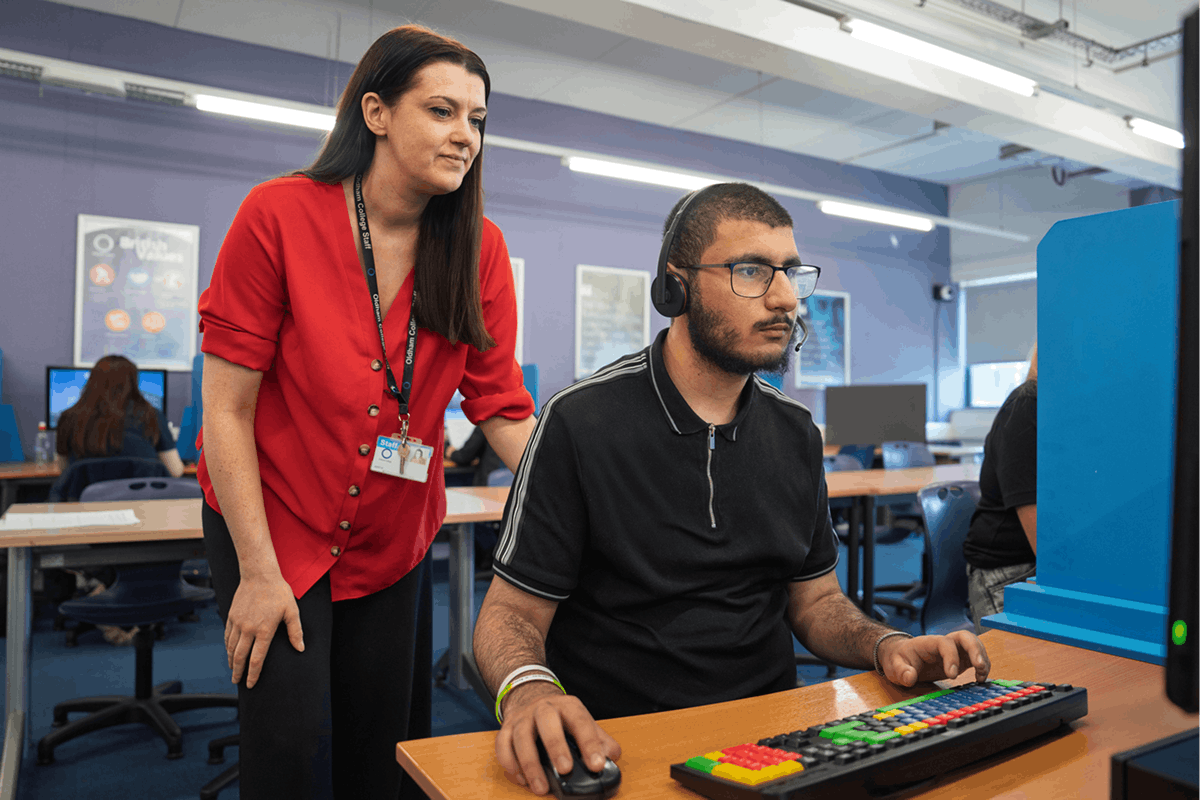
A team member working on a computer with a headset

Unfortunately, you’re not likely to be eligible if:

  • You're an EU student and only eligible for tuition fee support
  • You're getting equivalent support from another source, such as a university or social work bursary (e.g. the NHS Disabled Students' Allowance)

These guidelines are based on the general criteria for DSA applications in the UK. To see the criteria for your part of the UK, visit gov.uk/disabled-students-allowance-dsa.

What support is available through the DSA? 

The DSA provides financial support for the aspects of studying which are impacted by your disability, including the physical and mental demands of university. 

DSA funds can be paid out to you as reimbursement or directly to the company providing the equipment or service you require. 

Depending on where you are based in the UK, the amount of funding you could be entitled to will vary. The total amount you receive will be based on the recommendations of a disability advisor following your Study Needs Assessment.

Exams officer with student during an exam
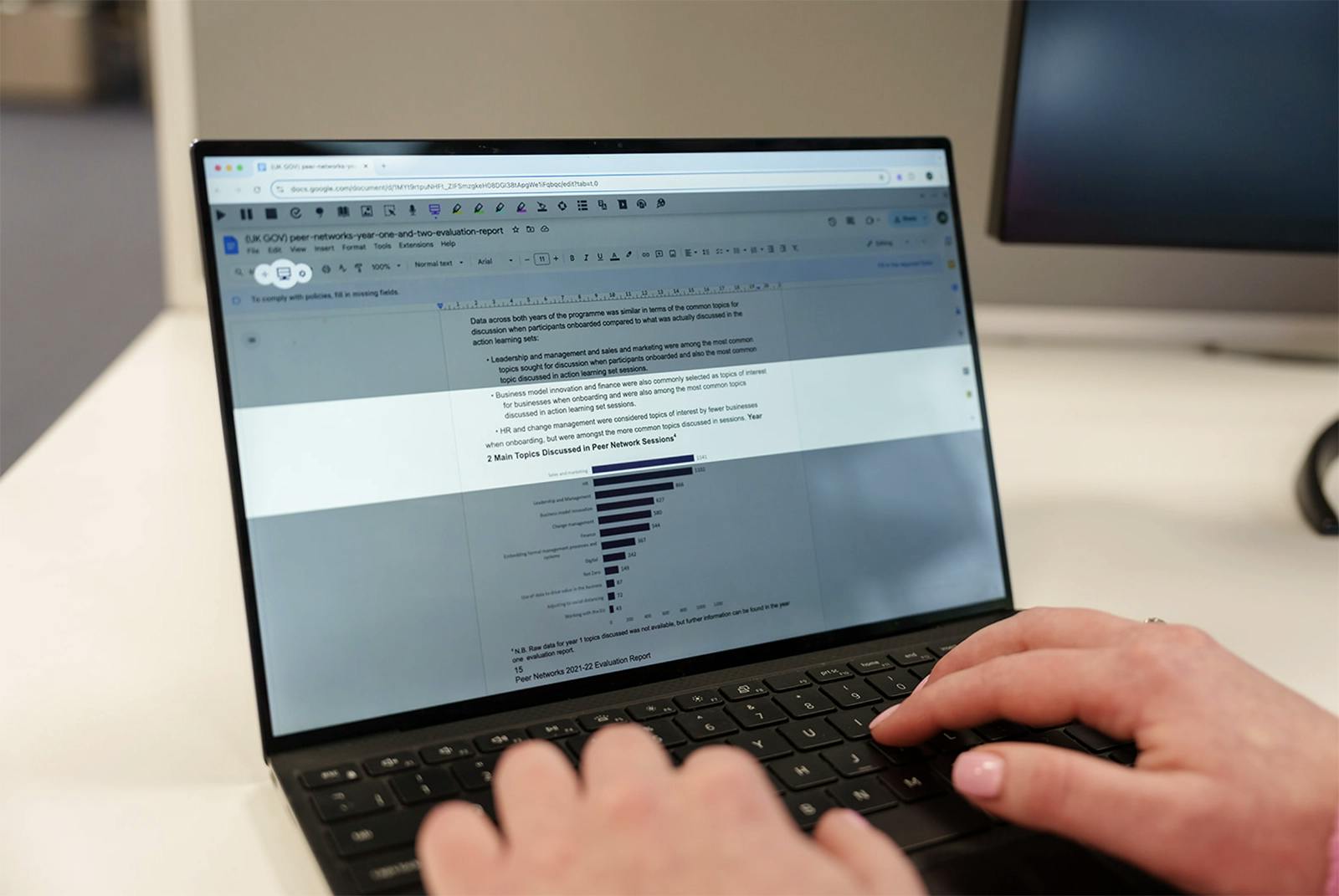
Person typing on a laptop using a screen masking tool.

Your DSA fund will help to cover: 

  1. Day-to-day costs of studying which are related to your disability. For example, photocopying costs 
  2. Specialist equipment such as a computer* or disability-related software. Any equipment bought must have been included in the report from your Study Needs Assessment 
  3. A non-medical helper or support worker such as a British Sign Language interpreter. This person can’t be a friend or family member 

*You may be able to get a new computer if you don’t already have one, or if your current one doesn’t meet the required specification. You’ll need to make a contribution of £200 towards the cost of any computer. 

You may also be able to cover travel allowances with your DSA funding. This helps with any extra travel costs you may have to attend your university, college, or placement because of your disability. The amount you get will depend on your disability.

How to apply for the Disabled Students' Allowance 

Applying for the DSA starts with filling out a form. You can find this on the Student Finance website for your region of the UK. 

You can apply for the DSA before your place at university is confirmed. It can take up to 14 weeks for your DSA support to be put in place, so it's best to start your application as soon as possible. Starting university is a busy time, so having your DSA sorted ahead of Freshers' Week will make a big difference.

Which organisations can you apply for DSA through? 

Here's where to apply for DSA, based on where in the UK you're from: 

Logos for Student Finance England,  Student Awards Agency Scotland, Student Finance Wales and Student Finance NI

Smiling woman in a green sweater extending her hand for a handshake while sitting at a desk with a laptop.

Applying for DSA - the process 

These are the common steps you can expect when applying for DSA support: 

  1. Fill in your DSA application 
  2. Provide evidence of your disability 
  3. Book and attend a Study Needs Assessment (only after being asked to do so by the Student Finance organisation) 
  4. Wait to hear if your application's been approved 
  5. Once funding has been approved, order your equipment and arrange non-medical help, etc. 
  6. Your DSA will be paid as agreed (i.e. to you as reimbursement or directly to the supplier)
Woman sitting on a couch working from a yellow tablet in a bright office with large windows and plants.

Proof of eligibility 

When you apply for DSA, you'll need documentation to show you're eligible. For example: 

Condition: Physical or sensory disabilities, long-term health conditions and mental-health conditions 

Proof of eligibility: A disability evidence form or a photocopy of a report/letter from your doctor or consultant

Condition: Specific learning difficulty (e.g. dyslexia) 

Proof of eligibility: A photocopy of a diagnostic assessment from a practitioner psychologist or a teacher with a relevant specialist qualification

Find the tool that works for you

Use the tabs to discover which products support each condition.

Read&Write logo

Helps students to read, write and research effectively with tools to overcome literacy challenges, improve comprehension and concentration.

ClaroRead logo

Flexible reading and writing tools to support students in reading, writing, studying and sitting exams with confidence.

OrbitNote Logo

Creates accessible PDFs, giving students flexible ways to access text, annotate their thoughts and express ideas.

AutoCorrect logo

Automatically corrects spelling and grammar mistakes while students type, enhancing clarity, accuracy and work quality.

Equatio logo

Transforms maths into accessible digital formats, allowing students to type, handwrite, or dictate equations with ease.

Writing Helper logo

Provides step-by-step guidance through the writing process, helping students organise thoughts, structure assignments and focus on crafting their ideas.

Global Tasks logo

Simplifies task management by helping students organise projects, to-do lists and track progress to stay on top of their work.

Scholarcy logo

Turns complex articles and textbooks into easy-to-read, organised summaries that are customisable. It helps students understand, organise and use the information easily.

Are you an assessor?

Fill in this form to get your assessor copy and access the assessor hub.