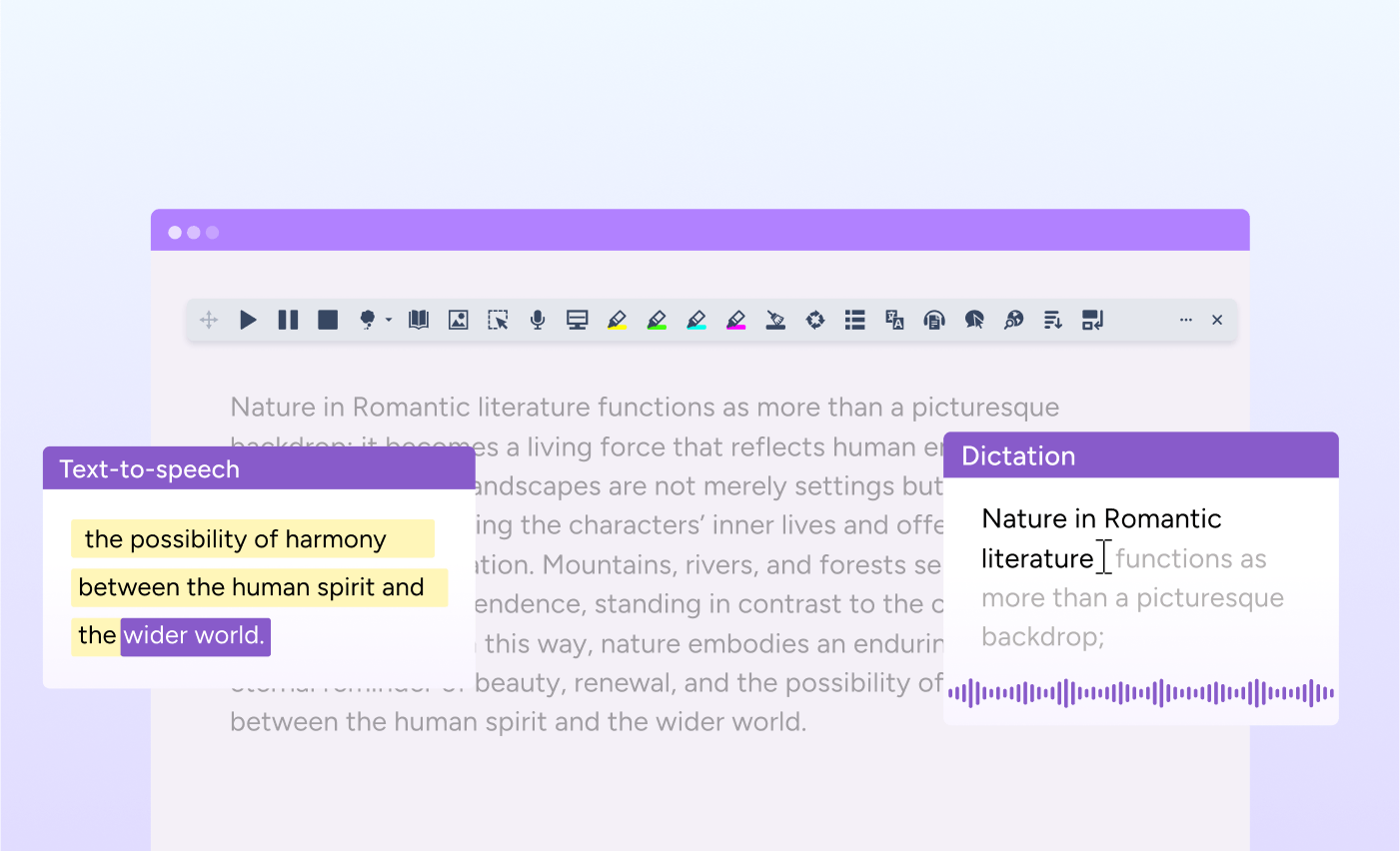
We have introduced improvements to how Read&Write reads text in D2L Brightspace.
With this update, Read&Write can now read aloud in more areas of the learning platform, including course unit content and quizzes.
This update is available now for Read&Write for Google Chrome and Microsoft Edge users.
What’s new
Students often rely on text-to-speech to access digital course materials. Until now, certain areas within D2L Brightspace were not fully supported.
With this update, Read&Write can now read text in more places across the platform, including:
- Course unit content
- Quiz questions and related text
This creates a more consistent reading experience for students as they move through lessons and assessments.
Designed for real learning environments
Students do not just read static documents. They read instructions, assignments, quizzes, and interactive content within learning management systems.
By improving compatibility with D2L Brightspace, Read&Write helps ensure that reading support is available where students need it most.
For educators, this means:
- Fewer access barriers during lessons and assessments
- More equitable access to course content
- Greater confidence that students can independently navigate digital materials
When reading support works seamlessly inside the platforms schools already use, students can focus on understanding content instead of troubleshooting tools.
What’s improved
These updates strengthen the reading experience within D2L Brightspace and help create a more accessible digital classroom environment.
Because when students can access text more easily, they are better able to engage, participate, and show what they know.

Explore Read&Write
Discover and explore the full range of Read&Write tools designed to support every learner and user.