We’ve improved the Scan from Camera experience in Read&Write for iOS, making it faster and more flexible to capture and use text on the go.
This update streamlines the flow from opening the camera to working with scanned content, helping users get what they need with fewer steps and more control.
What’s new
When using the Scan from Camera feature, you can now refine your selection immediately after taking a photo. A resizable cropping tool allows you to frame the specific area of text you want to process, ensuring only the relevant content is captured.
Once the selection is confirmed, you are presented with two options:
- Read immediately for quick, on-the-spot access
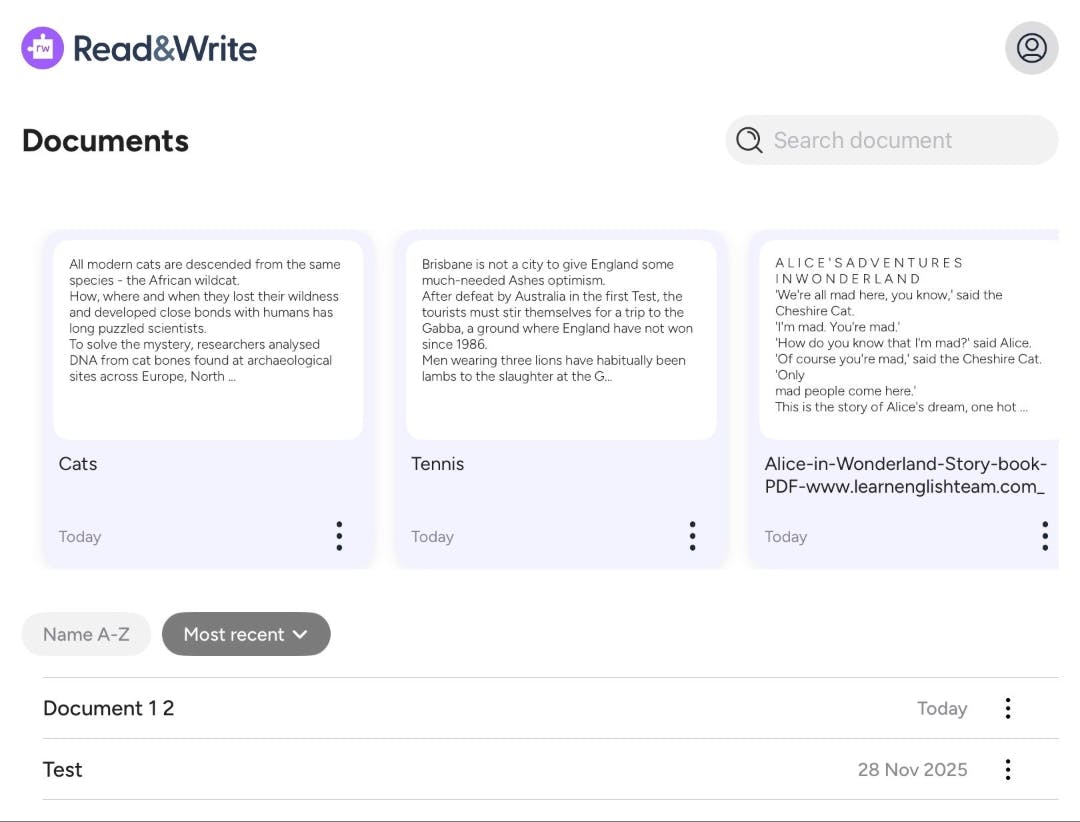
- Create document to open and continue working with the content in the editor in Read&Write
Designed for different goals
People use scanning in different ways. Sometimes the goal is to quickly access information in the moment. Other times, it’s to capture and build on content as part of a longer task.
By offering two distinct post-capture paths, this update supports both use cases - reducing unnecessary steps and making it easier to move from capture to action.
Faster, more efficient workflows
With a more direct camera flow, clearer text selection, and simplified next steps, scanning becomes a smoother part of everyday use.
Whether reading something quickly or saving it for later, Read&Write for iOS now makes it easier to work with text wherever you are.