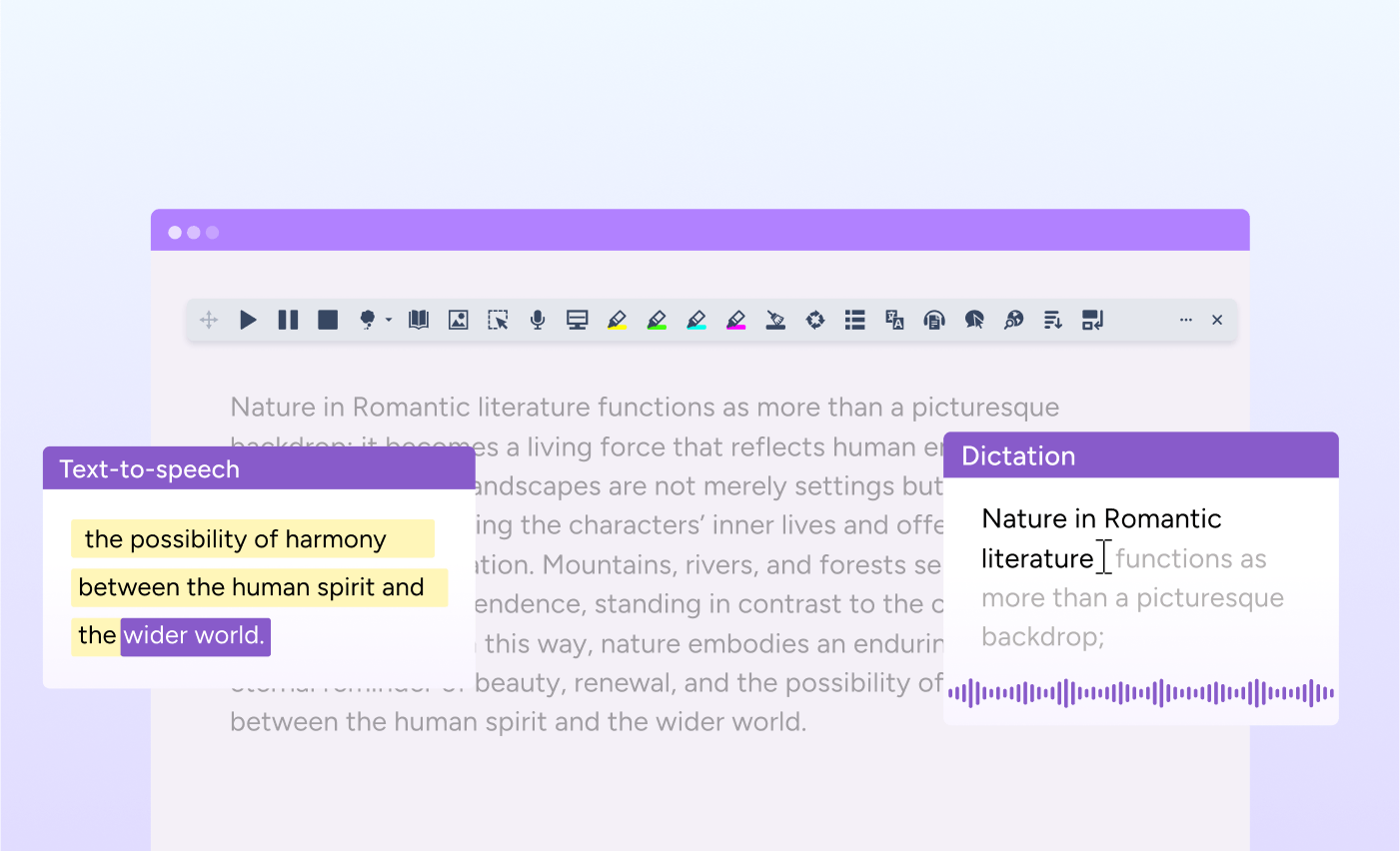
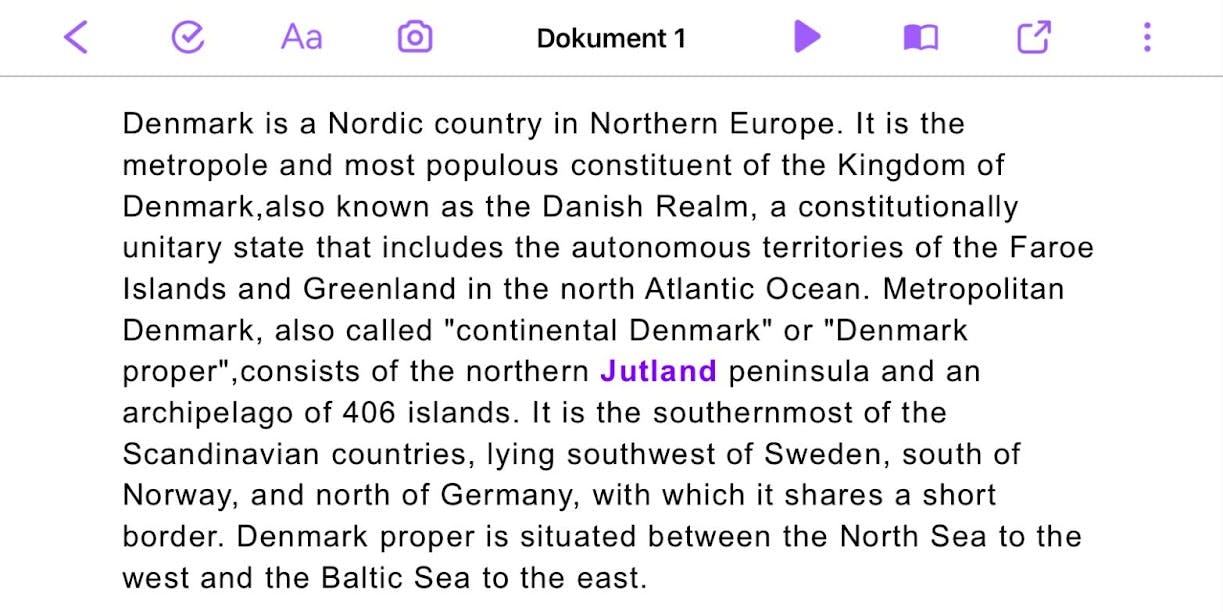
We’ve updated the language and voice settings in Read&Write for iOS, giving users access to a wider range of languages and voices across the app.
Language and voice selections are now aligned across the Editor and Keyboard, creating a seamless user experience. This update (version 7.14) is available now.
What’s new
Read&Write for iOS now supports an expanded range of 53 languages and dialects, offering greater flexibility for diverse classrooms and workplaces.
Whether supporting English as an Additional Language (EAL) learners, or improving support for language learning classes, educators now have more options to match student needs. Likewise, workplaces can now offer broader support for employees with EAL.

Full list of supported languages/dialects:
- Arabic
- Bulgarian
- Catalan
- Chinese (Hong Kong)
- Chinese (Mandarin)
- Chinese (Taiwan)
- Croatian
- Czech
- Danish
- Dutch (Belgium)
- Dutch (Netherlands)
- English (Australia)
- English (India)
- English (Ireland)
- English (South Africa)
- English (United Kingdom)
- English (United States)
- Faroese
- Finnish (Finland)
- Finnish (Sweden)
- French (Canada)
- French (France)
- German
- Greek
- Hebrew
- Hindi
- Hungarian
- Icelandic
- Indonesian
- Italian
- Japanese
- Korean (South Korea)
- Lule Sami
- Malay
- Northern Sami
- Norwegian Bokmål
- Norwegian Nynorsk
- Persian
- Polish
- Portuguese (Brazil)
- Portuguese (Portugal)
- Romanian
- Russian
- Slovak
- Slovenian
- Spanish (Mexico)
- Spanish (Spain)
- Spanish (United States)
- Swedish
- Thai
- Turkish
- Ukrainian
- Vietnamese
Users can also find additional voice options, both human and AI.

We’ve also synchronised language and voice settings between the Editor and the Read&Write Keyboard. Now, when a user selects a language or voice in the Editor, the same choice automatically applies to the Keyboard, and vice versa.
Instead of adjusting settings in multiple places, everything stays consistent. This creates a smoother experience as users move between reading and writing tasks.
Designed for multilingual environments
Language plays a central role in how people learn and work. Whether supporting multilingual students, teaching foreign languages, or collaborating across global teams, access to accurate text-to-speech voices in a wide range of languages can make a meaningful difference.
With expanded language support and synced settings, organisations and educators can:
- Better support multilingual learners and colleagues with voices that reflect their language needs
- Reinforce pronunciation and listening skills in language learning contexts
- Reduce time spent adjusting settings across lessons, meetings or tasks
- Feel confident that language preferences remain consistent across tools
For students, employees and end users, this means:
- A more inclusive and supportive reading and writing experience
- Greater continuity between the Editor and Keyboard
- Fewer distractions caused by mismatched settings
- Increased confidence working in both first and additional languages
Smoother performance and reliability
Alongside these improvements, we’ve addressed several issues to enhance stability and usability:
- Fixed an issue where text-to-speech was not working correctly with URLs (#133027)
- Resolved a bug where dictionary images were sometimes cut off (#133028)
- Corrected a mismatch between the Keyboard speed slider and the Editor speed slider display (#134239)
- Fixed an issue where “Read While Typing” was not working when sentences ended by selecting prediction words (#134664)
- Resolved a display issue where the font size label appeared truncated on some iPhones (#134679)
- Fixed a bug where the Read&Write Keyboard defaulted to sentence highlight instead of word highlight (#135579)
Supporting confident communication in every language
This update strengthens the support offered by Read&Write for iOS to inclusive, multilingual environments. By expanding language access and ensuring a consistent experience across tools, we’re helping people in education and work to make everyday tasks smoother.