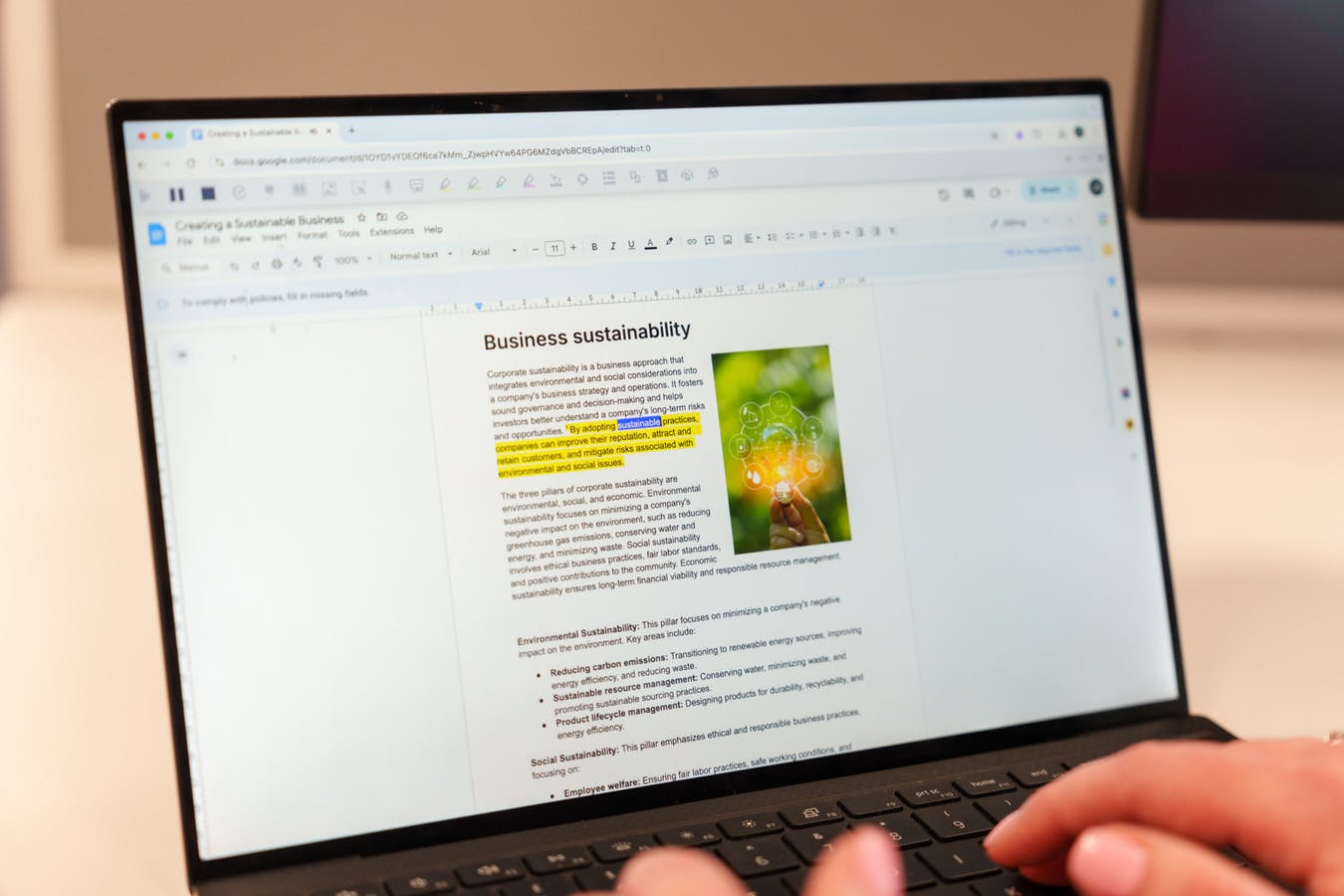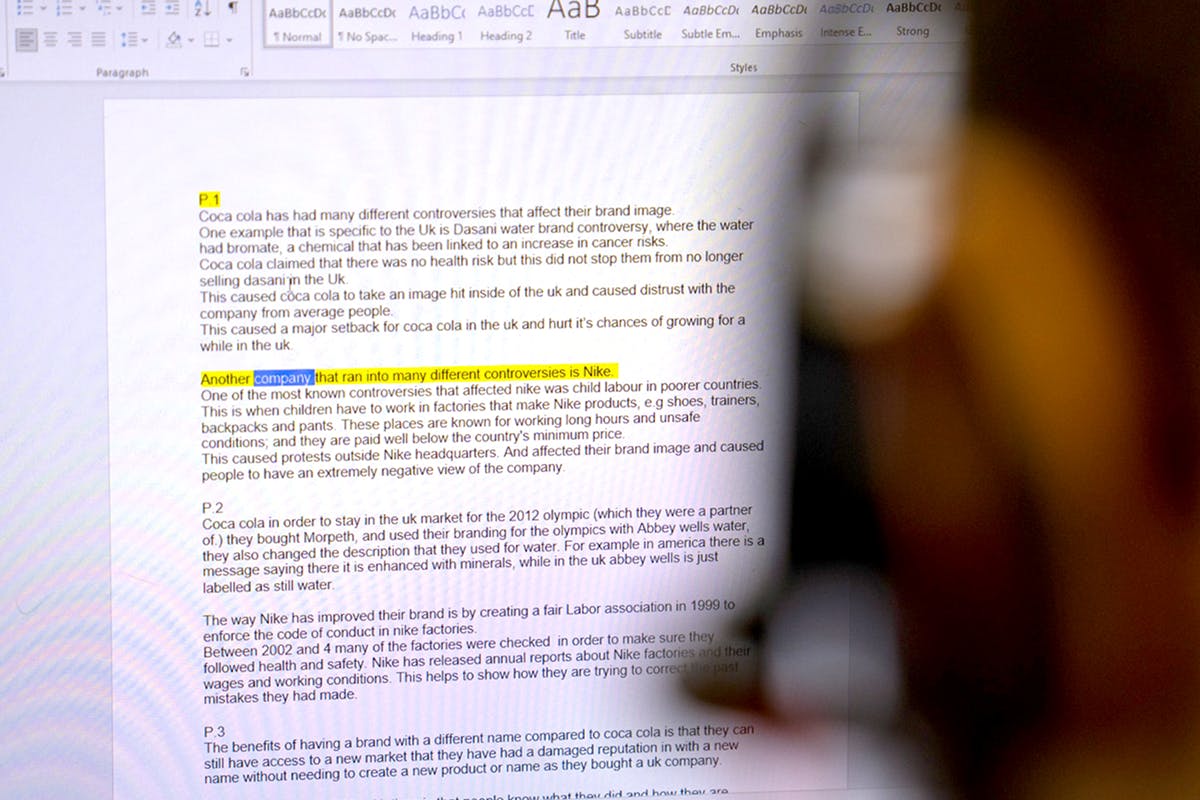
We’ve introduced continuous reading with dual-color highlighting in Microsoft Outlook for Read&Write for Work, bringing reading support directly into everyday email workflows.
What’s new
Users can now listen to emails as they write or review them, with text read aloud and highlighted clearly. Reading continues smoothly from sentence to sentence, helping users stay focused and process information more easily - all without leaving Outlook.