We’ve released OrbitNote version 1.9.0, introducing new sharing capabilities, expanded voice options and a series of improvements that make everyday classroom workflows smoother and more reliable.
This update strengthens how students access PDFs, collaborate and use text annotations, while also improving performance behind the scenes. This update is available now.
What’s new
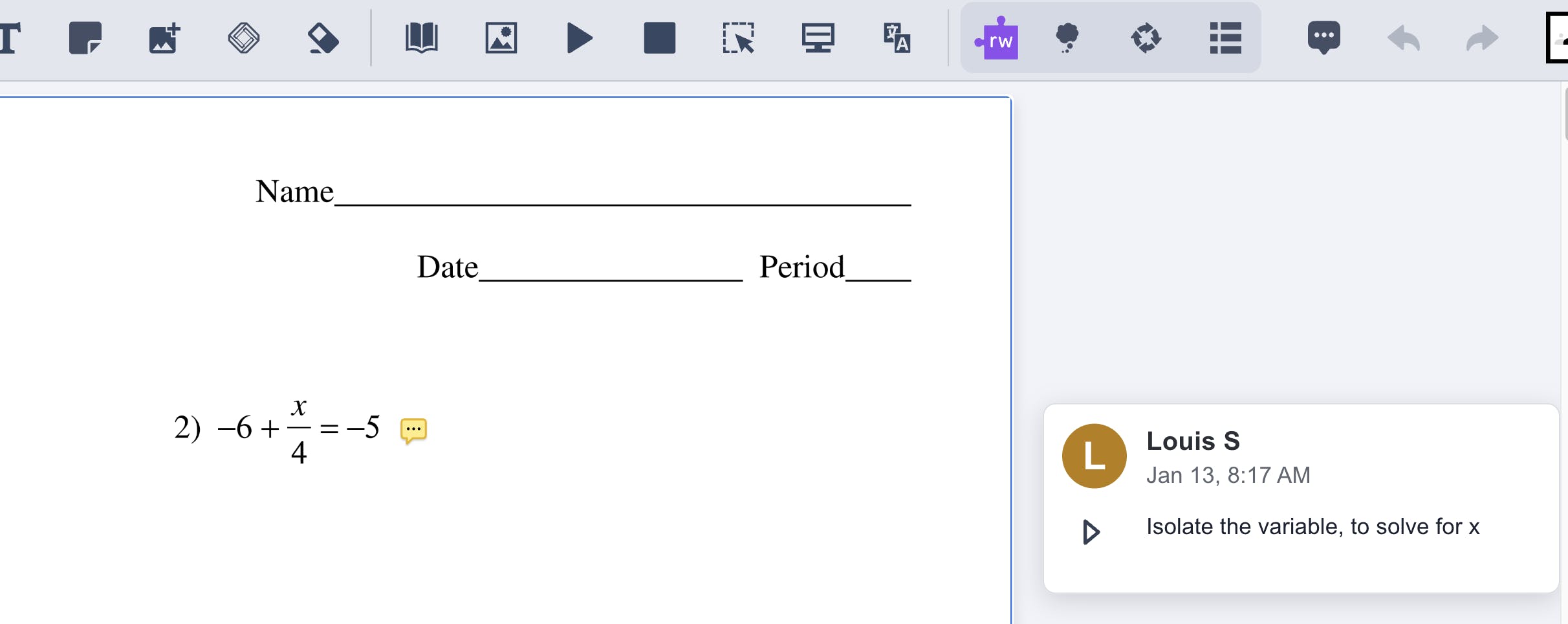
Side comments
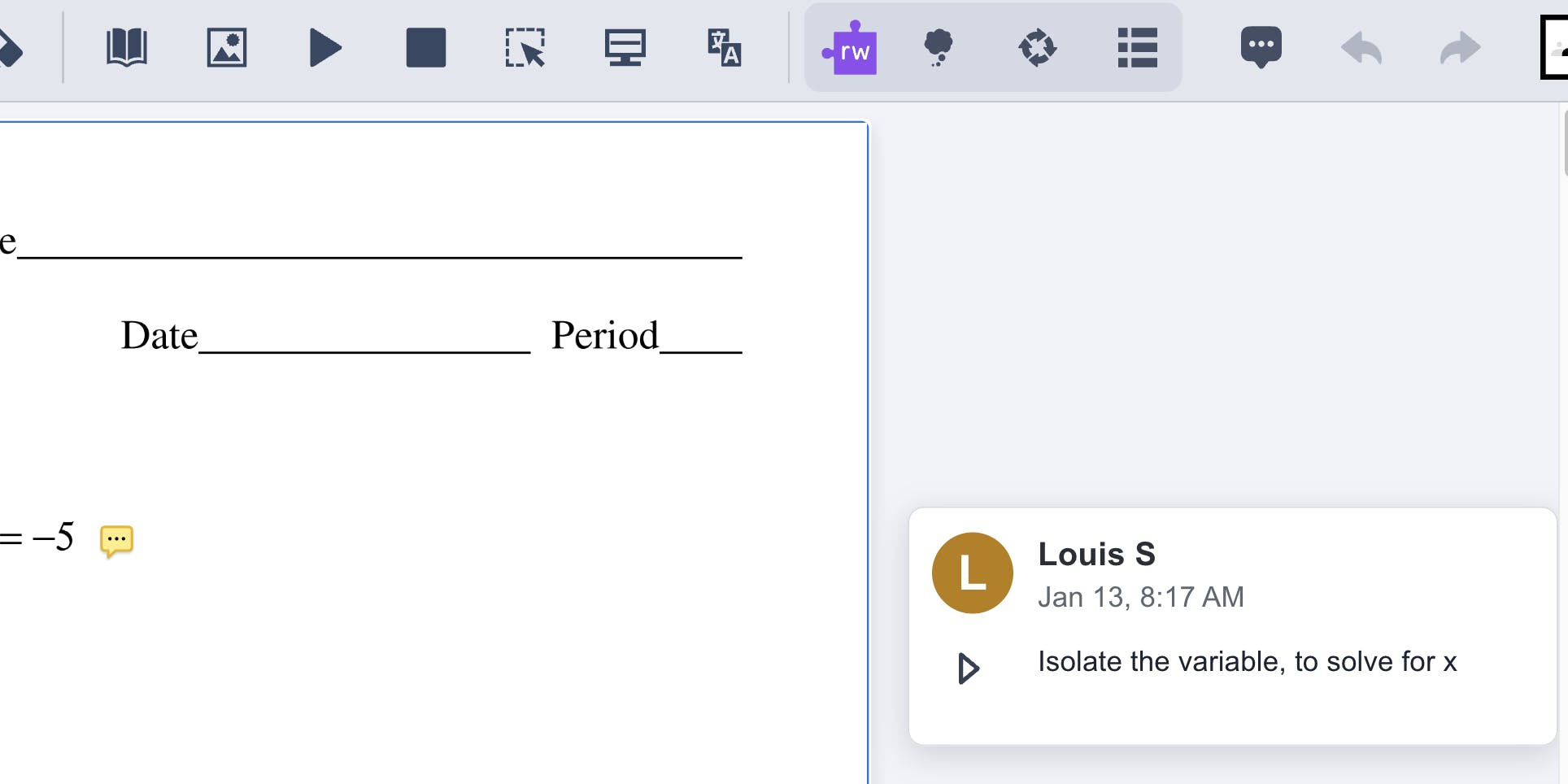
A new side-commenting feature is now available for PDF annotations, making it easier to add and review feedback or leave contextual notes to documents. This supports clearer feedback, collaboration and guided review.
Soon to come: the ability to add Voice Notes to a Side Comment, offering a more natural and expressive way to give feedback.
Open PDFs directly from Google Drive
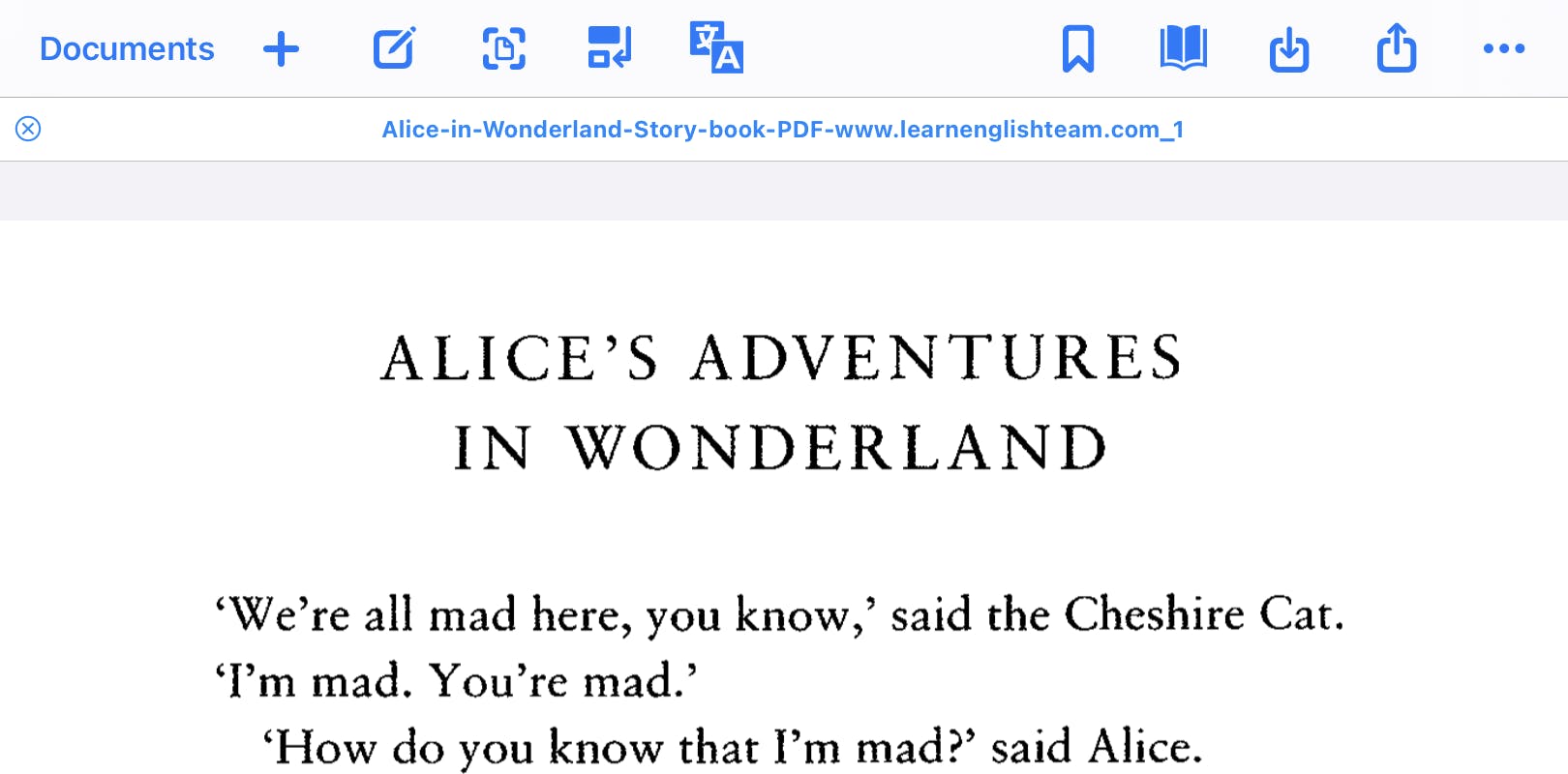
OrbitNote now allows users to open PDFs directly from Google Drive, streamlining access to classroom materials and reducing unnecessary steps when moving between platforms.
Share PDFs via Google Drive
PDFs can now be shared directly through Google Drive, making collaboration between educators and students more straightforward. This simplifies assignment distribution and feedback.
Expanded voice options
We’ve added new voice options to our Swedish text-to-speech offering, equipping multilingual classrooms with more choice and natural listening experiences.
AI voices: Mimi, Charlotte
Swedish voices: Elin, Emil, Erik
What's improved
Clearer navigation and fewer interruptions
We’ve removed unnecessary pop-ups to reduce distractions and create a more streamlined user experience.
What's fixed
Improved Microsoft OneDrive file sharing
Resolved an issue affecting file sharing through Microsoft OneDrive, improving reliability when accessing and distributing documents.
Text box and annotation fixes
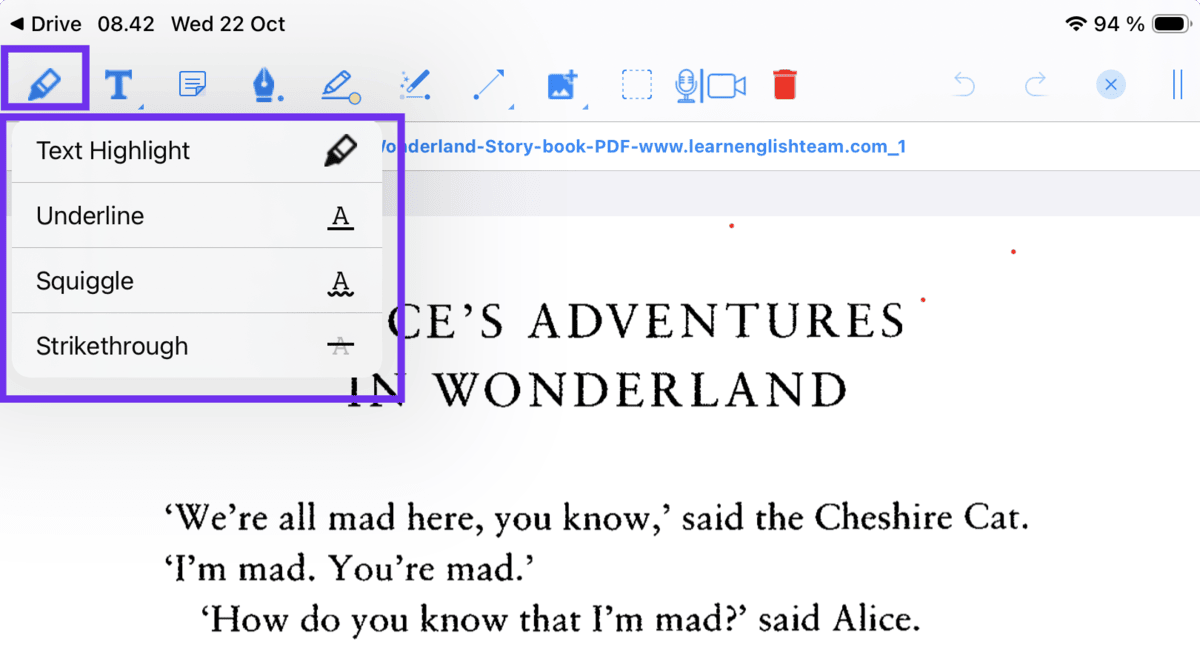
We’ve resolved several issues to make text annotations more reliable and easier to use:
- Typewriter annotations can now be resized
- Font size settings now persist correctly across sessions
- Fixed an issue where editing existing text boxes created duplicate annotations
- General text box stability improvements
These improvements make reviewing, annotating and providing feedback easier and more consistent.
Supporting smoother classroom workflows
OrbitNote 1.9.0 focuses on improving how students and educators access, share and annotate PDFs. With expanded voice options, improved sharing through Google Drive and Classroom, and additional annotation tools, this release supports more efficient and flexible classroom use.
By reducing friction and strengthening stability, OrbitNote continues to support confident reading, collaboration and feedback in digital learning environments.