We’re excited to introduce Sticky Note annotations. A fresh, flexible way to add feedback, reminders, and ideas in OrbitNote.
What’s new
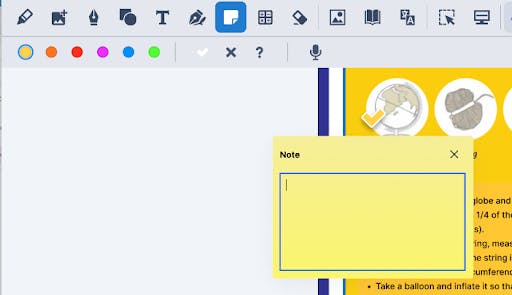
Sticky Notes let you attach comments and insights directly to your document, without crowding your workspace. Each note appears as a small, collapsible icon, so your page stays clean and easy to read. When you need to view or edit a note, just click the icon to expand it — and click away to collapse.
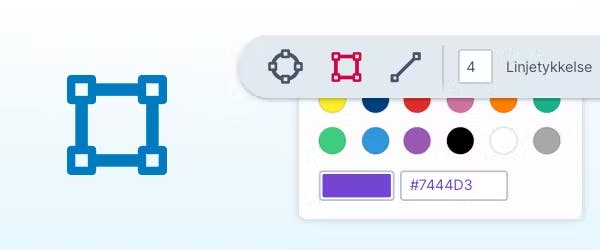
You can also choose colours for each note, helping you organise ideas, categorise feedback, or visually group comments by type or priority.
This feature replaces the old “Pushpins” from OrbitNote Classic, bringing a cleaner, more modern approach to annotations.
Why it matters
We know that effective feedback is key to collaboration and learning — but cluttered documents can make it hard to focus. Sticky Notes make it easy to add context or comments without disrupting the main content.
Whether you’re leaving feedback for students, jotting down reminders, or marking ideas for later, Sticky Notes keep everything clear, organised, and accessible.
This enhancement reflects our ongoing goal for OrbitNote: creating a digital workspace that’s both powerful and easy to use, supporting meaningful engagement without distraction.

Ready to use today
Sticky Note Annotations are now live and ready to use in OrbitNote, try them today.