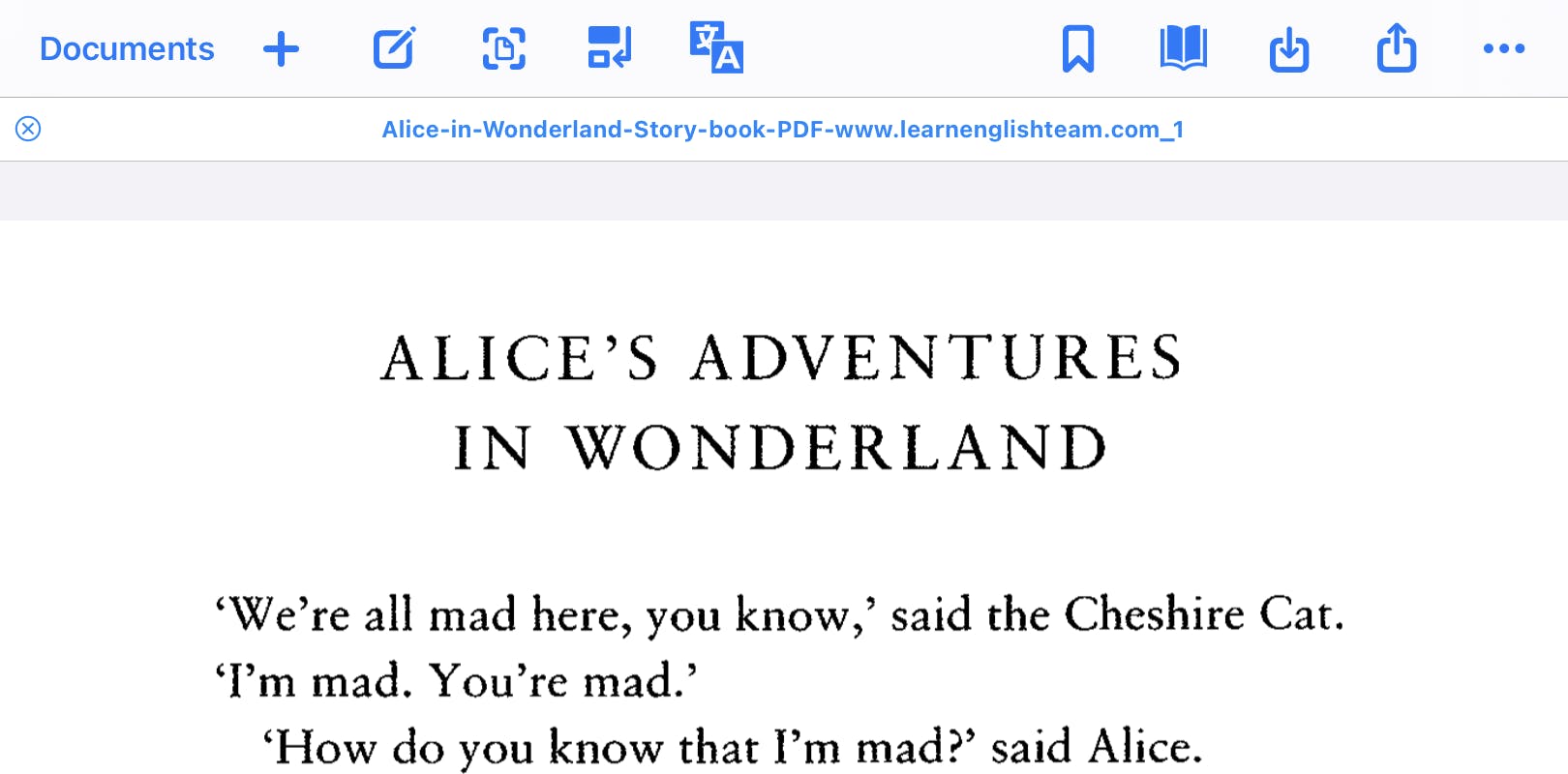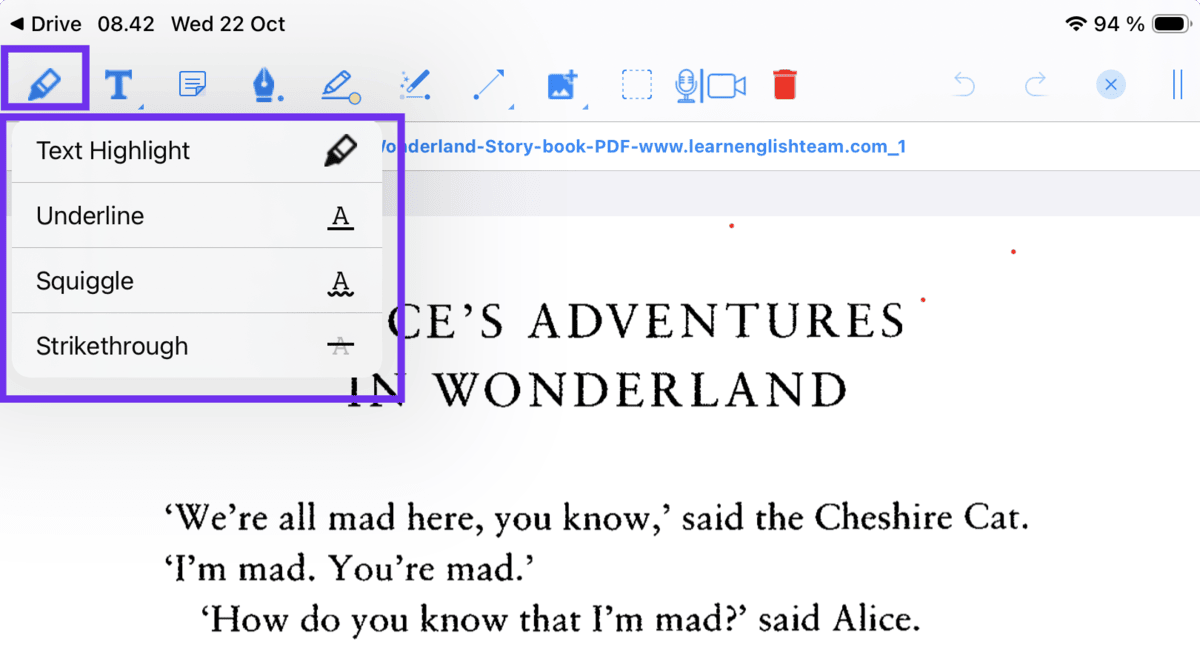
We have introduced a new Web PDF Handler in OrbitNote, allowing users to open accessible web-based PDFs directly for annotation.
This update makes it easier for educators and students to work with online PDF content without unnecessary downloads or extra steps.
Available now in OrbitNote.
What’s new
Users can now open accessible web-based PDFs directly in OrbitNote and begin annotating immediately.
After opening a document, users will see a prompt offering the option to access the same file in OneDrive or Google Drive, depending on their preferred platform.
This supports smoother workflows across cloud storage tools while keeping the annotation experience simple and consistent.
Designed for classroom learning
PDFs are used every day in classrooms, from lesson materials and worksheets to research articles and assessments.
Previously, working with web-based PDFs could require downloading files or moving them between platforms before annotation.
With the new Web PDFs Handler, students can open accessible PDFs from the web, start annotating straight away, and continue working in their preferred cloud platform if needed.
The result is fewer technical steps and less disruption. Educators can share materials more easily. Students can stay focused on reading, analysing, and responding to content.
It is a simple update that makes working with web-based PDFs more seamless, more flexible, and more supportive for every kind of mind.