Text-to-speech software for students and employees

Text-to-speech reads digital text aloud. It helps people listen to written content instead of reading it on screen, which can make information easier to understand.

Our text-to-speech tools are part of Everway’s commitment to neuroinclusion. We design technology that helps people understand information and express their ideas in ways that work for them.

A group of students in a classroom, sitting at desks with laptops
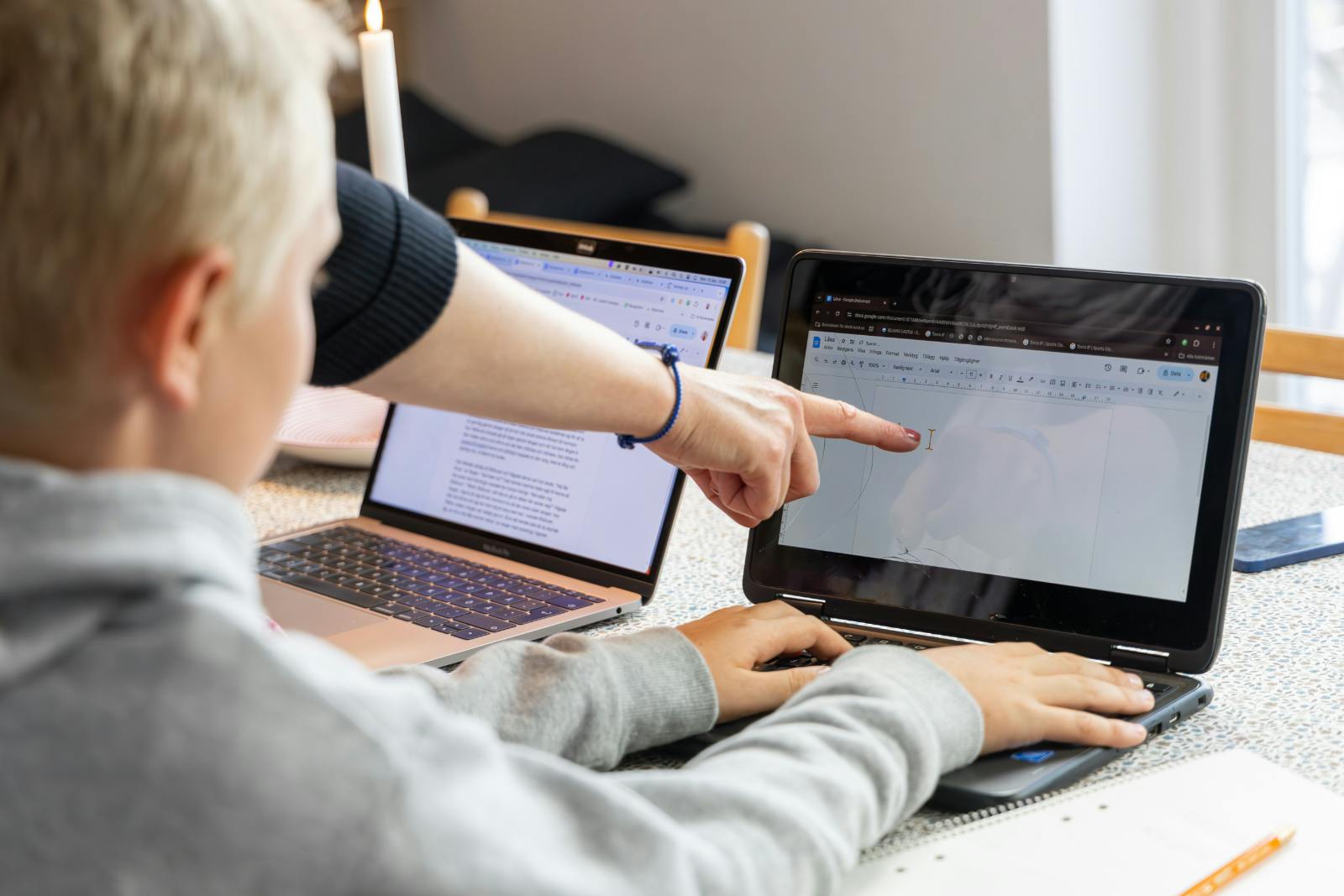
a teacher pointing at something on a laptop

Assistive technology explained

Assistive technology includes tools, software, or devices that help people access and understand information more independently.

In UK education, assistive technology in the classroom can support students who learn differently, those with disabilities, and anyone who finds reading or writing easier with the right support.

In the workplace, it helps employees perform at their best regardless of how they read, write, or process information.

Our tools combine text-to-speech, writing support, and document accessibility to help more people read, write, and share their ideas with confidence.

Assistive technology tools for students and for the workplace

Read&Write logo

Literacy and accessibility support

Read&Write is trusted by pupils and teachers throughout the UK. Its text-to-speech feature reads content aloud with word-level highlighting, supporting comprehension, independent working, and access to content across the web, documents, and Google.

Key features:

  • Text-to-speech with word-level highlighting across web, Google Docs, and Microsoft Word
  • Reading support for PDFs, emails, and digital content
  • Writing tools including prediction, spelling support, and grammar checking
  • Audio Maker converts text into audio files for on-the-go listening
  • Works across Chromebook, Windows, Mac, and iOS

OrbitNote Logo

Text-to-speech for PDFs and documents

OrbitNote brings text-to-speech into PDF documents, making worksheets, assignments, and study materials fully accessible. Students can hear content read aloud directly within the document, removing the barriers that come with static files.

Key features:

  • Text-to-speech built into PDF viewing and annotation
  • Read-aloud support for worksheets, assessments, and study materials
  • Annotation and highlighting tools for active reading
  • Supports independent access to document-based content

Equatio logo

Text-to-Speech for maths

Equatio makes maths more accessible by removing the barrier of complex written equations. Students can type, speak, or draw maths expressions, and have equations read aloud using text-to-speech. It supports neurodivergent learners who find traditional maths formats difficult to process.

Key features:

  • Text-to-speech reads equations and maths content aloud
  • Students can interact with maths by typing, speaking, or drawing
  • Reduces cognitive load for students with dyslexia and dyscalculia
  • Works within Google Docs, Forms, and other digital tools

Everway for Work: neuroinclusion in the workplace

Everway for Work brings text-to-speech into the workplace as part of a broader neuroinclusion toolkit. Employees can hear emails, reports, and documents read aloud with Read&Write, reducing the processing load that comes from reading dense written content.

Key features:

  • Read&Write text-to-speech for emails, documents, and web content
  • MindView for visual planning and organisation
  • Global Tasks for structured, prioritised workload management
  • Supports neurodivergent employees without requiring disclosure

What sets Everway apart

Peter Dempsey headshot

The impact of Everway’s text-to-speech tools

"Getting Read&Write helped to speed up my learning considerably. It was the first time I could achieve anything academic, so that was huge for me."

Peter Dempsey, Disability Advocate


Read the full story from Pittsburg Public Schools

Support for diverse learning needs

Assistive technology supports a wide range of learning differences and workplace needs. Explore how Everway's solutions help specific neurodivergent profiles:

ADHD support

Technology that supports focus, organisation, and task completion for students and employees managing attention differences.

Dyslexia support

AI-powered reading and writing tools that help students and adults with dyslexia access content and communicate effectively.

Autism support

Visual communication tools and structured learning resources that create supportive environments for autistic students and employees.

Are you ready to find out more about our text-to-speech tools?

Get in touch to find out more about how our text-to-speech solutions can support students and people in the workplace with a range of different needs.

Text-to-speech software FAQs

Text-to-speech software converts written text into spoken audio. It reads digital content aloud, including web pages, documents, and PDFs, using a natural-sounding voice. It is used in education and the workplace to support reading, comprehension, and independent working.

Common examples include text-to-speech software, speech to text tools, word prediction, screen readers, and document accessibility tools. In education, assistive technology in the classroom might include literacy support software like Read&Write or PDF tools like OrbitNote. In the workplace, it can include reading and writing aids, task management tools, and mind mapping software.

Text-to-speech is one of the most widely used assistive technology tools for students with dyslexia, reducing the effort of decoding text and supporting comprehension. Read&Write combines text-to-speech with word prediction, vocabulary support, and writing aids to help dyslexic students access and engage with content more independently.

Assistive technology for ADHD typically focuses on reducing overwhelm, supporting focus, and helping with task management. Tools like Read&Write help by reading text aloud and chunking content, while OrbitNote supports active engagement with documents through annotation and highlighting.

Everway for Work is a suite of assistive technology tools. Read&Write provides text-to-speech, writing support, and screen masking for employees who need reading and writing assistance. Alongside this, MindView supports planning and structuring ideas visually, and Global Tasks helps employees manage workload through clear, prioritized steps.

Assistive technology gives neurodivergent employees the tools to work in the way that suits them, without needing to disclose a diagnosis or formally request support. When technology is available to everyone, it removes barriers quietly and consistently, helping organizations build genuinely neuroinclusive workplaces where all employees can contribute fully.

Text-to-speech converts written text into spoken audio, allowing users to listen to documents, web pages, emails, and more rather than reading them alone. As assistive technology, it reduces the cognitive load of decoding text, supports comprehension, and enables people to access written content in a way that works for them.