Get exam ready: A quick tour of ExamWritePad's Config Editor GUI

What’s this webinar about?
We’ll highlight the key settings you can customise to tailor the exam environment to your specific requirements. From disabling spelling tools to adjusting auto-save and backup intervals, you’ll learn how to confidently configure ExamWritePad for a secure and seamless exam experience.
What you'll learn
- How to navigate the Config Editor GUI and locate key customisable settings
- How to disable spelling tools and adjust auto-save and backup intervals
- How to customise font options and other settings to align with your exam requirements
Who should attend?
This webinar is for current customers, whether you’re a seasoned ExamWritePad user or just starting to explore using ExamWritePadin exams, this session will leave you inspired, equipped and ready for the exams season ahead.
Register to watch the webinar
Meet the speakers
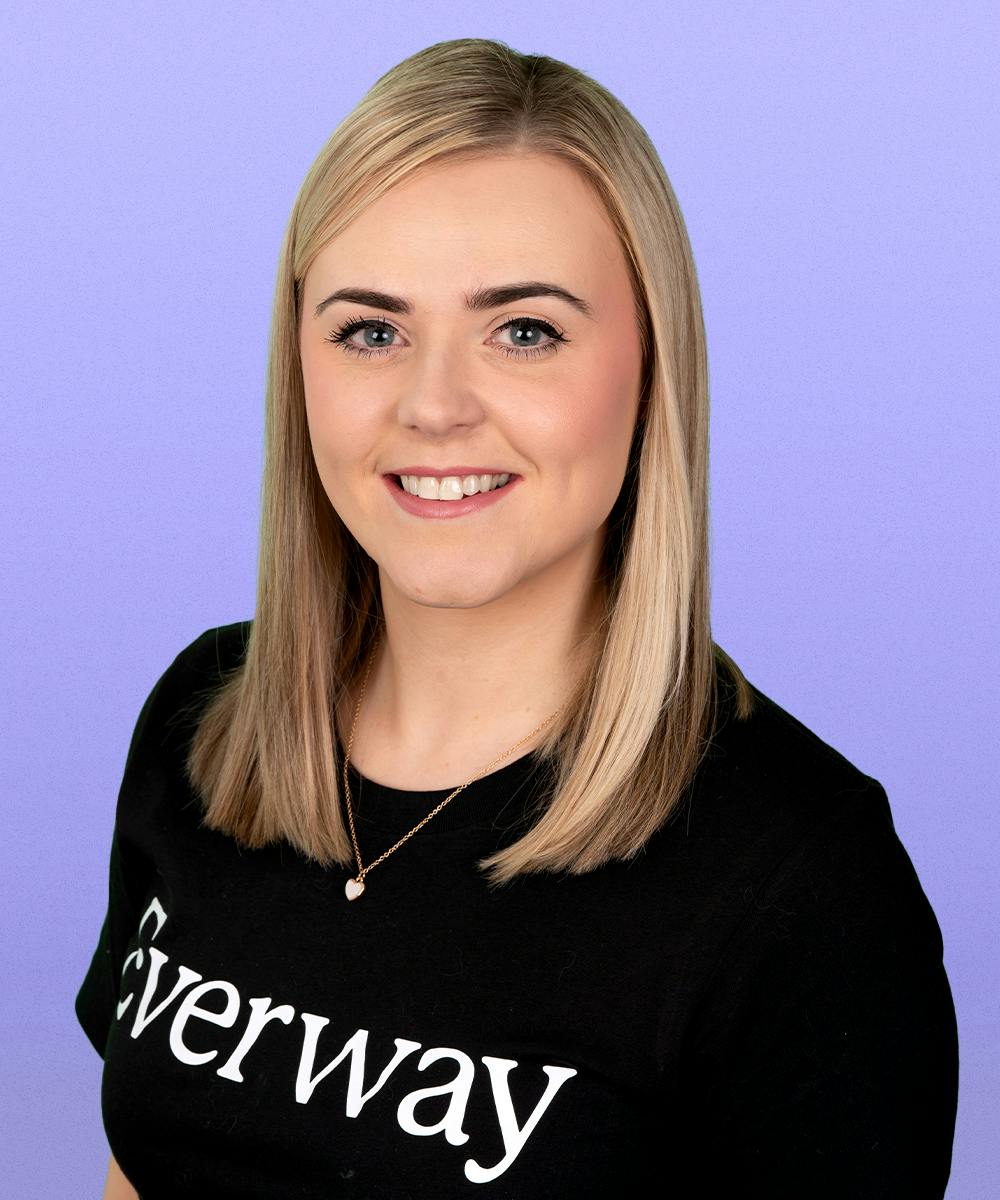
Isobell Haskell
Senior Customer Success Executive, Everway
As a Senior Success Executive at Everway Isobel spends her time connecting with and supporting the fantastic customer base using ExamWritePad, Read&Write and Edulife in the UK.
Passionate about communicating with people and solving problems, Isobel’s job is to make her customers' jobs easier, workloads lighter and data more usable through our sync tools. Isobel is a certified Google Educator and Admin, and is certified in Cloud Computing by IBM.
Isobel completed an undergraduate degree from UEA in 2018. Following this Isobel spent two years living in China where she gained a deep understanding of Chinese culture and language. This led her to pursue a Master's degree in Chinese Studies, showcasing a passion for learning and cultural exploration before joining the Everway team in 2022.
Register to watch the recording
Sign up to watch whenever suits.
How to stay compliant with Read&Write and ExamWritePad

15 minute power update: New Read&Write features in Google Chrome EAL and more

Save time with classroom-ready learning and communication
In this webinar, we’ll share practical ways to simplify planning and instruction while saving time. You’ll see classroom-based examples of how educators use ready-made, differentiated current events and symbol-supported communication tools.