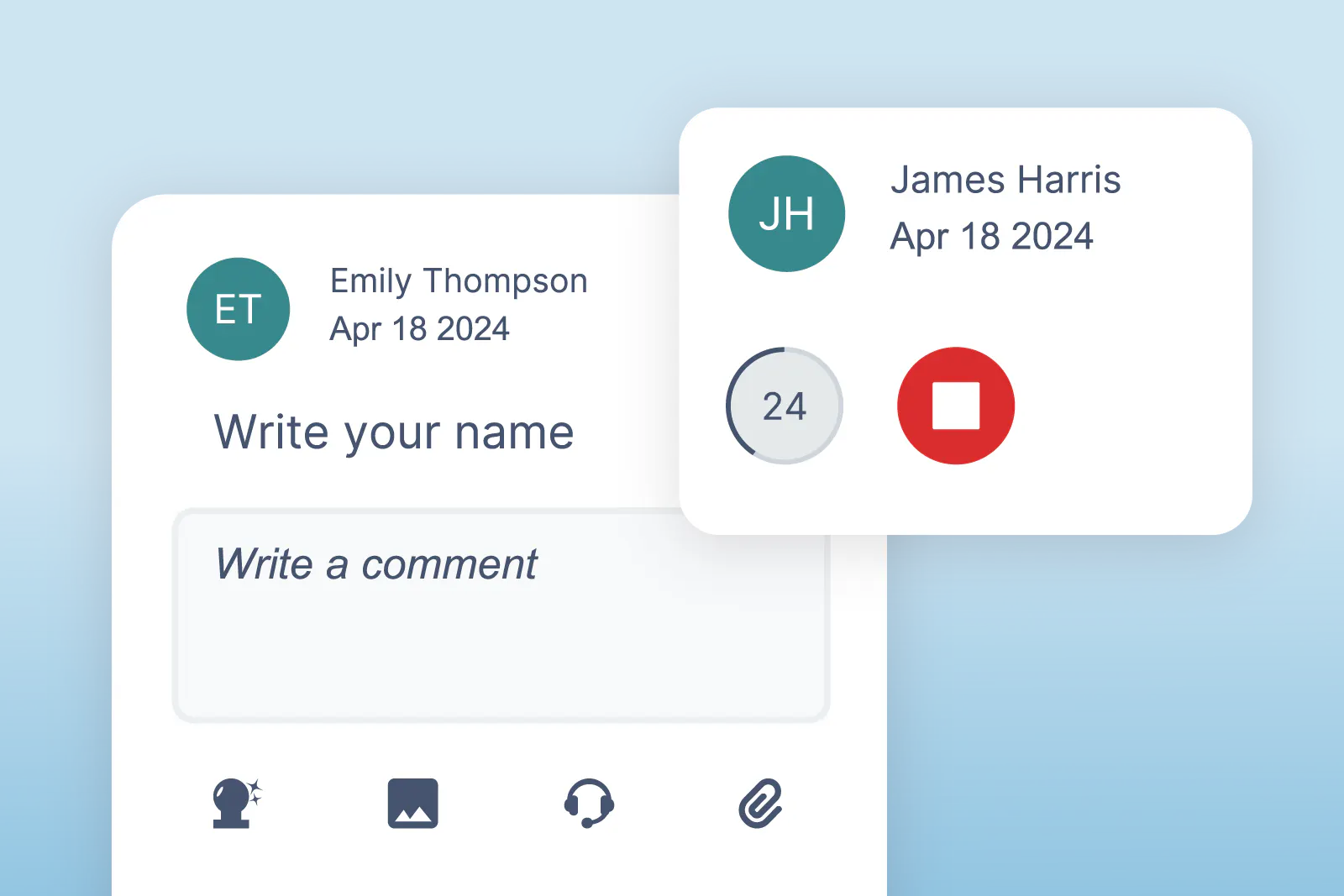
We’ve enhanced Side Comments in OrbitNote Modern, making it easier to give feedback in a way that feels natural and flexible.
With this update, users can now add voice notes alongside typed comments, offering a new way to explain, guide, and respond within a document.
What’s new
Users can now record and attach short audio comments directly in the Side Comments panel.
Voice notes sit alongside text-based annotations, giving users the option to choose how they communicate - whether that’s typing, speaking, or using a combination of both.
Designed for expression and accessibility
For many learners, speaking can be easier and more expressive than typing. Voice notes make it possible to share ideas, feedback, and explanations more naturally - especially for those who benefit from auditory support or find writing more challenging.
This added flexibility supports a wider range of communication styles and learning needs.
Supporting clearer communication
By combining text and audio in one place, Side Comments become a more powerful tool for feedback and collaboration.
It’s a simple addition that helps make communication clearer, more personal, and more accessible for everyone.