As educators continue exploring the new Manage Pathways experience in Unique Learning System (ULS), we’re introducing an update designed to make building custom pathways faster and more flexible.
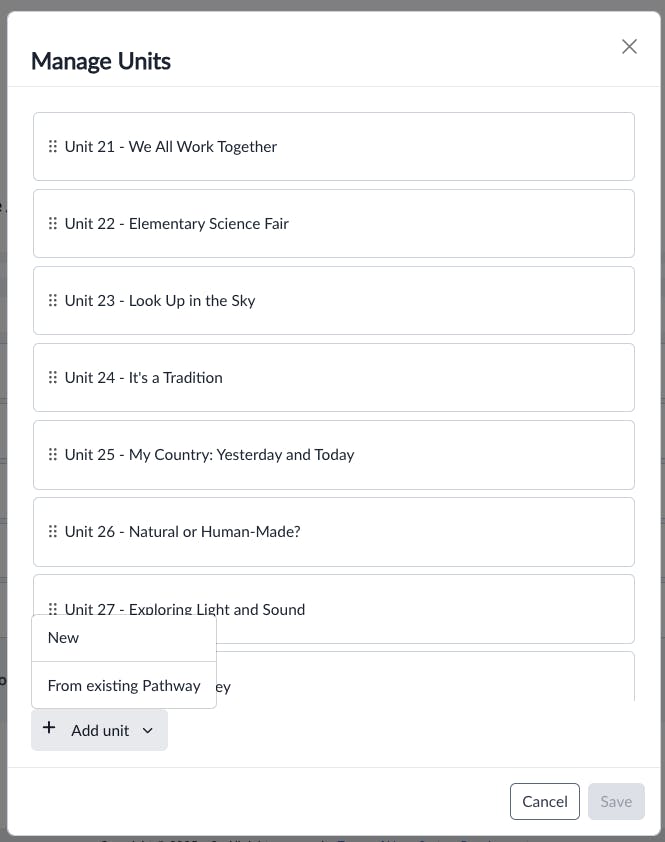
With this enhancement, teachers can now add units from any pathway within their grade band directly into a custom pathway, helping them get even more value from the ULS content library.
What’s new
When creating or editing a custom pathway, teachers can now select and add entire units from different pathways, as long as they fall within the same grade band.
This means you’re no longer limited to a single predefined pathway when designing instruction. Instead, you can bring together units that best support your instructional goals - whether you’re planning around a theme, building cross-curricular connections, or tailoring instruction for a specific group of learners.
Designed for real classroom planning
Educators know that no two classrooms - or learners - are the same. This update gives teachers more control to shape pathways that reflect what their students need right now.
By reducing the number of steps it takes to add content, the update helps educators:
- Save time by adding full units in just a few clicks
- Streamline planning with a simpler, more efficient workflow
- Increase flexibility by combining units from different pathways within a grade band
The result is a smoother planning experience and pathways that feel more intentional and relevant.
Making ULS work the way you teach
This enhancement builds on the new Manage Pathways experience, reinforcing ULS’s commitment to flexibility and educator choice.
By making it easier to mix and match units, ULS supports thoughtful, responsive instruction - helping educators design pathways that align with their teaching goals and their students’ needs

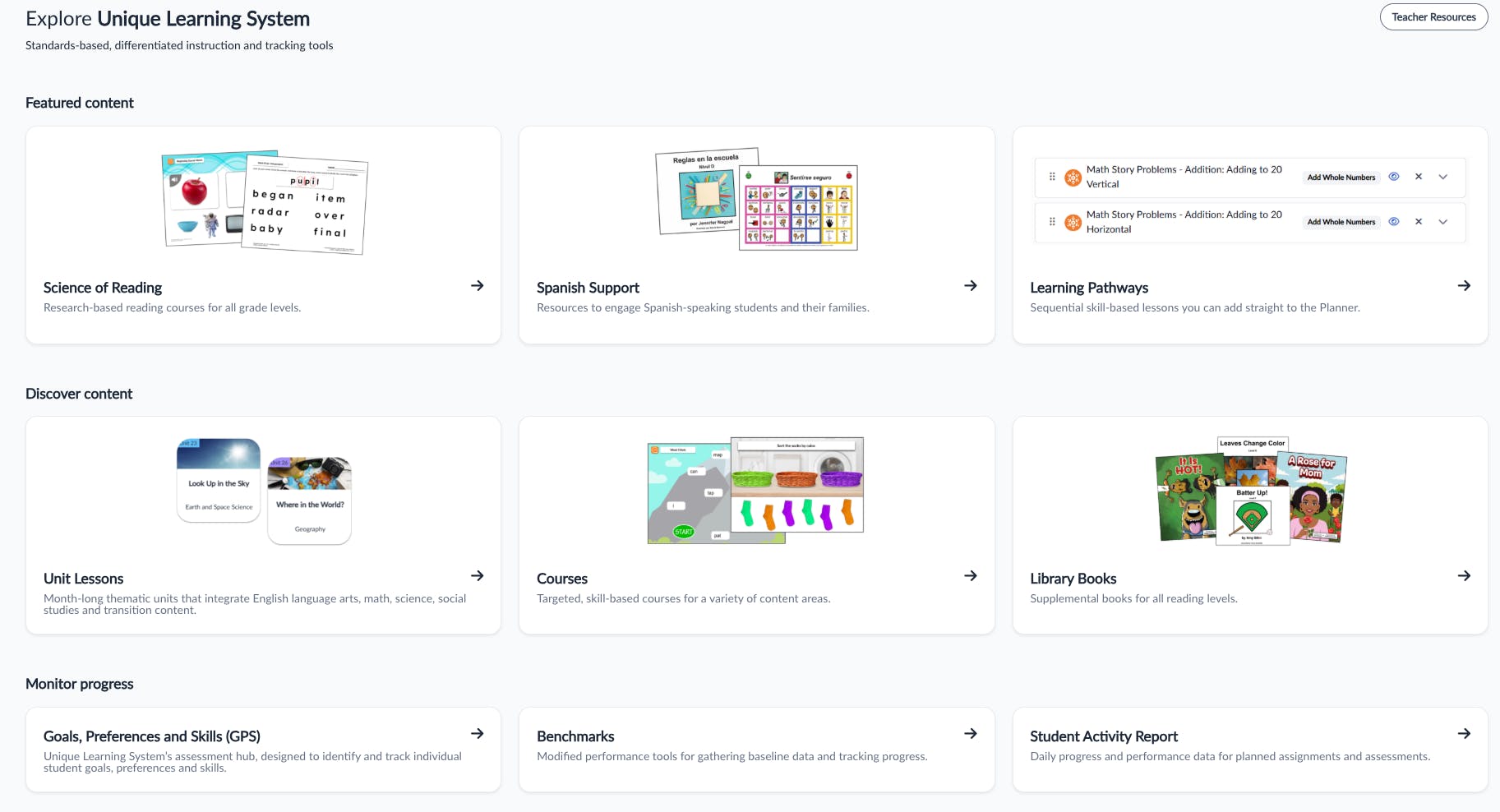
Discover Unique Learning Systems
The all-in-one special education curriculum that transforms learning for students with disabilities, from preschool through transition.