A new name, a better experience with powerful new features like Rewordify and Translations, plus improved access for all users.
Why we're making this change
Same app you trust with even more to offer. We’re evolving ClaroPDF into OrbitNote to give you a more connected, powerful, and neuroinclusive experience. This update aligns with our vision to change how the world understands neurodiversity and supports different thinkers.
New features launching soon include:
- Rewordify: Simplify complex text instantly
- Translations: Read and write confidently in multiple languages
- Enhanced updates: Faster performance, modern design, and improved compatibility
What this means for you
Access and next steps
ClaroPDF Pro or ClaroRead customers:
You’ll continue to enjoy full access to the app — now with new OrbitNote features, updates, and enhancements. No action needed.
Using only the free version of ClaroPDF:
You’ll receive a 30-day free trial of the Premium version. After your trial ends, you can upgrade to a Premium Group License or discontinue use of the app.
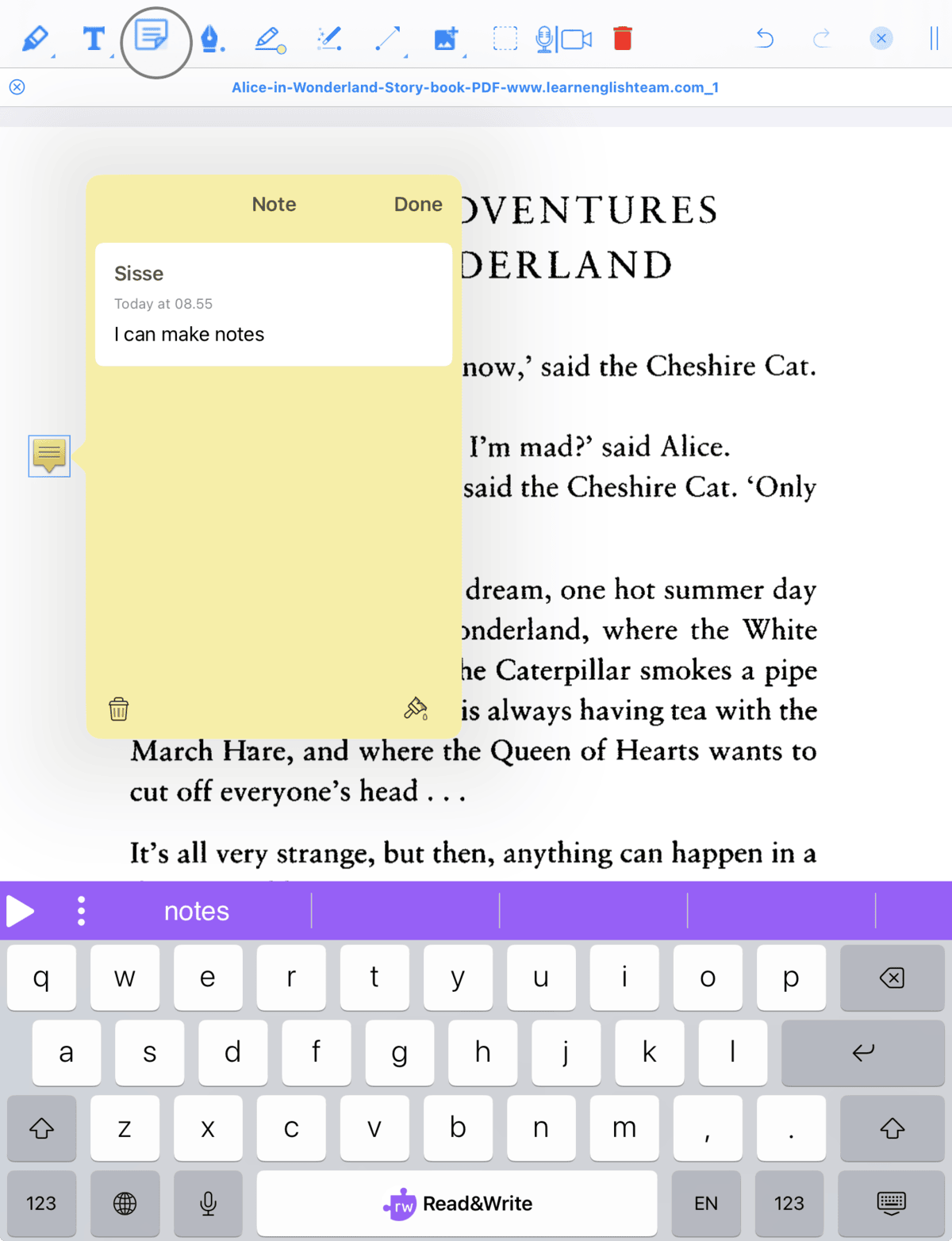
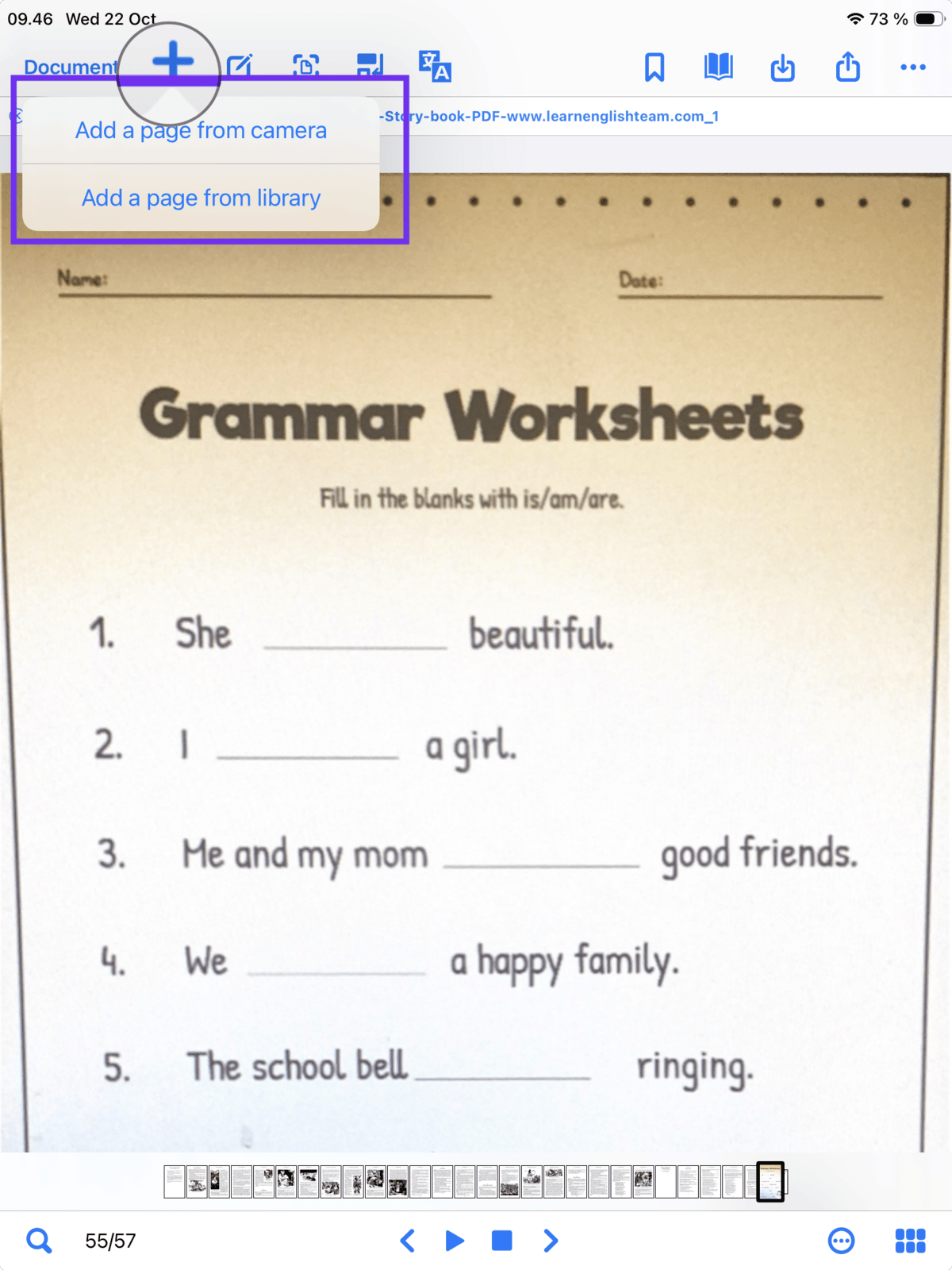
What's staying the same
You’ll still recognize the app you love. If you’ve used the ClaroPDF Free app in the past, your saved files, tools, and workflows will remain intact. You’ll simply see a new OrbitNote icon and name on your device.
No need to redownload or migrate your content, everything stays where it is.
For ClaroPDF Pro users migrating to OrbitNote, you will need to transfer your documents across. You will be prompted to do this when launching OrbitNote for the first time. Simply select “Yes”, and the new app will then automatically import all of your existing documents from ClaroPDF Pro into OrbitNote.
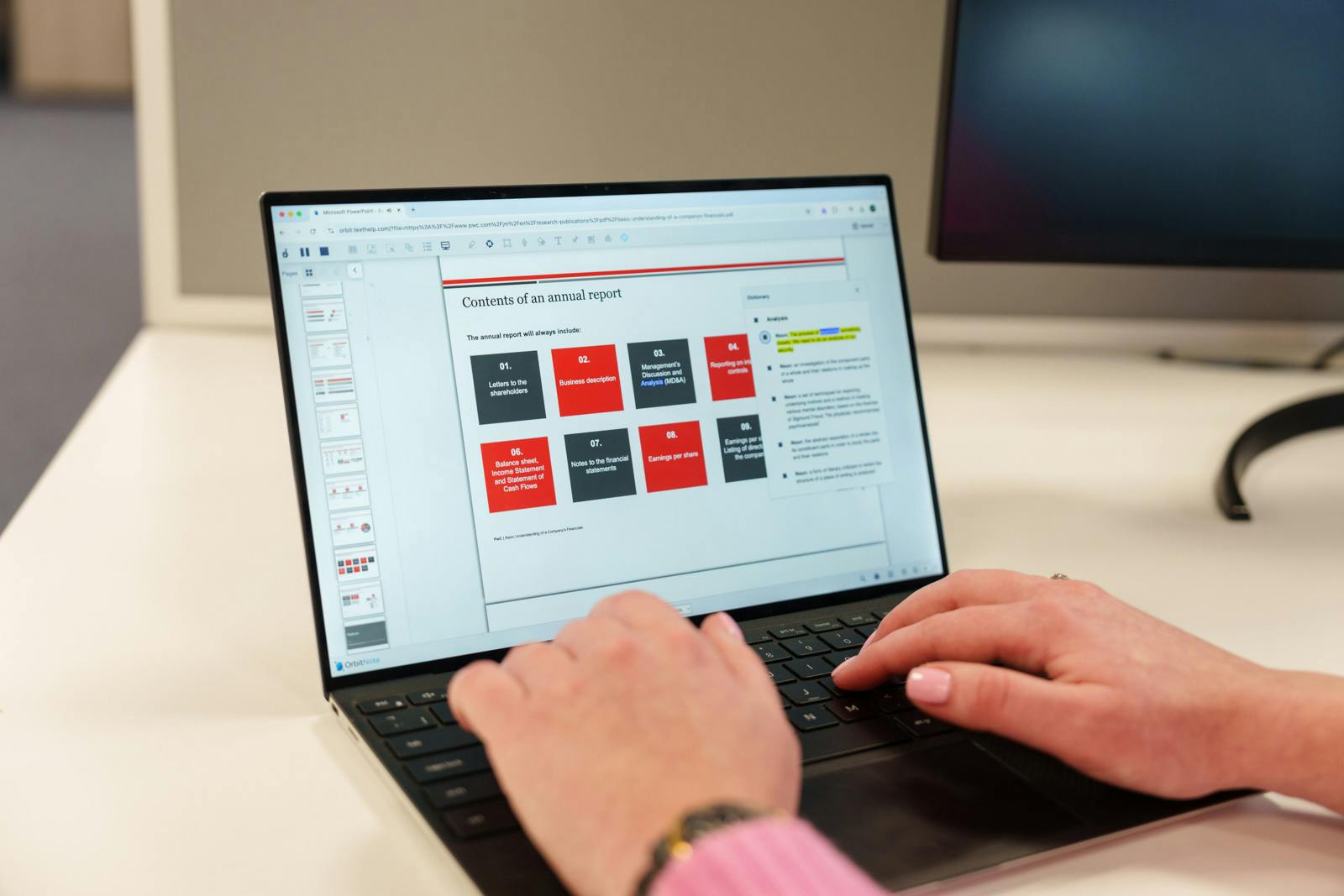
Experience OrbitNote: The next chapter of ClaroPDF
Not a ClaroPDF Pro or ClaroRead customer? Learn more about our group licensing options to access OrbitNote on iOS and Desktop.
Frequently asked questions
The transition from ClaroPDF to OrbitNote begins in the first week of December 2025.
Yes. If you’ve purchased ClaroPDF Pro or are a ClaroRead customer, you’ll continue to have full access and receive future updates.
Visit our customer support page.
ClaroRead User:
Users will be able to use their Claro logins on the OrbitNote app and access all premium features.
ClaroPDF Pro:
Existing Pro users will not need to log in to OrbitNote. The new OrbitNote app will detect that they have purchased ClaroPDF Pro and automatically unlock the app for them.
ClaroPDF Free who have purchased pro access from within the app:
Existing “Free -pro” users will not need to log in to OrbitNote. The new OrbitNote app will detect that they have used the ClaroPDF as a pro user and automatically unlock the app for them, providing all features.
ClaroPDF Free:
Existing “Free” users will not need to log in to OrbitNote. The new OrbitNote app will detect that they have used the ClaroPDF as a free user and automatically unlock the app for them, providing all features for 30 days as a free trial.
If your ClaroPDF Pro purchase isn’t automatically recognized in the new OrbitNote app, don’t worry there’s an easy fix.
In the ClaroPDF Pro app, you’ll see a new menu option or button that allows you to verify your purchase and unlock access to OrbitNote directly.
Simply tap this option to ensure your Pro features transfer over smoothly.
Yes. When you first launch OrbitNote, it will automatically check whether the ClaroPDF Pro app is installed on your device.
If it is, you’ll be prompted to import all of your existing documents from ClaroPDF Pro into OrbitNote, making the transition quick and seamless.
Your files will remain safe in the original app until you choose to move them.
Any additional voices you purchased in ClaroPDF Pro will not transfer to OrbitNote.
However, OrbitNote includes access to all available voices for free, so you’ll have even more options at no extra cost.
You can continue using your purchased voices within ClaroPDF Pro if you wish, they remain available there.