
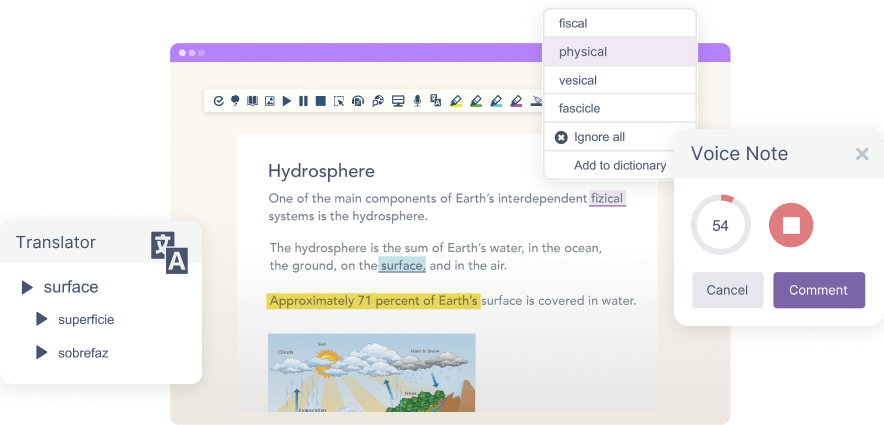
We’ve added a new Speak As I Type option in Read&Write that reads letter names aloud as users type. This update applies to Read&Write for Google Chrome and Read&Write for Microsoft Edge.
This feature gives immediate feedback while writing, helping students connect what they type with what they hear, supporting spelling, typing accuracy, and confidence.
What’s new
With Speak As I Type by letter, each letter is spoken aloud as it’s typed, using the user’s selected voice and supported language. This provides real-time reinforcement, helping students stay engaged and aware of what they’re writing.
The feature works alongside existing speech tools, giving users more flexibility in how they receive feedback while writing.
Designed to support developing writers
For younger students and those who find spelling or typing challenging, hearing each letter as they type can make a meaningful difference. It helps reinforce letter recognition, reduces uncertainty, and supports more independent writing.
Supporting confident writing
By adding letter-by-letter speech feedback, Read&Write gives students another way to check their work as they go. This helps reduce errors, build confidence, and support more accurate writing over time.