TOP FEATURE
OCR scanning
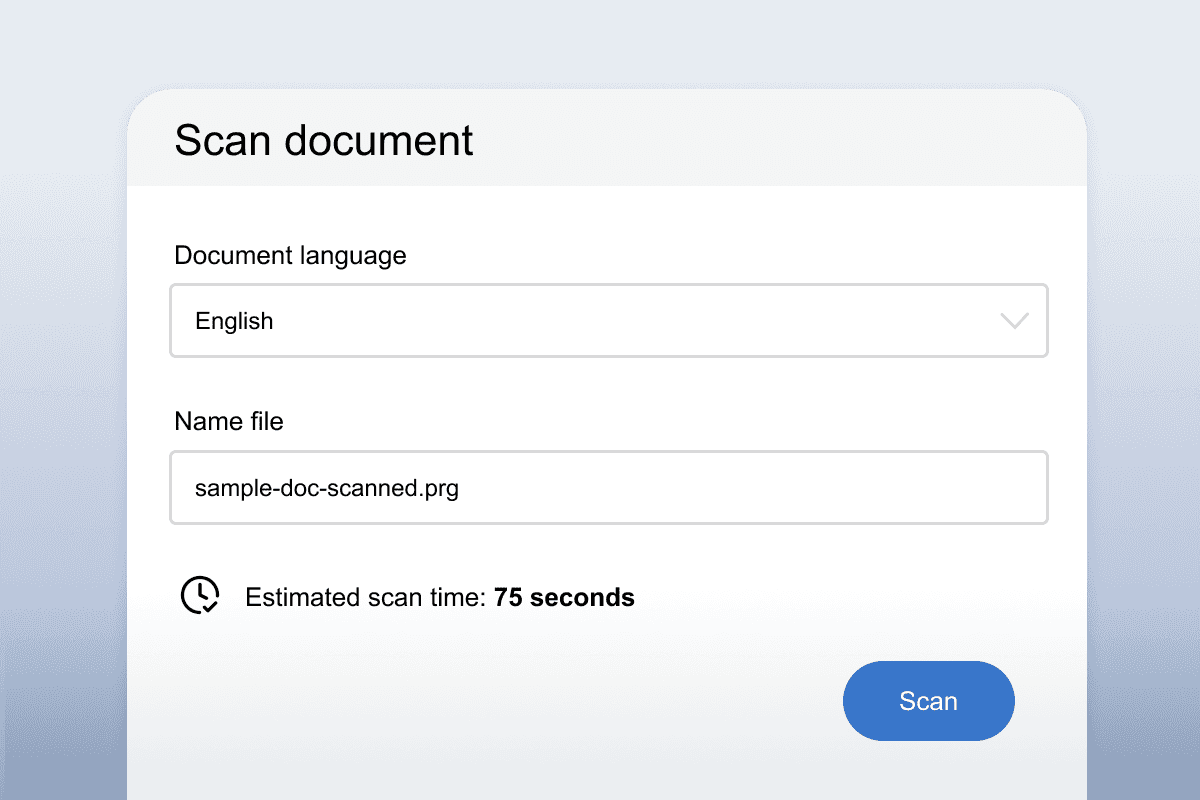
Turn printed documents into PDFs with our one-click OCR scanning technology. You can then use all the tools OrbitNote has to offer, like Text-to-Speech, highlighting and vocabulary support.
With OrbitNote you can transform PDF documents into accessible and collaborative spaces that work for everyone. Explore everything OrbitNote has to offer.
Create and edit PDFs. OrbitNote’s powerful OCR scanner lets you turn printed documents into editable digital documents. And text and drawing tools make them easy to annotate, so students can learn in a way that suits them.
TOP FEATURE
Turn printed documents into PDFs with our one-click OCR scanning technology. You can then use all the tools OrbitNote has to offer, like Text-to-Speech, highlighting and vocabulary support.
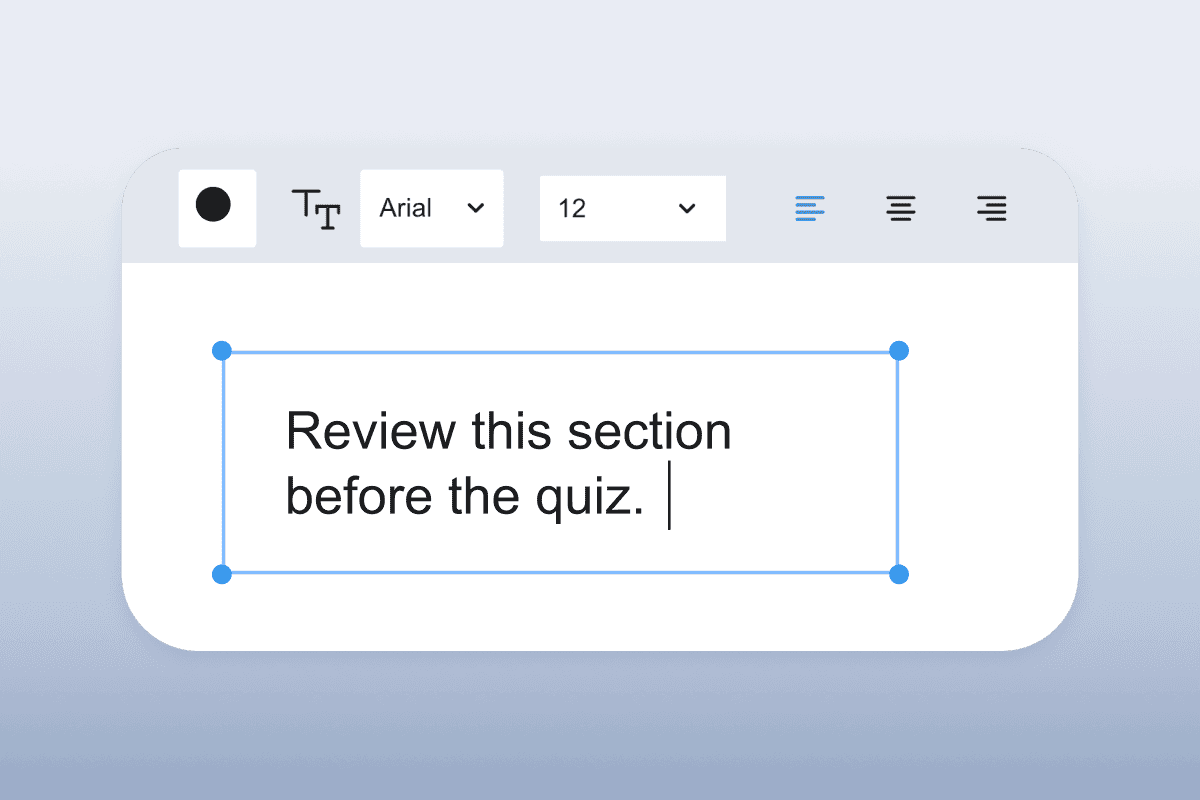
The Text tool lets you type text on top of a PDF. Ideal for adding study notes or feedback.
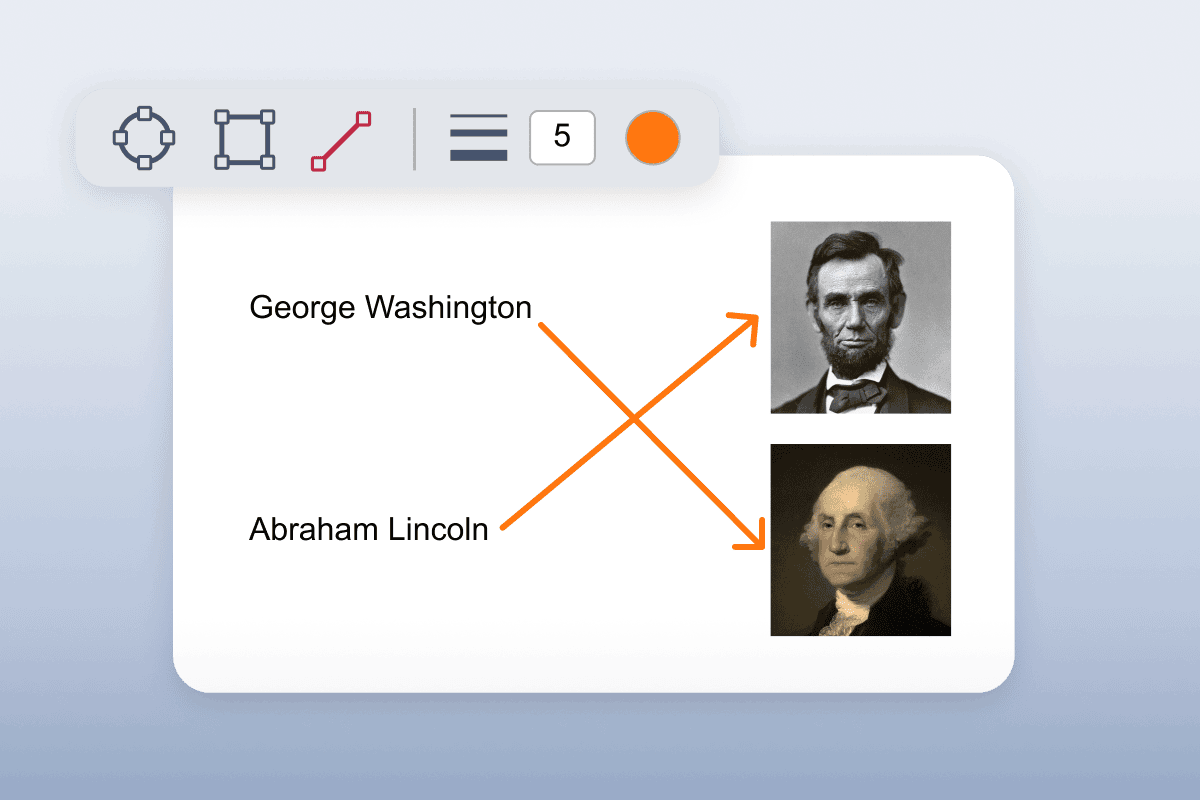
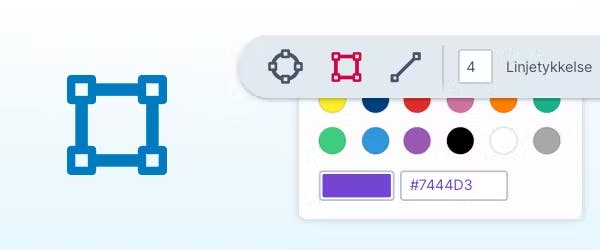
With Shapes Drawing, students can add customizable circles, rectangles and lines to PDFs.
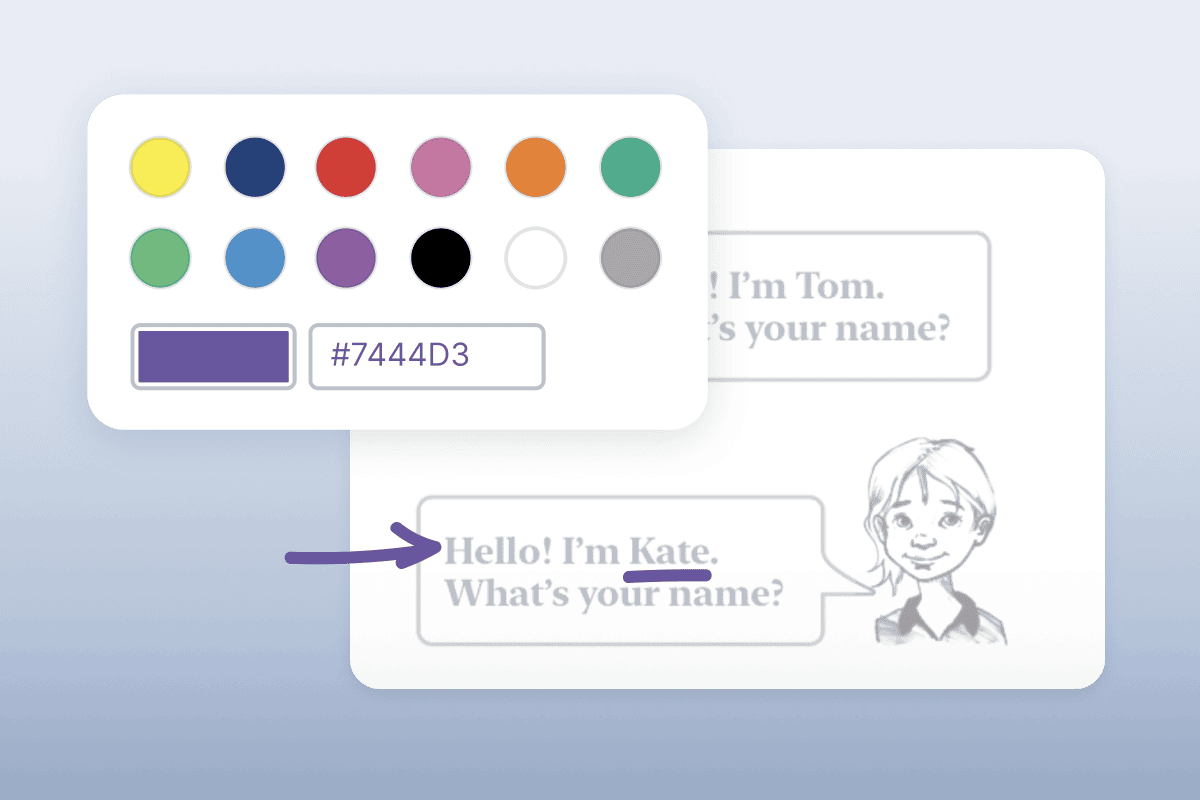
The Freehand Drawing tool lets you scribble and draw on PDFs to give instructions or connect ideas.
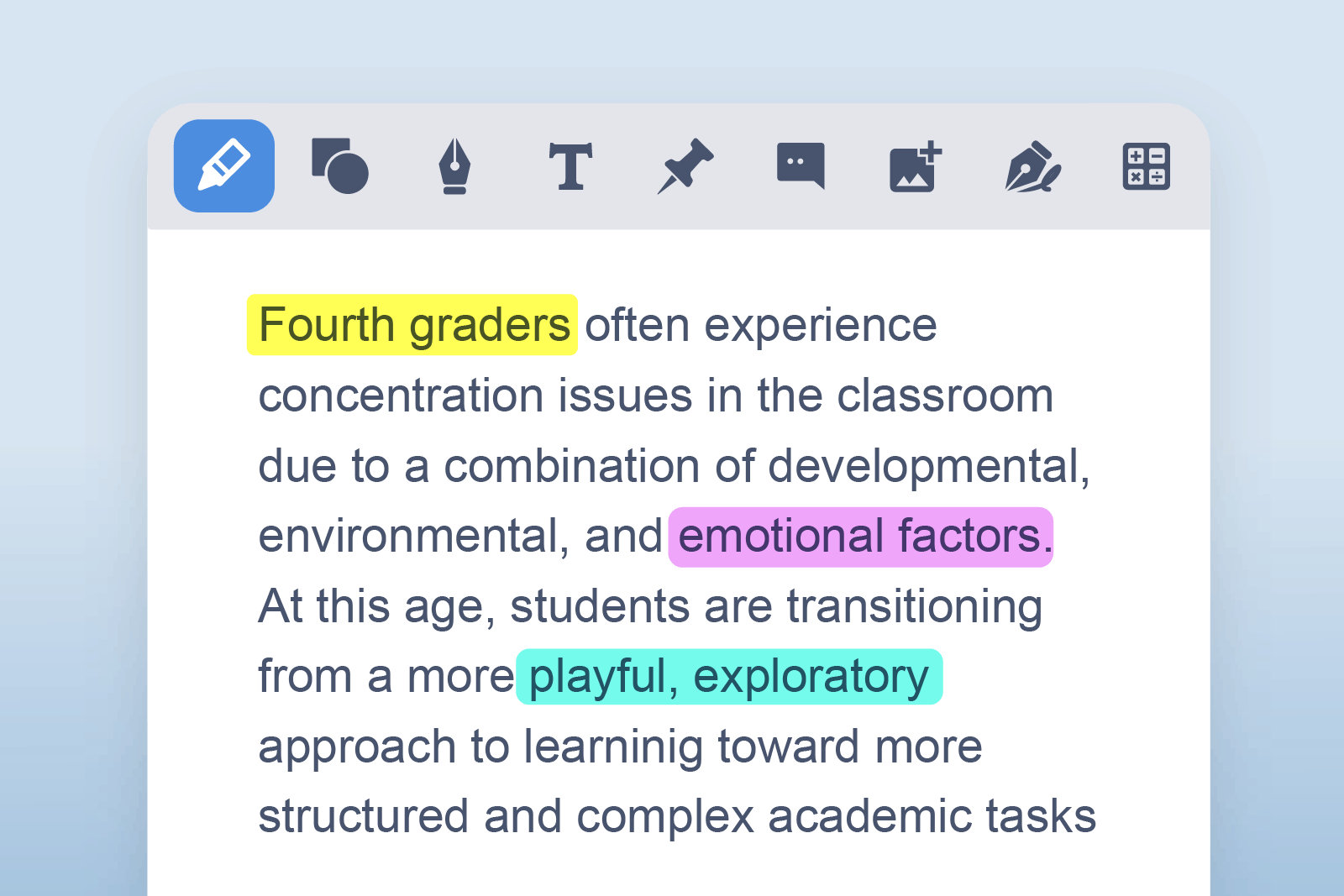


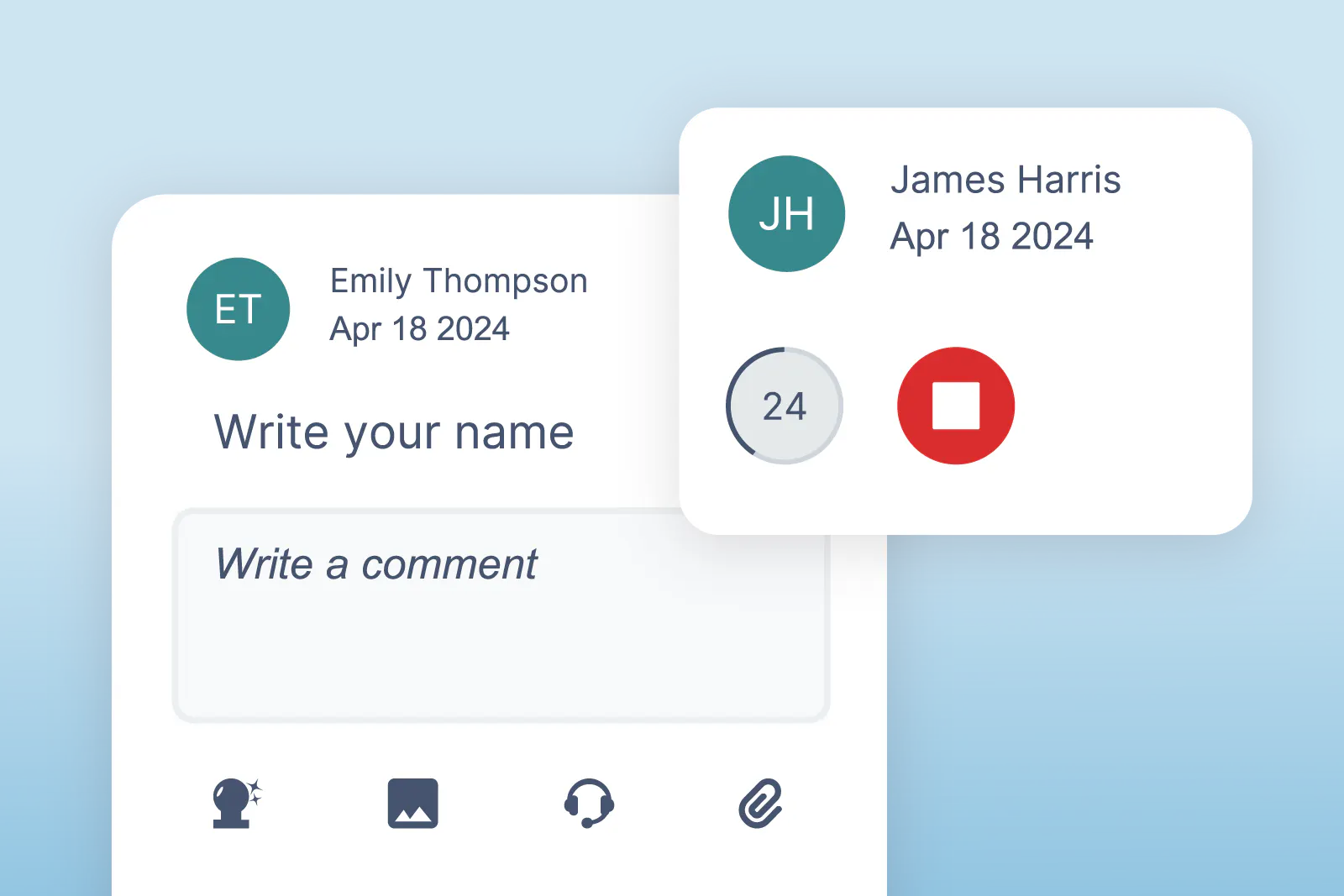
OrbitNote’s literacy tools make PDFs accessible. Students can extract important information from documents, and hear text read aloud.
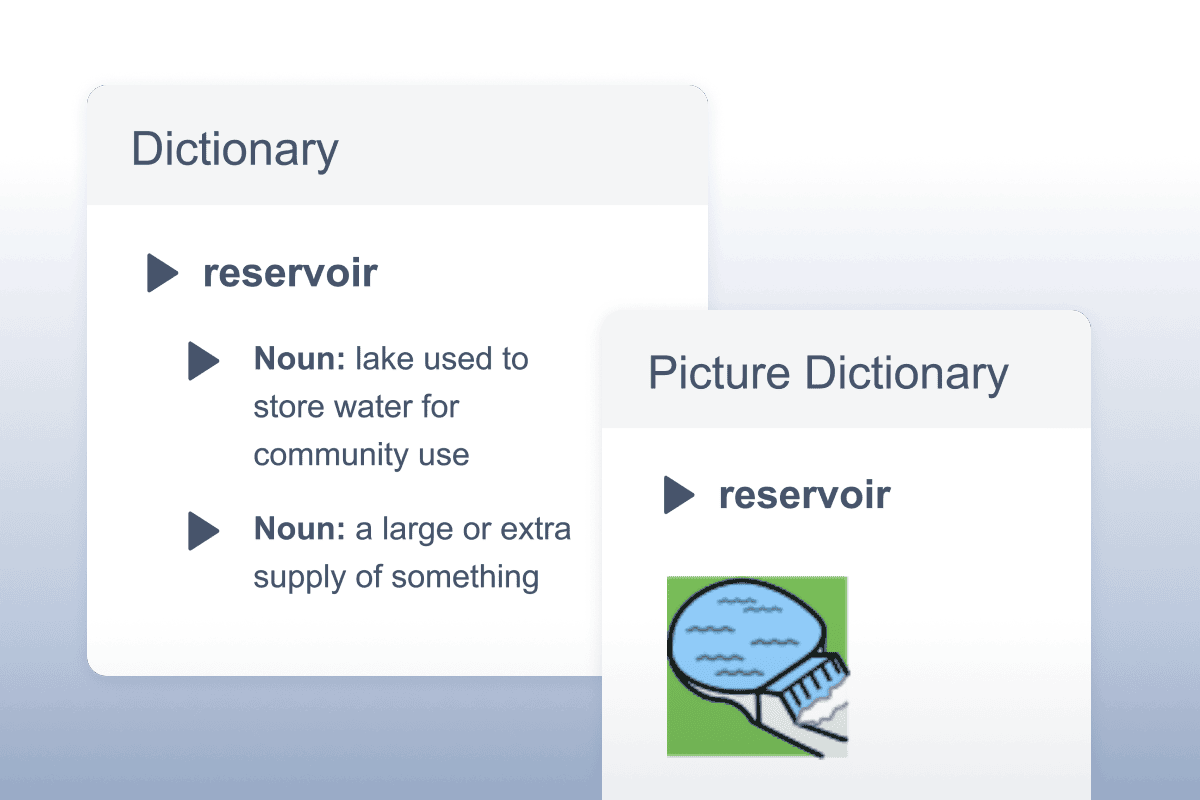
Gives students definitions for difficult words, helping improve comprehension and writing. Definitions can even be read aloud.
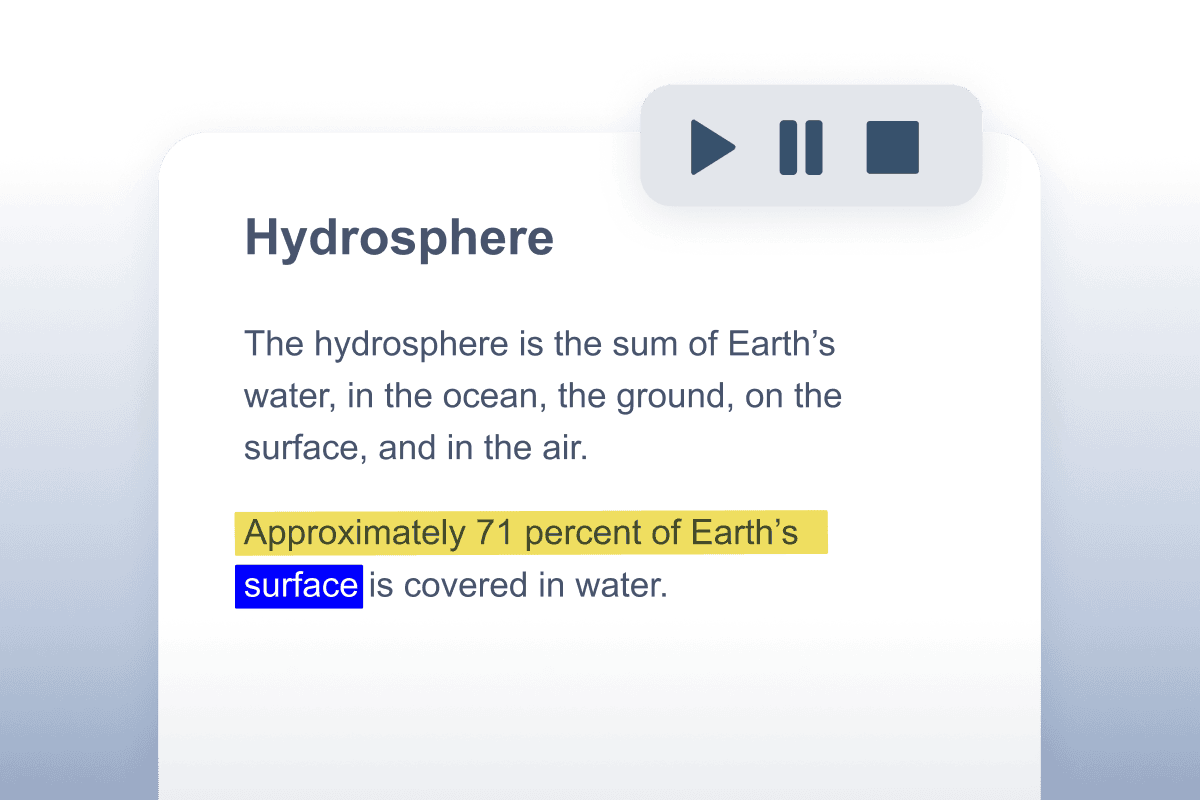
Reads words, passages, or whole documents aloud with easy-to-follow dual color highlighting.
Converts inaccessible text into text that can be edited and read aloud.
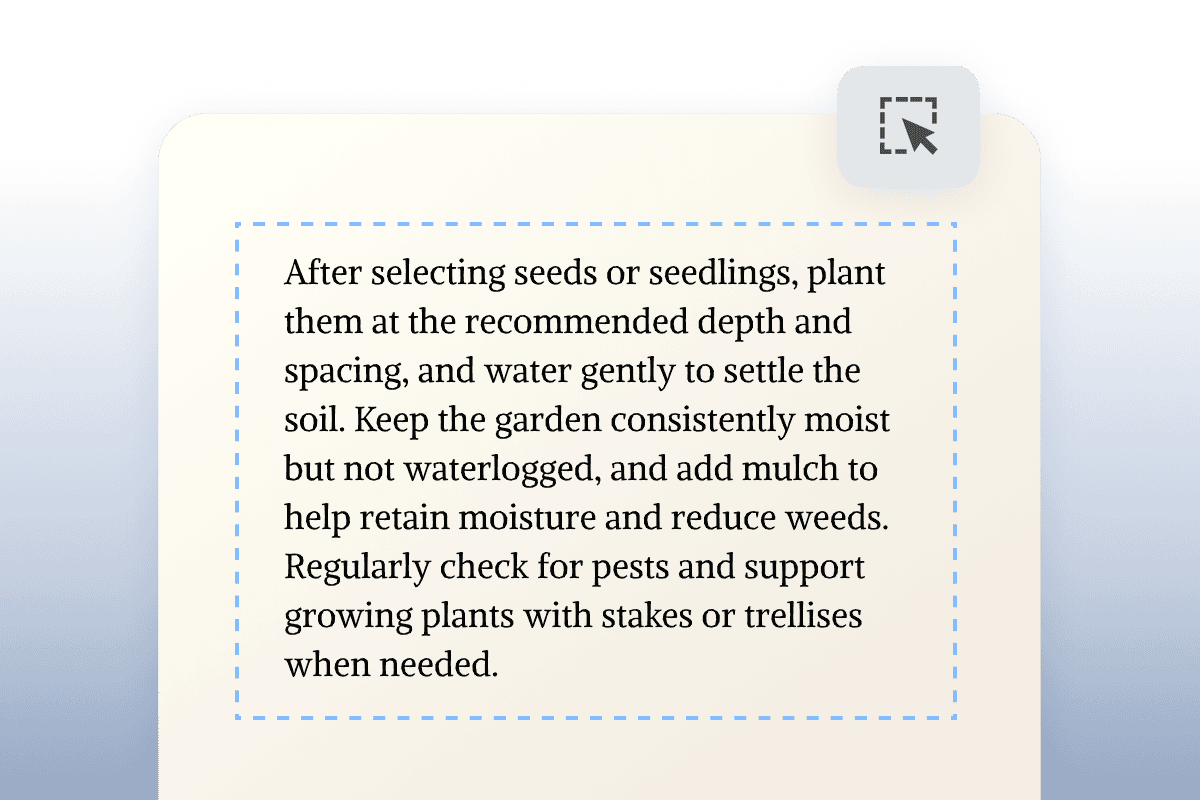
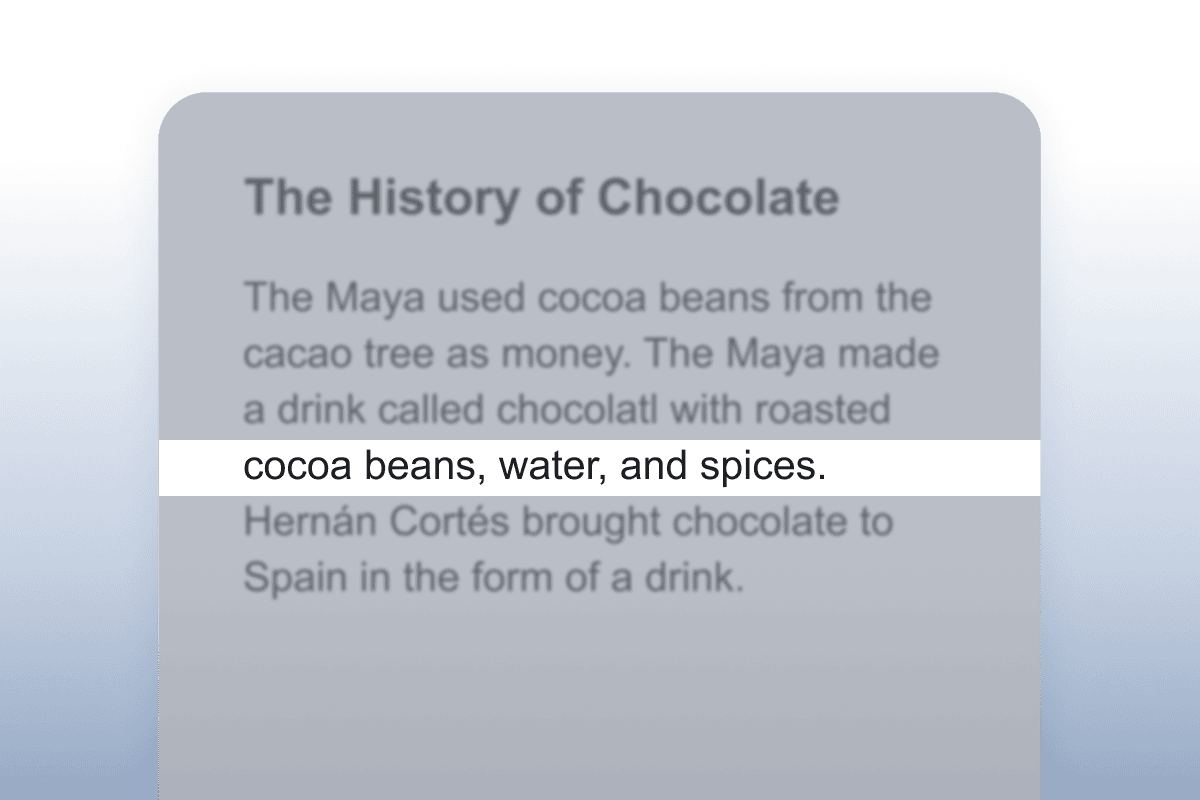
The Screen Mask tool tints your screen to make it easier to focus on the important parts of your documents.
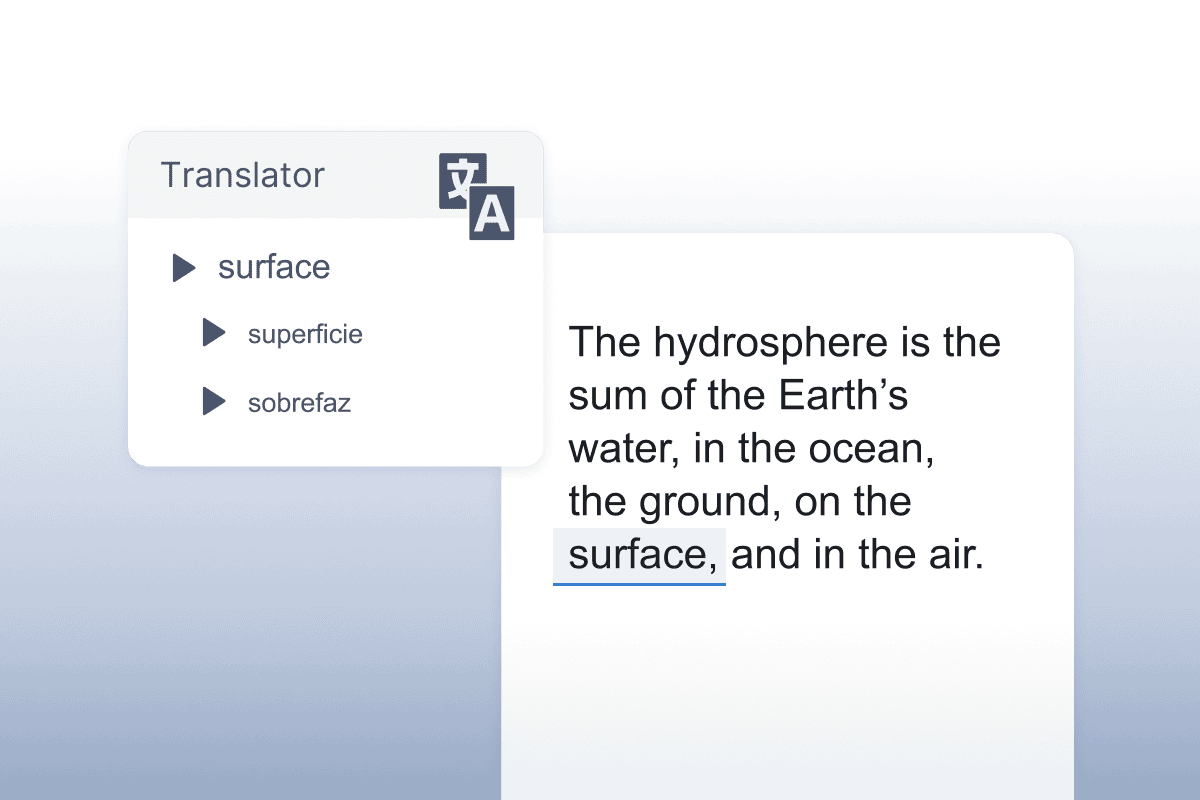
Instantly translate words into a wide selection of languages.
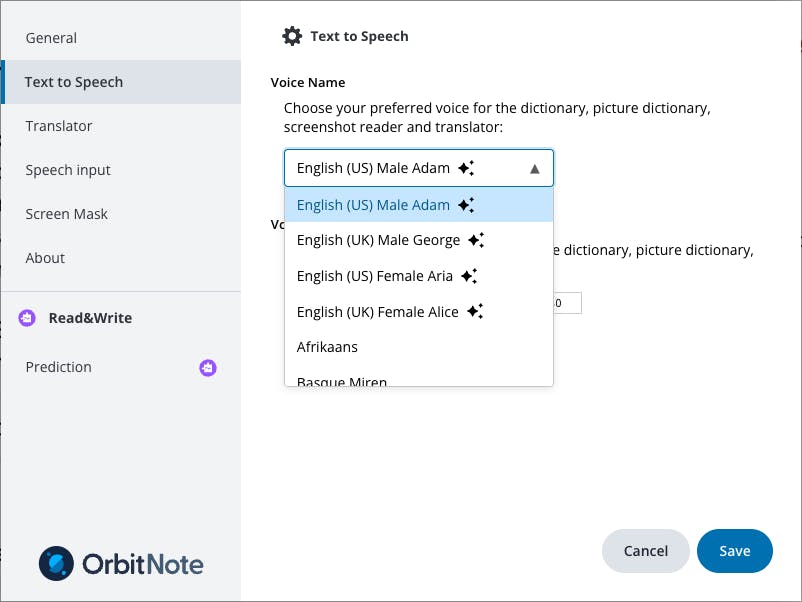
Natural-sounding read-aloud options that improve comprehension.
Convert an image to a PDF for reading and markup using literacy and annotation tools.
We’ve got everything you need to get started with OrbitNote. Use our feature guides to understand how everything works. Or dive deeper with our webinars.
Watch our short video guides on how to use each of OrbitNote's features.
For information on everything from setting up to detailed training and learning resources, visit the OrbitNote Academy.
We offer pricing for individual schools and districts. If you’ve got questions, book a chat with our Product specialists.
✓All premium features
✓Integrations
✓Onboarding
✓Training and support
*Minimum of 150 seats
Discover how OrbitNote can unlock student potential.
Complete the form to request a personalized demo or a quote, and we’ll be in touch soon.