
Make documents that work for everyone
OrbitNote transforms PDFs into editable digital documents. Create, mark-up and annotate PDFs with ease, and use literacy features to make content accessible to all learners.
OrbitNote transforms PDFs into editable digital documents. Create, mark-up and annotate PDFs with ease, and use literacy features to make content accessible to all learners.
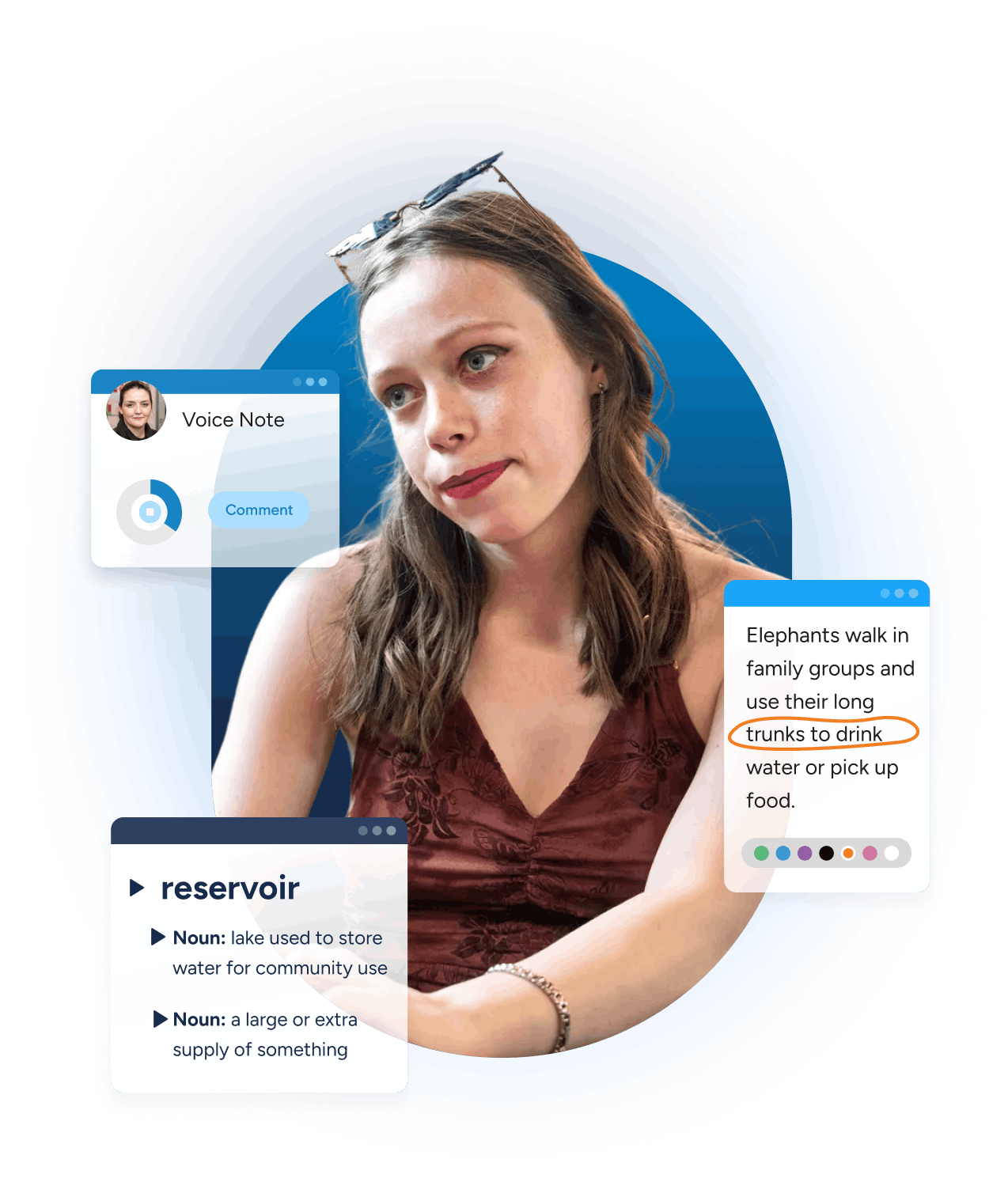
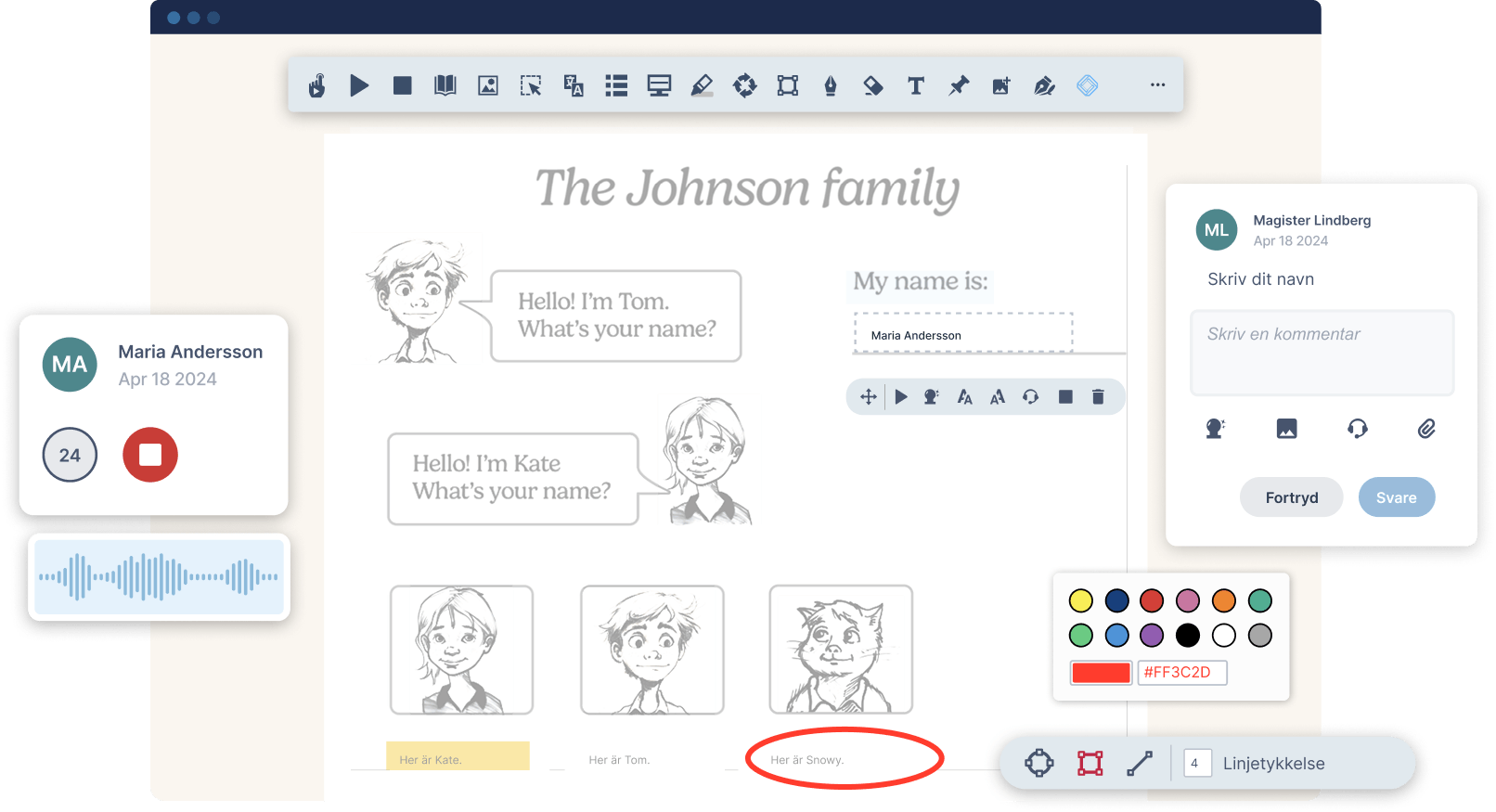
OrbitNote transforms documents into digital spaces for working together. Teachers can give feedback and students can ask for help, by adding text, freehand drawings or shapes. Students can collaborate on group work, or get feedback from their peers.
 Text
Text
 Freehand Drawing
 Shapes Drawing
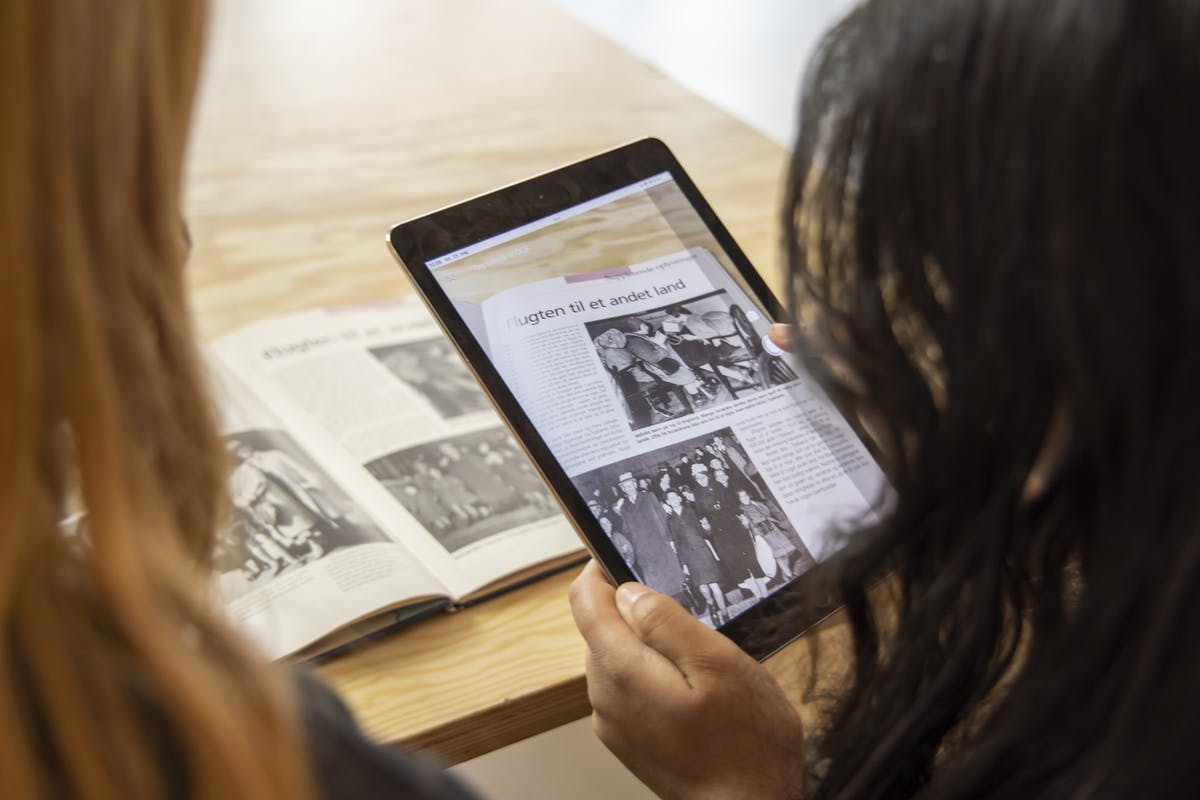
You can easily convert printed text into a PDF with OrbitNote’s one-click OCR scanning technology. Or convert images to PDFs or use the Screenshot Reader to make inaccessible text accessible.
Students can then use literacy features including Text-to-Speech to access all class content, helping every learner succeed.
 OCR Scanning
 Image to PDF
 Screenshot Reader
With OrbitNote, students can express their understanding in a way that suits them. They can type or draw their thoughts on the page, or even use Speech Input.
Students can highlight and save key points. They can also add shapes and images to their work to connect ideas.
Text
Freehand Drawing
Shapes Drawing
 Highlighting
 Add Image
 Speech Input
OrbitNote boosts students’ understanding with tools like Dictionary, which provides definitions for difficult words. Words can even be read aloud.
The Translator feature translates words into a wide selection of languages, helping multilingual learners comprehend text.
 Dictionary
 Translator
Students with dyslexia or other literacy challenges can use Text-to-Speech to hear text read aloud. Speech Input allows them to add notes with their voice.
 Text-to-Speech
Speech Input
OrbitNote makes it easier for students to focus, with a Screen Masking feature that tints the screen and helps minimize distractions. Drawing and text features mean students can add annotations and written thoughts to connect ideas.
The Highlighting tools allows them to collect and save important pieces of information.
Text
 Screen Masking
Freehand Drawing
Highlighting
Discover all of OrbitNote’s features. With tools for creating, editing and collaborating on PDFs, take your documents to the next level.


Discover how one of the nation’s largest districts is experiencing better collaboration and improved access for students with low vision or processing needs with OrbitNote.
Discover how OrbitNote can improve collaboration and empower all learners in your classroom. Contact us for a demo.