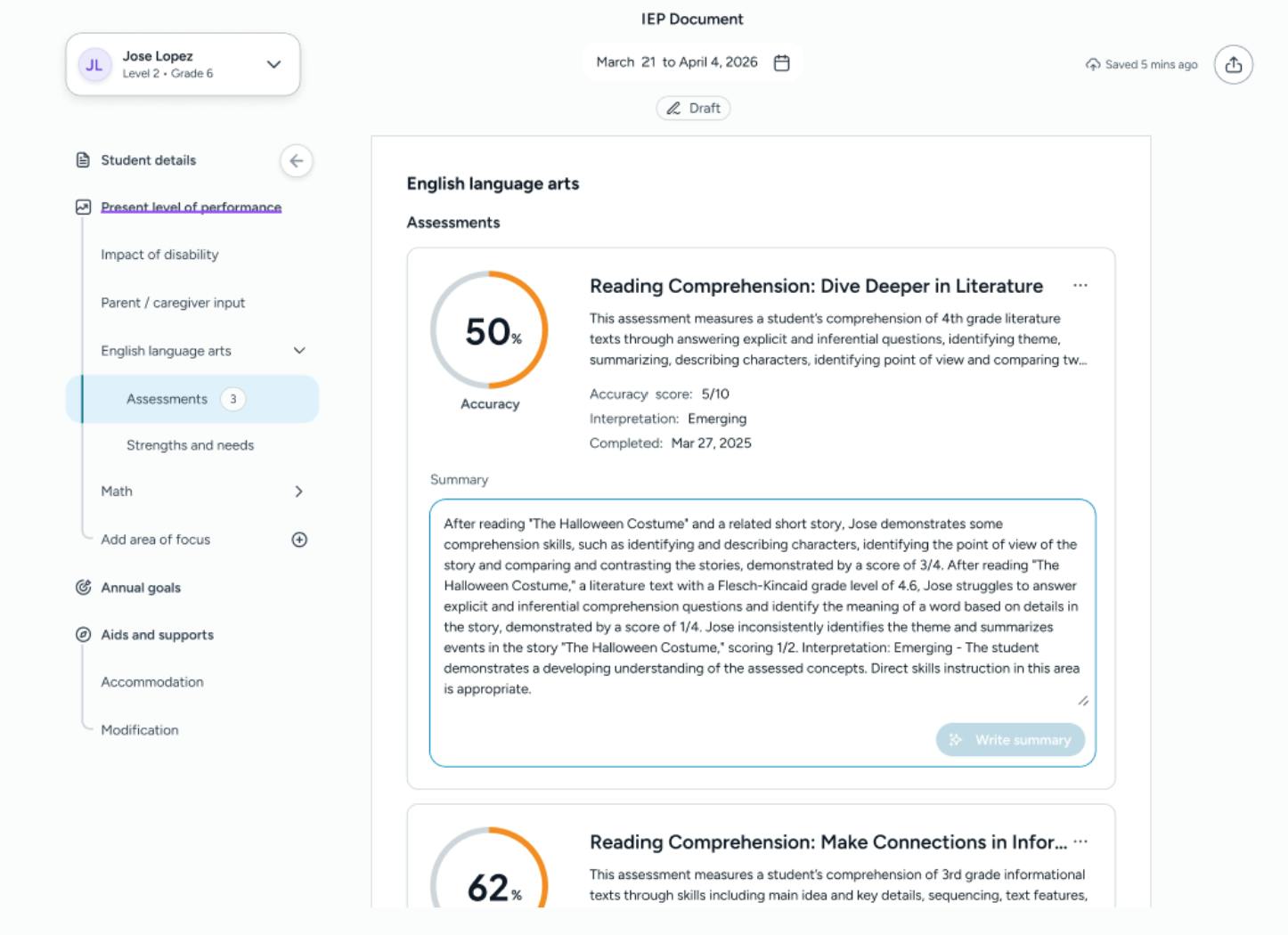
Track progress in real time
Polaris turns data into simple, helpful insights that make it easy to see how a student is progressing.
Polaris gives you clear guidance, reliable data and ready-to-use recommendations, so you can write, track and manage high-quality IEPs with confidence. It supports your team at every stage, from assessments to reporting, and saves hours on each plan.
Polaris helps you write IEPs that reflect each student’s needs and strengths.
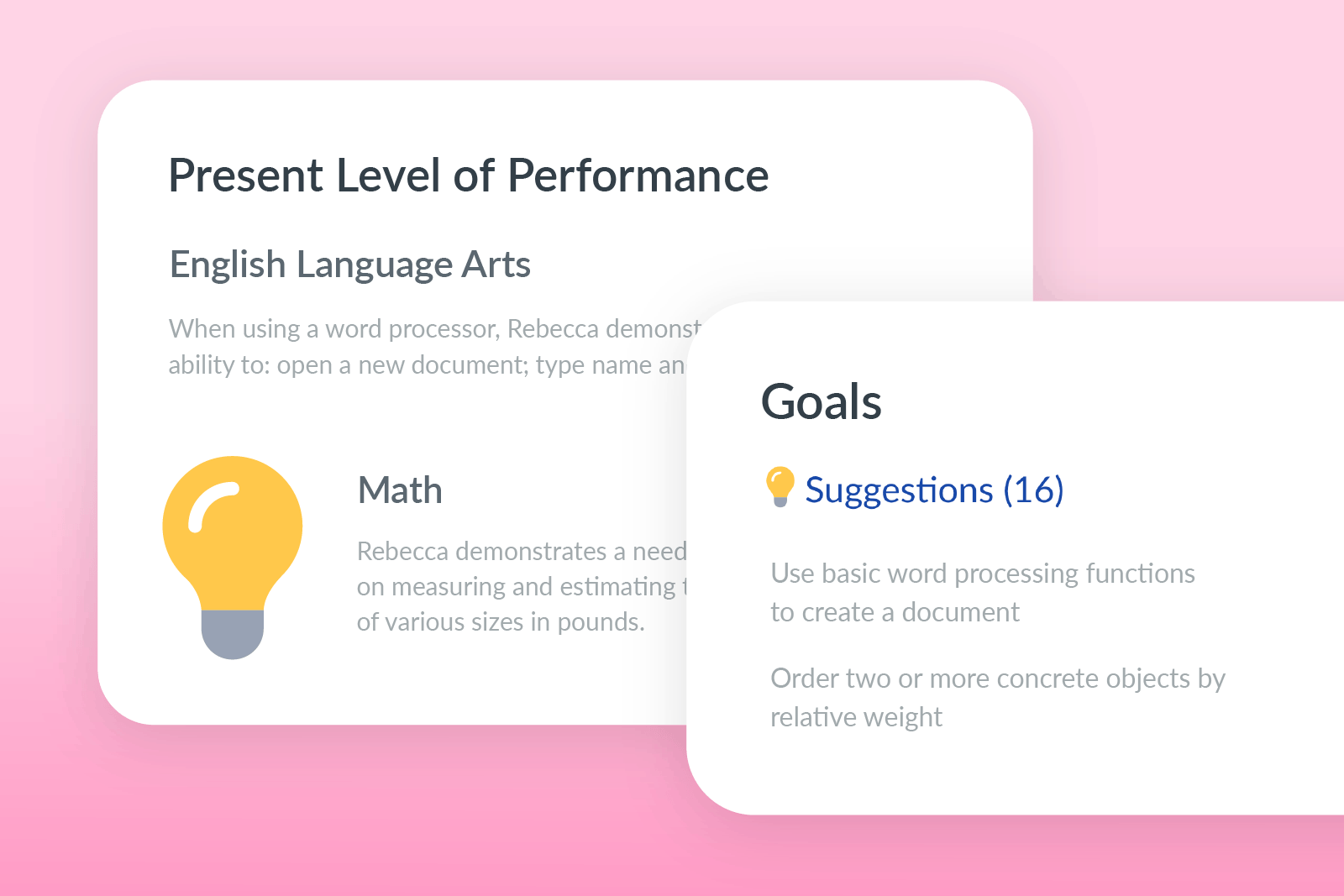
Polaris brings together results from embedded and connected assessments, then turns them into clear statements about where a student is right now. This helps you start each IEP with an accurate, strengths-based picture.
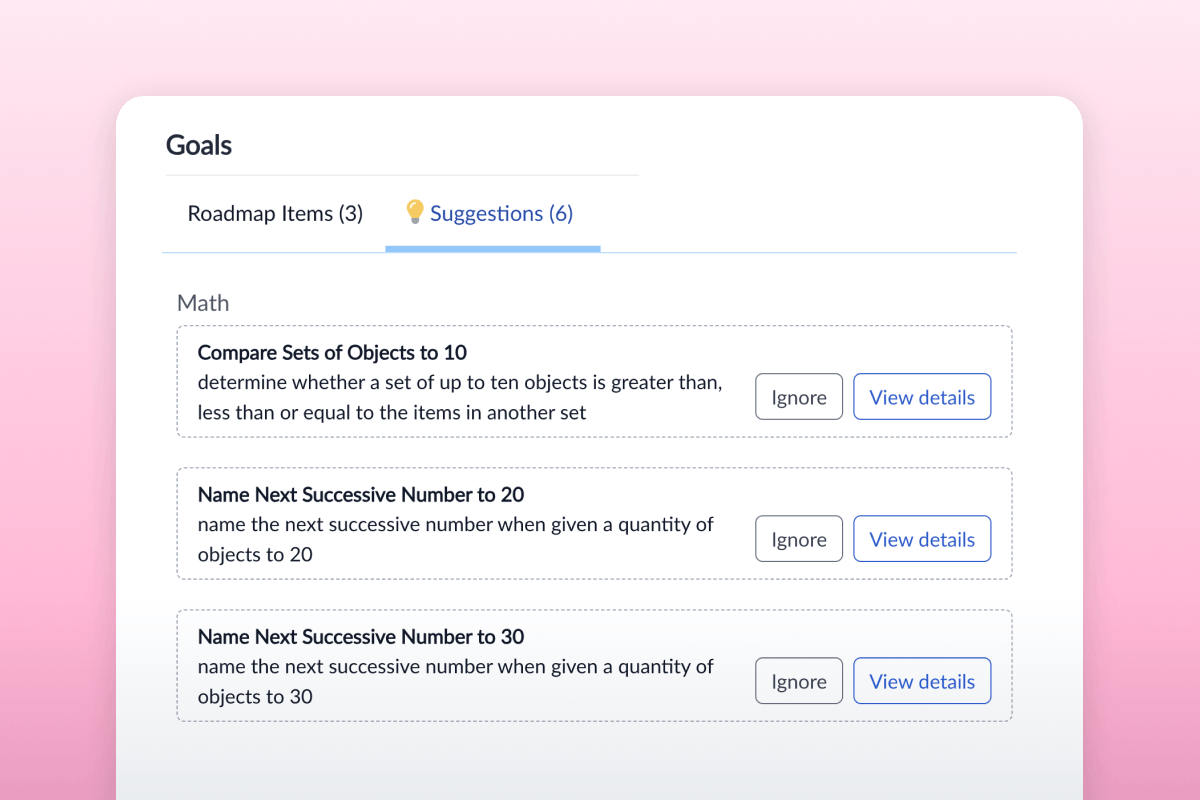
You get goal ideas that match the student’s current skills and needs. Each suggestion is specific, measurable and realistic, helping you set goals that lead to meaningful progress.
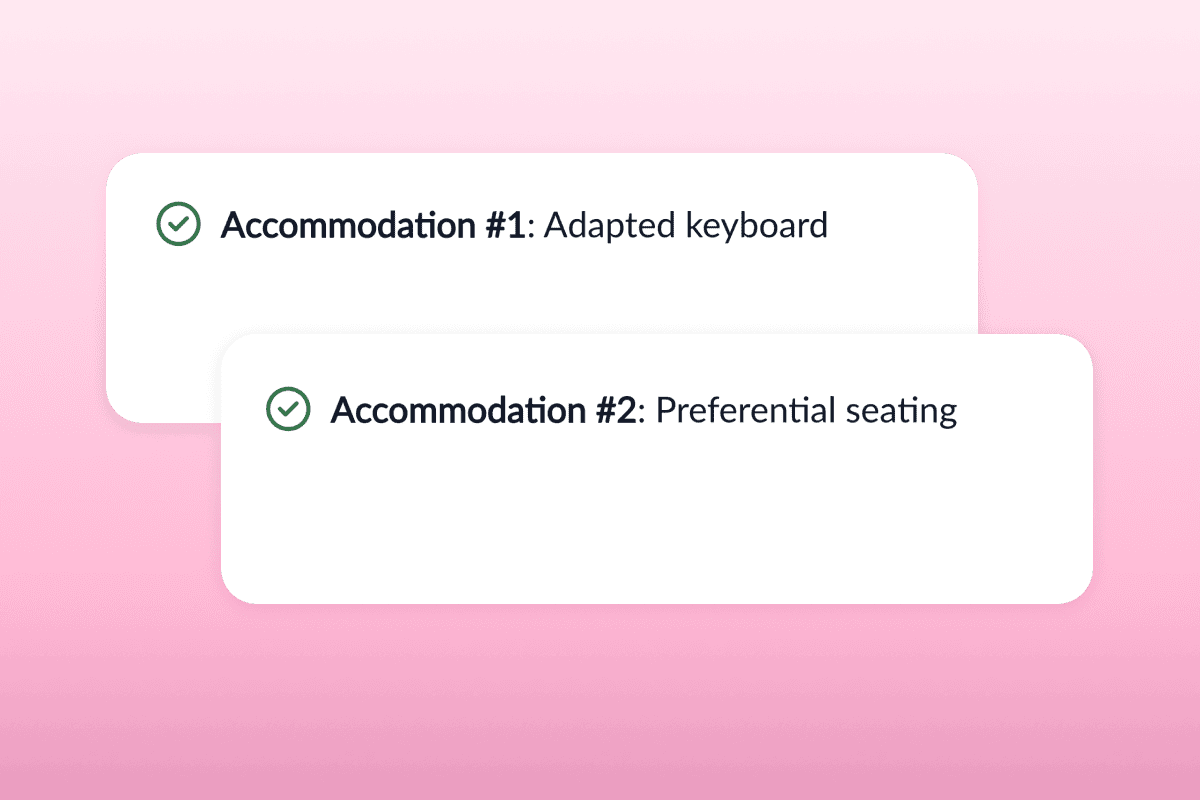
Polaris suggests supports that match the student’s profile, such as changes to instruction, materials or the learning environment. This helps you personalize the IEP without guessing.
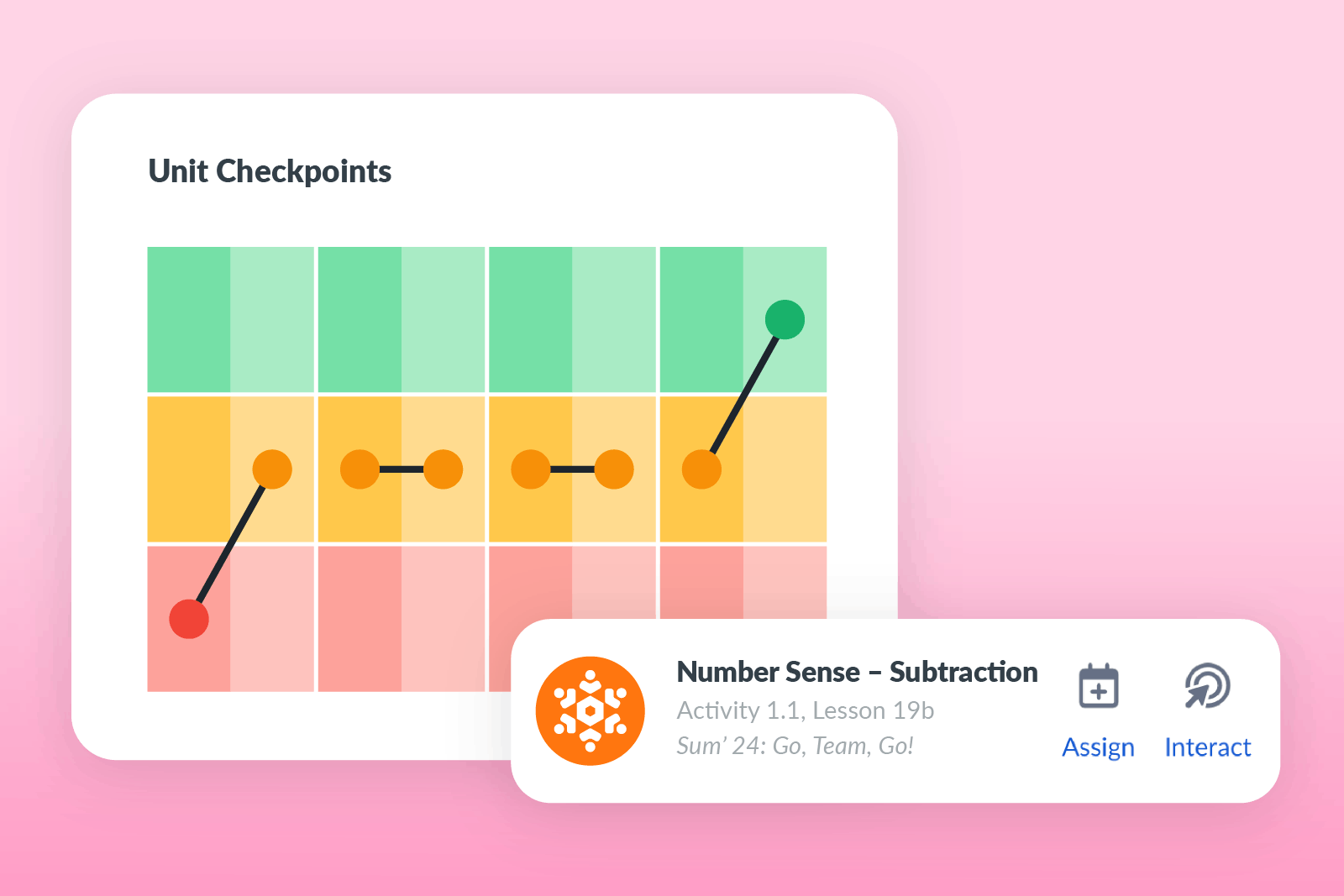
Polaris recommends lessons that connect directly to the goals you’ve written, helping you link the IEP to everyday instruction. This makes it easier to plan lessons that meet state standards and support growth.
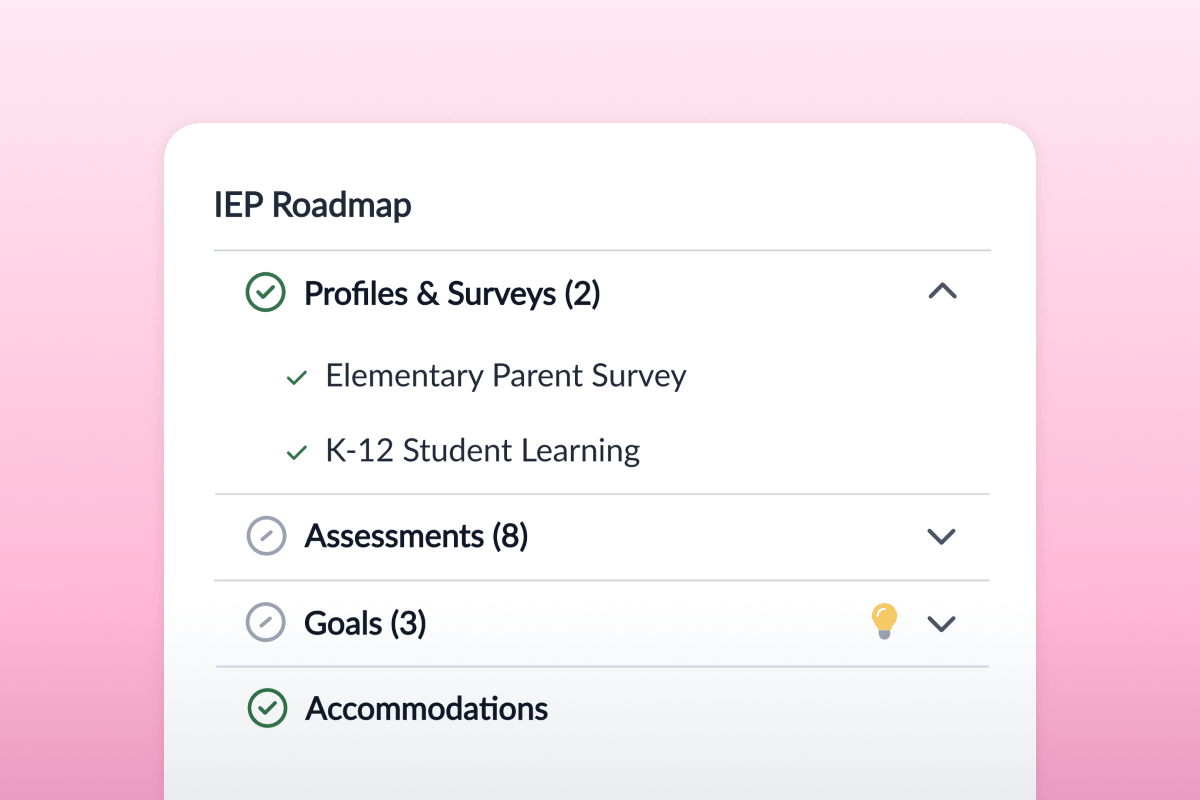
Each part of the IEP comes with clear prompts and checks to help you stay accurate and compliant. You can follow simple steps that make a complex process easier for everyone on the team.
Polaris includes integrated assessments that give you a complete picture of each student’s skills. Results flow straight into the IEP, helping you write plans that are both personalized and grounded in data.
Assessment results are organized into simple charts and summaries. You can see where a student is doing well and where they may need extra support.
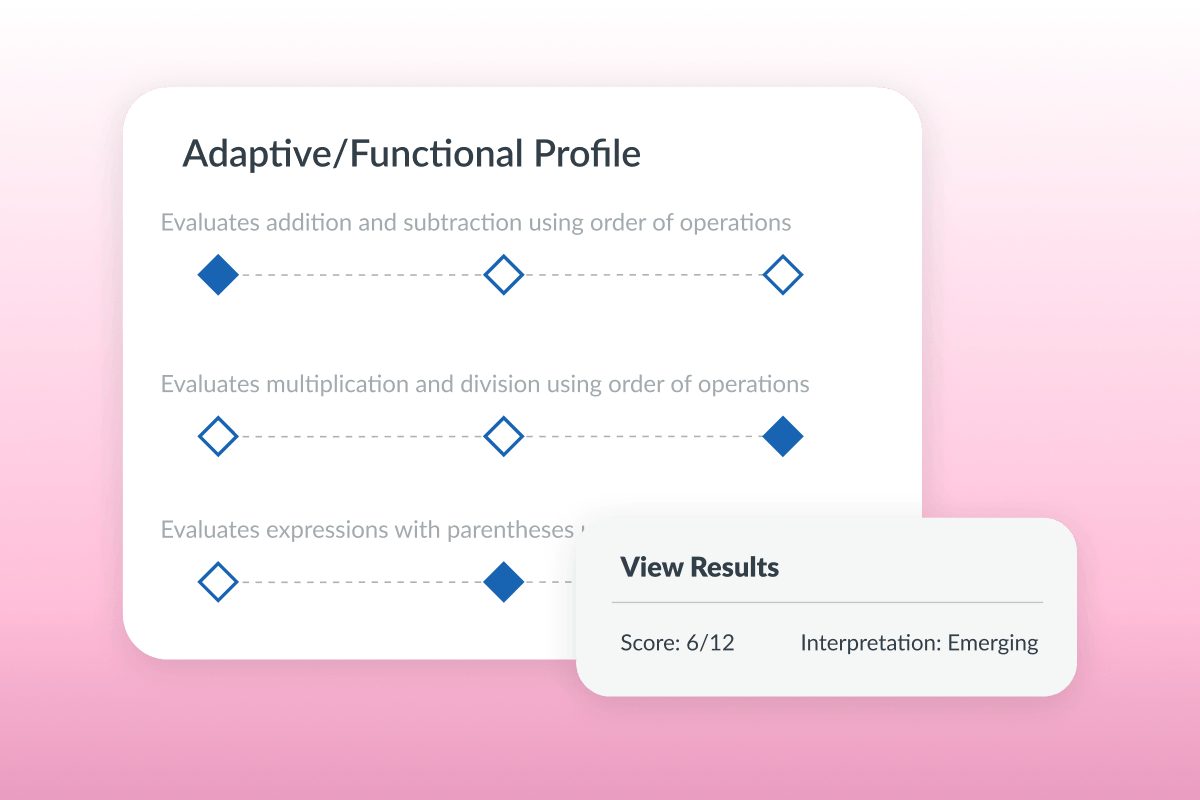
Polaris highlights areas that may need targeted goals, helping you choose the right focus for the IEP.
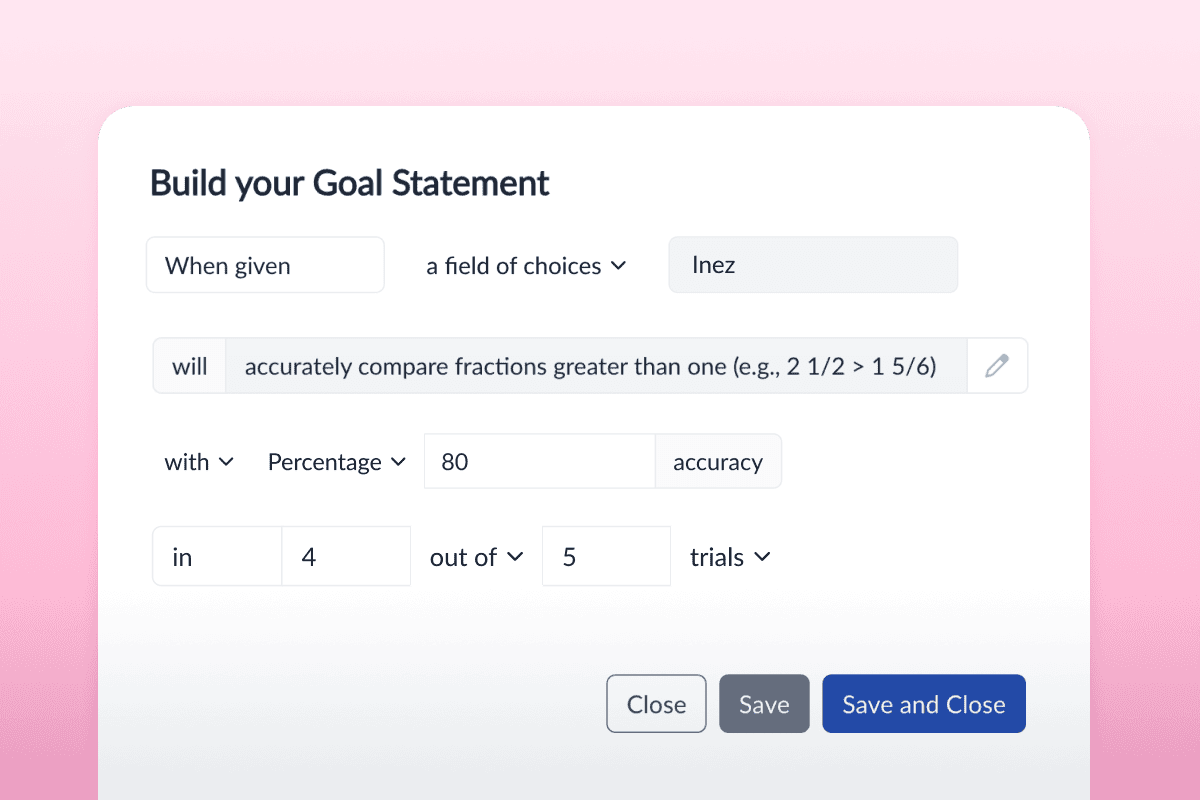
You always have up-to-date information, which makes it easier to explain choices to families, teams and administrators.
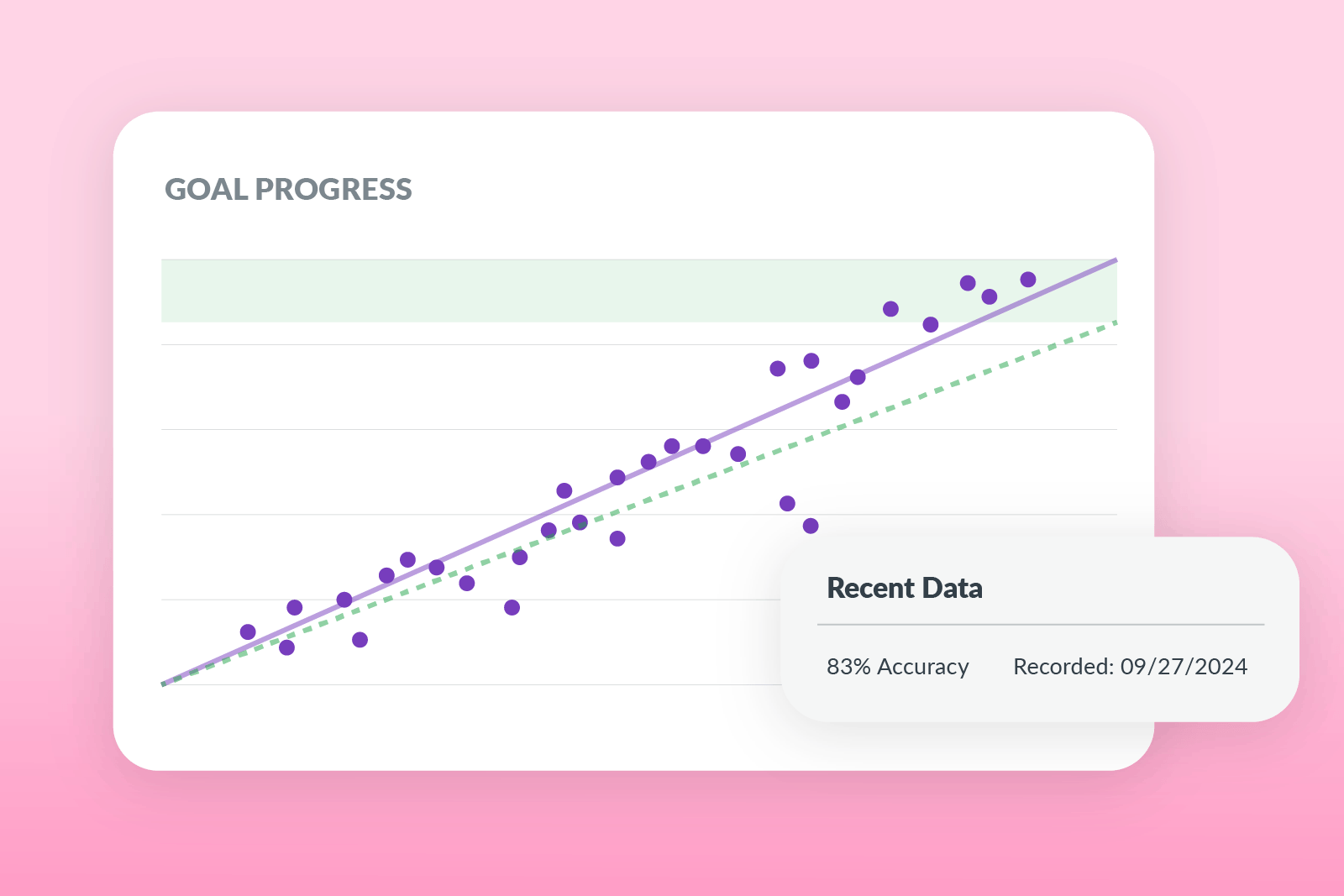
Polaris turns data into simple, helpful insights that make it easy to see how a student is progressing.
Easy-to-read charts: Visuals show how students are performing over time, helping you spot growth or new challenges at a glance.
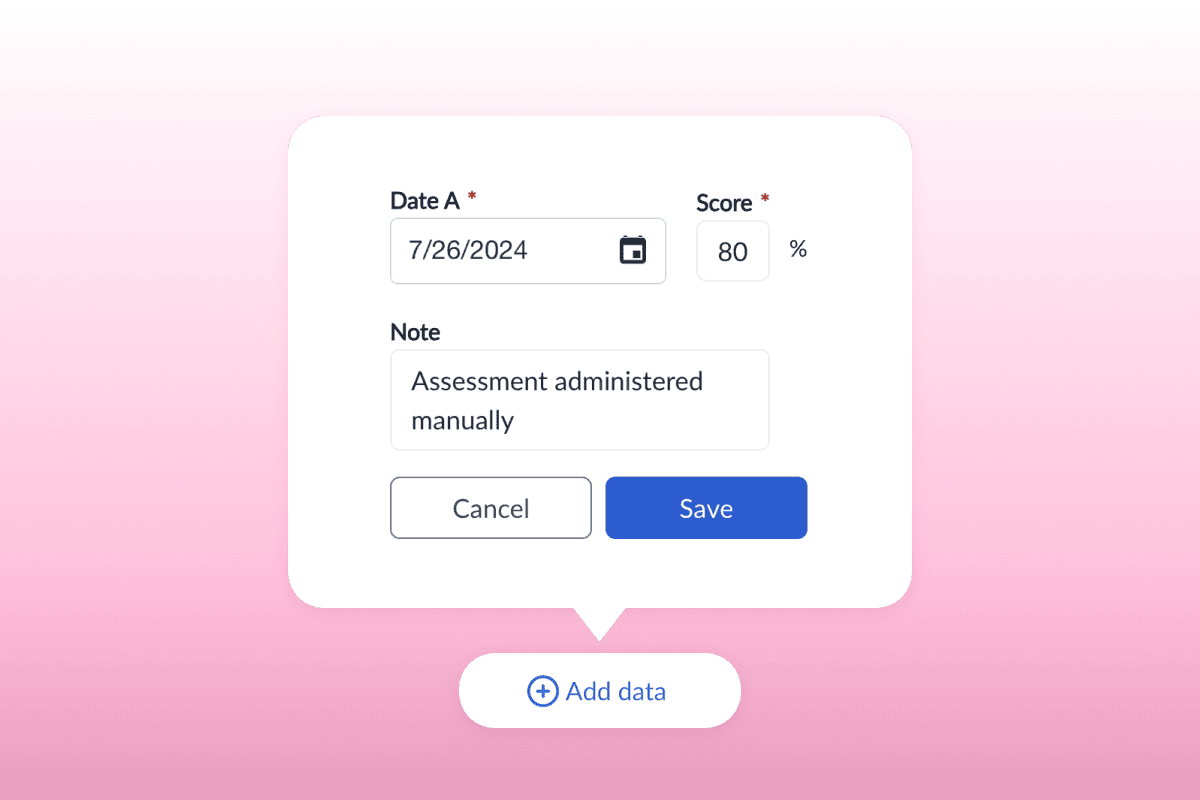
Automatic updates as teachers enter daily or weekly data: Progress charts refresh in real time, so your team always has the latest information.
Alerts when students need extra support: Polaris lets you know when a student may be off track, giving you time to adjust instruction early.
Clear summaries you can share with teams and families: Summaries explain progress in everyday language, supporting better conversations and joint decision-making.
Polaris gives you reports that are simple to read and quick to act on. They help you communicate progress clearly across the whole IEP team.
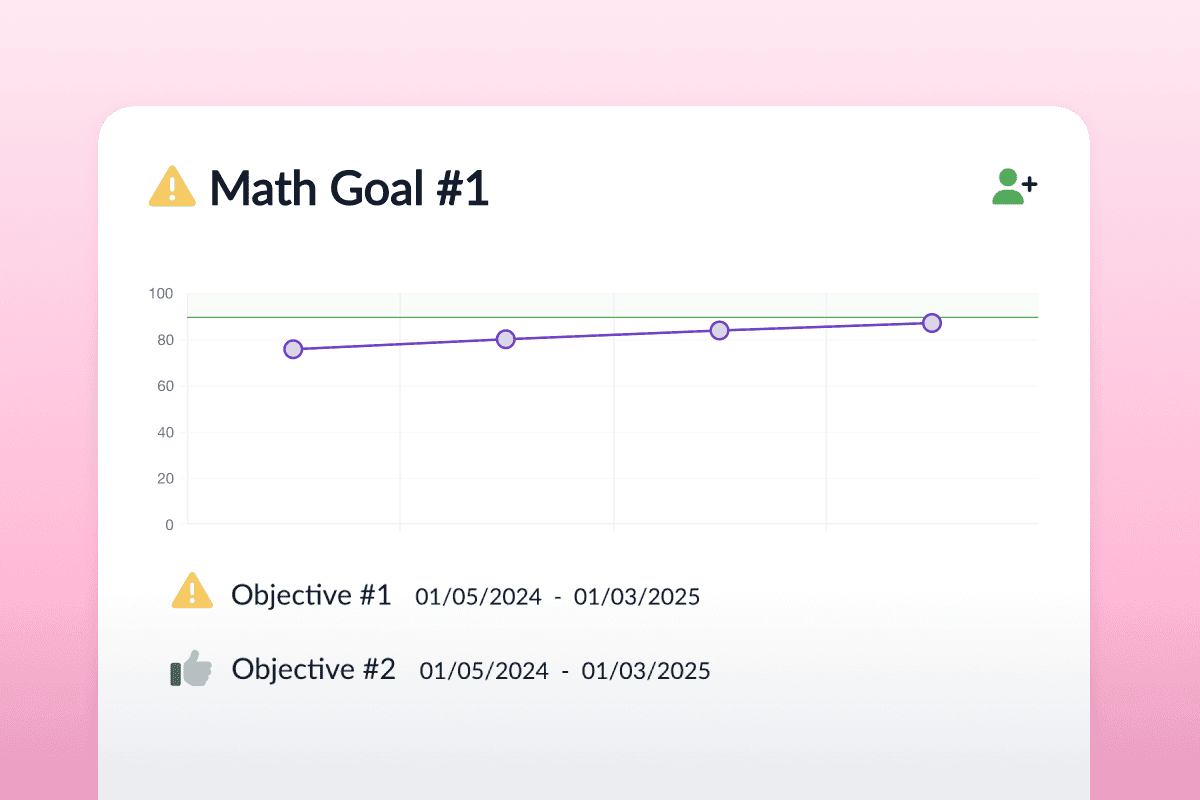
Growth over time: See long-term patterns in learning and behavior, which helps you reflect on what’s supporting progress.
Goal-by-goal progress: Track how each IEP goal is developing and decide when to continue, adjust or close goals.
Assessment summaries: Review up-to-date results without digging through separate systems.
Class-level or student-level views: Switch between individual students and the whole class to help with planning and caseload management.
Polaris turns ULS performance data into present levels, SMART goal suggestions and aligned instruction options. This helps you link what students do in Unique Learning System to where they are at in meeting their current IEP goals and what goals would be ideal in the upcoming IEP.

Assign lessons from Inspire based on the goals set in Polaris. This helps you plan instruction that matches each student’s needs.

Polaris uses core behavior profile data to recommend behavior goals, accommodations and assessments. This supports a more complete view of the student.
From how-to guides to in-depth webinars and courses, we’ll help you get the most from Unique Learning System.
Explore Polaris features in depth with live and recorded sessions.
Ongoing training to support educators at every stage.
Articles and resources to help you master Polaris tools quickly.
We offer pricing for individual schools and districts. If you’ve got questions, book a chat with our Product specialists.
10-pack of student licenses per year
Includes unlimited access for service providers
Discover how Polaris supports educators and enhances student outcomes. Try it with an interactive demo or speak to our sales team.