




“It helps them think critically, leading to better learning and progress"
Dr Fiona Aubrey Smith,
Independent Research Consultant

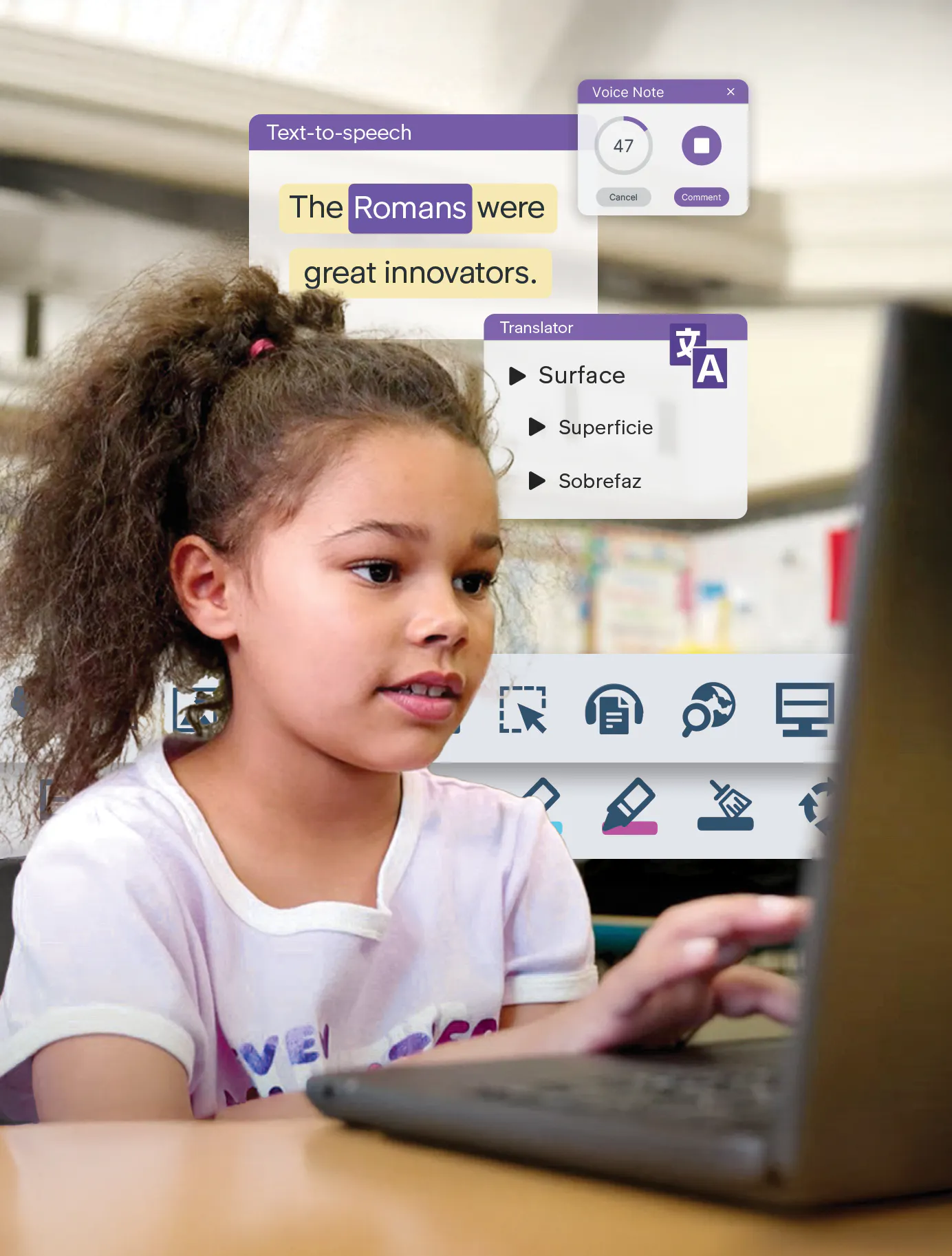
Read&Write supports students with reading, writing and comprehension. It works alongside every learner, giving them the tools to understand information and express their ideas.


Every classroom includes students with different learning styles and needs. Read&Write helps educators create inclusive learning environments by giving students the tools they need to access information and demonstrate understanding.
of Arkansas students used Read&Write monthly in the 2024-25 school year.
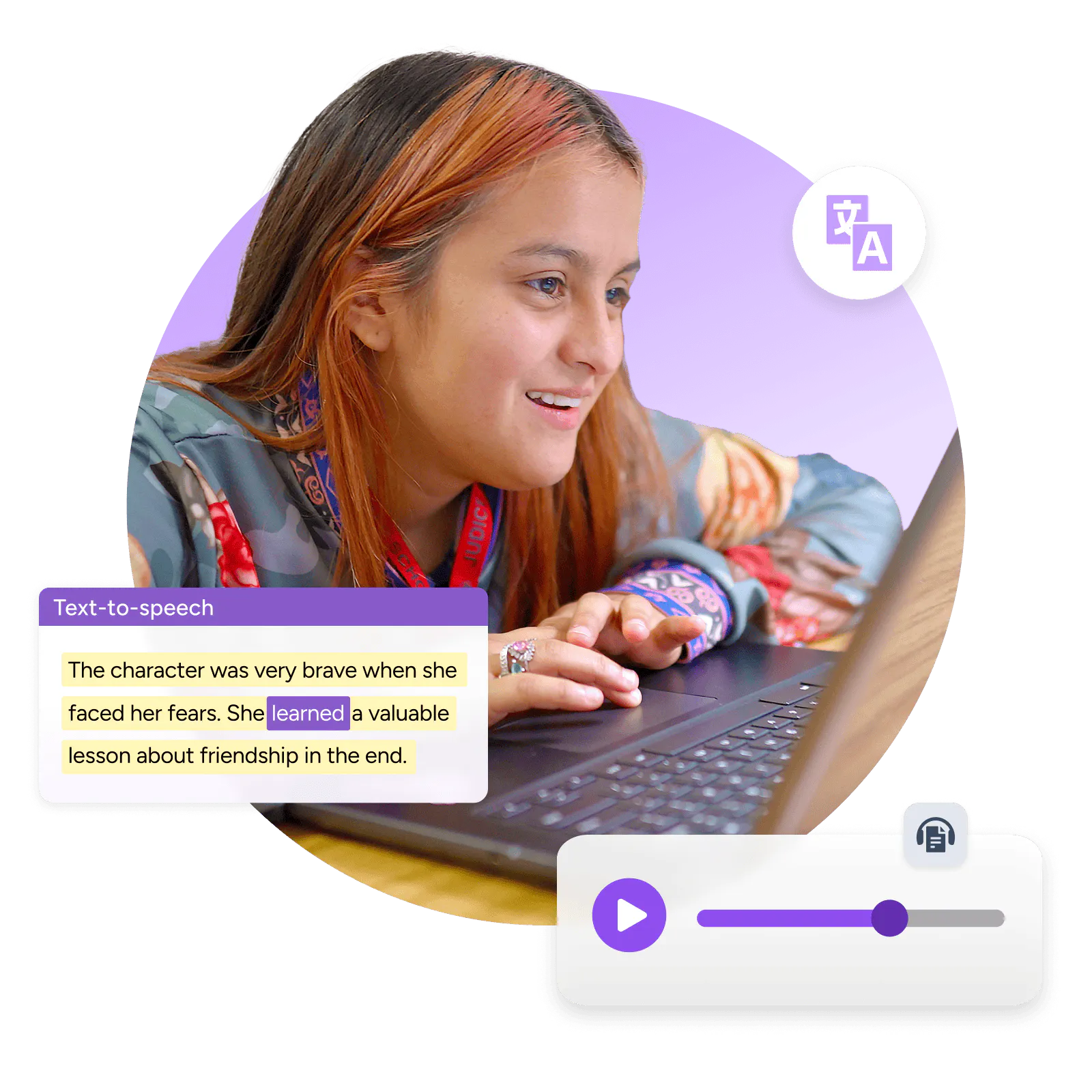
Help students access and understand digital text.

Reads text aloud with natural-sounding voices while highlighting words for easy tracking.

Reads text from images, PDFs, or inaccessible documents.
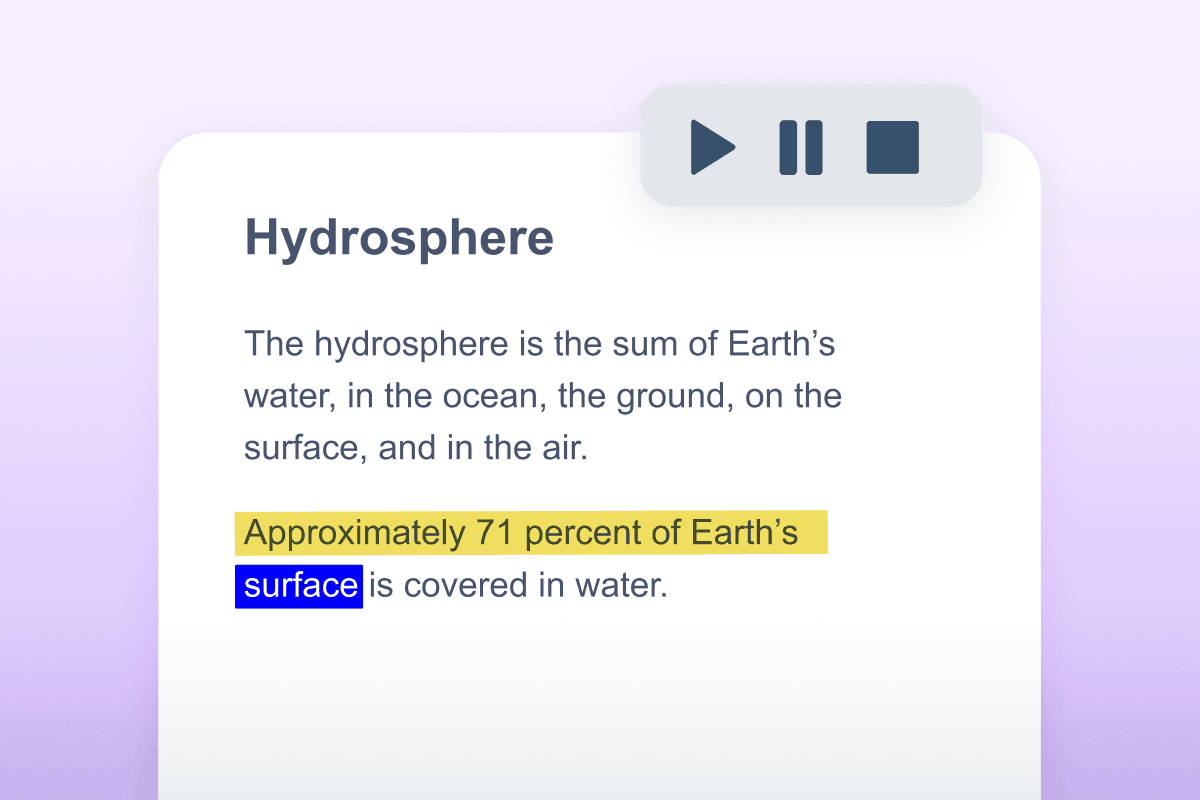

 Text-to-Speech

Provides definitions and visual supports to help students understand unfamiliar words.
Breaks down complex text into simpler language to improve understanding.

Help students express themselves clearly and confidently.

Lets students dictate text naturally — no typing required.

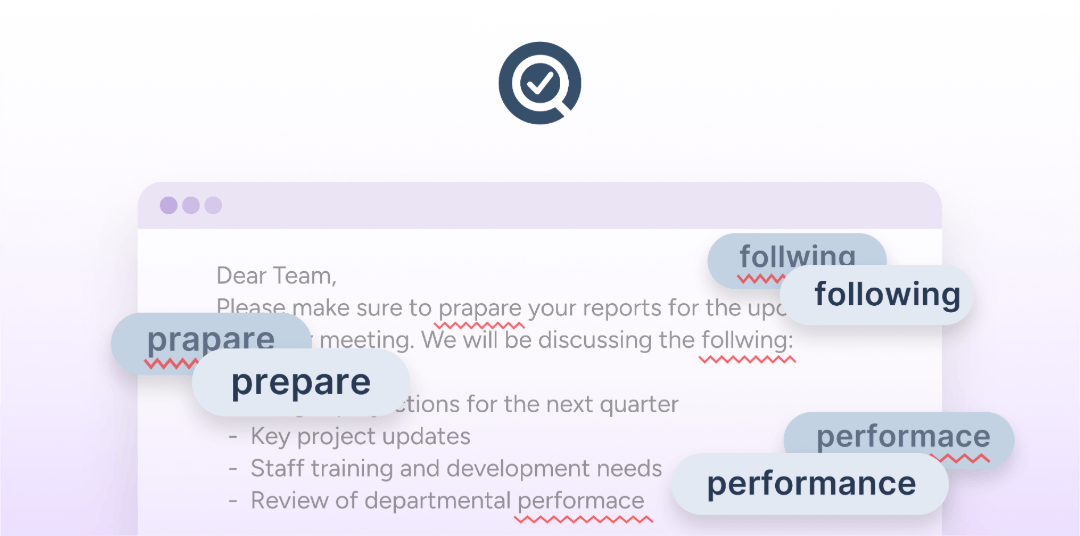
Suggests words and corrects spelling as students type to build fluency.
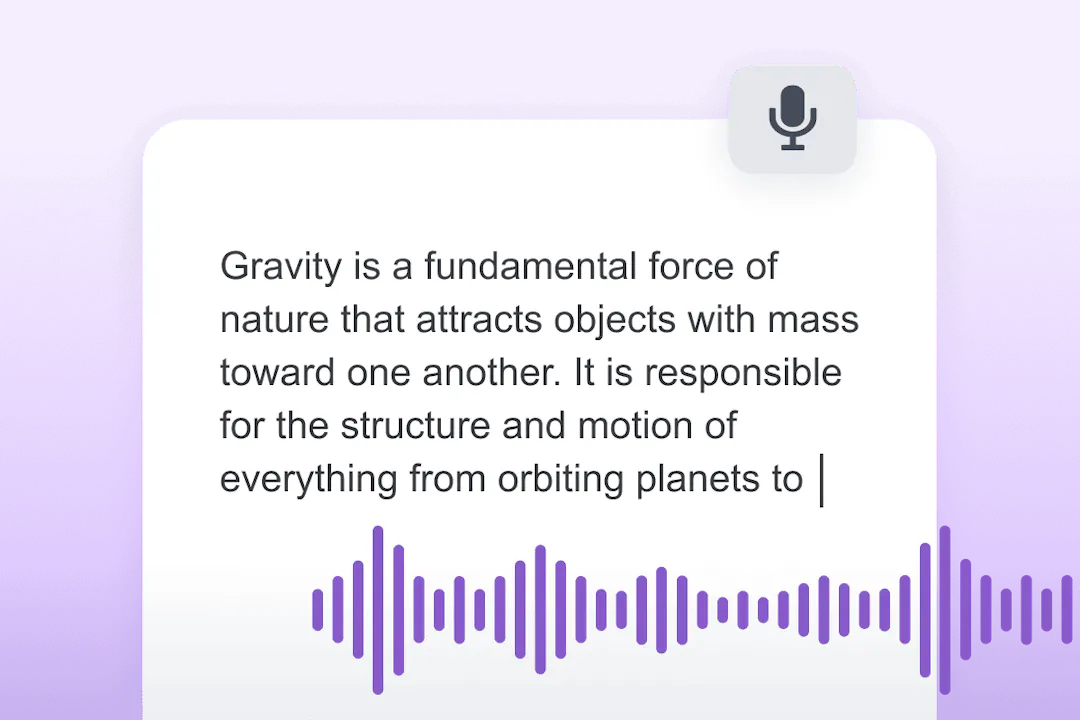
 Speech-to-Text
Provides definitions and visual supports to help students understand unfamiliar words.

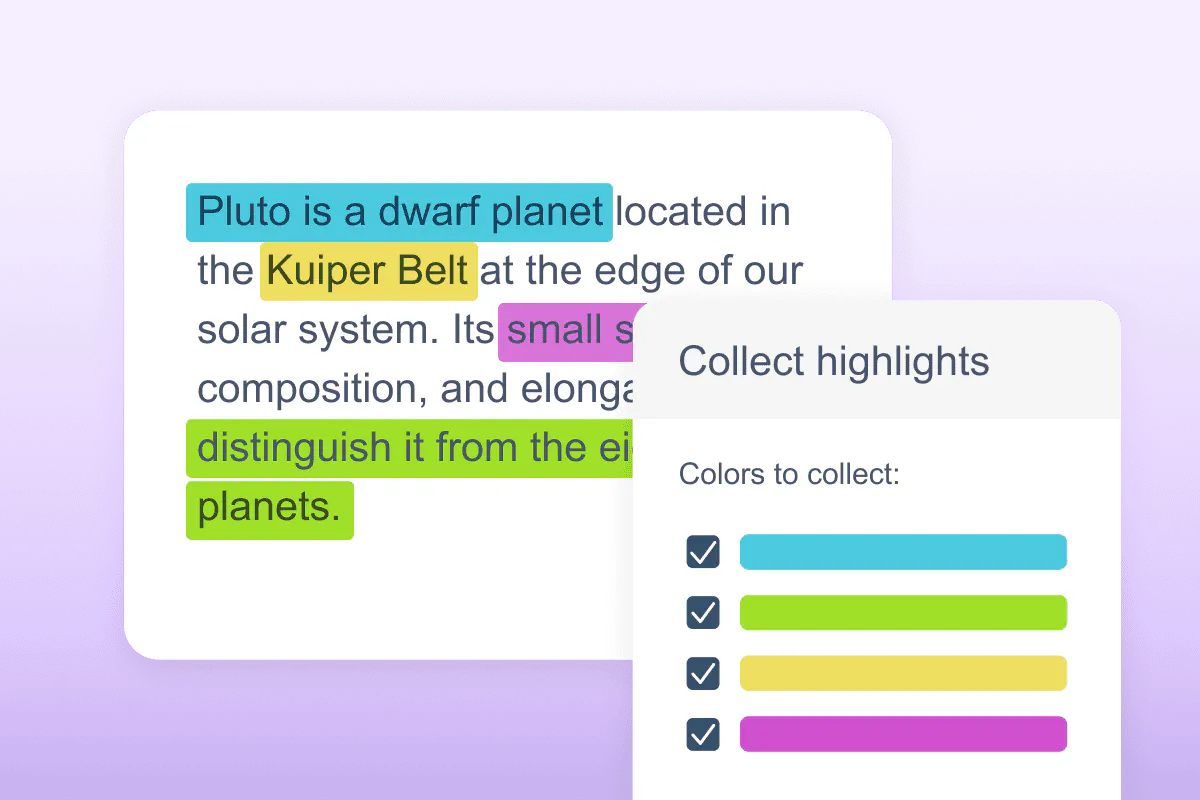
With built-in tools for reading, writing, studying, and comprehension, Read&Write helps students:
Colour-code important passages and gather them into a summary document for easier review and revision.
Build personalised word lists with definitions and images to support learning of subject-specific terminology.
Convert any text into an MP3 audio file so students can listen back to notes and revision materials.
With built-in tools for reading, writing, studying, and comprehension, Read&Write helps students:
Creates a reading spotlight to improve focus and reduce visual distractions across any web page or document.
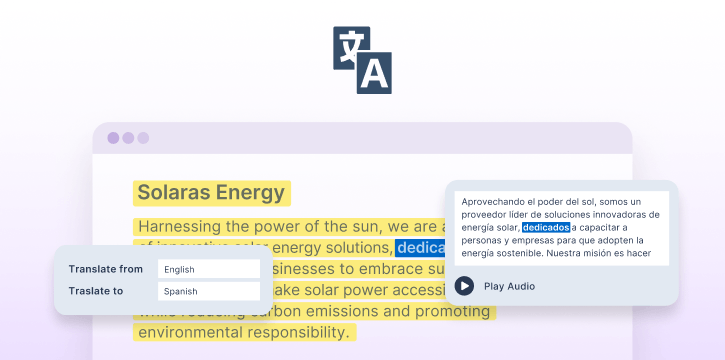
Translate words, paragraphs, or pages to support multilingual learners accessing content in a second language.
Explore how Read&Write is making an impact
Explore use casesRead&Write doesn’t just support accessibility, it helps students become more confident learners.
Schools using literacy support tools like Read&Write report improvements in:
Dr Fiona Aubrey Smith,
Independent Research Consultant
Hear directly from Pittsburgh Public Schools educators and leaders on how they’ve transformed literacy access for thousands of students.
Read Case Study →


Read&Write integrates seamlessly with the platforms students and educators already rely on.


We offer pricing for all schools and needs. If you have a specific need, please book a chat with our Product specialists. We offer pricing plans for the following:
Paid plans from
Inclusions
We offer free access to Read&Write to K-12 teachers. This means you can get a premium subscription to our literacy support toolbar for free!
Get your free accountDiscover how Read&Write helps schools support diverse learners and improve literacy outcomes.
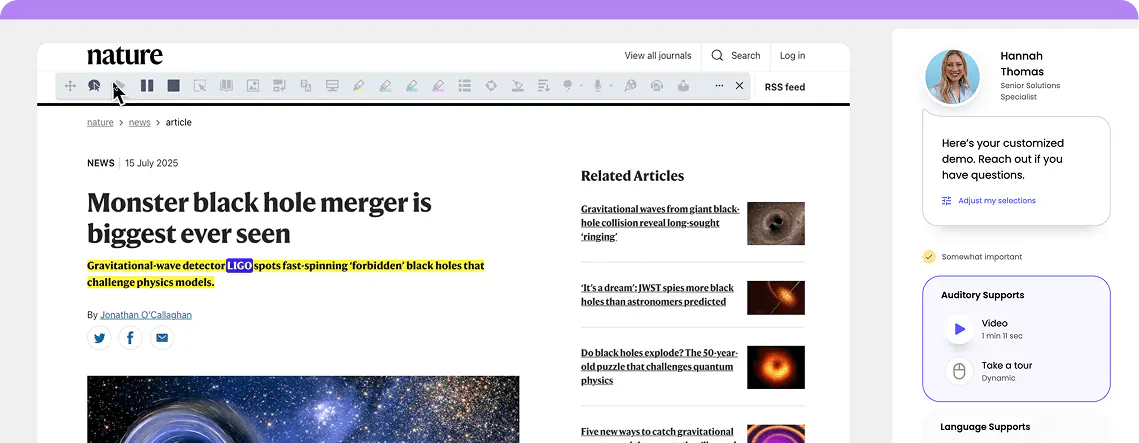
Complete the form to request a personalized demo or a quote and we'll be in touch promptly.
Along with Read&Write, our suite of education software can support educators to improve students' reading and writing skills.
Read&Write evolves constantly, receiving updates every 4 – 6 weeks. Explore all insights and updates.
Explore insights →



Read&Write is literacy support software designed to help students of all abilities read, write, study, and research more independently. It provides tools like text-to-speech, dictation, word prediction, and study skills features to support learners with dyslexia, English language learners, and students who benefit from additional reading and writing support.
Read&Write is available for Windows, Mac, Google Chrome, Microsoft Edge, iPad and iPhone, and Android. Teachers and students can use Read&Write on their laptop, tablet, phone or Chromebook.
Read&Write provides effective, multi-sensory literacy support for dyslexic students as it includes text-to-speech, word prediction, vocabulary tools, and dyslexia-friendly fonts to address the core challenges dyslexic learners face when reading and writing.
Yes, the Read&Write toolbar is available for free for individual teachers, with premium features available for district-wide implementation. Sign up for your free account.
Yes, Read&Write can be securely locked down for testing, ensuring that students, including those with learning disabilities or neurodiverse students, can only access approved features.
Some features on the toolbar do require internet access, especially on the Google Chrome / Edge version. The Windows / Mac Desktop version also requires internet access for most features; however, the Text-to-speech software can still be used offline. The desktop versions for Windows and Mac also allow many features to work without internet access.
Yes, administrators can roll out Read&Write across devices so that teachers, staff, and students can access it without needing to install it themselves. This streamlined process makes it easier to integrate assistive technology tools into schools.
Read&Write evolves constantly, receiving updates every 4 – 6 weeks. These updates include bug fixes, performance enhancements, and new features designed to support reading tools for students and AI tools for education.
Yes, Read&Write integrates seamlessly with many leading Learning Management Systems (LMS), including Canvas, Schoology, and Brightspace. This integration provides access to essential study tools for students directly within their LMS environment.
Read&Write offers features tailored for neurodiverse students, including tools like text-to-speech software, simplified text rewording, and visual dictionaries. These tools make learning more accessible and help students to engage confidently with reading, writing, and studying materials.
Yes, Read&Write is a robust set of assistive tools designed for students with special education needs, including those with disabilities like dyslexia, autism or ADHD. Features like screen masking, word prediction, and text-to-speech software for students help make learning more inclusive and effective.
Yes, Read&Write uses AI to enhance learning experiences for special education. AI-powered text simplification makes reading easier to understand, while realistic AI voices provide a natural text-to-speech experience, supporting diverse learning needs effectively.
As an inclusive technology company, we’re committing to harnessing the power of AI across our tools to revolutionize inclusion in education and the workplace. Learn more about how we use AI responsibly.
Your subscription provides access to Read&Write across platforms like Windows, Mac, Google Chrome, Edge, iOs, and Android. It includes valuable tools like reading comprehension tools, Text-to-speech software, and AI tools for education to support all types of learners. You’ll also have access to the onboarding and training Academy for tutorials, webinars, and resources to maximize your usage of these digital learning tools.
Safe and Secure: Our products provide the highest possible level of security for school and student data
Trust Center