TOP FEATURE
Text-to-Speech
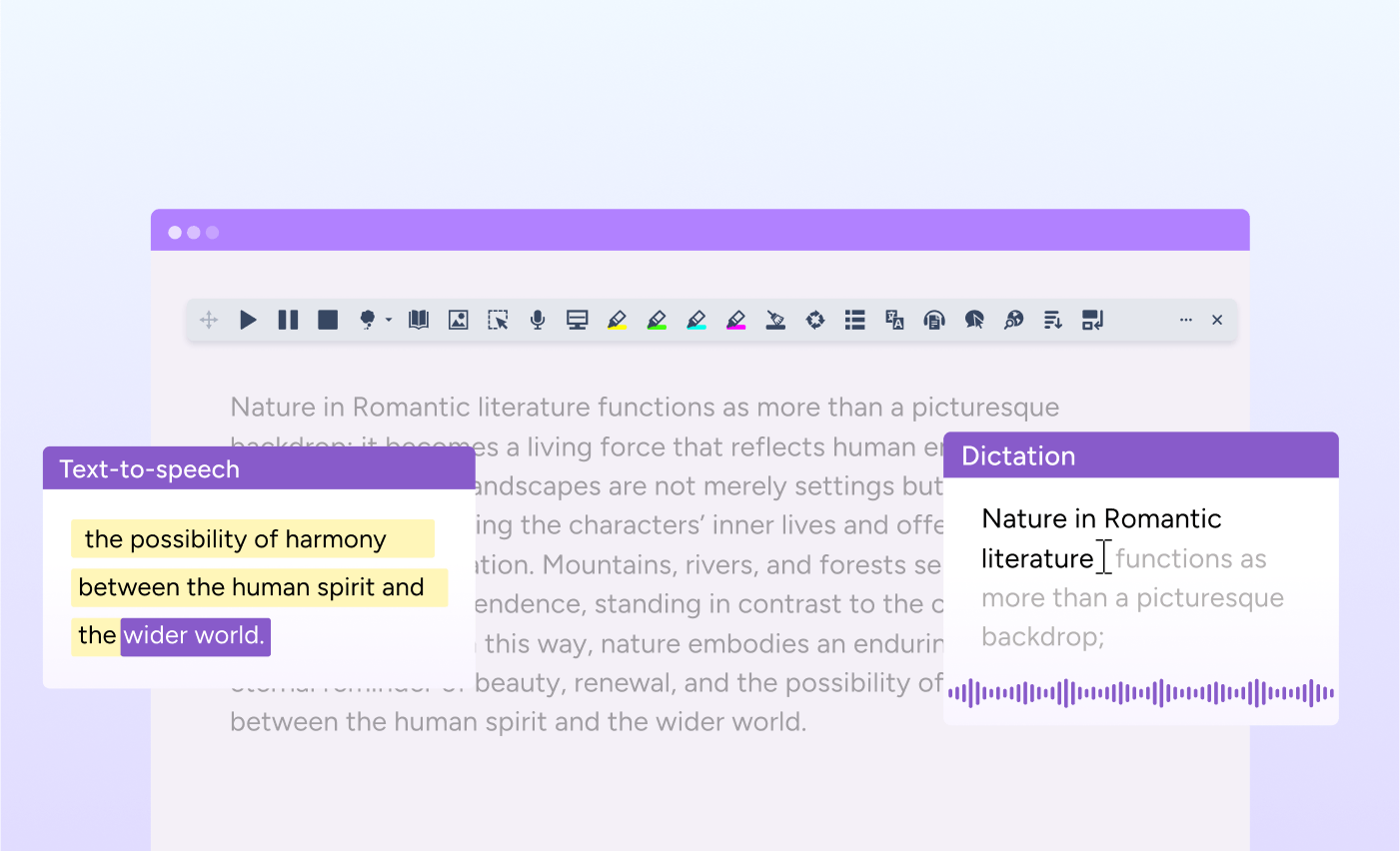
Reads text aloud so students can listen to individual words or full documents. With dual-color highlighting for easy tracking, and AI, highly-realistic voices.
With tools to support reading, writing and studying, Read&Write has everything students need to succeed.
Read&Write has a range of features designed to help students read, write and research across all subject matters. Explore the key literacy tools that read text aloud, turn speech to text and help identify unfamiliar words.
TOP FEATURE
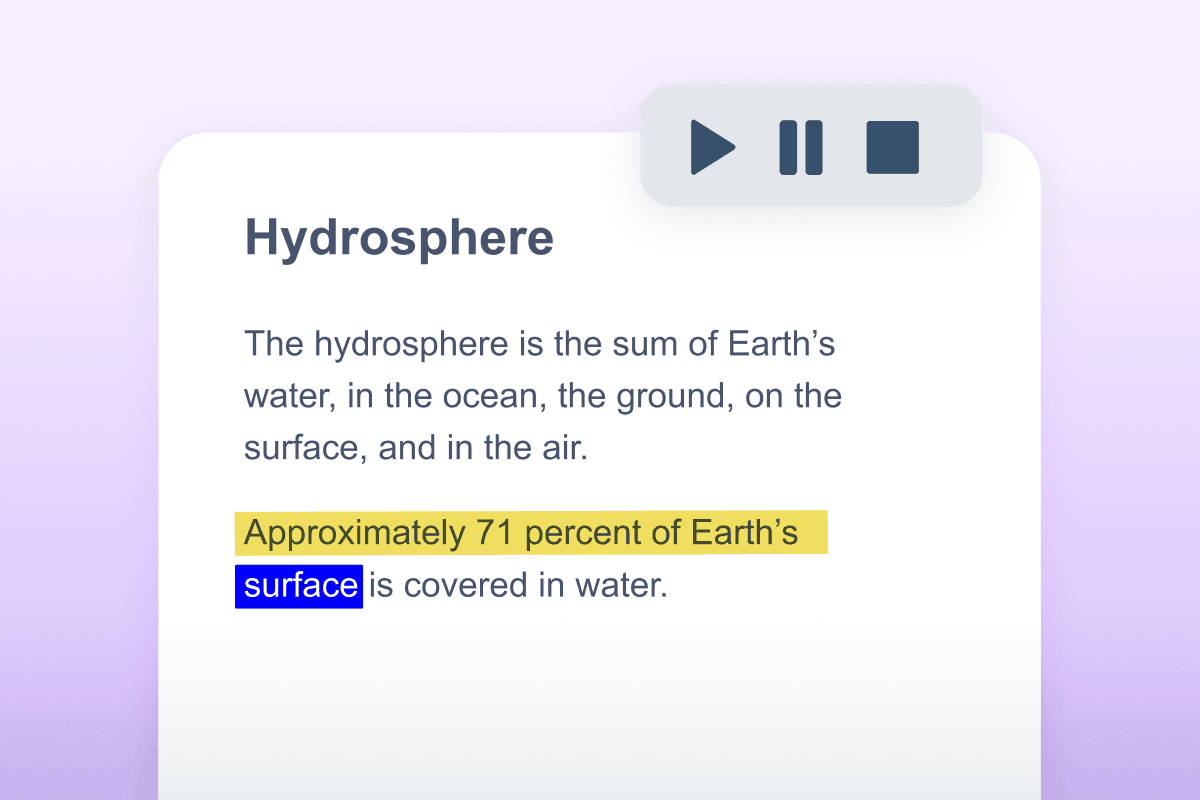
Reads text aloud so students can listen to individual words or full documents. With dual-color highlighting for easy tracking, and AI, highly-realistic voices.
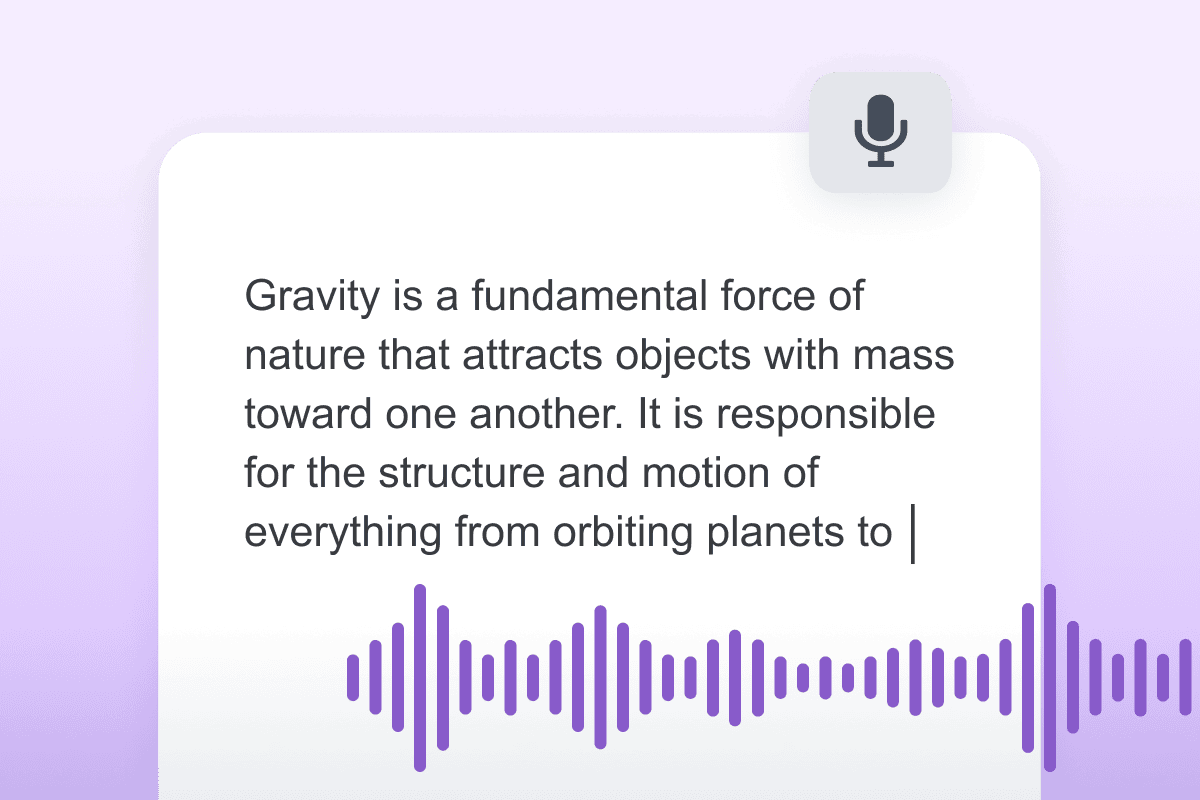
Students can turn their speech into text as an alternative to typing or writing.
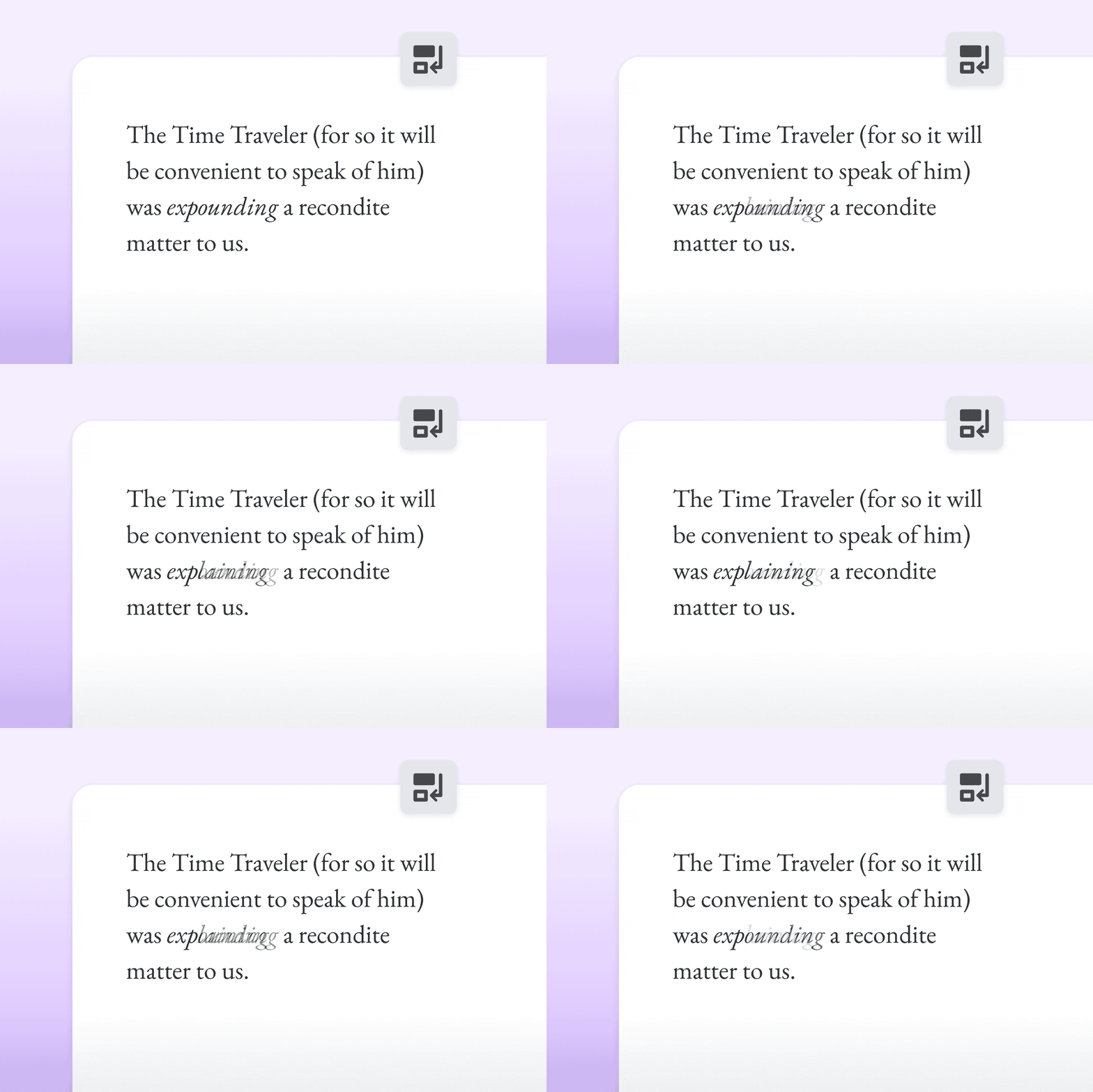
Simplifies complex text without changing its meaning, improving accessibility and understanding. (Google Chrome & Microsoft Edge version).
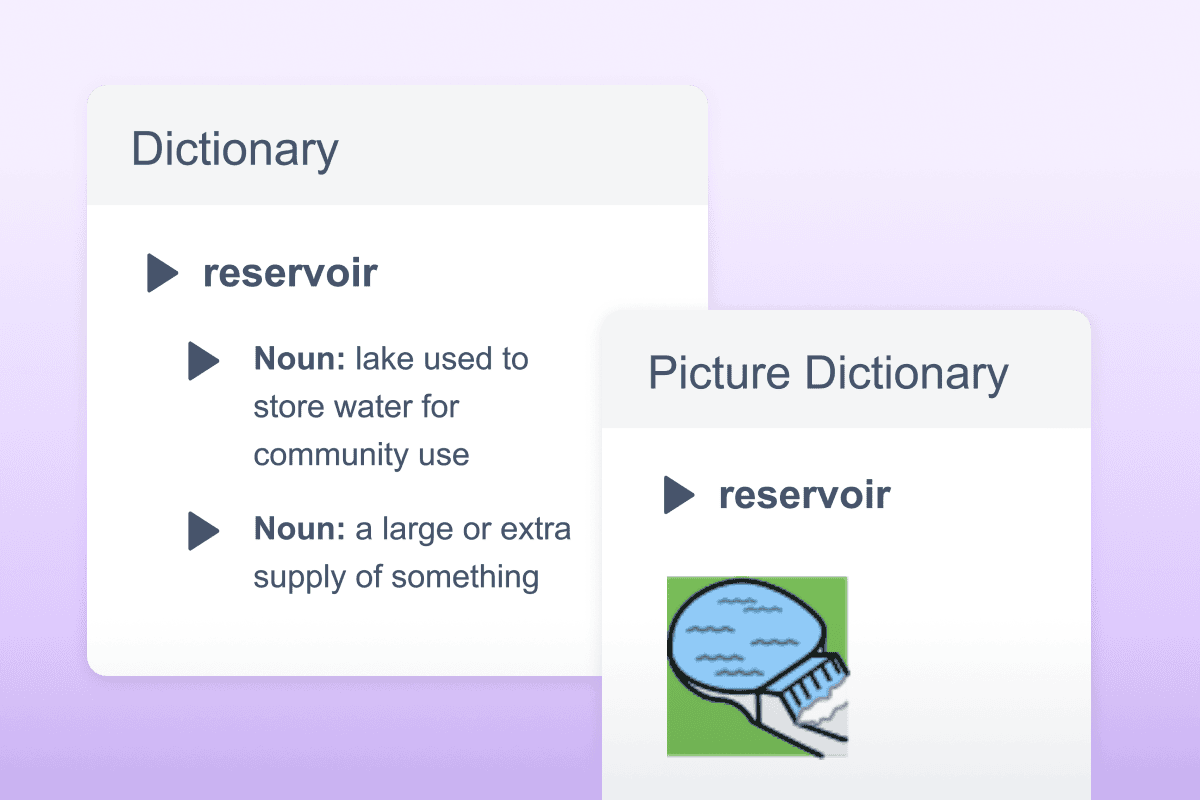
Provides written definitions and visual images of selected words to help comprehension and understanding.
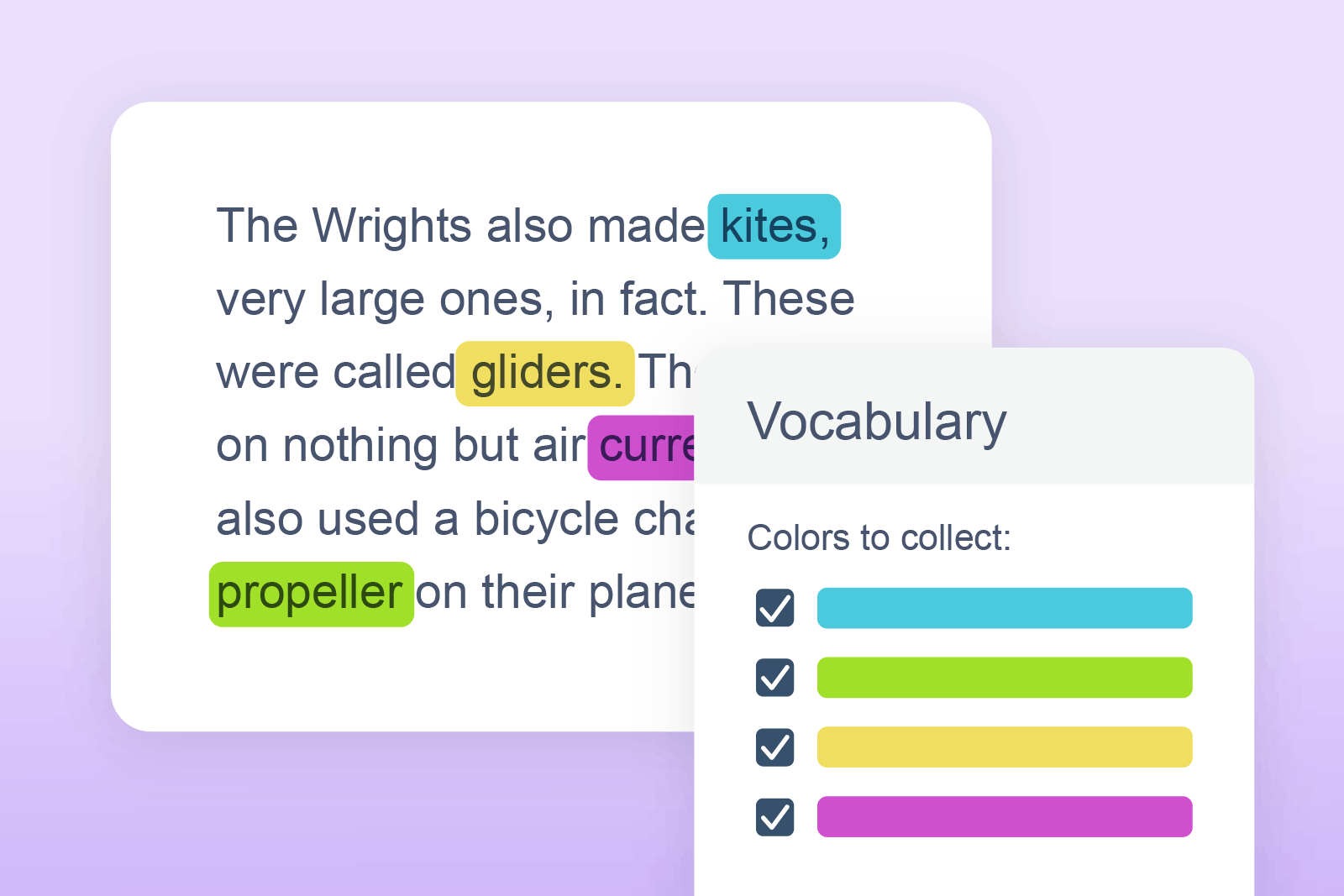
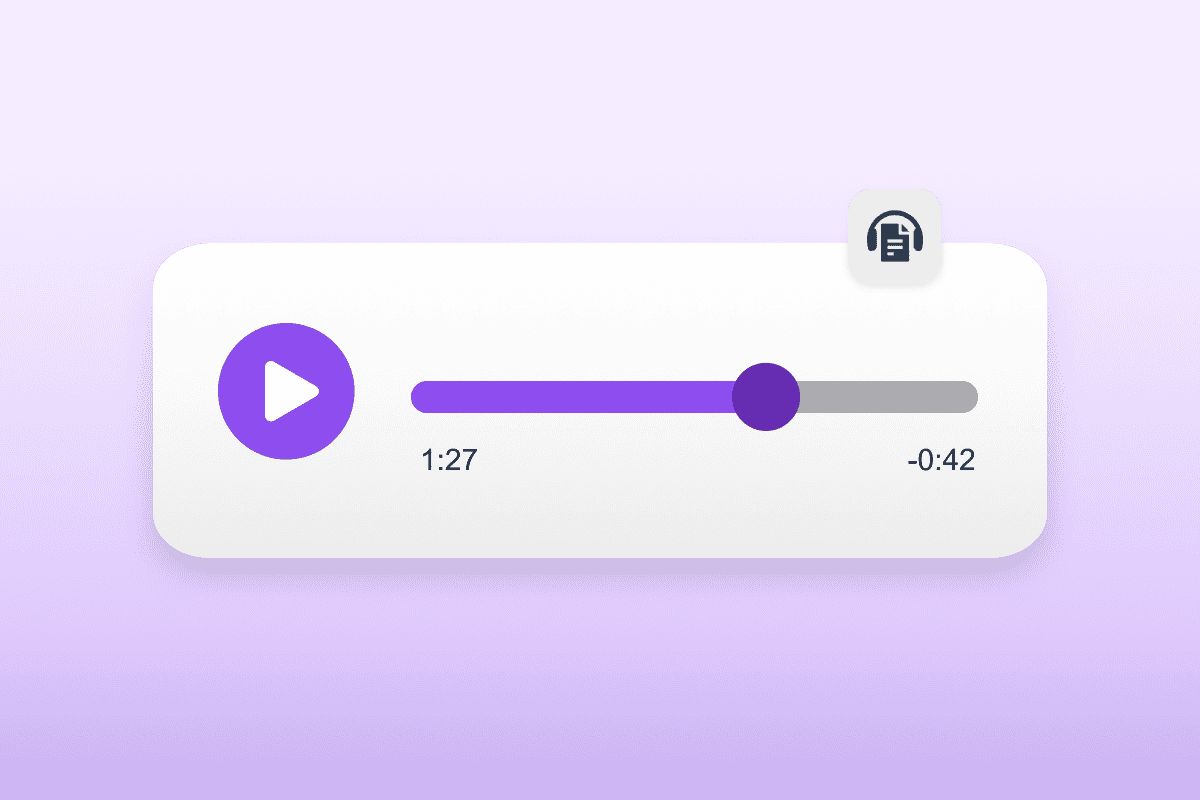
Help students organize their ideas and study smarter. Discover features like Vocabulary List and Audio Maker for learning on-the-go.

Create more independent learners with grammar and translation tools. Students can proofread and check their work, while translation tools support multilingual learners.
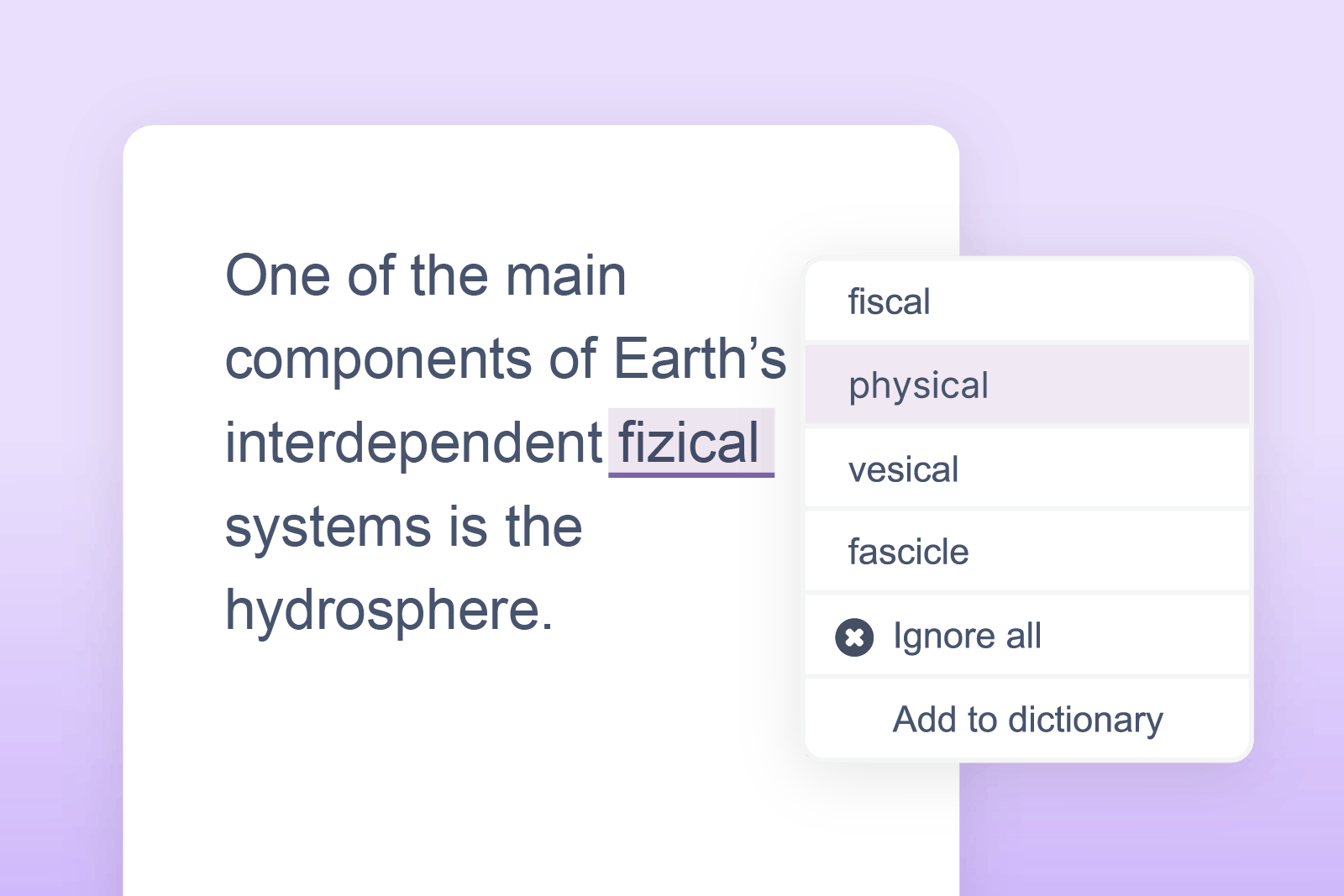
Highlights and corrects grammar, spelling (including phonetic), for accurate and confident writing.
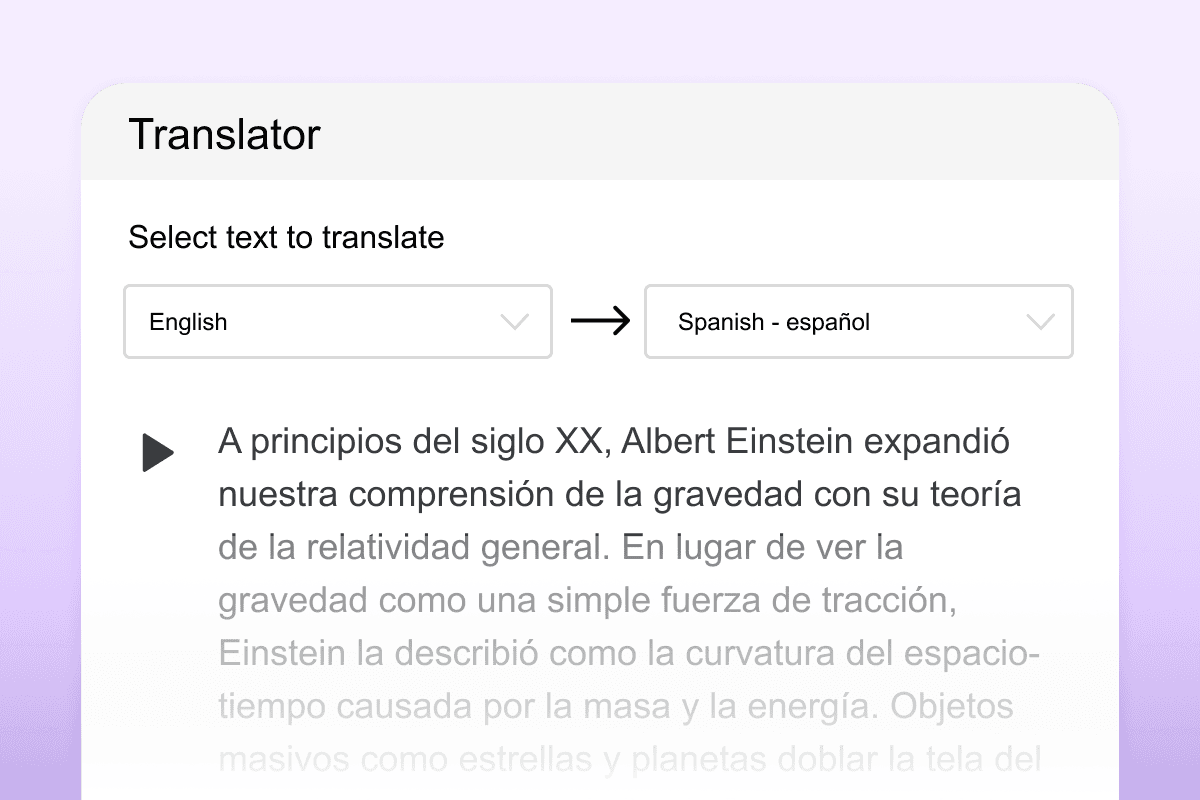
Students can quickly translate larger blocks of text for easier reading and language understanding.

A simple-to-use word prediction engine specifically designed to free up ideas so they more naturally flow into writing.

Allows you to read many types of inaccessible text such as images and inaccessible PDFs.

Students can focus on a specific section of the screen with this customizable screen tint, boosting focus and productivity.
We’ve got everything you need to get started with Read&Write. Use our feature guides to understand how everything works. Or dive deeper with our webinars.
Watch our short video guides on how to use each of Read&Write’s features.
In-depth videos that take a look at Read&Write tools in detail.
For information on everything from setting up to detailed training and learning resources, visit the Read&Write Academy.
We offer pricing for individual schools and districts. If you’ve got questions, book a chat with our Product specialists.
We offer free access to Read&Write to K-12 teachers.
This means you can get a premium subscription to our literacy support bar for free!
✓All premium features
✓Integrations
✓Onboarding
✓Training and support
*Minimum of 150 seats
Discover how Read&Write supports all learners and enhances student outcomes. Try it with an interactive demo or speak to our sales team.