Experience Read&Write and OrbitNote in action

Discover how Read&Write and OrbitNote work together to help students read, write, understand and engage with learning materials, in ways that work for them.
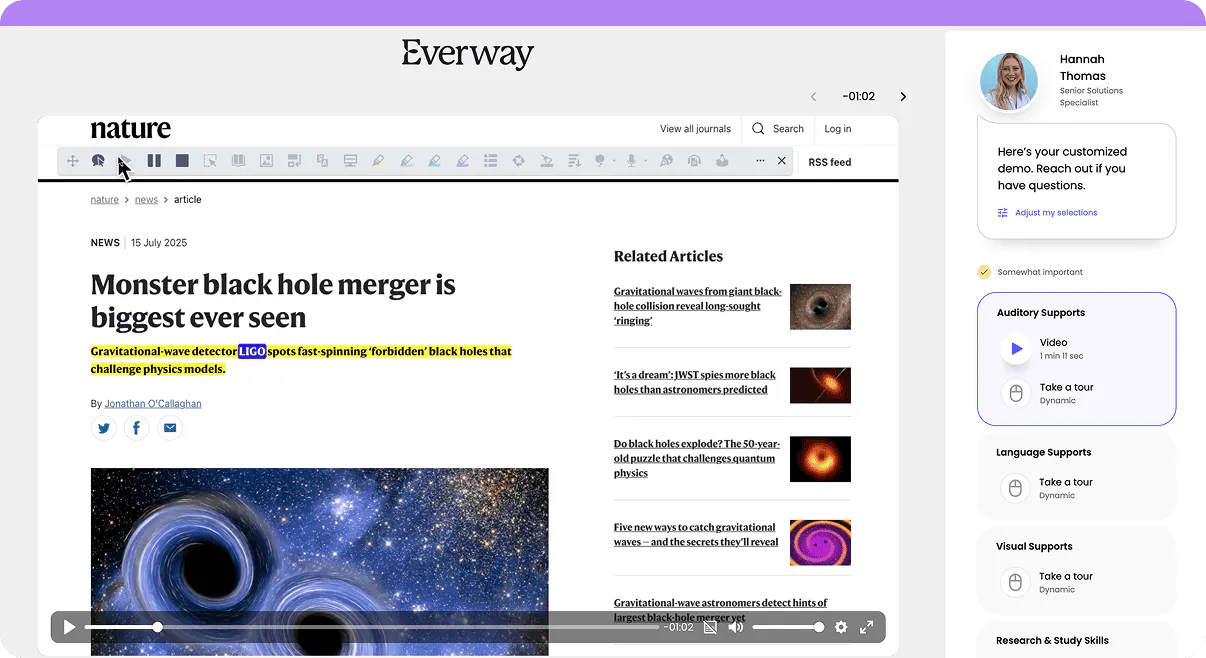
Interface showing a Nature article on a black hole merger alongside a sidebar with a guided demo, support options, and a user profile.

Take a self-guided interactive tour

See how Read&Write and OrbitNote give students more choice in how they access information, complete assignments and show what they know. Simply fill out the form to begin.

In this interactive demo, you'll see how students can:

  • Listen to digital text and access reading support across websites and documents
  • Use writing tools to develop ideas and communicate with confidence
  • Highlight, annotate and interact with PDFs and digital worksheets
  • Organise information and build stronger study habits
  • Move between reading, writing and document activities with familiar tools
  • Access support that helps make learning more inclusive for everyone

Why Read&Write and OrbitNote work better together

Graph icon Make learning materials easier to understand
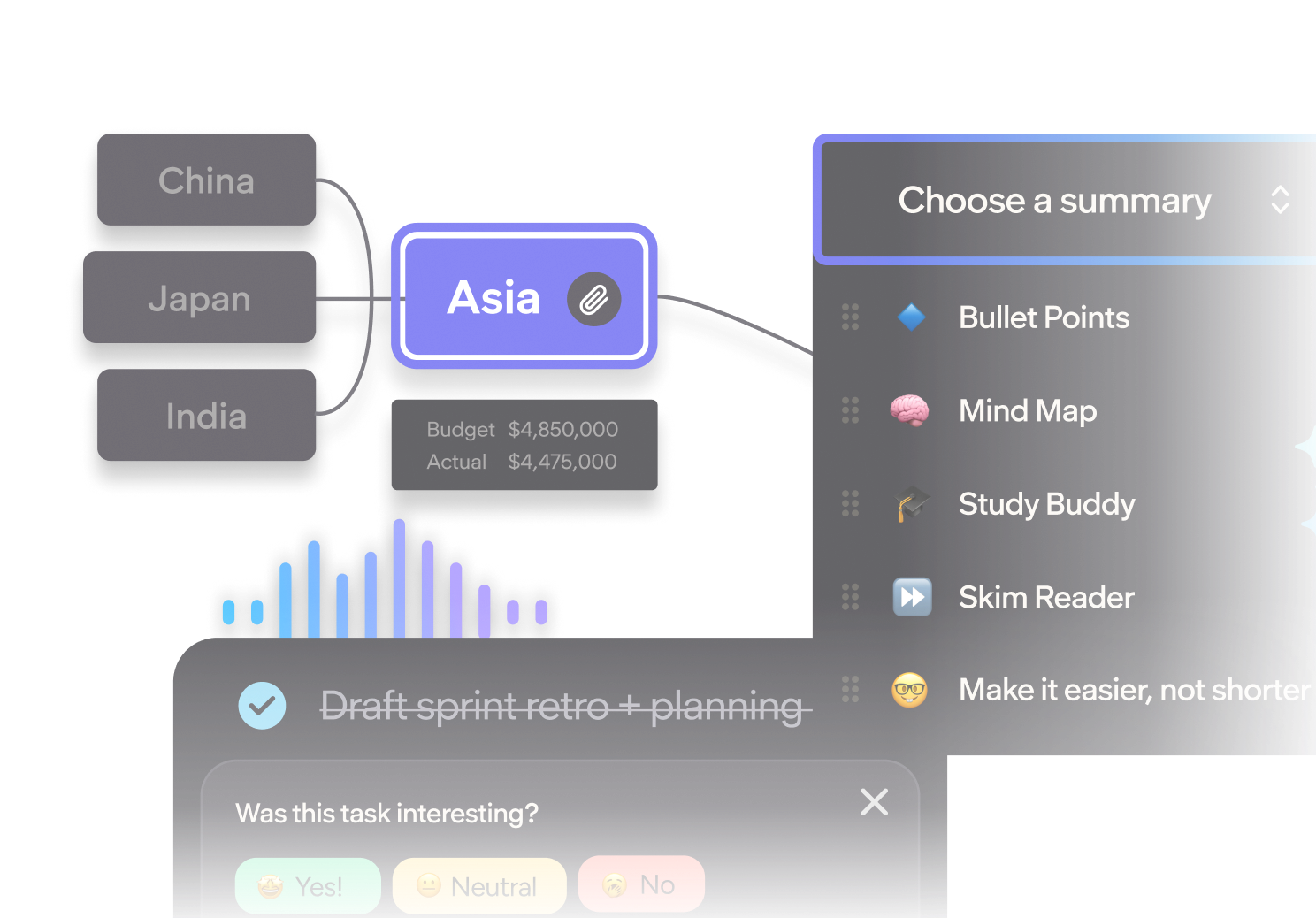
Read&Write offers text-to-speech, translation and reading tools that help students understand digital content. OrbitNote lets students interact with PDFs using highlighting, comments and annotation. Together, they give students more ways to access and engage with learning materials.

Interface showing the Read&Write toolbar over an article about building resilience

Medal icon Help every student express their ideas

Read&Write provides word prediction, dictation and writing support to help students put their thoughts into words. OrbitNote lets them add comments, text and drawings directly to digital documents. Students can choose how they respond to learning activities, helping them take part with greater confidence.

Lightbulb iconTurn everyday assignments into accessible learning experiences

From reading a worksheet to completing an assignment, students benefit when support is available as they work. OrbitNote lets students highlight, annotate and interact with digital learning materials. Read&Write provides reading and writing support across Google Workspace and websites.

Location marker icon Support different ways of learning

Read&Write and OrbitNote give students more choice in how they work with digital content. They can listen to text, use writing support, highlight important information and add their own notes. These tools help schools create more neuroinclusive learning environments where students can access support based on their needs.

Trusted by educators worldwide

Pittsburgh Public Schools logo
Cincinnati Public Schools logo
Leigh Academies Trust
LEO Academy Trust logo
Diocese of Lismore Catholic Schools

Quote mark icon

"When teachers buy into the Read&Write program in the general education classroom they will see less disruption. They'll see the kids are able to have a discussion and get higher test scores."

Jess Neiport, Learning Support Teacher, Pittsburgh Public Schools

Quote mark icon

“OrbitNote has revolutionized how we handle PDFs. As constant PDF users, we rely on it daily for textbooks and articles, and the latest update introduced features we didn’t even know we needed. We can’t wait to see even more students benefit from this enhanced tool.”

Jennifer McDowell, Assistant Director, Salem State University

FAQs

The demo typically takes around 5-10 minutes to complete, but you can explore it at your own pace and revisit any section whenever you like.

You'll see how Read&Write and OrbitNote help students access digital content, develop their writing and interact with learning materials.

The tour explores reading support, writing tools, PDF annotation and how both tools can support everyday classroom activities.

Read&Write and OrbitNote support students with different learning needs and preferences.

They can be especially helpful for students who benefit from reading and writing support, including students with dyslexia and other learning differences.

Their tools are available to support a wide range of learners, helping schools make learning more accessible.

Yes. Read&Write and OrbitNote provide complementary tools that support different parts of the learning process.

Read&Write helps students read, write and understand digital content. OrbitNote helps students interact with PDFs and digital learning materials.

Together, they provide connected support across classroom activities.

Read&Write supports reading and writing across Google Workspace and websites. Everway tools also support integrations with learning management systems and cloud storage.

The exact options available depend on the tool and your school's setup.

Yes. If you'd like to explore how Read&Write and OrbitNote could support your students and teachers, our team can help you understand the options for your school or district. Speak to our team.