Explore more on Universal Design for Work below
Or return to our main guide on neurodiversity at work to learn how different neurotypes and practices come together to create a neuroinclusive culture.
What is Universal Design and how does it apply to work?
Universal design (UD) is described by the United Nations Department of Economic and Social Affairs as a framework that ensures environments, products, and systems are usable and accessible to everyone.. It originated in architecture and education, where the goal was to design spaces and learning tools that support all individuals without needing special adjustments.
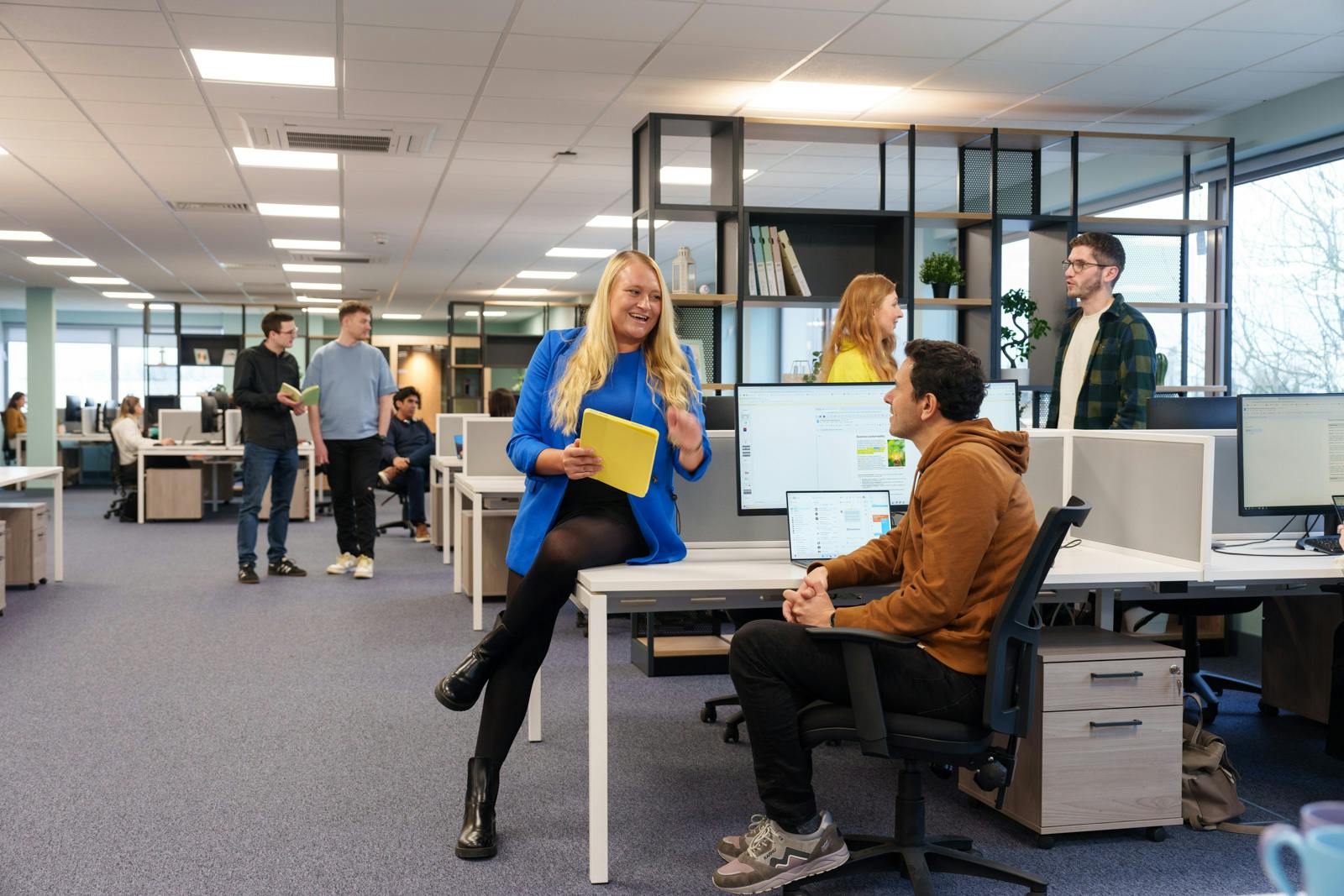
We extend this principle into the workplace through Universal Design for work. It focuses on shaping environments, tools, and processes that allow every employee to succeed. Instead of asking people to adapt to fixed systems, Universal Design for work encourages organisations to adapt work itself, making flexibility, accessibility, and choice part of everyday practice.
By applying these principles, companies can build workplaces where every mind can contribute fully and confidently, improving productivity and engagement across teams.
How do companies use Universal Design for neuroinclusion?
Around 15-20% percent of the population is neurodivergent. A workplace built on Universal Design principles supports everyone by offering multiple ways to access, understand, and express information. This helps neurodivergent employees succeed while benefiting the entire workforce.
Companies that apply Universal Design create environments that value flexibility, accessibility, and choice. It means building processes, tools, and spaces that meet a variety of needs from the start rather than adding accommodations later. When employees can engage with work in ways that suit how they think and process information, it leads to greater creativity, productivity, and collaboration.
What are the seven principles of Universal Design?
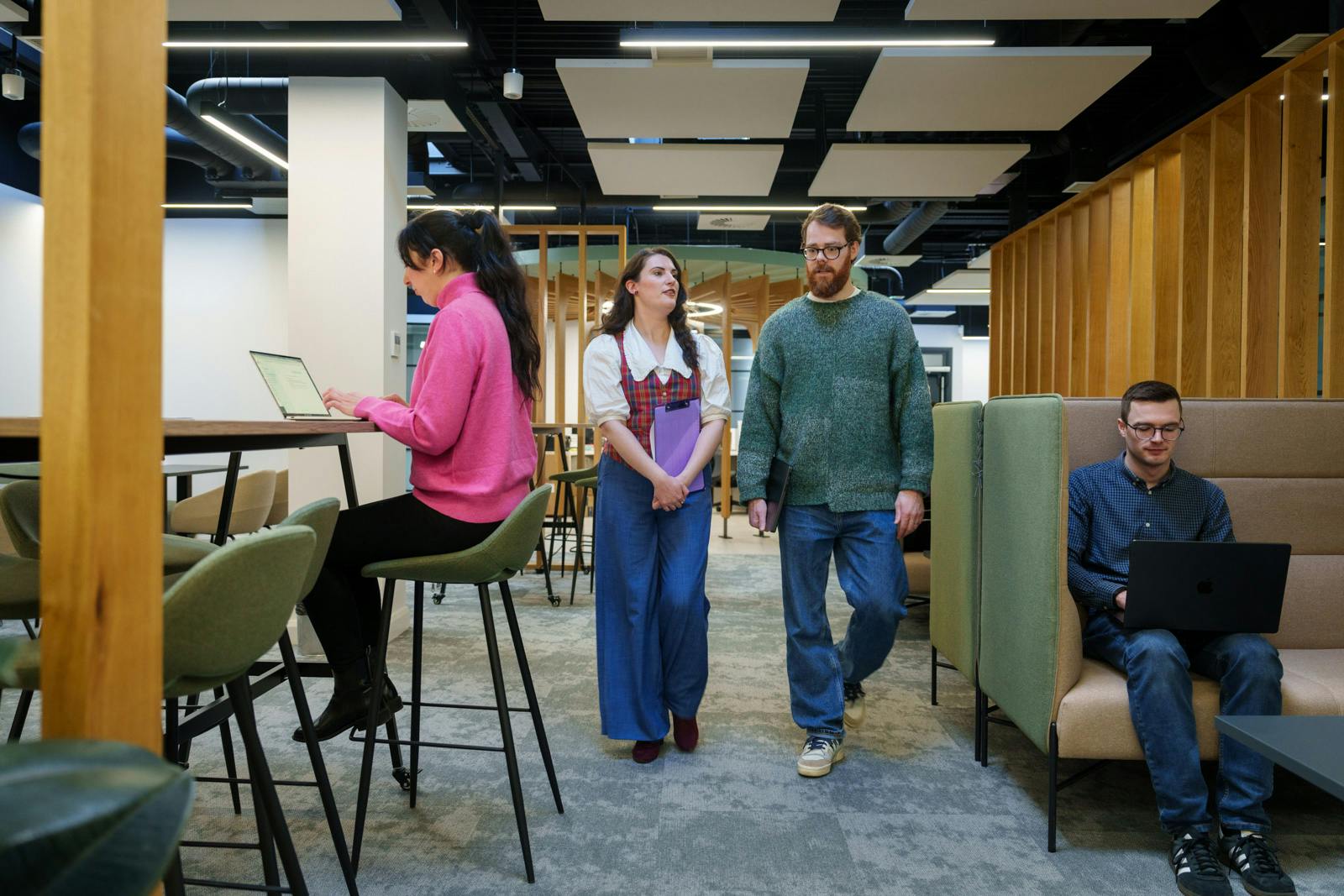
Universal Design is guided by seven principles that help organisations create workplaces where everyone can participate and succeed. These principles can be applied to both physical and digital environments, shaping how people access information, use tools, and interact at work.
- Perceptible information: Share information in ways everyone can understand. Offer content in multiple formats or use tools that let employees choose how they access it.
- Equitable use: Design spaces and systems that work for as many people as possible, building accessibility and usability into every stage of work.
- Low physical effort: Make tasks easy and comfortable to complete through flexible options, ergonomic setups, and tools that reduce physical strain.
- Simple and intuitive use: Keep processes clear and easy to follow. Logical layouts and straightforward tools help employees work with confidence.
- Tolerance for error: Accept that mistakes happen. Create systems that make it easy to correct errors and learn from them.
- Flexibility in use: Give people choice in how they work. Customisable tools, adjustable environments, and flexible hours help everyone play to their strengths.
- Space and size for approach: Ensure spaces are easy to move through and digital content is accessible on all devices so everyone can participate fully.

How to apply the principles of Universal Design to the workplace
Universal Design is guided by seven key principles that help organisations make work more accessible for all. These principles can shape everything from communication and workspace setup to digital design and team practices. In this short video, Professor Nancy Doyle the Founder of Genius Within CIC provides some insights into how each of the principles can enhance the employee experience.
How to use Universal Design to improve the employee experience
Neuroinclusive workplace practices inspired by Universal Design can empower employees at all stages of their journey. From creating accessible job descriptions to improving wellbeing, discover examples below:
Designing
- Create job role descriptions with adjustable text and multi-sensory options
- Promote performance-focused language for clear goals
Hiring
- Offer a welcoming attitude with a standard menu of adjustments
- Match the hiring environment to job performance for a calm space
Contracting
- Consider remote work possibilities and flexible hours
- Review contracts verbally for better understanding
Training
- Ensure consistent formatting and scheduling for accessible training
- Provide assistive technology and regular comfort breaks
Performance review
- Focus on personal performance for neurodiverse teams
- Use a standard format for clear and consistent assessments
Wellbeing
- Consider specialists to tailor wellbeing for diverse needs
- Advertise services with clear referral routes

Unlock the potential of neurodiverse talent
Learn how leading organisations like Coca-Cola Europacific Partners, KPMG, and Network Rail are embracing neurodiversity to boost productivity, engagement, and neuroinclusion. Get practical strategies and insights in our free guide.
The business benefits of Universal Design in the workplace
Adopting Universal Design for work goes beyond accessibility, it’s a strategy that drives better performance across the organisation. When flexibility, choice, and accessibility are built into everyday processes, the benefits extend to every level of the business.




What does Universal Design for work look like?
Universal design for work takes inspiration from Universal Design for Learning (UDL), adapting its core principles to support every employee. These three ideas help create environments where all minds can succeed.
- Engagement: Give employees choice in how they work and interact. Encourage autonomy and recognise that different people are motivated in different ways.
- Representation: Share information in multiple formats so everyone can access and understand it, whether through text, visuals, or audio.
- Expression: Provide options for how people communicate and complete tasks. Let employees use the methods that play to their strengths.
Assistive technology for Universal Design
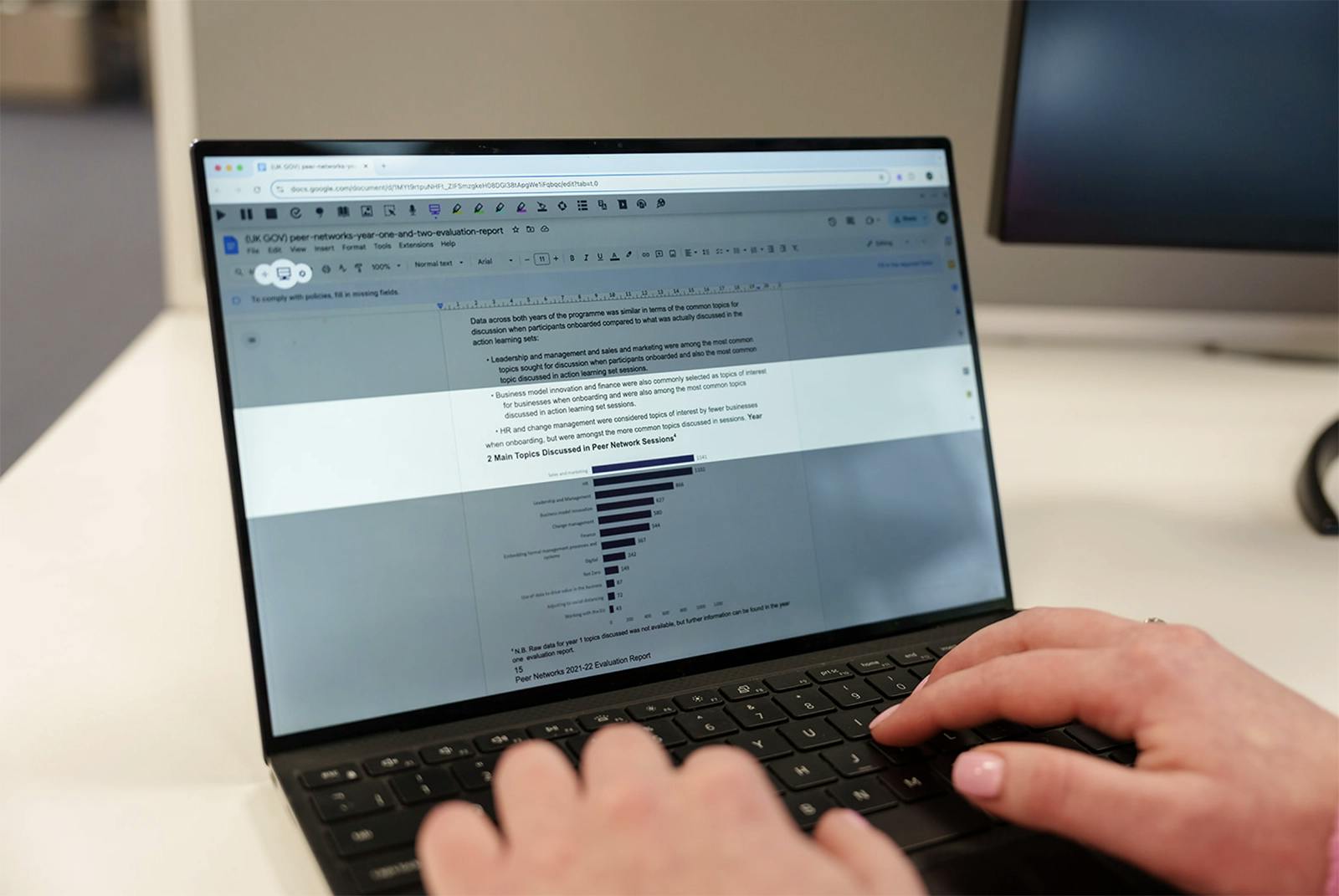
Technology plays a key role in turning Universal Design principles into daily practice. Read&Write for Work gives every employee the choice and flexibility to engage, understand, and express ideas in ways that work best for them.
How Read&Write supports Universal Design for work:
- Tools like Text-to-Speech and Screen Masking help employees stay focused and comfortable, reducing fatigue and supporting sustained attention throughout the day.
- Features such as dual Highlighting, Translation, and adjustable display settings make content easier to access and understand for all employees, regardless of how they process information.
- With tools like Dictation, Prediction, and Voice Notes, employees can communicate and share ideas in ways that match their strengths, making participation easier and more natural for everyone.
Read&Write brings Universal Design to life by giving all employees options, not exceptions, so every mind can contribute with confidence.