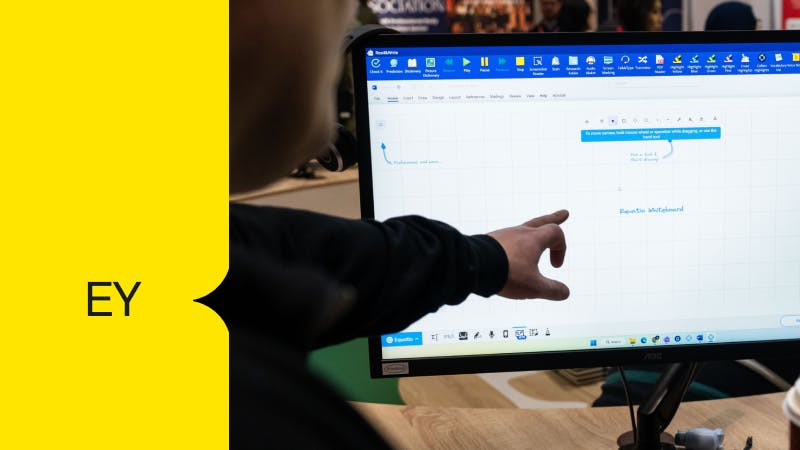
Empowering every employee with Read&Write for Work
Give every employee the tools to understand, communicate, and work in the ways that suit them best. Read&Write supports different working styles, helps people focus, and removes hidden barriers.
Give every employee the tools to understand, communicate, and work in the ways that suit them best. Read&Write supports different working styles, helps people focus, and removes hidden barriers.
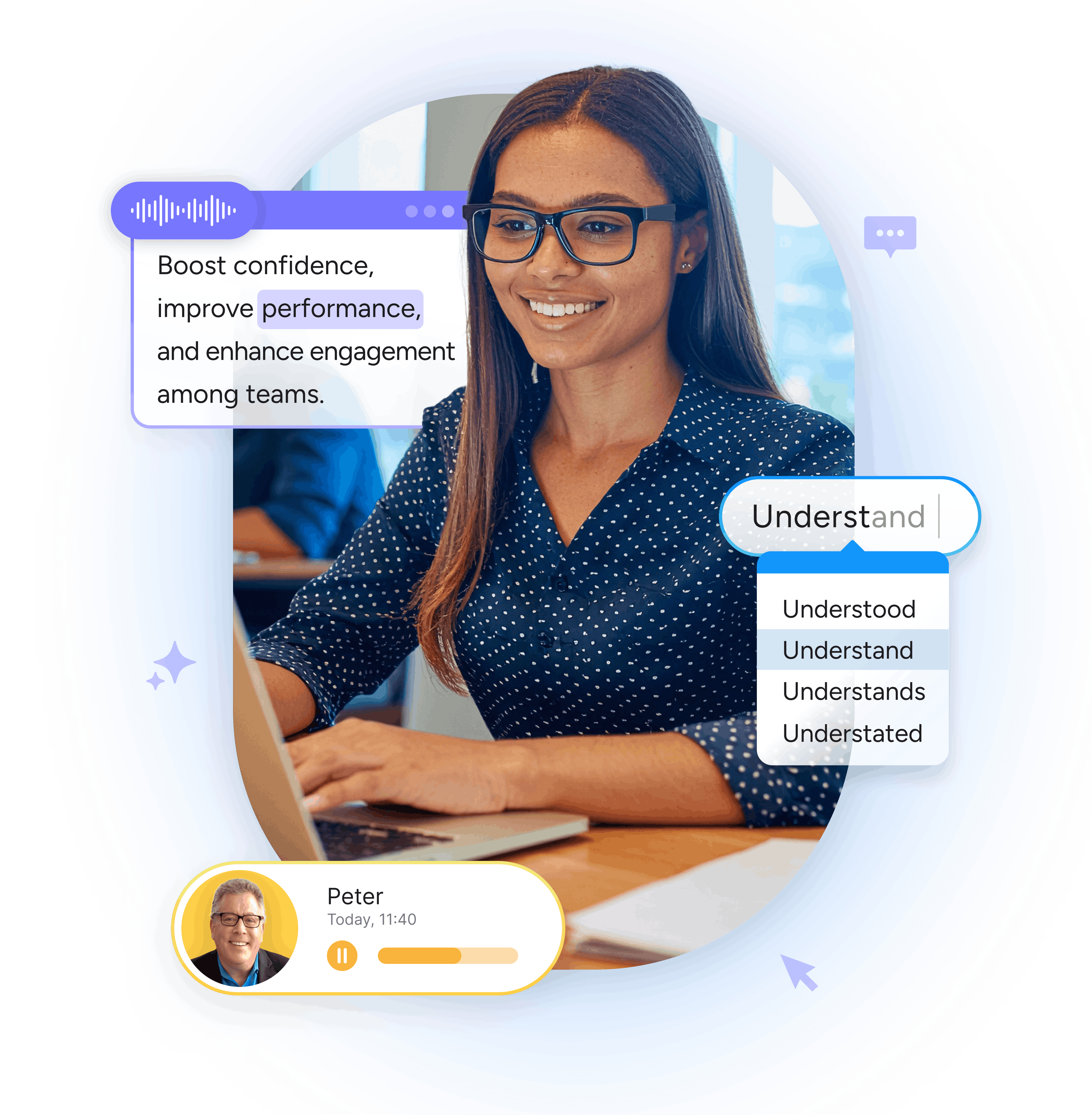
Read&Write supports different processing styles by combining spoken audio with visual cues. Text-to-Speech reads on-screen content aloud with customisable voices and synced highlighting to help focus.
Features like Highlights, Screen Masking and Simplify further support comprehension and reduce distractions, giving employees choice in how they absorb content.
 Text-to-Speech
 Screen Masking
 Highlights
 Simplify
Read&Write supports clear communication by offering real-time translation tools for global teams. Translate instantly as you type or speak, allowing ideas to flow naturally. Page and paragraph translation makes it easy to understand full documents, reports and web content.
 Translation while speaking or typing
Page and paragraph translation
Read&Write provides a range of tools that help multilingual employees. Dictionary, Rewordify and Text-to-Speech build understanding of unfamiliar words and reinforce comprehension.
Prediction and Check It support clearer writing, while Audio Maker offers flexible, on-the-go listening. With customisable settings, employees can choose their preferred language, style and pace.
Text-to-Speech
 Audio Maker
 Prediction
 Dictionary
 Check It
 Rewordify
Many dyslexic employees experience visual stress where text can be blurred or overwhelming. Screen Masking helps by adding a color overlay and a reading ruler that guides focus line by line. Highlights supports clearer review, while Text-to-Speech and Audio Maker provide auditory reinforcement.
AutoCorrect, Check It and Similar Word Checker reduce errors and lighten cognitive load, while Prediction suggests the next likely word. Dictation allows employees to express ideas verbally. In the video, Taljinder, a Corporate Communications and Engagement Analyst with dyslexia, shares how Read&Write helps her.
Screen Masking
Highlights
Text-to-Speech
Audio Maker
 Autocorrect
 Similar word checker
Prediction
Dictionary
Autistic employees can experience sensory sensitivity and information overload. Features like Screen Masking, reduces glare and guides focus, while and Simplify removes distractions. Text-to-Speech and Audio Maker offer auditory ways to absorb information, while Highlights color-codes content.
Read&Write also supports clearer communication and reduces anxiety around writing. Prediction and Dictation help ideas flow more easily, while Check It, Similar Word Checker and AutoCorrect strengthen accuracy.
Text-to-Speech
Screen Masking
Simplify
Audio Maker
Prediction
Autocorrect
Similar word checker
 Dictation
Check It
Employees with dyspraxia may find writing, typing and organizing information physically or cognitively demanding. In the video, Chelsie, a marketing professional with dyspraxia, shares how Read&Write helps remove these barriers.
Dictation allows employees to speak ideas instead of typing, while Prediction keeps writing flowing. Voice Notes can capture thoughts without relying on written input. Highlights, Vocabulary List, Simplify and Text-to-Speech helps process information, among many other features.
Dictation
Prediction
 Voice Notes
Highlights
 Vocabulary list
Simplify
Text-to-Speech
Employees with ADHD often work in environments filled with distractions, making it harder to maintain focus. Read&Write tools like Screen Masking reduces visual noise, while Highlights, organizes key points with color-coding. Text-to-Speech and Audio Maker offer auditory ways to absorb information, helping employees stay engaged.
Dictation and Voice Notes capture thoughts without interrupting workflow, and Prediction helps writing flow smoothly. Check It and AutoCorrect assist with spelling and grammar so employees don’t lose momentum correcting errors. Vocabulary List offers a structured way to store key words to improve writing quality.
Screen Masking
Voice Notes
Highlights
Text-to-Speech
Audio Maker
Dictation
Check It
AutoCorrect
Vocabulary list

Get a more detailed overview of Read&Write for Work's tools. With features for reading, writing, translation, research and more that can employees work to their full potential.

Discover how Read&Write can unlock the potential of employees in your workplace.
Discover how Read&Write supports all employees, enhances productivity and business outcomes. Try it with an interactive demo or speak to our sales team.