Exam access arrangements
Exam access arrangements are the reasonable adjustments that can be made for students with specific needs, including dyslexia, to make exams more accessible.

Exam access arrangements are the reasonable adjustments that can be made for students with specific needs, including dyslexia, to make exams more accessible.

In England, the most common type of need among pupils receiving SEN support is speech, language and communication needs, affecting 25.6% - that’s 291,700 students.
There were 556,435 approved access arrangements valid for use during the 2022/23 academic year, up by 8.7% compared with the 2021/22 academic year.
Reading arrangements (a computer reader or human reader) is the second most common access arrangement, making up 21.8% of all arrangements valid for use in the 2022/23 academic year.
Digital exam tools like computer readers, scribes and word processors can significantly benefit students with specific needs. The JCQ states that:

SENCos may wish to consider the use of technology to a much greater extent instead of readers and scribes. Computer readers, speech recognition technology and word processors not only allow candidates to work independently but are also a better preparation for Further & Higher Education and the world of employment.
For a candidate with reading difficulties, a computer reader may allow them to demonstrate their attainment more effectively and independently than would be possible with a reader.
Page 52

For a candidate with reading difficulties, a computer reader may allow them to demonstrate their attainment more effectively and independently than would be possible with a reader.
Page 52
When applying for a Computer Reader or Speech Recognition (scribe), you’ll now need to provide more detail on the forms. Form 8 must be fully completed before the assessment - no “skeleton” forms are allowed. Part 1 must include teacher feedback and evidence of the student’s normal way of working, such as classroom difficulties, timed tests or mocks. Parent comments can’t be included in Part 1 of Form 8 or Part 1 of Form 9.
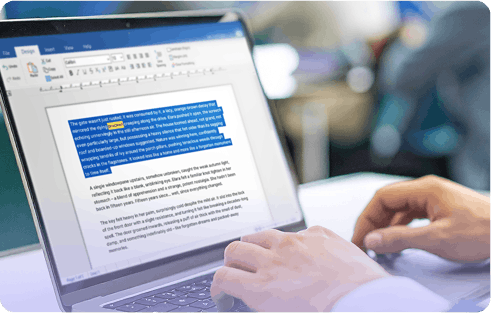
Apply via Access Arrangements Online (AAO), using Form 8 if extra time and/or a scribe is also required, or Form 9 if the computer reader is needed on its own or due to an EHCP.

Advance approval is required, and this involves Form 8/8RF
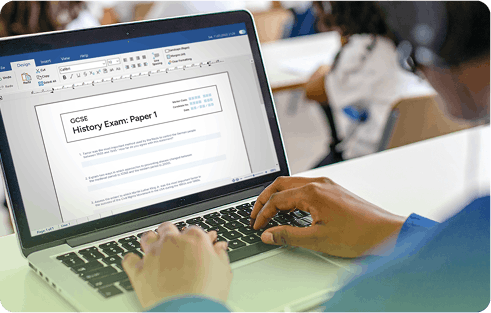
If a Word Processor is part of a student's normal way of working, no AAO application is required, but spelling and grammar checks must be disabled.
Schools are increasingly turning to digital tools in place of human readers and scribes - and for good reason.
Recruiting and training human readers and scribes can be time consuming and resource heavy. With digital tools, students get consistent, reliable support, without the staffing challenges.
Using assistive technology helps students feel more in control. It promotes independence and mirrors the way they learn every day, reducing anxiety and better preparing them for life after school.
In the GCSE English Language paper, human readers can’t be used in the reading section. A computer reader is the only approved option—giving students the support they need, while keeping your centre compliant.
Digital solutions reduce the logistical complexity of running exams. There’s less need for 1:1 support, meaning students can sit together in the same room, streamlining timetabling and invigilation.
Digital tools may involve an upfront investment, but they deliver long-term savings by reducing ongoing staffing costs and enabling you to scale support without scaling complexity.

Download this business case PDF to share with your Senior Leadership Team.
Our tools meet JCQ regulations, together they provide everything you need for exams and beyond - working as a Computer Reader, Scribe, and Word Processor as part of a student's normal way of working.


Used by 18.3% of Exams Officers*, ExamWritePad provides a secure writing environment specifically designed for use in exams and controlled assessments.


Read&Write can be used in place of a human reader in exams. Read&Write’s dictation feature can also be used in place of a human scribe in exams.


Our digital maths tool can be used in line with the JCQ regulations. It helps you save time, reduce costs and give students the support they need in exams.


The Chromebook solution for exam access arrangements. OrbitNote exam mode makes exams and assessments more accessible for students using Chromebooks.
Source: Access Arrangements for exams: The complete digital solution webinar
See it in action:
When Oldham College wanted to give every student the same fair chance in exams, they chose Read&Write as a computer reader and scribe.
Today, their exams team uses Read&Write to support hundreds of learners - saving time, reducing stress, and helping students work more independently. All in line with JCQ guidelines.
Hear from their Exams Officer, leadership team, and students about the difference it’s making on exam day.
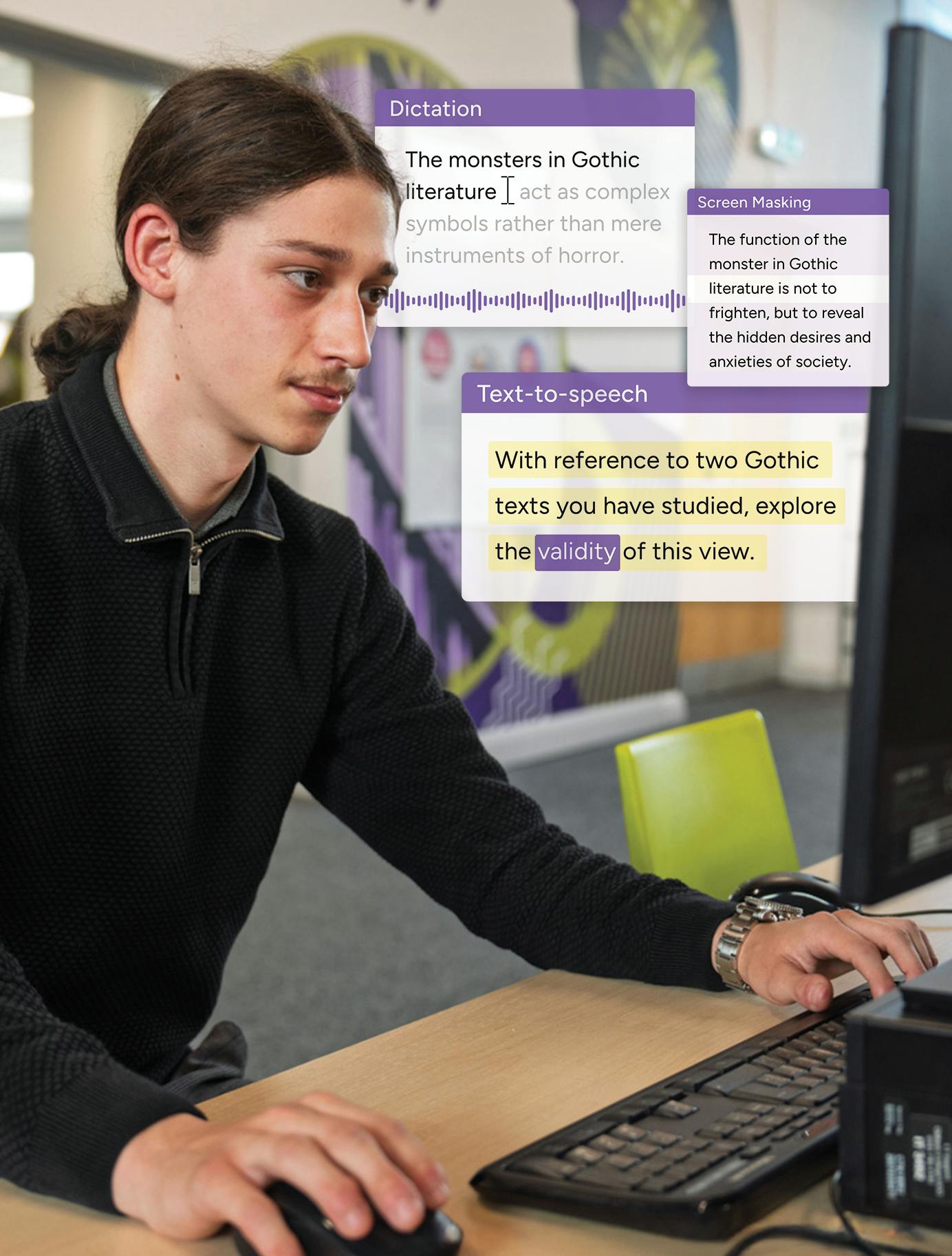
See a live demo of a computer reader, scribe, and secure word processor in exam mode, with clear, practical guidance to stay compliant and support every learner with confidence.
Now available to watch on-demand.

JCQ (Joint Council for Qualifications) is the body that sets the rules and regulations for qualifications in the UK, including GCSEs and A Levels. Their guidelines govern how exams are administered, including the use of access arrangements for students with specific needs.
Read&Write is widely used as a JCQ-compliant computer reader, allowing students to have exam content read aloud independently and without the need for a human reader.
ExamWritePad by Everway is purpose-built for exam conditions and meets JCQ requirements as a secure word processor.
A scribe must be applied for in advance through Access Arrangements Online (AAO) using Form 8. Evidence of the student's need must be provided, including teacher feedback and evidence of their normal way of working. Read&Write's dictation feature can also be used as a digital alternative to a human scribe.
Applications are made through Access Arrangements Online (AAO). The type of form required depends on the arrangement. Form 8 is used when applying for a scribe, computer reader, or extra time in combination. Form 9 is used when a computer reader is the only arrangement needed, or where it is required due to an EHCP.
Yes. If a word processor is part of a student's normal way of working, no AAO application is required. However, spelling and grammar check functions must be disabled during the exam.