Experience our exam solutions in action

See how Read&Write and ExamWritePad work together to support students in exams, helping them access questions, express their knowledge and show what they can do.

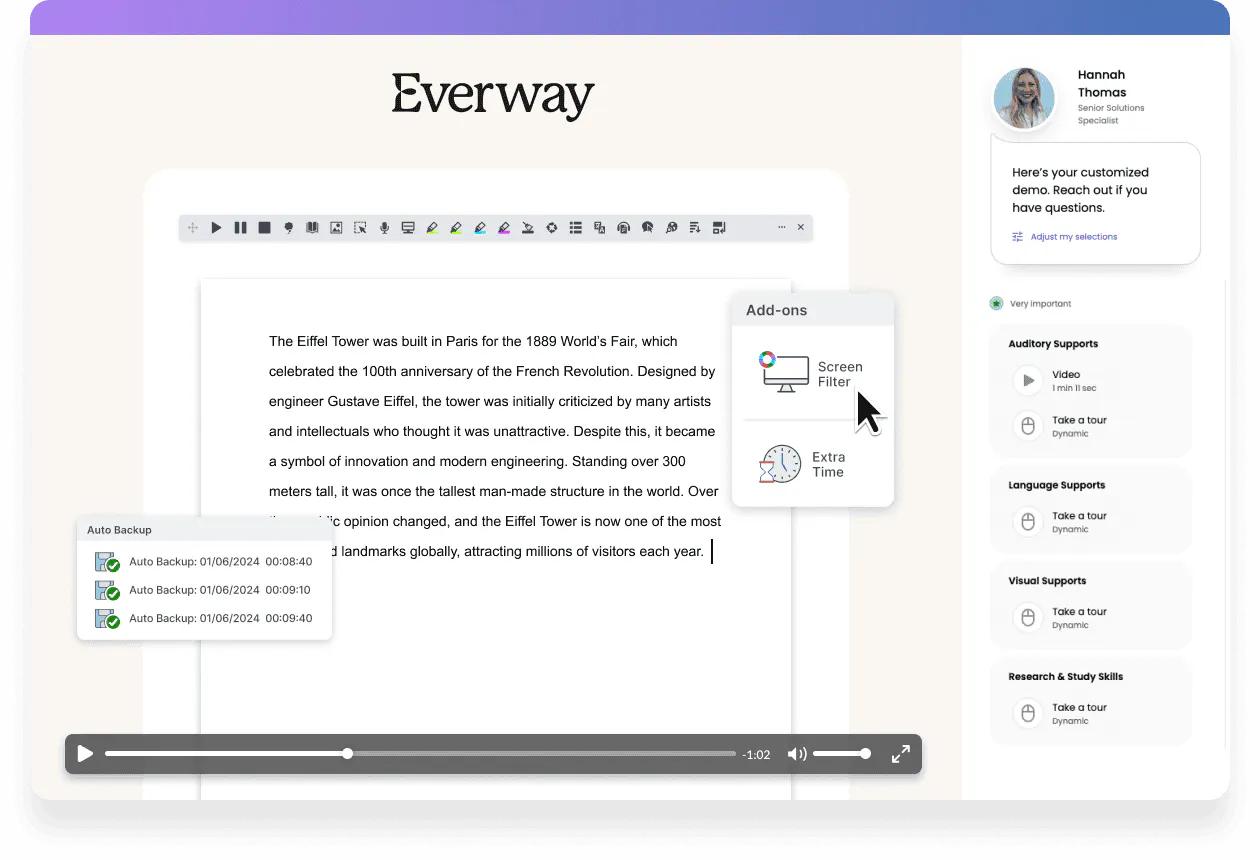
Digital exam platform showing a student essay editor with tools, add-ons like screen filter and extra time, and accessibility support options.

Take a self-guided interactive tour

In this interactive demo, you’ll see how students use Read&Write literacy tools alongside ExamWritePad’s secure exam environment. Together, they support access arrangements while maintaining exam integrity. Simply fill out the form to begin.

Explore how our exam support solution works in practice

  • See how Text-to-Speech and reading tools support exam access
  • Experience a secure, distraction-reduced writing environment
  • Discover how students can plan, write and review their answers
  • Learn how support tools help students work more independently in exams

Read&Write and ExamWritePad benefits

Scale icon Support fair access in exams

Read&Write and ExamWritePad help students access exam content through tools like Text-to-Speech, reading support and writing aids. This supports learners with approved access arrangements to engage with exams more independently.

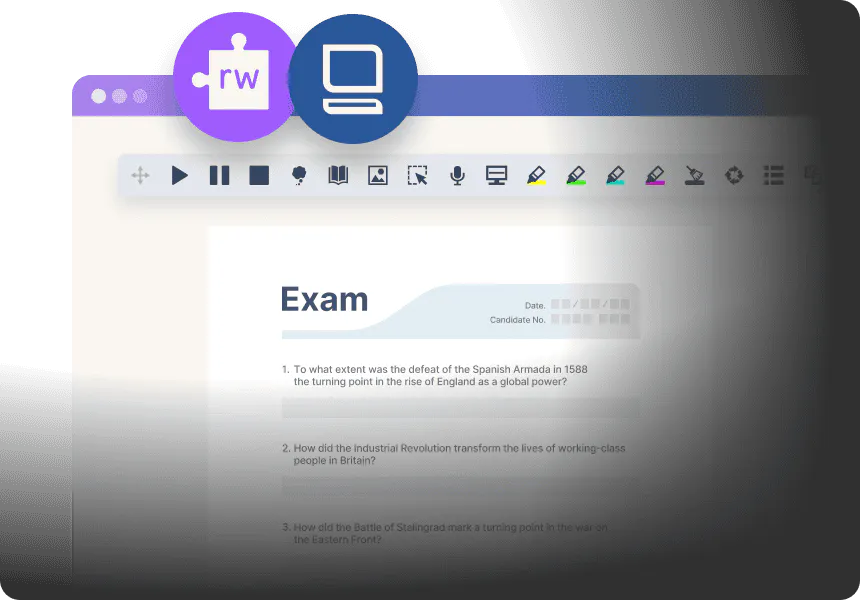
Exam interface displayed in a digital annotation tool, showing history questions and controls for highlighting, drawing, and recording responses.

Shield icon Maintain exam compliance and security

ExamWritePad provides a secure environment designed for assessments. It helps schools meet exam requirements while giving students access to the support they need.

Book iconHelp students show what they know

Students can listen to questions, plan responses and express their ideas clearly. This reduces barriers related to reading and writing so students can focus on demonstrating their knowledge.

Heart icon Designed for diverse learners

The combined solution supports students with a range of needs, including those with dyslexia, neurodivergent learners and students who benefit from literacy support in exam settings.

Exams officer with student during an exam

Schools across the UK use Read&Write and ExamWritePad to support students with access arrangements and create more inclusive exam experiences.

JCQ is the governing body for exams in the UK. Read&Write is an accepted method of providing a reader, or a scribe, or both to a learner in exams. It's very easy to apply for.

Tracey Sidebotham, Exams Access Assessor, Oldham College

Quote mark icon

If I didn't have Read&Write it would be tremendously stressful, I'd be sitting there until the exam is done completely and I've only done 5 sentences and I'm still struggling. It is helpful to have, if I didn't have it I might be struggling constantly and constantly.

Christian, Student, Oldham College

FAQs

The demo typically takes around 5-10 minutes to complete, but you can explore it at your own pace and revisit any section whenever you like.

The demo shows how Read&Write and ExamWritePad work together in an exam setting. You’ll see how students use reading and writing support tools within a secure environment designed for assessments.

This solution supports students with approved access arrangements, including students with dyslexia, neurodivergent learners and others who benefit from literacy support in exams.

ExamWritePad is designed to support secure exam conditions while allowing access to approved support tools. Schools should always follow current JCQ guidance and centre policies when using any assistive technology in exams.

Yes. If you’d like to learn more about Read&Write and ExamWritePad or discuss how they could support your school, you can get in touch using the form at the top of the page and our team will be happy to help.