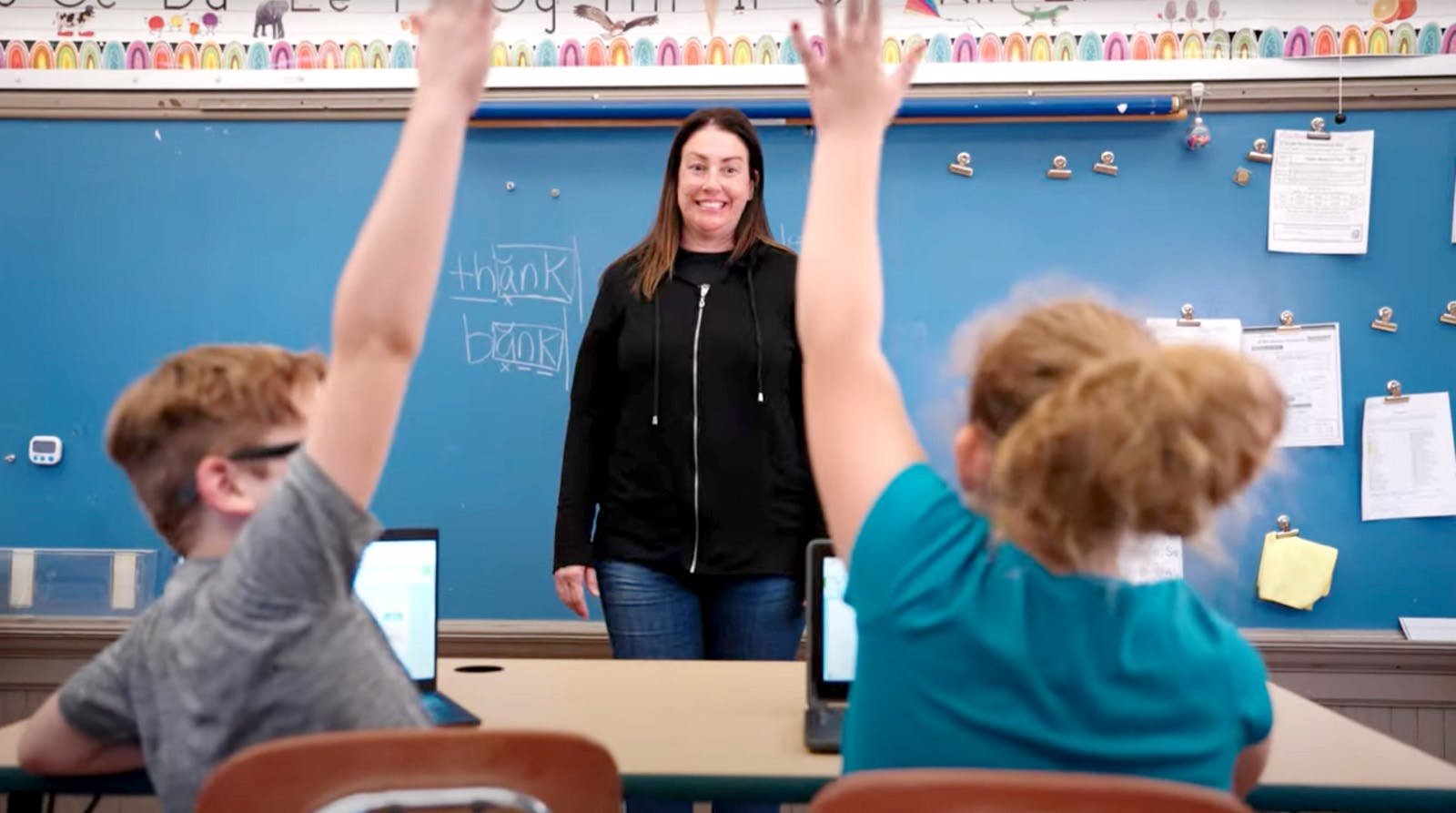
Teachers know that every classroom includes students with different strengths, challenges, and learning preferences. Universal Design for Learning (UDL) is a framework built on that reality. Rather than adapting content after the fact, UDL strategies are designed to remove barriers before they arise, giving every student a genuine opportunity to learn in ways that work for them.
Whether you are supporting students with dyslexia, ADHD, autism, or no formal diagnosis at all, these seven practical UDL strategies will help you build a more flexible, neuroinclusive classroom from the ground up.
What are the UDL principles?
Before exploring individual strategies, it helps to understand the three core UDL principles that sit behind them.
Multiple means of representation
This is about how content is presented. Rather than relying on a single format, UDL encourages educators to offer information through text, audio, video, visuals, and hands-on approaches so that students can access it in the way that works best for them.
Multiple means of action and expression
This is about how students respond and demonstrate understanding. Instead of defaulting to written tests or paper-based tasks, UDL opens up alternatives like verbal responses, presentations, and digital tools, so students can show what they know rather than being limited by the format.
Multiple means of engagement
This is about motivation and sustaining effort. Different students are engaged by different things. Some are driven by independence, others by collaboration, challenge, or creative expression. UDL strategies create space for all of these.
These three principles underpin every practical strategy below and are the foundation of a genuinely neuroinclusive classroom.
Learn more with Everway’s Universal Design for Learning guides
Start with your students: Understanding strengths and learning differences
All students are unique, and the way they learn best can be as individual as a fingerprint. Some learn best by reading and working independently. Others excel through videos, group work, or hands-on practice. The key is understanding their strengths and learning barriers and using that knowledge when designing lessons.
Simple ways to identify strengths include:
- Asking students about their learning preferences
- Observing how they respond to different approaches
- Using surveys designed to highlight strengths and barriers
Keep in mind that student preferences don’t always equal what’s most effective. For example, just because a student says they prefer videos doesn’t mean that’s their strongest way to learn. And for those requiring more specific support, creating an individual education plan (IEP) may be necessary for specific accommodations.
Use digital materials to make content accessible to all learners
Although paper-based materials still have value, digital content makes differentiated instruction much easier.
With digital materials, students can:
- Adjust font size and contrast
- Use text-to-speech for reading support
- Instantly access definitions and translations
- Explore related resources online
These features are especially useful for students with dyslexia or English language learners who need translation. If your current resources are only paper-based, consider updating them or using tools like OrbitNote which can convert paper material into accessible, digital content.
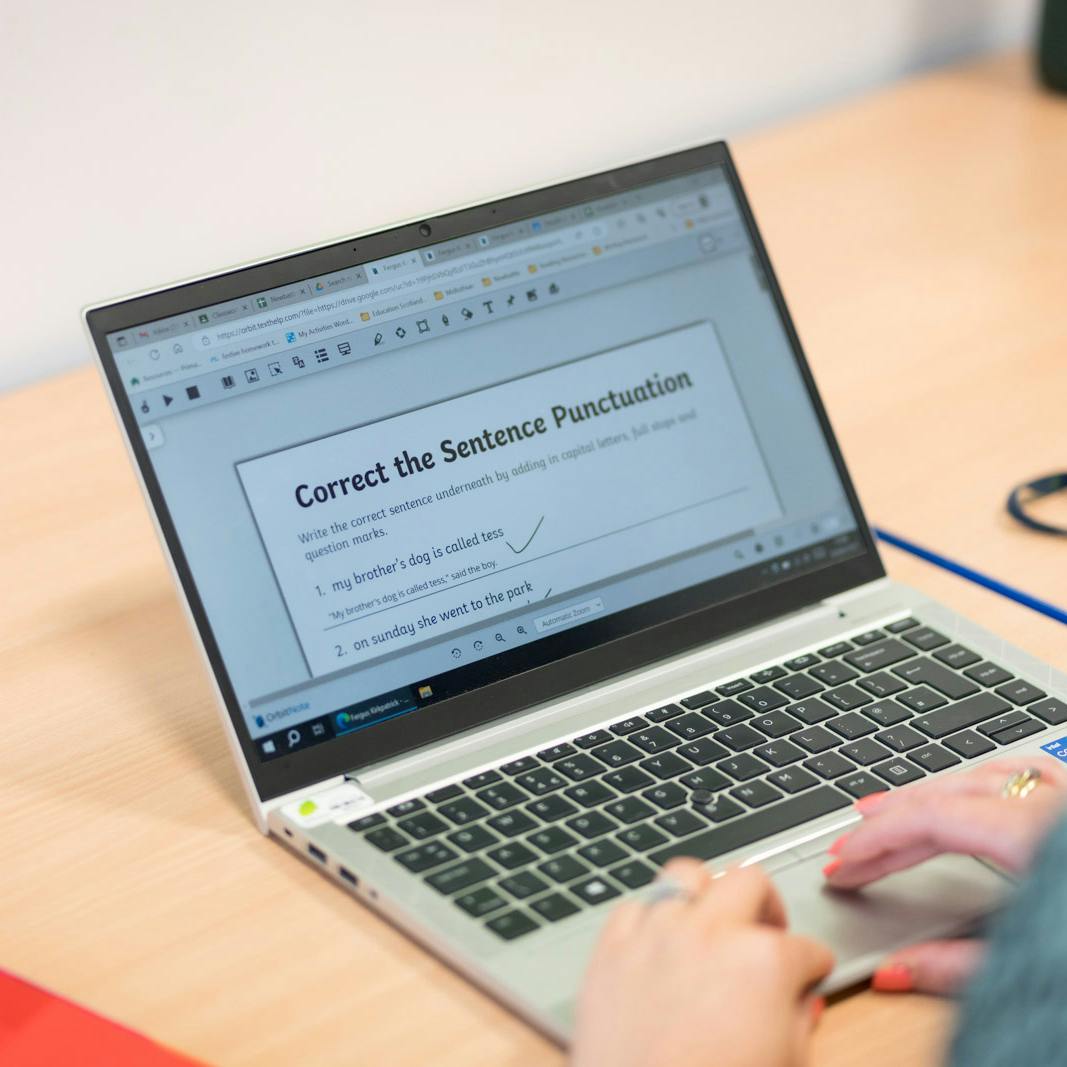
OrbitNote
Want to see how OrbitNote can make your classroom materials more accessible? Discover how it helps students read, write, and engage with digital content in multiple ways.
Multiple means of representation: Sharing content in a variety of ways
In addition to having content available in a digital format, it’s also important to share that content in a variety of ways. This ensures students can access it in ways that match their strengths. This aligns with the first of the Universal Design for Learning principles: multiple means of representation.
For example, when teaching perimeter and area, you could:
- Assign textbook reading for independent learners
- Offer a video lesson for visual learners
- Share a hip-hop version of the lesson via Flocabulary
- Use manipulatives for hands-on problem solving
This variety ensures students who struggle in one area don’t automatically fall behind.
Give students choice in how they demonstrate knowledge
It’s not enough to vary how you present content. Engaging students by giving them access to audio, video, digital text, and interactive sites, only then to hand out a paper and pencil quiz at the end of the day isn’t ideal. Students should also have options for showing what they’ve learned.
When possible, let students demonstrate knowledge through:
- A slideshow, video, or speech
- A hands-on demonstration
- A written essay or digital quiz
Even simple tools like Google Forms can modernise assessments. They allow for digital submission, quick feedback, and easy grading.
Use assistive technology and software to support independent learning
Technology plays a major role in supporting students with disabilities and those who need extra support. Today’s apps, extensions, and built-in supports cover nearly every subject.
Allowing students to use education software helps them:
- Build independence inside and outside the classroom
- Gain confidence while accessing learning on their own
- Free up teacher time to support more students
One widely used assistive technology tool is Read&Write, which provides reading and writing supports directly in Google Docs, Slides, Forms, and on the web. Millions of students worldwide use it daily to access text, boost comprehension, and organise ideas.
This video highlights how tools like Read&Write are a great way to provide on-demand support. One of the great things about modern apps and extensions is their ease of use. Many times students simply discover these apps on their own after they are deployed. If not, usually a quick overview at the beginning of a class is all that’s needed.
UDL strategies without technology: Low and no-tech approaches
It’s important to know that technology is not required to implement UDL in the classroom. Although it can help, even if your classroom has limited technology, you can still implement UDL effectively. The goal is always to remove barriers to learning and make sure that all students have a way to participate and learn.
Some low or no-tech strategies include:
- Using graphic organisers
- Offering printed visual aids
- Having students use whiteboards as response cards
- Structuring group work to allow peer collaboration
These options still provide multiple means of engagement and representation without requiring advanced tools.
Start small and learn from other educators: putting UDL strategies into practice
UDL isn’t new, and there are many resources available to help teachers get started. The UDL Center offers excellent research and practical examples. The key is to start small. Implementing the principles of Universal Design for Learning doesn’t happen overnight.
Some examples of how you can start, include:
- Redesign one lesson to include multiple ways of presenting content
- Add one new option for students to demonstrate knowledge
- Try creating a short quiz in Google Docs and let students use a support tool like Read&Write to respond
By tackling UDL one step at a time, you can see what works and what doesn’t for your unique students and classroom.
Implementing UDL strategies in practice: common questions
What instructional materials support UDL strategies for teachers?
The most effective instructional materials for UDL are those that can flex to meet different needs without requiring separate versions for different students. Digital documents that support text-to-speech, adjustable font sizes, and embedded definitions are a strong starting point. Tools like OrbitNote allow teachers to convert existing materials such as worksheets and PDFs into accessible formats, while Read&Write layers reading and writing support directly into Google Docs and Slides. Graphic organisers, visual schedules, and captioned video content are also widely used. The goal is not to create more resources but to make existing resources accessible to a wider range of learners.
What are the most practical UDL strategies for improving classroom inclusivity?
The most practical starting point is offering content in more than one format. This does not have to mean building an entirely new lesson. It can be as simple as pairing a written explanation with a short video, or offering a graphic organiser alongside a text-based task. Giving students a degree of choice in how they respond to that content, for example opting for a spoken summary rather than a written one, adds another layer of inclusivity. Building these habits gradually, one lesson at a time, is more sustainable than overhauling everything at once.
What are the best UDL strategies for supporting students with diverse learning needs?
There is no single best UDL strategy because different students have different strengths and barriers. That said, some approaches tend to have the widest impact across diverse learning needs. Offering content in multiple formats supports students with dyslexia, processing differences, and those learning in an additional language. Providing assistive technology as a standard option rather than a specialist accommodation supports students with ADHD, dyslexia, autism, dyspraxia, and dyscalculia, while benefiting the wider class too. Structuring choice into assessments helps students demonstrate genuine understanding regardless of whether writing is a strength.
How do schools measure the effectiveness of UDL strategies in the classroom?
Measuring UDL effectiveness works best when it focuses on access and participation, not just attainment. Schools can look at whether more students are completing tasks independently, whether reliance on teacher intervention has reduced, and whether students with additional needs are achieving outcomes comparable to their peers. Qualitative feedback from students about how they prefer to work is also a useful indicator. Technology can support this process too. Tools that track student engagement with digital materials or highlight where students are using support features can give educators a clearer picture of which strategies are making a difference.
How do you implement UDL strategies using digital education tools?
Implementing UDL through digital tools does not require a complete technology overhaul. A practical approach is to start with the resources you already use and make them more accessible. Converting PDFs into interactive digital documents using a tool like OrbitNote, enabling Read&Write as a browser extension so students can access reading and writing support across subjects, or building assessments in Google Forms rather than paper are all low-lift ways to begin. The key is consistency: when tools are available to all students as a matter of course, rather than as something requested or singled out, they become a natural part of how your classroom works.
Learn more about how Everway products can support you in implementing UDL strategies.
Universal Design for Learning strategies help educators create more neuroinclusive classrooms where every student can succeed. By offering differentiated instruction, flexible assessments, and access to assistive technology tools, teachers can remove barriers and boost engagement.