Education software for everyone

Every mind is unique, and every student deserves the chance to succeed. At Everway, we’re breaking down barriers in education with tools that help every learner understand and be understood.

Whether it’s at school, college or university, our technology empowers students to learn in ways that work best for them - so they can build confidence and unlock their full potential.
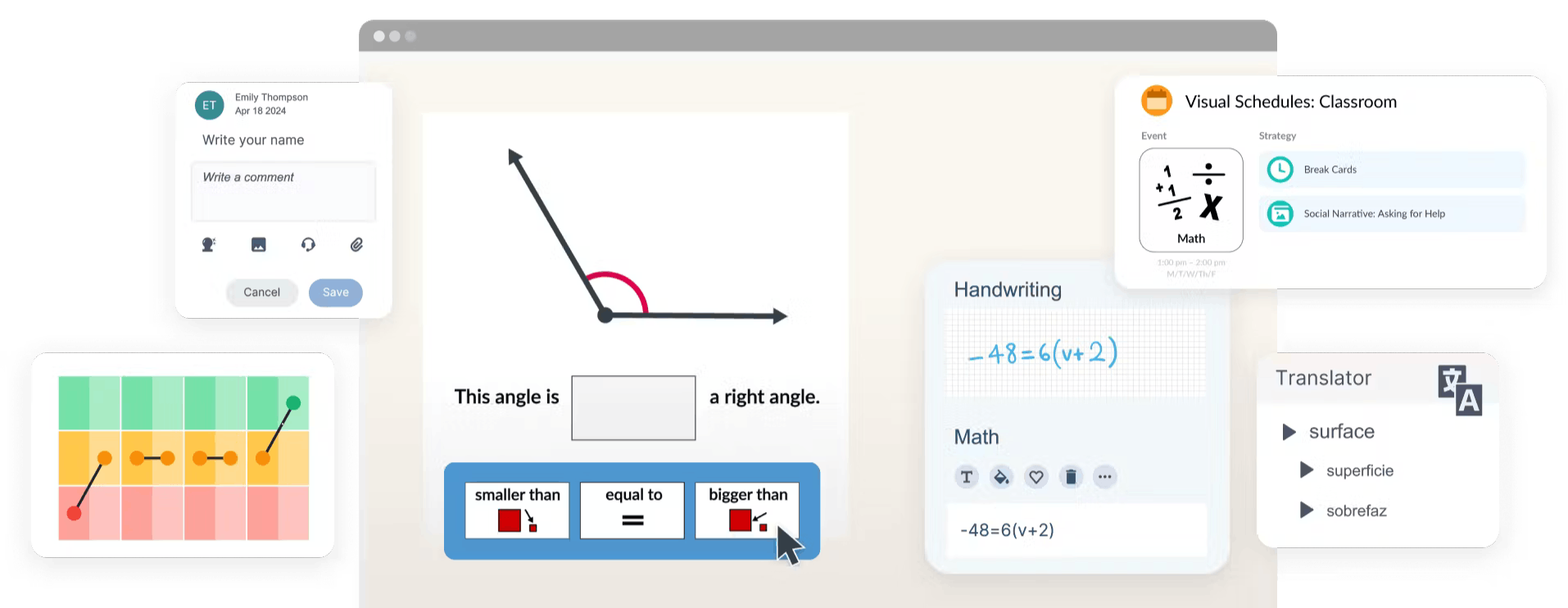
Education technology tools screen examples

How our education software helps educators and learners

Empower every learner's journey

From literacy to numeracy and exams, our tools support students in reading, writing and maths, helping them build skills, gain confidence and succeed in their own way.

Breaking barriers in learning

Create thriving learning environments where every student can contribute fully. From Universal Design for Learning (UDL) to special education and maths and science accessibility, we help educators remove barriers to success.

Flexible options 

We offer pricing plans that fit your individual or institution’s needs - whether it’s a single licence, a single classroom, an entire school or a MAT / LEA implementation.

How we help educators and learners

We’ve built tools that support students at every level. Read&Write boosts understanding with Text-to-Speech, Word Prediction, and more. ClaroRead offers key reading and study tools for school and exams, while OrbitNote transforms how students engage with documents.

Maths and STEM can be tough, but with the right support, students gain confidence. Equatio makes maths accessible, letting them speak, type, draw, or visualise equations their way to build understanding and solve problems creatively.

Exams can be daunting, but the right tools make a difference. ExamWritePad offers a customisable, comfortable writing space. Read&Write supports with Text-to-Speech and Word Prediction, while OrbitNote lets students interact with exam materials their way.

A close up of a student working on a laptop
A teacher standing infront of the class while two student raise their hand

Tools for students and educators

Support every student’s unique learning journey with technology designed for success across all levels of education.

Read&Write logo

Literacy support for diverse and multilingual learners, helping students read, write and research across all subjects.

Equatio logo

Make digital maths accessible with our equation editor. It allows students to speak, type or draw to visualise and solve problems in their own way.

OrbitNote Logo

Transform how you work with documents with this PDF reader and annotator. Help students and educators interact, annotate and collaborate with ease.

ClaroRead logo

Reading, writing and study tools to help students have the tools they need to succeed in school and exams.

ExamWritePad logo

A compliant and customisable word processor designed for use in exams and controlled assessments to help students feel comfortable and confident.

EduLife logo

Get the most out of Google Workspace for Education. Automate and maintain your school data with ease.

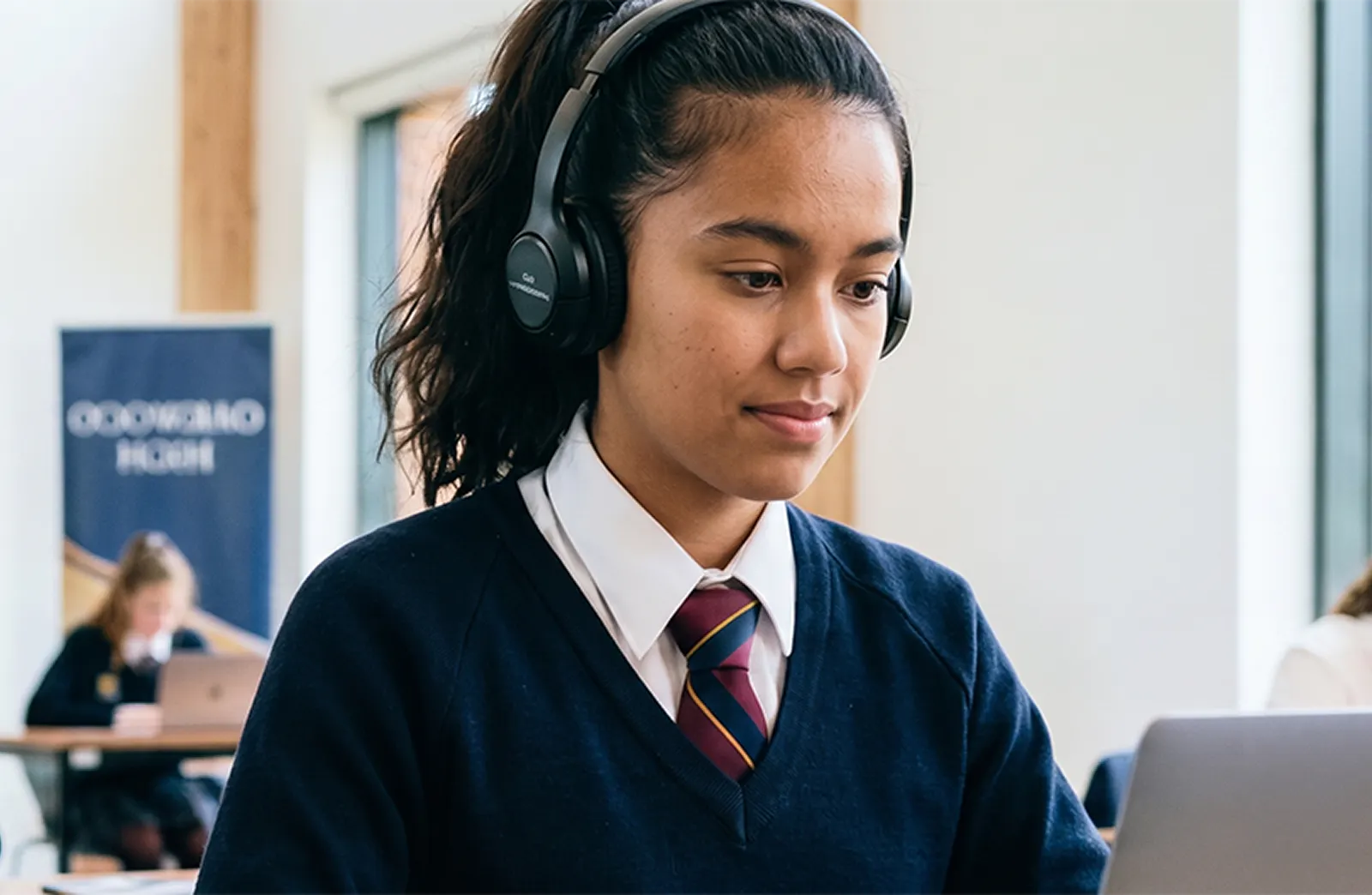
Student wearing a headset and uniform, working on a laptop during exam. Other students can be seen blurred in the the background.

Exam access arrangements

Every student deserves the opportunity to succeed in exams - without barriers.

Whether you're following JCQ or SQA guidance, digital tools can help make exams more inclusive for all learners.

View our guides for clear, up-to-date information on access arrangements.

Support through Disabled Students' Allowance (DSA)

Did you know you can apply for assistive technology through the DSA? Our tools, including Read&Write, Equatio, ClaroRead and OrbitNote, help students with literacy, numeracy and productivity.

We also offer specialist tools for DSA students. Autocorrect enhances spelling support, while Writing Helper provides structured writing guidance. Global Tasks improves organisation and workflow, and Scholarcy helps summarise research materials efficiently.

These tools are designed to help students overcome challenges and succeed in higher education.

Students working at laptops in a classroom, with one girl in focus typing while others concentrate beside her.

Assistive technology for education

Assistive technology in education removes the barriers that can prevent students from fully accessing learning. Whether a student needs text-to-speech to access written content, speech-to-text to express their ideas, or accessible maths tools to work with equations, our suite of assistive technology tools works alongside educators and learners every day.

UDL and accessibility experts

Everything we do draws on the latest brain science and best expertise about how people read and write.

That’s why all of our products are designed with Universal Design for Learning (UDL) and accessibility in mind.

As a result, in schools and higher education, every student can get the same opportunity for learning.

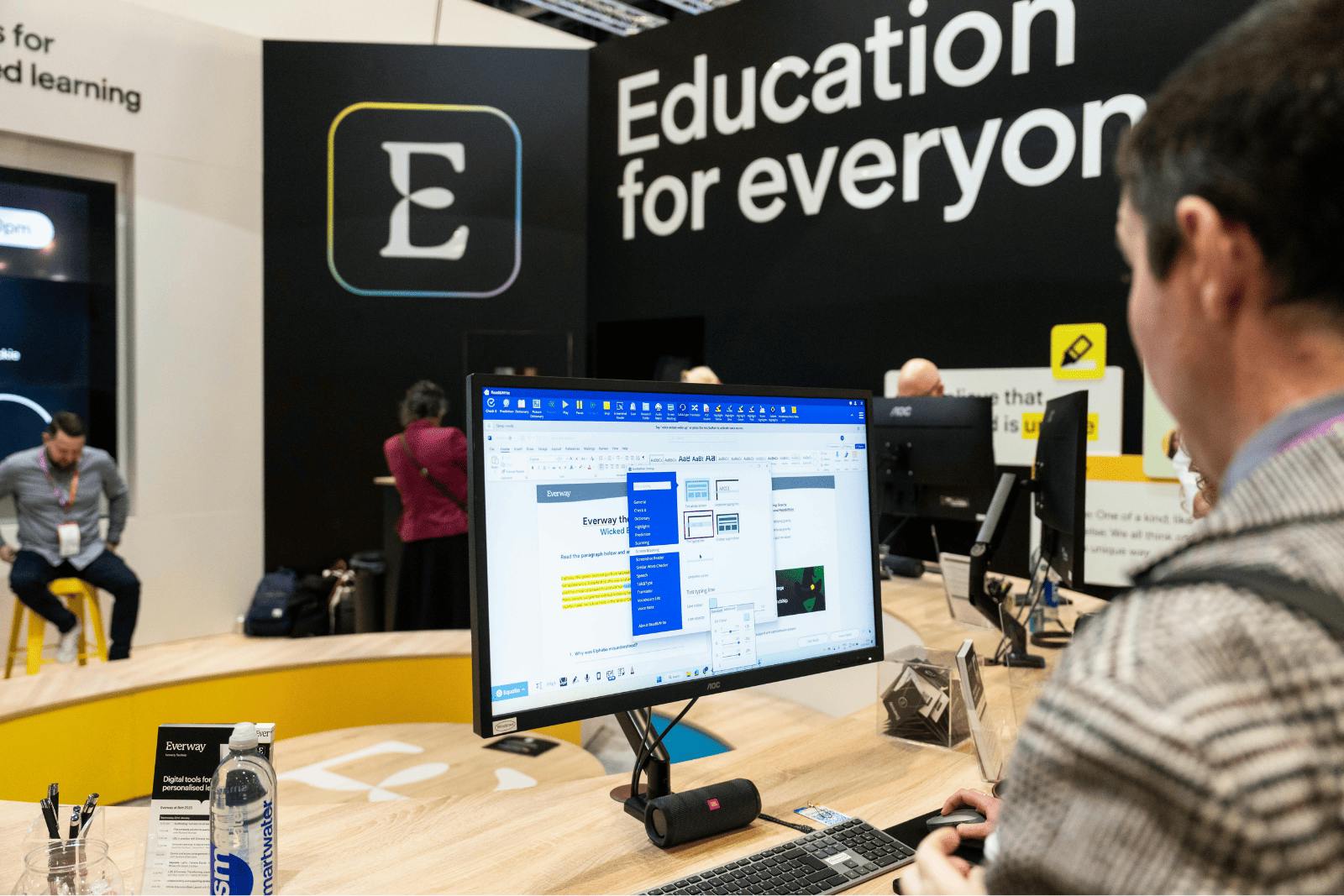
Man looking at a screen at an event
Forbes 2025 Accessibility 100 logo

Everway named in Forbes’ Accessibility 100

Recognised as a global leader in accessibility, Everway is proud to be included in Forbes’ inaugural list celebrating companies driving real impact.

Trusted by leaders in education

Trusted by partners worldwide, we’re shaping the future of learning—supporting over 250 million people with our solutions.

BATA Logo

ISTE logo

IAAP logo

SIIA Logo

AHEAD Logo

BESA Logo

BDA Logo

BSME Logo

Explore education solutions by topic and learning need

Our comprehensive suite of education software addresses literacy, math, accessibility, and specialized learning requirements. Our tools integrate seamlessly into existing classroom workflows, supporting both general education and specialized instruction.

Read&Write logo

Free resources for teachers: try the Read&Write toolbar

Teachers can get a premium subscription for free, helping you to maximise outcomes for all learners.

Students work at their computers in a modern classroom.

Real impact in schools and colleges

Our education technology solutions improve student outcomes, increase engagement, and provide equitable access to curriculum.

Education software FAQs

Our suite of software includes literacy support tools (Read&Write), accessible maths software (Equatio), PDF annotation tools (OrbitNote), and exam technology (Read&Write and ExamWritePad). Our software solutions serve primary and secondary schools as well as colleges and universities.

Our educational tools have been built with features that remove barriers to learning, rather than requiring students to adapt to rigid systems. Features include such as text-to-speech, word prediction, speech-to-text, visual supports, and customizable accessibility options.

Neuroinclusion means creating environments where neurodivergent individuals, including those with dyslexia, ADHD, autism, and other learning differences, can fully participate and thrive. Our education technology solutions are designed with neuroinclusion principles, providing flexible learning options that benefit all students while specifically supporting those who need additional accommodations.

Yes. Our software integrates seamlessly with Google Classroom, Microsoft 365, Canvas, Schoology, Brightspace, and other leading learning management systems. Read&Write, Equatio, and OrbitNote work directly within these platforms, ensuring smooth implementation without disrupting existing classroom workflows.

Teachers can access Read&Write for free through our Read&Write Toolbar for Google Chrome. This provides core literacy support features for educators to use in their classrooms.

Our education technology software works wherever you do, across Chromebooks, Windows computers, Mac computers, iPads, and Android tablets. Read&Write, Equatio, and OrbitNote are available as browser extensions, desktop applications, and mobile apps, ensuring students can access support regardless of device type.