Your assessor’s toolkit
Streamline your ATW recommendations with these helpful resources.
Your go-to resource with all you need to make confident recommendations.

Streamline your ATW recommendations with these helpful resources.
See how each product supports a range of accessibility needs.
Explore our full ATW product portfolio with these handy explainer videos – perfect for sharing with students.
Book a training session with our ATW product specialists to learn more about our tools.
Stay connected with easy, bite-sized updates on what’s new.
Get news of upcoming events and product updates straight to your inbox.
Keep an eye out for our new Access to Work certification platform launching soon.
We host regular sessions giving you insights into what’s new with Everway tools.
Read and Write-Small tools big difference in the workplace - Sep 10, 2026
Claro in 20- Simple Support, Everyday Confidence In The Workplace - Sep 17, 2026
MindView in 20 Minutes: Turn Ideas into Action in the workplace Sep 23, 2026
Global Tasks in 20-Less Overwhelm, More Confidence Sep 30, 2026
Come say hello!
We've no events in the calendar right now, but check back soon to see what's coming up in the Autumn.

Head of Business Development (Government Grant Schemes),
Everway
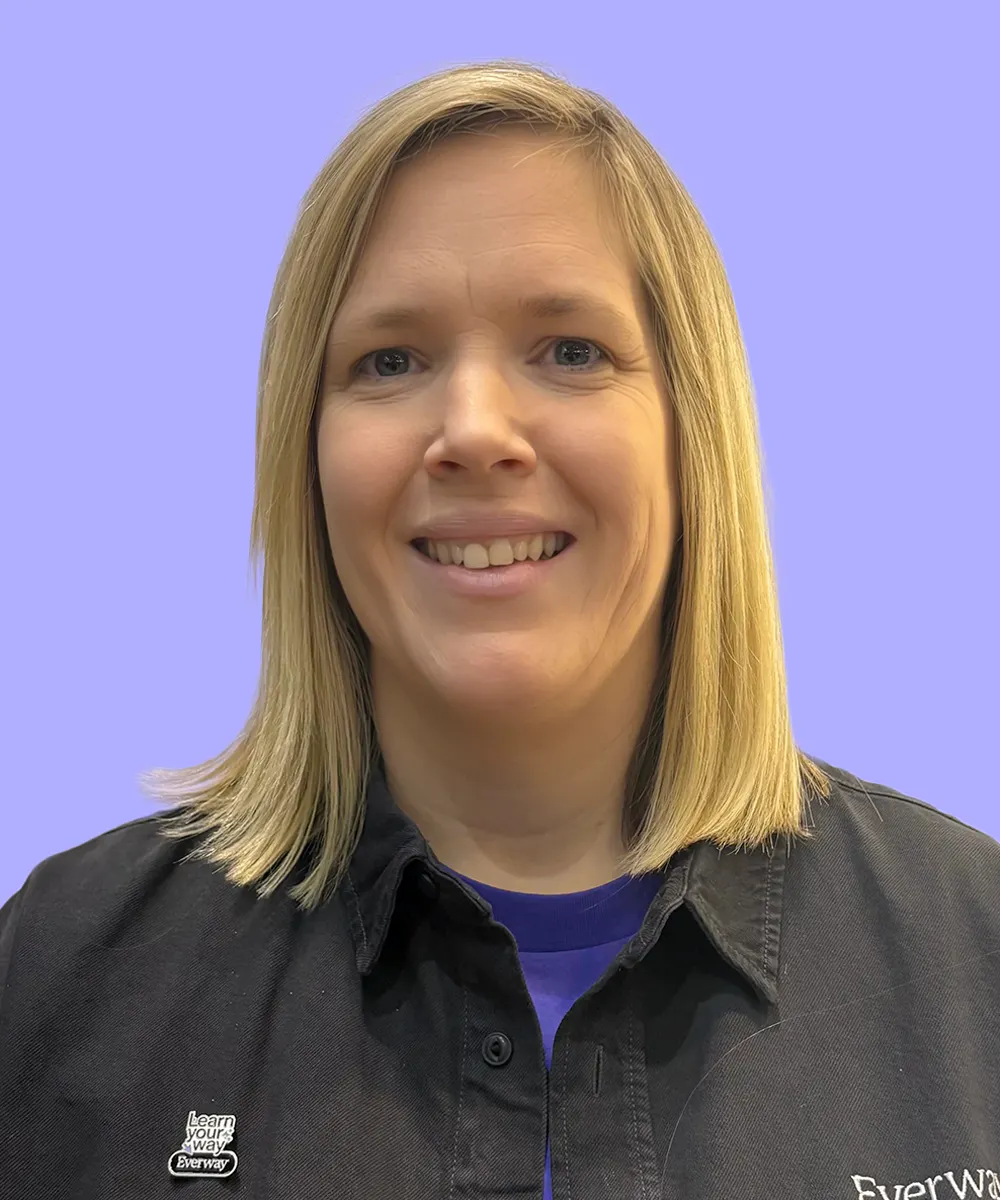
Access to Work Lead
Everway

Product Specialist,
Everway
Use the tabs to discover which products support each condition.

Equips employees with custom reading, writing, research and translation tools to help them work to their full potential.

Helps employees overcome literacy challenges with reading and writing support for drafting reports, emails, projects and more.

Creates accessible PDFs, allowing employees to annotate their thoughts, add comments and collaborate on documents with ease.

Enhances writing accuracy with automatic spelling and grammar corrections as employees type, improving professionalism and reducing errors.

Organise and prioritise goals with our task management tool, helping employees stay on track of projects and creating a productive workflow.