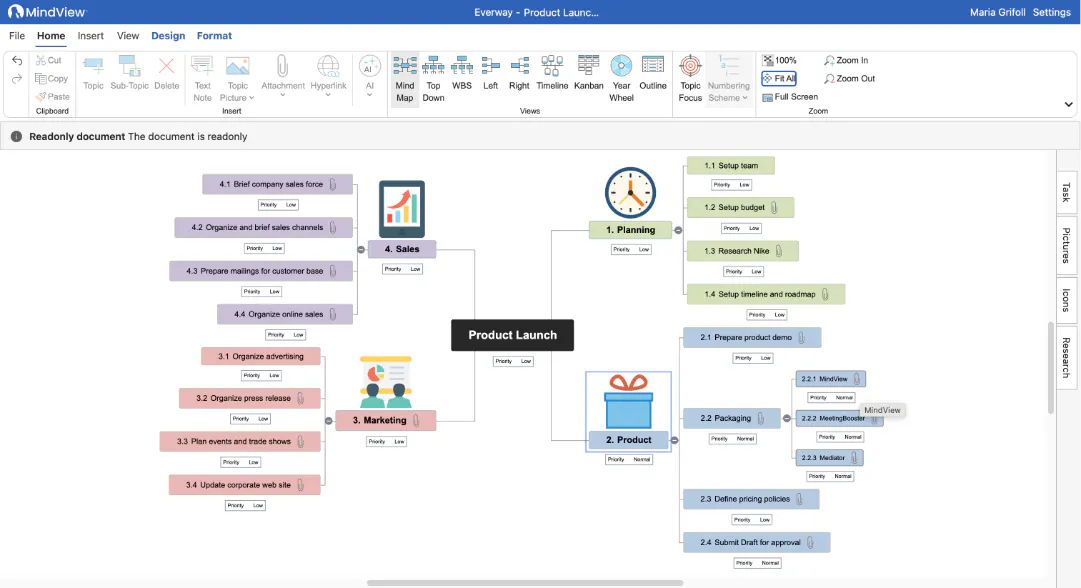
We've rebuilt MindView Online to bring more of the tools users already know from the desktop application into a modern web experience.
With new tools including Kanban, Timeline, Year Wheel, and AI Assistant, alongside expanded functionality across the platform, MindView Online gives students and professionals greater flexibility to organise ideas, manage projects, and work from almost any device without relying on a desktop application.
What's new
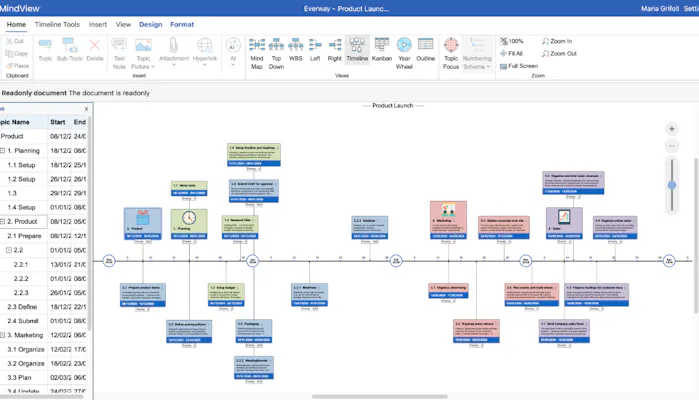
The new version of MindView Online introduces several core features previously available only in the desktop application.
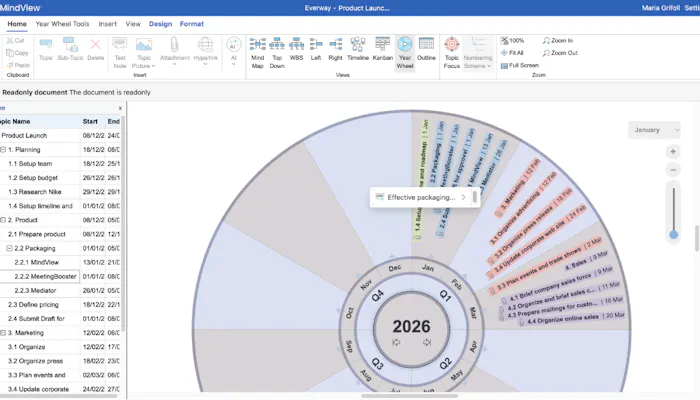
Users can now organise work using Kanban boards, plan projects with Timeline, visualize long-term schedules using Year Wheel, and access AI Assistant to support planning and idea development. Existing online features remain available, while the overall experience has been expanded to more closely match the capabilities of the desktop version.
This means users can work with familiar tools whether they're using MindView on the web or on their desktop.
Greater flexibility for learning and work
More people are studying and working across multiple devices, locations, and environments. This update helps support those changing ways of working.
Students can access the planning tools they rely on from wherever they're learning, helping them organise assignments, structure ideas, and build greater independence. Workplace professionals can manage projects, collaborate with colleagues, and organise complex information without being tied to a single device.
By bringing more functionality online, MindView better supports flexible study and working practices.
Familiar where it matters
The updated experience has been designed to feel more consistent across MindView products.
Users moving between desktop and online versions will find familiar planning tools, workflows, and ways of organising information. This reduces the need to learn different experiences across platforms while preserving the convenience and accessibility of working in a browser.
Whether you're planning an assignment, preparing a presentation, or managing a project, the experience feels more connected.
Supporting more independent planning and organisation
Planning and organising information looks different for everyone. MindView is designed to support different ways of thinking by giving users flexible ways to capture ideas, structure information, and manage their work.
By bringing more of the desktop experience online, MindView helps students and professionals work with greater confidence wherever they are.