Assistive technology for SEND reform

Assistive technology helps make learning more accessible.

From reading and writing to maths, digital resources and exams, our solutions give learners different ways to access information, express their ideas and work independently.

Our tools help your school build neuroinclusive classrooms at every tier.

Young student using a stylus on a tablet during class, focused on completing a digital assignment while classmates work in the background.

SEND Reform at a glance

SEND reform aims to improve how children and young people with special educational needs and disabilities (SEND) are supported. With greater focus on inclusive mainstream education, schools and trusts need practical ways to remove learning barriers and support a wider range of needs.

SEND reform at a glance
Change What is proposed
Needs-led support Support based on a learner's barriers to learning, not on a diagnosis or a formal plan
Four tiers of support Universal offer, targeted support, targeted plus and specialist support. Learners can move between tiers as their needs change
Individual Support Plans (ISPs) A digital record of a learner's needs, support and outcomes. Schools, nurseries and colleges would have a legal duty to create them
EHCPs Kept for children and young people with the most complex needs. No changes to existing EHCP support before September 2030
Experts at Hand Direct access to specialists such as speech and language therapists and educational psychologists, without waiting for a referral
Funding and training New funding for inclusive mainstream provision and a national SEND training programme for school staff

What's changing for you?

Your role moves towards leading inclusive practice across the school, with ISPs to create and review for learners who need extra help. A strong universal offer of assistive technology reduces the number of individual adjustments you need to arrange and gives you clear evidence of the support in place.

You will need an inclusion strategy, a plan for staff training and a consistent approach to technology across every school. Whole-school assistive technology makes provision fair across classes and sites, and easier to measure.

Every teacher is a teacher of SEND. Tools that work inside the platforms you already use help you adapt lessons for different needs without creating separate resources.

Learners get support earlier, without waiting for a diagnosis, and can move between tiers as their needs change. Children with an EHCP keep it, and their support will not change before September 2030.

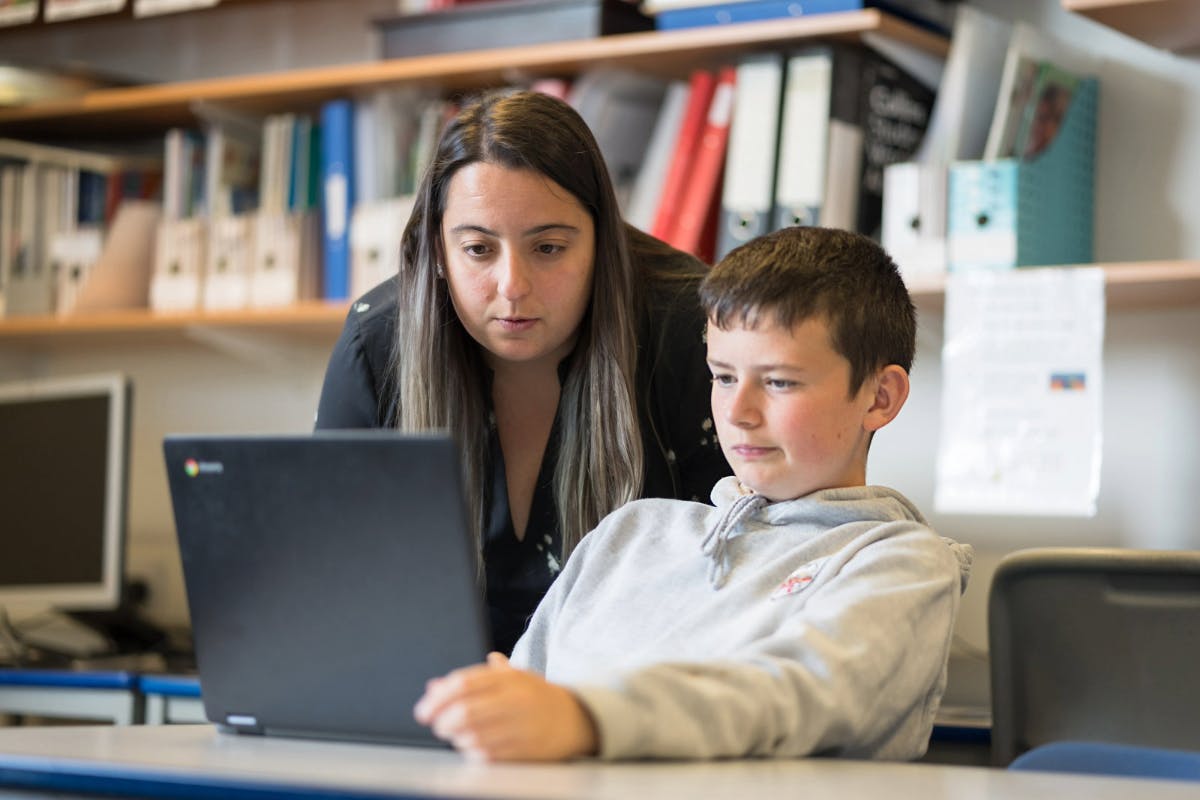
A teacher and a student looking at a laptop screen
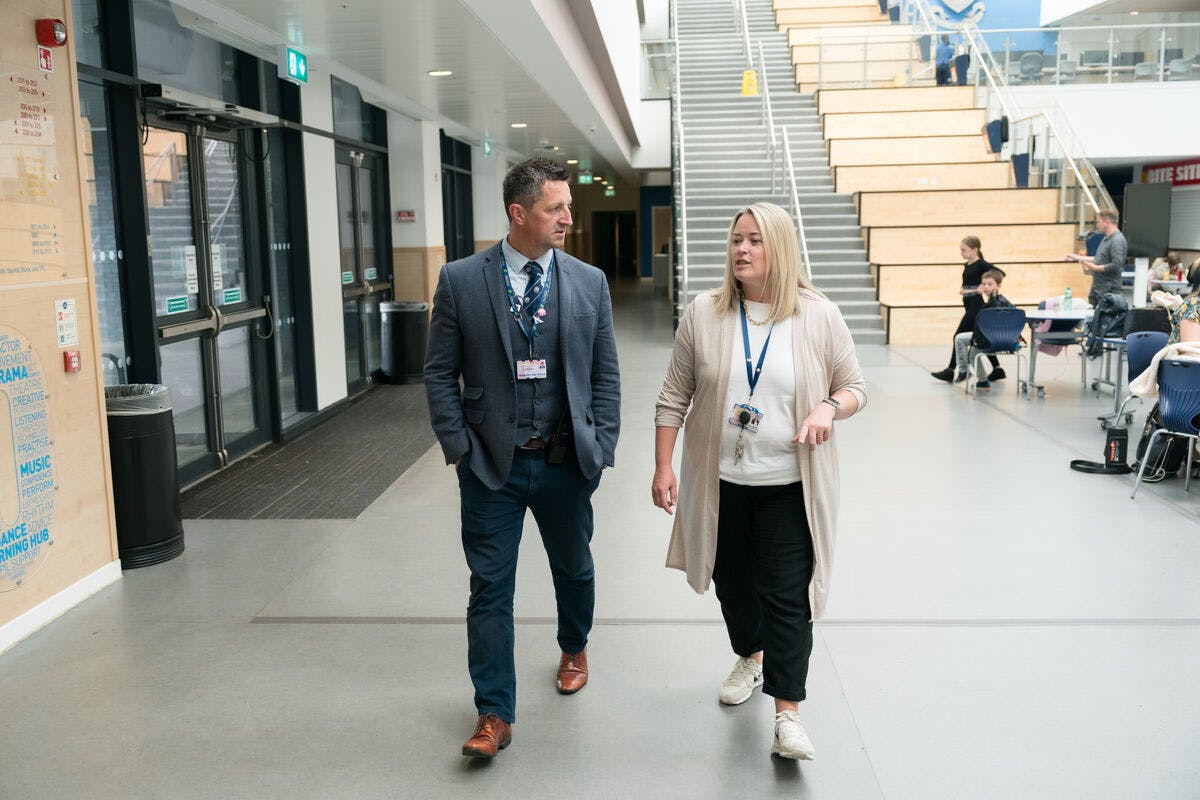
Educational leaders at Midlothian Schools
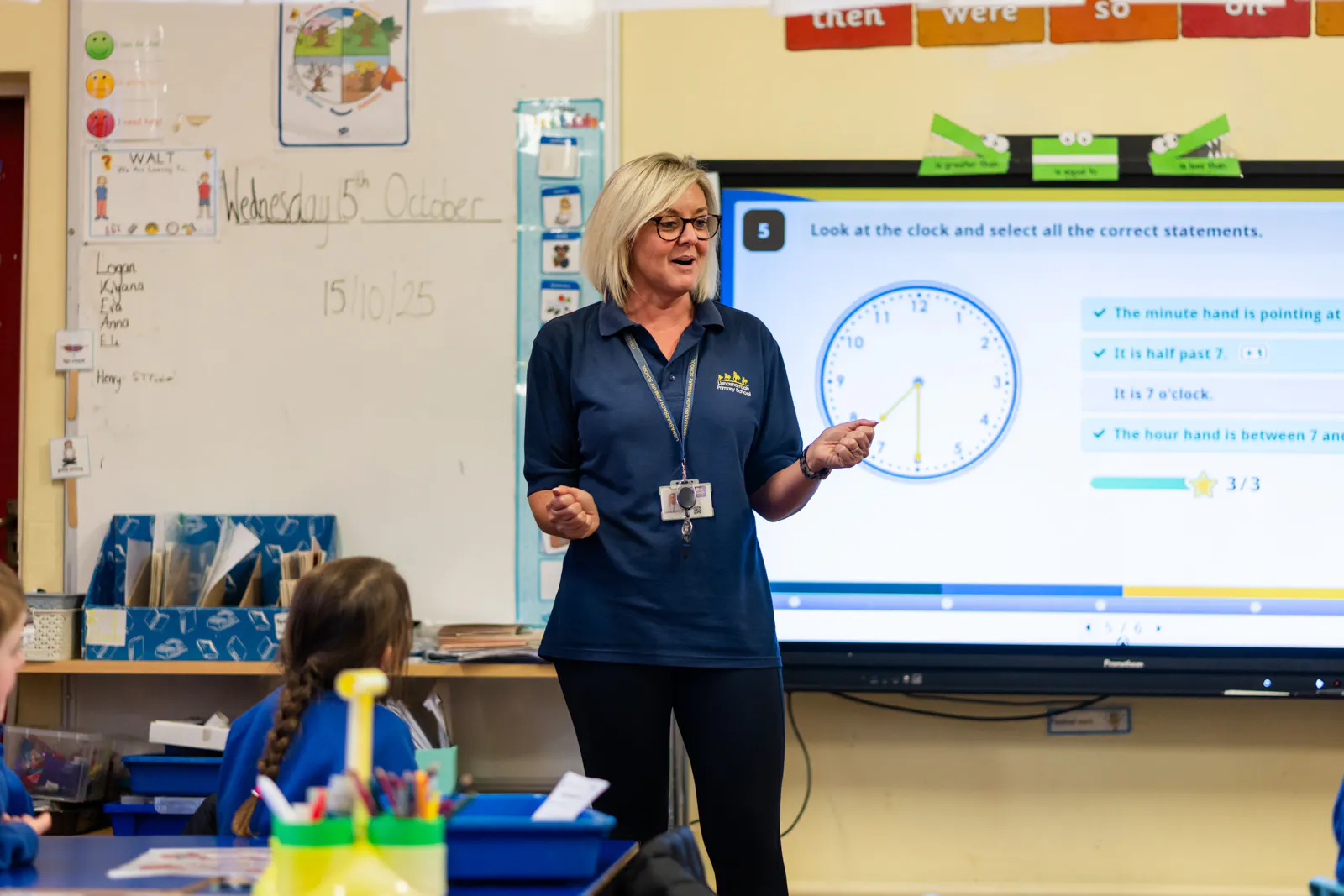
Teacher teaching a lesson in front of an interactive whiteboard
Students collaborate and work independently on laptops in a classroom, with several wearing headphones during a technology-based lesson.

The role of technology in inclusive education

Assistive technology can play an important role in helping schools strengthen their universal provision and provide targeted support where it's needed.

When tools are available across the classroom, learners can choose the support that works for them without being singled out or waiting for a formal diagnosis.

Technology can help schools:

  • Support adaptive teaching: Give learners different ways to read, write and engage with lessons.
  • Remove barriers: Make learning materials and activities more accessible.
  • Build independence: Help learners complete tasks with less adult support.
  • Support the whole curriculum: Provide accessible tools for literacy, maths, digital documents and exams.
  • Deliver consistent support: Help learners use familiar tools across subjects and settings.
Students collaborate and work independently on laptops in a classroom, with several wearing headphones during a technology-based lesson.
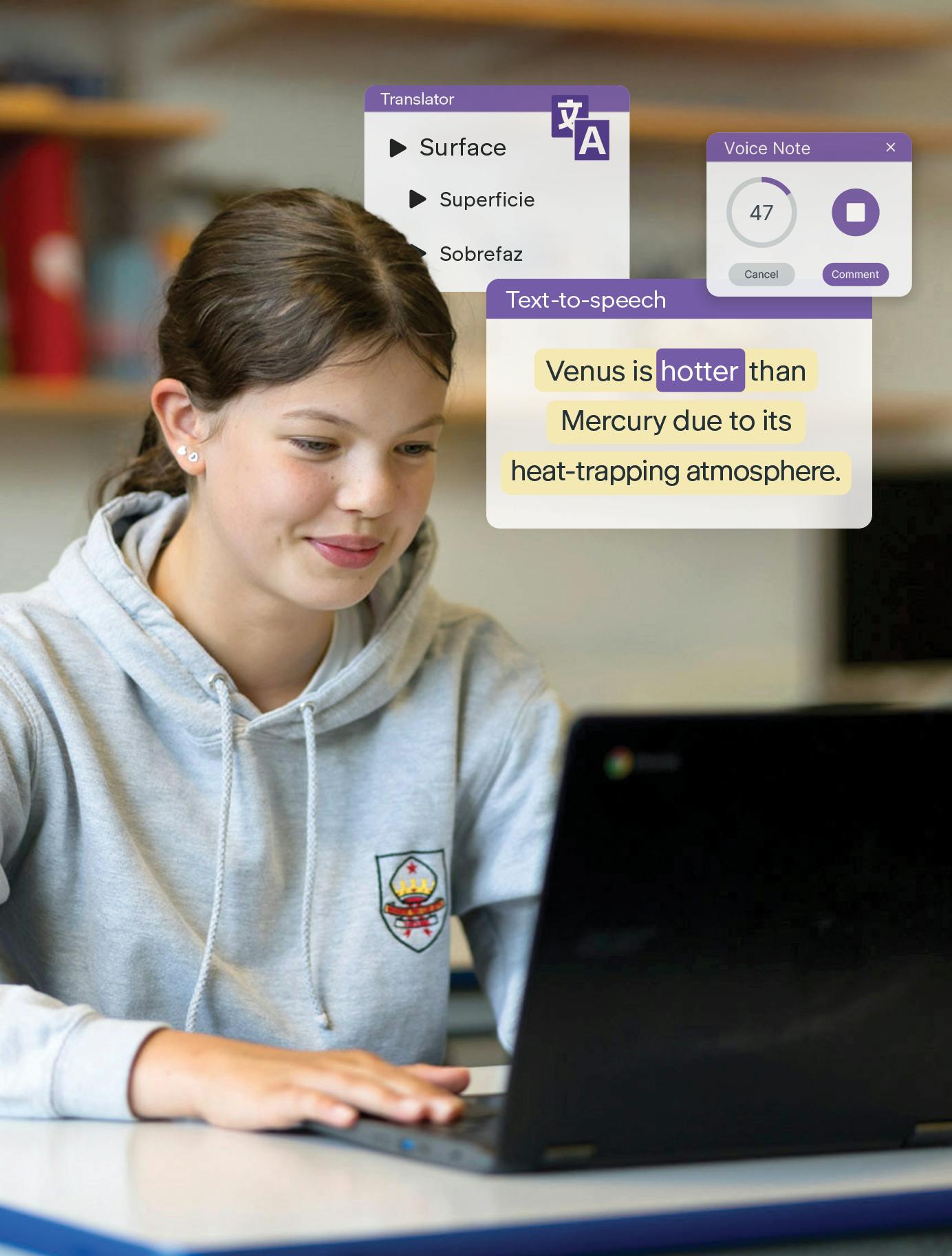
Student working on laptop in classroom. Read&Write feature mockups floating in the background demonstrating text-to-speech, voice note and translator features.

Making assistive technology part of your inclusion strategy

Inclusive technology works best when it's planned into everyday teaching, rather than introduced only when a learner needs extra help.

Schools and trusts can include technology in their inclusion strategies by considering:

  • Universal provision: Make accessible tools available as part of everyday learning.
  • Targeted support: Match additional tools and features to individual needs.
  • Staff training: Help teachers use technology confidently in their lessons.
  • Learner independence: Give pupils choice in how they access and complete work.
  • Review and impact: Check how technology is being used and whether it's improving access to learning.

Our education products can support these priorities across the school day, helping schools build a more consistent approach to inclusive education.

Explore inclusive technology for SEND

Our technology supports different learning needs across the curriculum. Together, they help schools make reading, writing, maths and digital learning more accessible.

Read&Write logo

Make reading and writing more accessible with Read&Write

For some learners, decoding text, understanding information or getting ideas onto the page can present a barrier to showing what they know.

Read&Write gives learners practical tools to access written content, express their ideas and work more independently.

How Read&Write supports inclusive teaching:

  • Text-to-speech: Listen to written content with dual-highlighting to support reading and understanding.
  • Speech-to-text: Turn spoken ideas into written words.
  • Word prediction: Get support with spelling and writing.
  • Screen Masking: Reduce visual distractions and support focus.
  • Dictionary and vocabulary tools: Explore unfamiliar words and build understanding.

Supporting universal and targeted provision

Teachers can make Read&Write available across the classroom, giving every learner access to reading and writing support when they need it.

Learners who need more targeted support can choose the features that work best for them.

OrbitNote Logo

Make digital learning materials accessible with OrbitNote

PDFs and digital worksheets are widely used in schools, but they aren't always easy for every learner to access.

OrbitNote helps make digital documents more accessible, giving learners different ways to read, understand and interact with learning materials.

How OrbitNote supports inclusive teaching:

  • Text-to-speech: Listen to text in PDFs and digital documents.
  • Highlighting: Mark important information and organise ideas.
  • Annotation tools: Add notes, drawings and responses directly to documents.
  • Screen Masking: Help learners focus on the content they're working with.

Supporting universal and targeted provision

Teachers can use OrbitNote to make digital worksheets, reading materials and other documents more accessible to the whole class.

Learners can then choose how they read, annotate and respond to information, with additional support available when needed.

Equatio logo

Make maths and STEM more accessible with Equatio

Understanding maths and expressing mathematical ideas are different skills. Some learners know how to solve a problem but find it difficult to write equations, use mathematical symbols or show their working.

Equatio gives learners different ways to create and communicate mathematical content.

How Equatio supports inclusive teaching:

  • Equation editor: Create mathematical expressions without relying on complex keyboard commands.
  • Handwriting recognition: Turn handwritten maths into digital expressions.
  • Speech input: Use spoken maths to create mathematical content.
  • Accessible digital maths: Help learners work with equations and mathematical notation in digital learning materials.

Supporting universal and targeted provision

Equatio gives learners more choice in how they express mathematical ideas.

It can support everyday maths and STEM teaching while helping pupils who find traditional methods of entering mathematical notation difficult.

Inclusive support from classroom to exams

Read&Write and ExamWritePad help schools provide consistent support from everyday learning through to exams. Together, they support reading, writing and independent learning, helping pupils demonstrate what they know in lessons and formal assessments, in line with exam access arrangements.

Making assistive technology work across your school or trust

Choosing the right technology is a starting point. Schools also need a clear plan for introducing tools, supporting staff and reviewing their impact.

We work with schools and trusts to help make assistive technology part of everyday teaching.

Whether you're strengthening universal provision, supporting individual learners or planning for SEND reform across multiple schools, our technology and training can help you take practical steps towards more inclusive education.

Students raise their hands to answer questions during a classroom lesson, showing active participation and teacher-led discussion.

About Everway: 30+ years of neuroinclusion experience

At Everway, formerly Texthelp, we have spent more than 25 years helping people understand and be understood. Our assistive technology supports millions of learners and employees around the world, and we work with schools, colleges and organisations across the UK to build neuroinclusive environments where everyone can thrive.

Are you ready to find out more about our tools to support you through the SEND reform?

Get in touch to find out more about how our solutions can support teaching and learning as part of the new SEND Reform.