Essential ExamWritePad features for success in exam season
In this focused webinar, we’ll show you how to streamline setup, reduce exam-day stress, and create a secure, compliant environment for every candidate. From managing candidate details and access arrangements to using autosave, backup and full-screen exam mode, you’ll leave with practical tips you can apply straight away.
What you’ll learn
- How to set up candidate details quickly and accurately
- How to apply extra time and manage spellcheck in line with exam regulations
- How to use autosave and backup features to protect student work
- How to launch a secure, full-screen exam environment confidently
Who should attend
This webinar is for current customers, whether you’re a seasoned ExamWritePad user or just starting to explore using ExamWritePad, this session will leave you inspired, equipped and ready for exams.
Register to watch the recording.
Meet the speakers
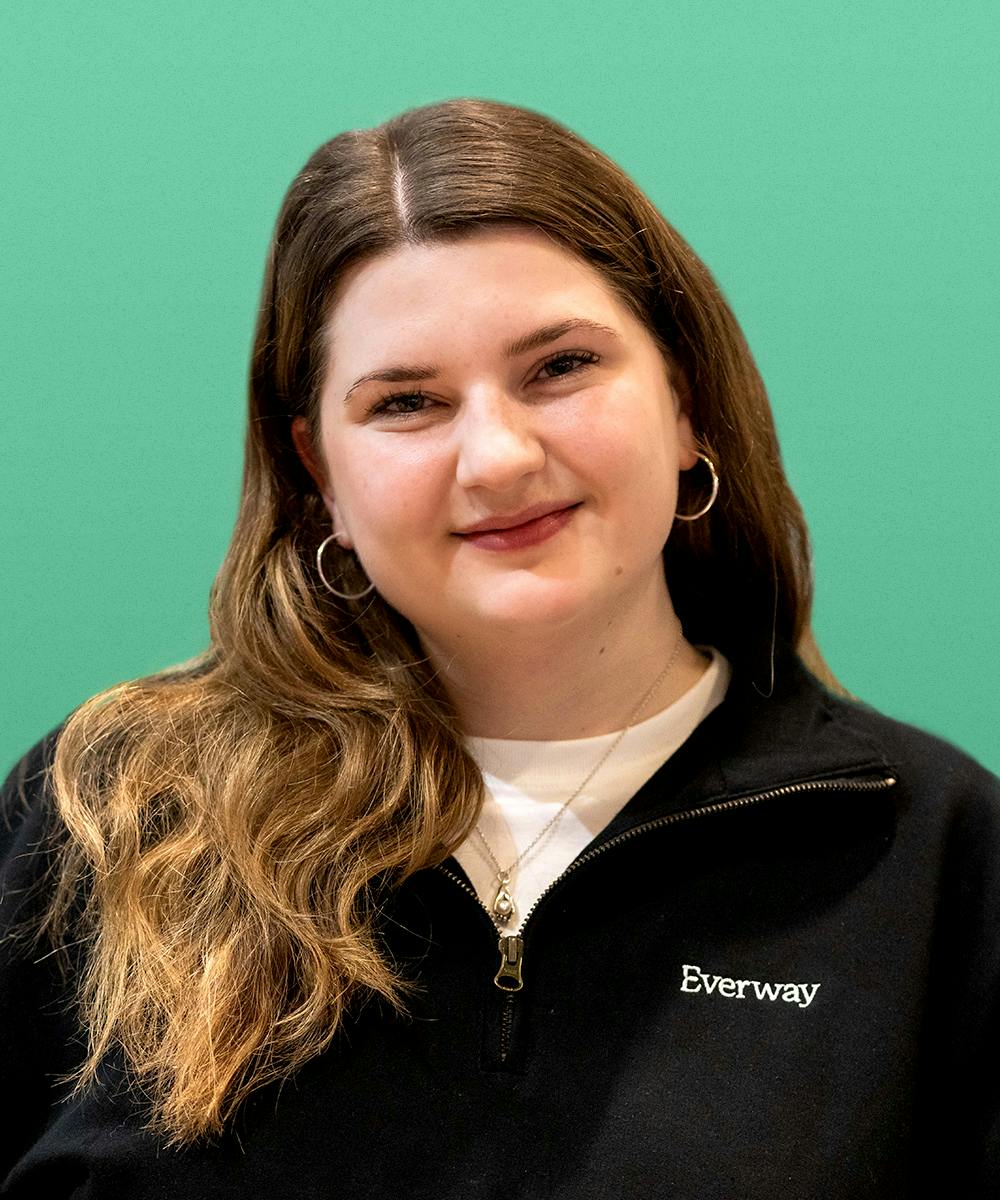
Isobell Haskell
Senior Customer Success Executive, Everway
As a Senior Success Executive at Everway Isobel spends her time connecting with and supporting the fantastic customer base using ExamWritePad, Read&Write and Edulife in the UK.
Passionate about communicating with people and solving problems, Isobel’s job is to make her customers' jobs easier, workloads lighter and data more usable through our sync tools. Isobel is a certified Google Educator and Admin, and is certified in Cloud Computing by IBM.
Isobel completed an undergraduate degree from UEA in 2018. Following this Isobel spent two years living in China where she gained a deep understanding of Chinese culture and language. This led her to pursue a Master's degree in Chinese Studies, showcasing a passion for learning and cultural exploration before joining the Everway team in 2022.
Hear from previous attendees
Register to receive the recording
Watch on demand when it suits. You'll also receive the webinar slides, guides & more!





How to deliver digital access arrangements in exams with confidence
Join Everway and SEN Consultants Abigail Hawkins and Fiona Johnson, to tackle common access arrangement challenges and how digital tools offer a compliant, student-centered solution.

Practical UDL with Everway tools
Turn Festival UDL lessons into classroom practice. See Read&Write, OrbitNote and Equatio enable multiple means of engagement, representation and expression.

A school leader’s guide to Everway tools
See how Everway tools help leadership deliver inclusive education at scale: ease teacher workload, cut costs, and support JCQ/SQA exam access arrangements.