Supporting Dyslexia - an Everway demo for educators
What’s it about?
Were you inspired by the Festival of Inclusive Education’s Dyslexia speakers? Do you want to see the tools they use in action? Join this 20-minute Everway demo to turn festival ideas into practical classroom support.
What you'll learn
- The top 3 tools in Read&Write for supporting dyslexia
- Quick tips for everyday classroom use
- How Everway can support your roll out
Who should attend?
- Teachers
- Special Education Needs Coordinators
- Festival attendees interested in Dyslexia
What you'll get
- Exclusive demo of Everway’s flagship tool, Read&Write
- Your chance to get started with Read&Write in your school, college or university
- Lasting access to full recording, transcript, and bonus resources
Register to watch the webinar
Meet the speakers
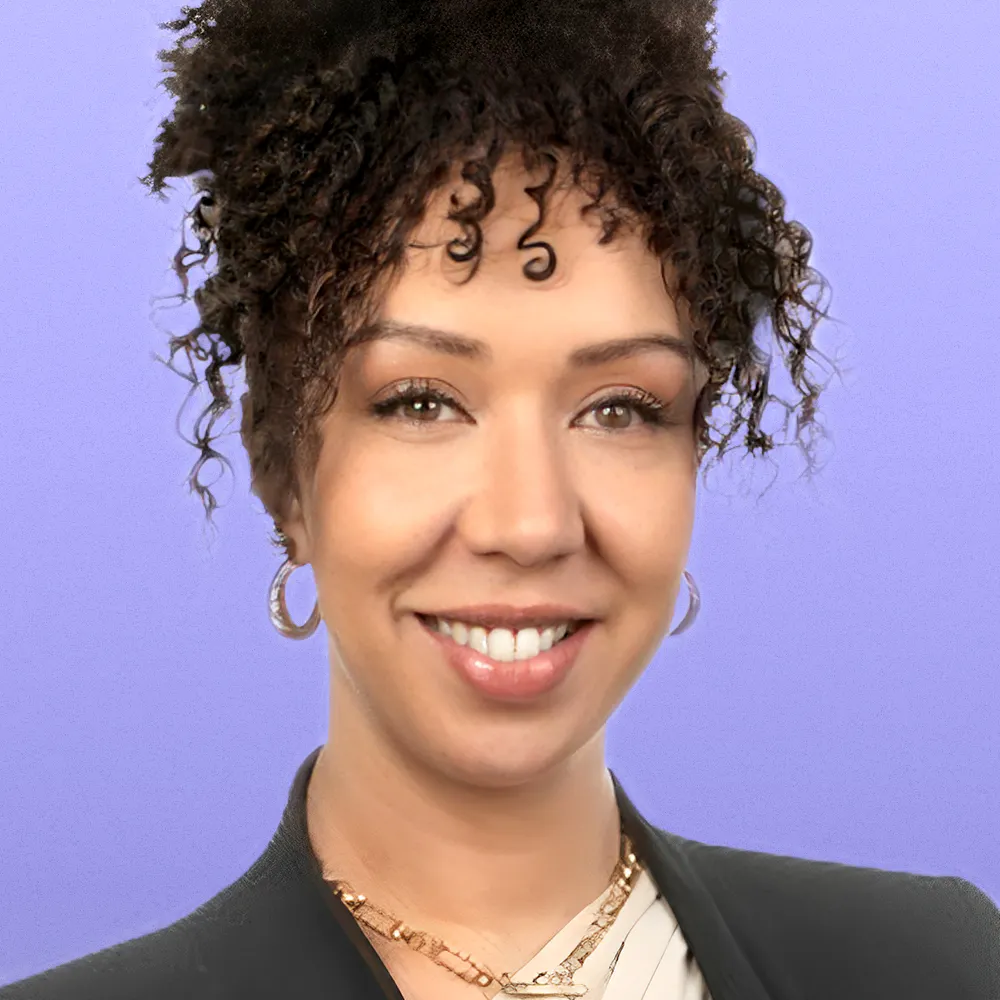
Amber Kaiwi
Business Development Manager at Everway
Amber brings over a decade of experience in the EduTech industry, working across schools, higher education, and vocational training to help educators and learners make the most of technology. Deeply passionate about improving literacy outcomes, she pairs her industry expertise with a strong commitment to fostering inclusive, empowering education for all.
Register to receive the recording
Watch on demand when it suits. This series is built for busy educators like you!
More in this series
See all webinars

Everway and AI: Personalised support for every learner
From Festival insight to classroom impact: a 20-minute walkthrough of Everway’s safe, secure, and embedded AI tools that support every learner.

A school leader’s guide to Everway tools
See how Everway tools help leadership deliver inclusive education at scale: ease teacher workload, cut costs, and support JCQ/SQA exam access arrangements.

Practical UDL with Everway tools
Turn Festival UDL lessons into classroom practice. See Read&Write, OrbitNote and Equatio enable multiple means of engagement, representation and expression.