How to use uPar
Discover how to use uPar to screen for reading challenges in your class. We’ve got how-to articles, feature tours and video guides on our Academy.

Download PAR to get started. Once you click the button below, your resources will automatically go to the downloads in your computer. Then all you need to do is select the students that you want to work with, and get going.
If you like how the PAR process works, check out uPar software. It allows you to assess a whole classroom or a large group of students. Make informed decisions about reading accommodations for multiple students in your school or district.
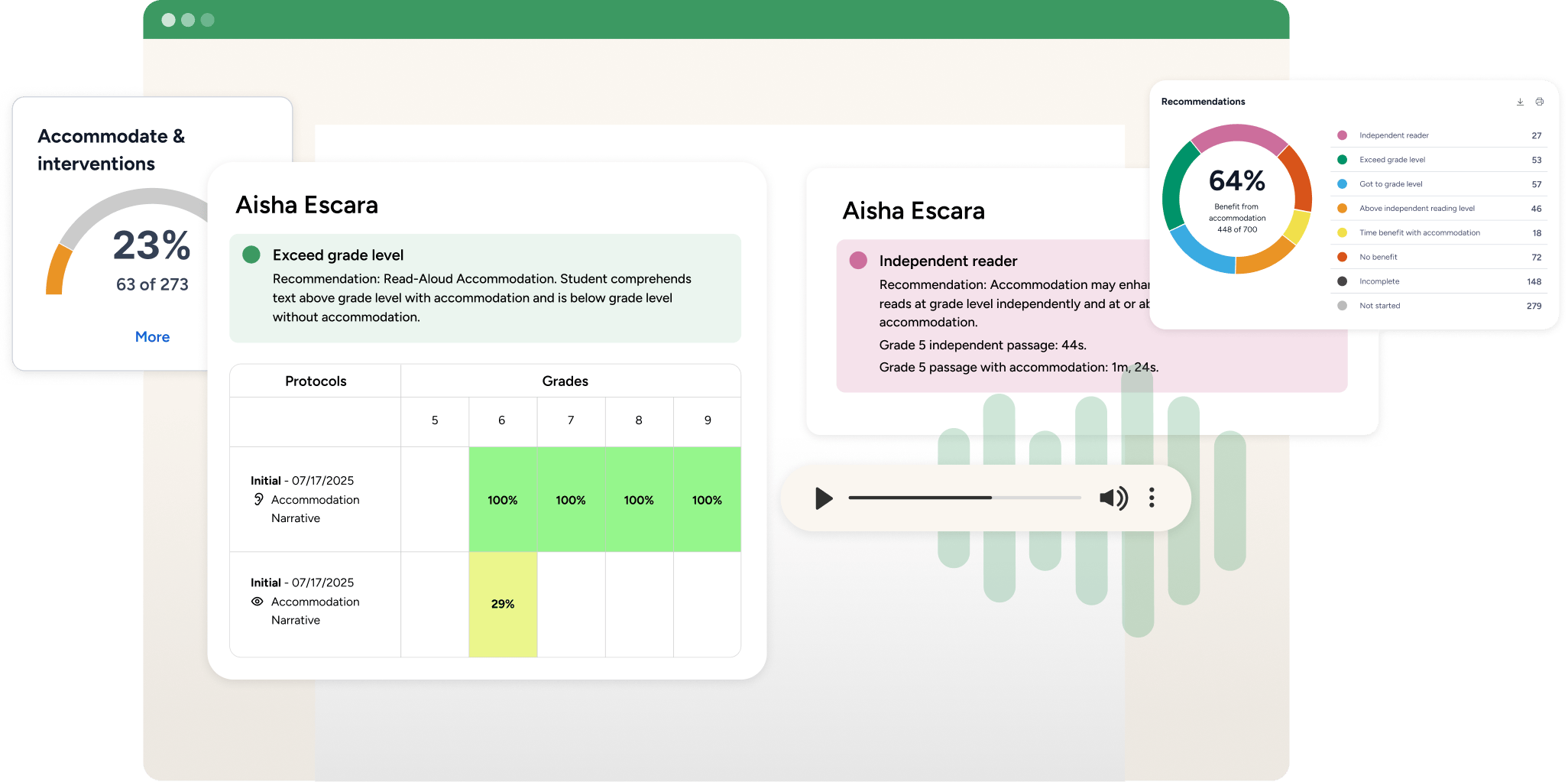
Discover how to use uPar to screen for reading challenges in your class. We’ve got how-to articles, feature tours and video guides on our Academy.
Safe and Secure
Our products provide the highest possible level of security for student, school/district and enterprise data.