
Back to School Toolkits

Practical implementation guidance for every stage of your Back-to-School journey.

Our guides designed to help administrators and educators prepare for a successful start to the school year.

Each Toolkit provides practical, role-specific guidance with implementation resources, best practices, embedded learning content, and recommended next steps to support product readiness and classroom success.

en lærer taler med en elev ved hjælp af en bærbar computer

Choose the Toolkit that best matches your role

Administrator toolkits

Administrator Toolkits are designed for school and district leaders responsible for subscription management, setup, implementation, and readiness. Choose your product to access your Back-to-School Digital Implementation Guide.

Available toolkits:

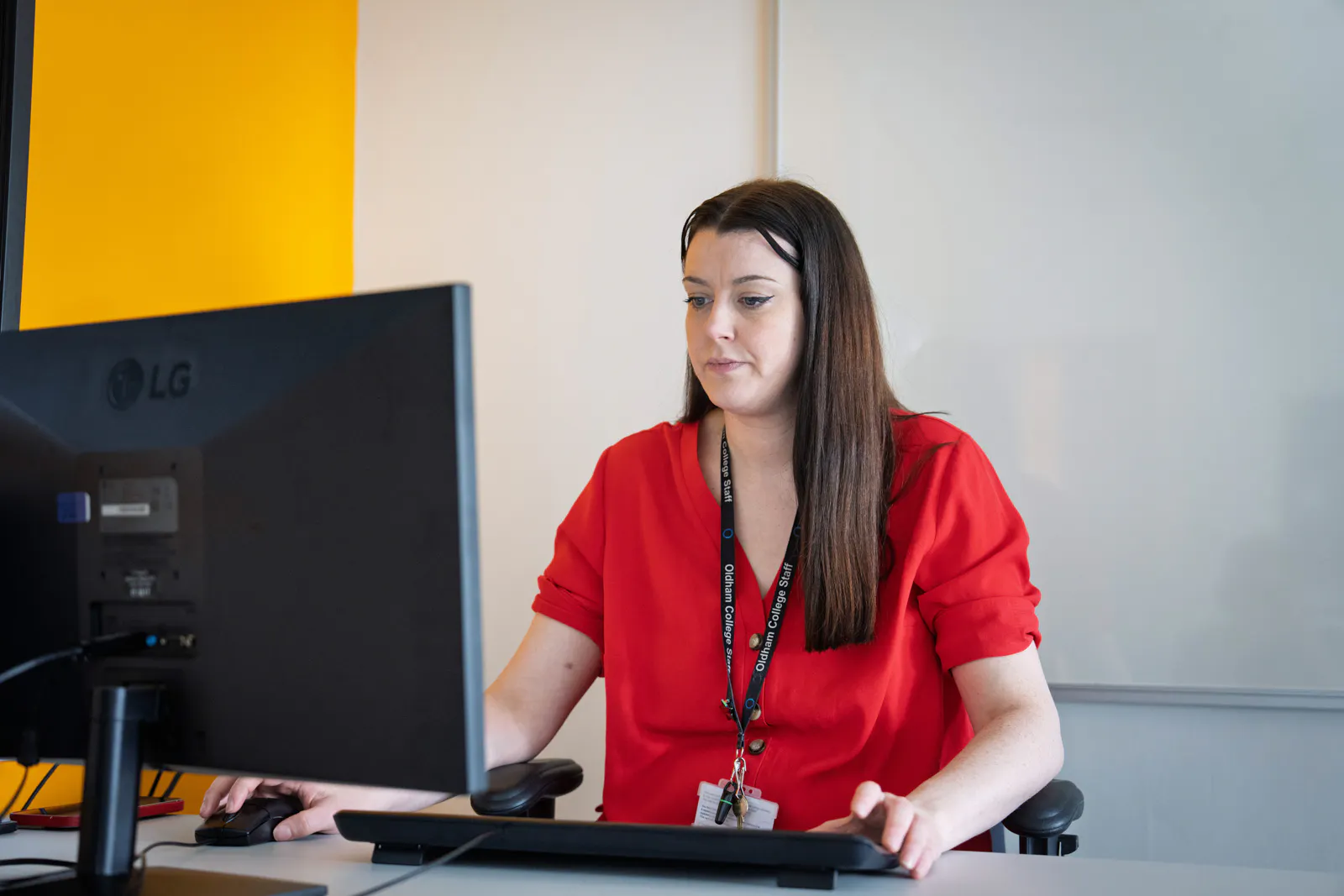
Educator sitting at a desk working on a computer

Educator toolkits

Educator Toolkits are web-based Digital Implementation Guides designed for teachers and classroom staff preparing to use Everway products with students.

Each Toolkit provides practical, role-specific guidance to help you get started with confidence. Explore product-specific resources, classroom workflows, embedded learning content, best practices, and recommended next steps designed to support classroom readiness and everyday instruction.

Select a product to access the toolkit

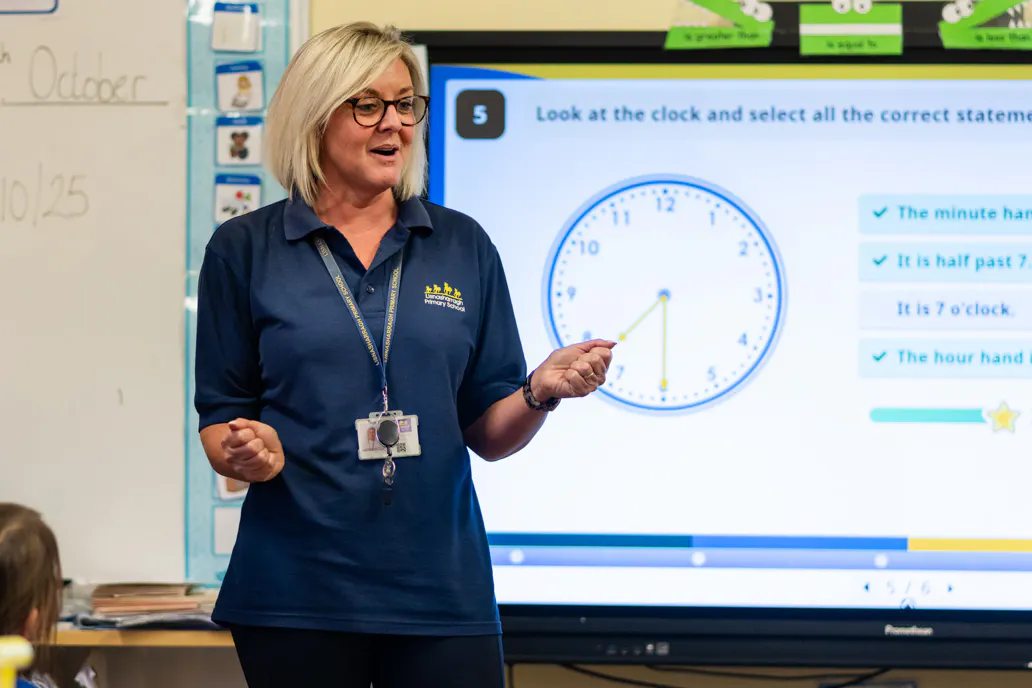
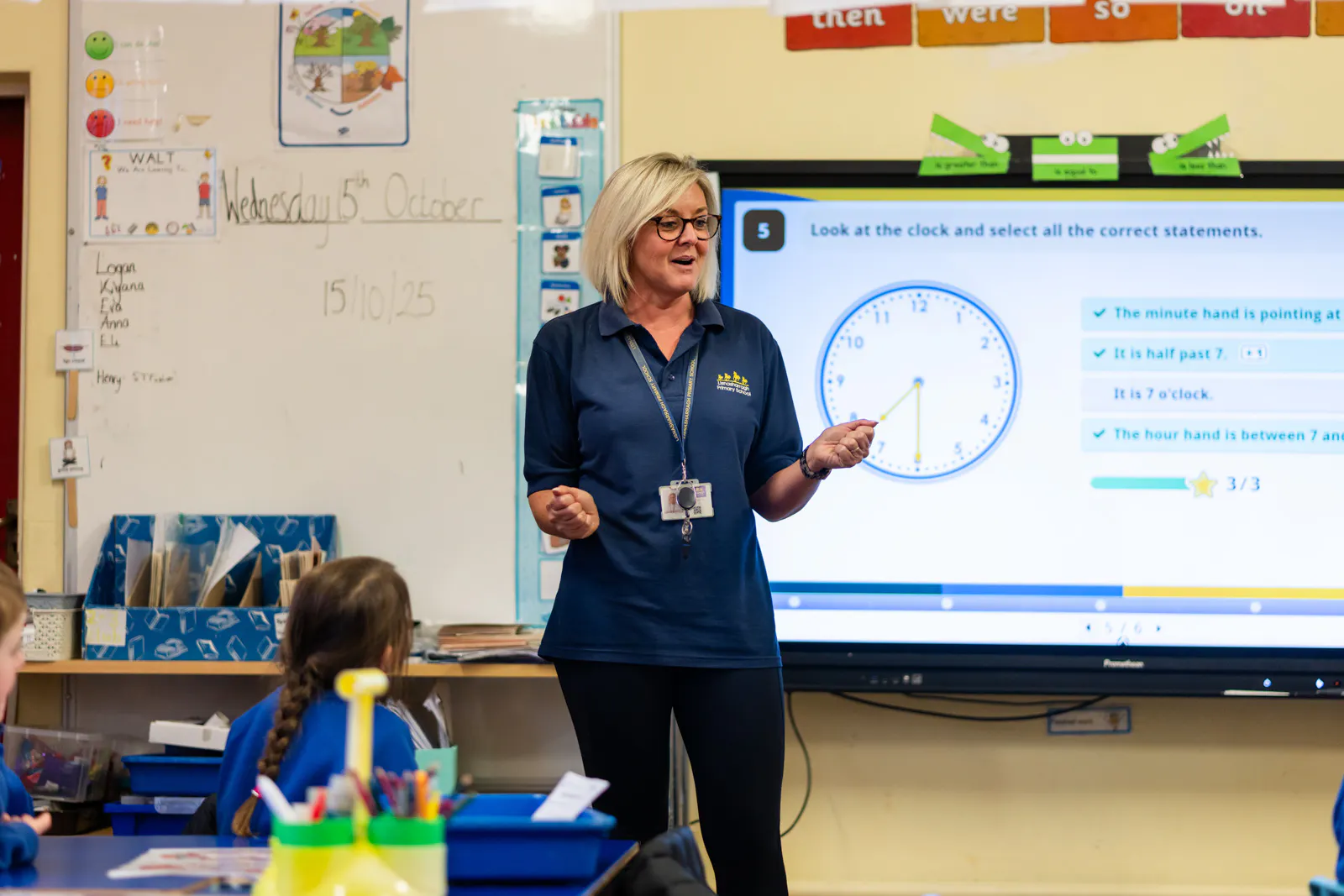
Teacher teaching a lesson in front of an interactive whiteboard

Access your toolkits through the Professional Learning Center

Administrator and Educator Toolkits are also available through the Professional Learning Center, giving you access to the same Digital Implementation Guides alongside additional Professional Learning resources.

Already use Single Sign-On (SSO)?

If your school or district already uses Single Sign-On (SSO), sign in with your existing credentials to access the Professional Learning Center and your Digital Implementation Guides.

New to the Professional Learning Center?

If you're accessing the Professional Learning Center for the first time, watch our quick sign-in guide before getting started. The video walks you through creating your account, signing in, and accessing your Digital Implementation Guides.

Educator sitting at a desk working on a computer

View the Back-to-School Checklist to review key readiness items before the school year begins.

Teacher teaching a lesson in front of an interactive whiteboard

Browse Back-to-School Webinars for live onboarding and readiness sessions organized by product and audience.

A teacher leafing through a file while sitting at a desk with a laptop

Book a Back-to-school readiness office hours appointment for focused, 15-minute guidance tailored to your questions.

Safe and Secure
Our products provide the highest possible level of security for student, school/district and enterprise data.

Trust Center
CompliantCOPPA
CompliantFERPA
CompliantGDPR
CertifiedISO/IEC 27001
CompliantSOPPA