Everway tools vs Kami
Read&Write and OrbitNote work together so students get the support they need in one place.
See the full comparison of Everway tools vs Kami.
Read&Write and OrbitNote work together so students get the support they need in one place.
See the full comparison of Everway tools vs Kami.
| FEATURE |
Everway tools
Read&Write and OrbitNote
|
Kami
|
|---|---|---|
| Accessibility support |
Extensive literacy and accessibility tools
|
|
| PDF annotation |
OrbitNote annotation tools
|
|
| Reading support |
All reading support tools universally available across Google workspace and websites
|
|
| Writing support |
Robust Word prediction, dictation, study tools
|
|
| Math support |
Equatio integration
|
|
| Collaboration |
Real-time document collaboration
|
|
| Integrations |
Google Workspace, LMS platforms, cloud storage
|
|
| Teacher access |
|
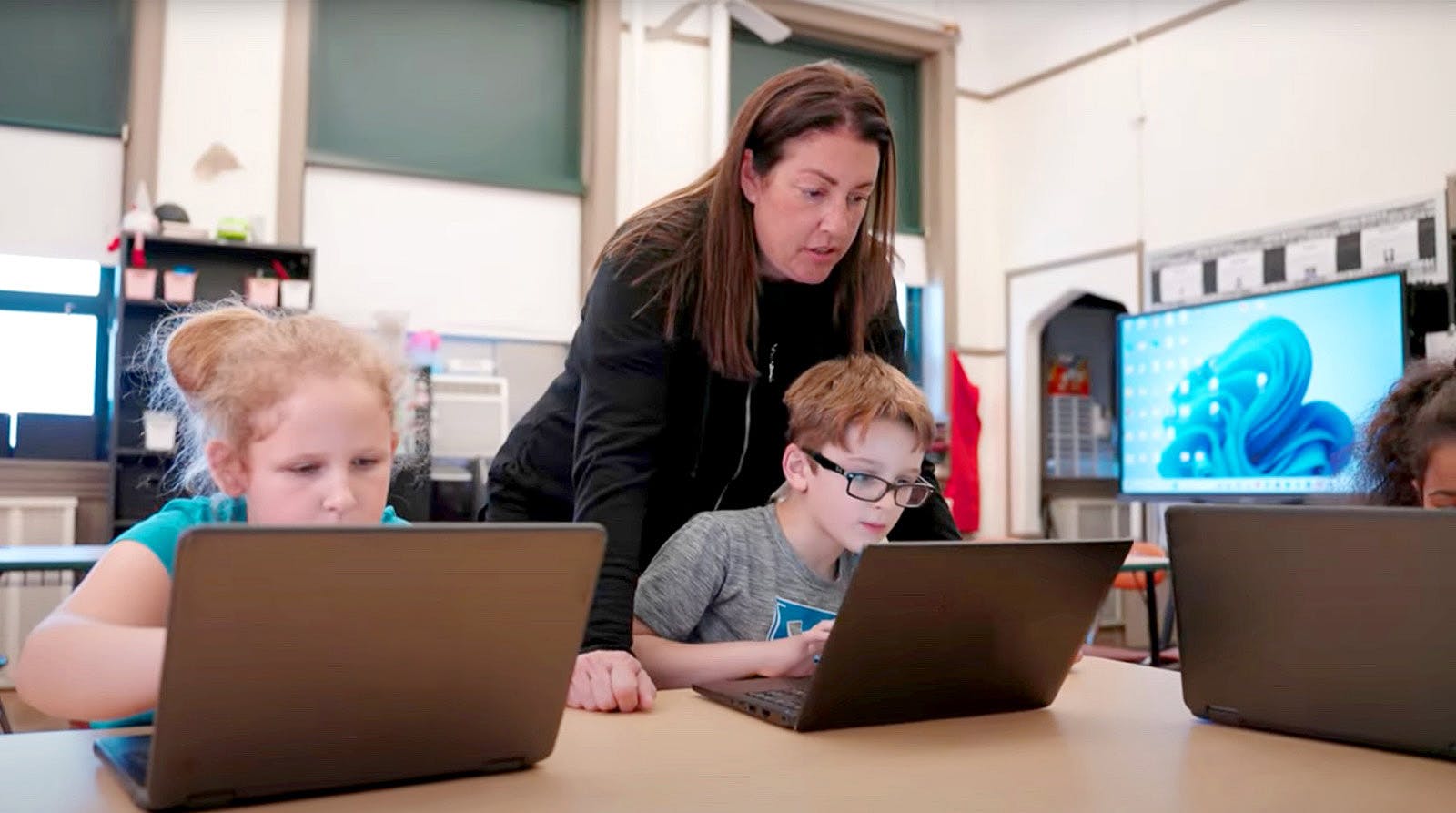

Many annotation tools focus on interaction. OrbitNote focuses on access and understanding.
OrbitNote and Kami both support document annotation. OrbitNote goes further by helping every learner access and understand the content they’re working with. With built-in accessibility tools and seamless integration with Read&Write and Equatio, students can listen to text, support their writing, and work with maths inside the same document.

Students can highlight text, add comments and interact with digital learning materials.
Students can highlight text, add comments and interact with digital learning materials.
Students can listen to text and get writing support inside the same document.
Dictate or handwrite equations and turn them into digital maths.
Teachers can leave voice and text feedback right on student work.
Keeps headings, lists and reading order, in line with WCAG expectations.

Read&Write is a comprehensive literacy support toolbar built on over 30 years of expertise in accessibility and learning technology. Trusted by millions of users worldwide, Read&Write is a mature solution designed to support learners wherever they work online.
Kami Companion sits on top of webpages and offers tools to help users read, write, and understand content. It is currently in beta and available through early access for existing Kami users.
Kami Companion is Kami’s latest offering. While Kami Companion is still growing, Read&Write already provides a full set of accessibility tools that support learners across their entire digital learning environment.

While both tools support reading, Read&Write offers additional options designed to help users access and understand content across many types of digital text.
Read&Write includes a wide range of tools that help students access and understand digital text.
Kami Companion includes reading support features within the Kami environment, on specific websites and partially works in Google Workspace.
While both tools support reading, Read&Write offers additional options designed to help users access and understand content across many types of digital text.
Read&Write includes a wide range of tools that help students access and understand digital text.
Kami Companion includes reading support features within the Kami environment, on specific websites and partially works in Google Workspace.
Suggests the right word even when spelling is a challenge.
Translate a whole website in a single click, in context on the page.
Look up words with pictures and build vocabulary lists from reading.
Lock down to approved tools. Built into many state testing platforms.
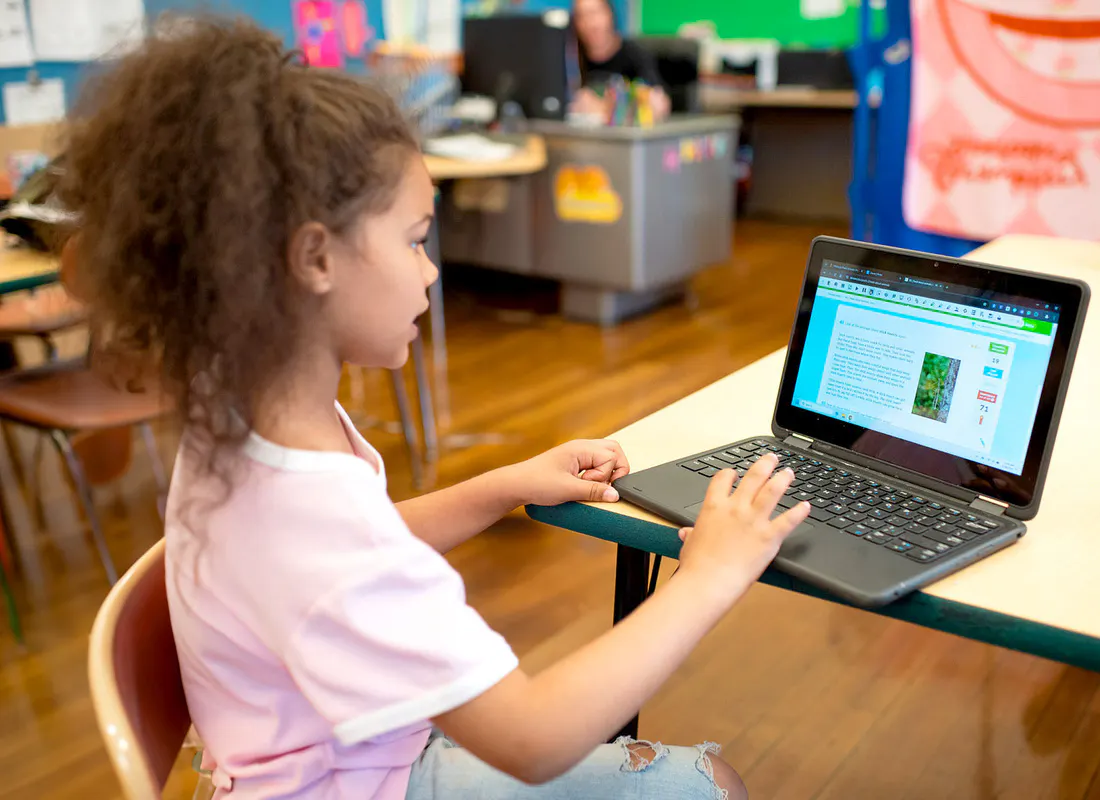
“Read&Write and OrbitNote help support literacy here in Pittsburgh Public Schools. It gives all students access to their learning or learning level and helps them complete assignments. It’s easy for students to transition from one to the other because they both have the toolbar that’s user friendly and easily accessible at the top”
Alicia Connolly, Assistive technology consultant at Pittsburgh Public Schools
Read the full story from Pittsburgh Public Schools
Complete the form to request a personalized demo or a quote and we'll be in touch promptly.
Yes. Kami Companion can run alongside other extensions, including Read&Write.
Most features work smoothly together. If you experience any issues, temporarily pausing another extension may resolve the problem.
Yes. OrbitNote provides annotation and document editing features similar to Kami. When combined with Read&Write and Equatio, Everway tools also provide reading, writing and maths support across documents, web pages and learning platforms.
For many schools and organizations, this means one connected solution instead of multiple tools.
Yes. Everway tools integrate with platforms such as Google Classroom, Canvas and Microsoft Teams.
Teachers can assign work and provide feedback using the systems they already use.
Yes. Everway tools support a wide range of learners, including students with diverse learning needs.
Accessibility and literacy tools are available when students need them, without adding complexity for teachers.
Many schools use different tools for annotation, reading support and maths.
Everway tools combine these capabilities into one connected system. This reduces tool overload while providing consistent support across the learning environment.
Safe and Secure
Our products provide the highest possible level of security for student, school/district and enterprise data.