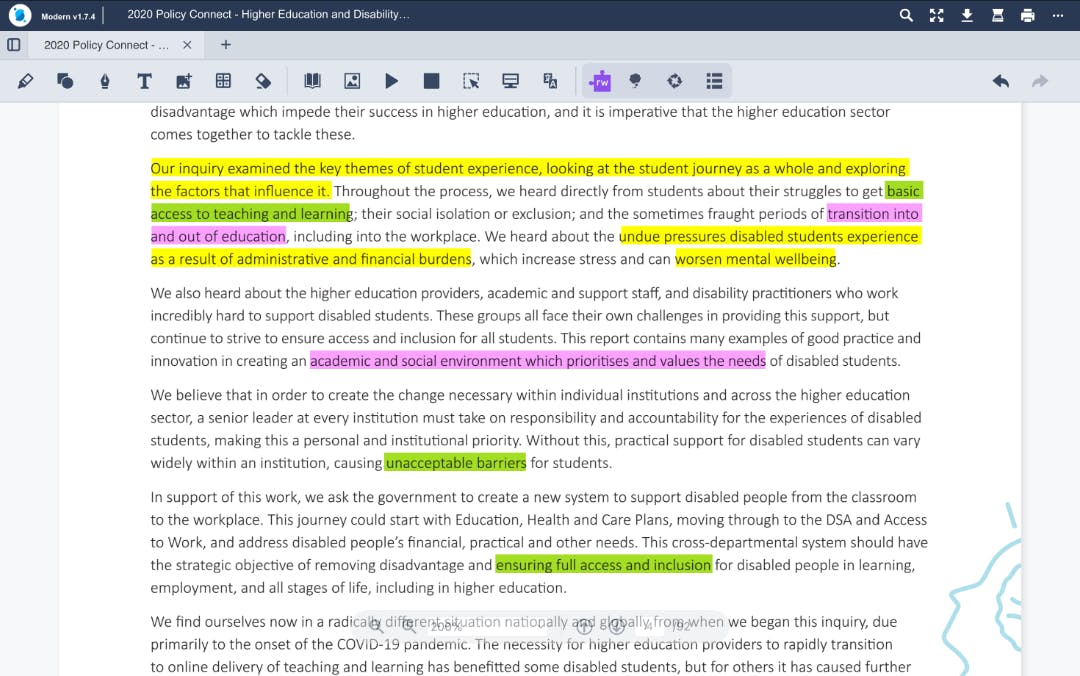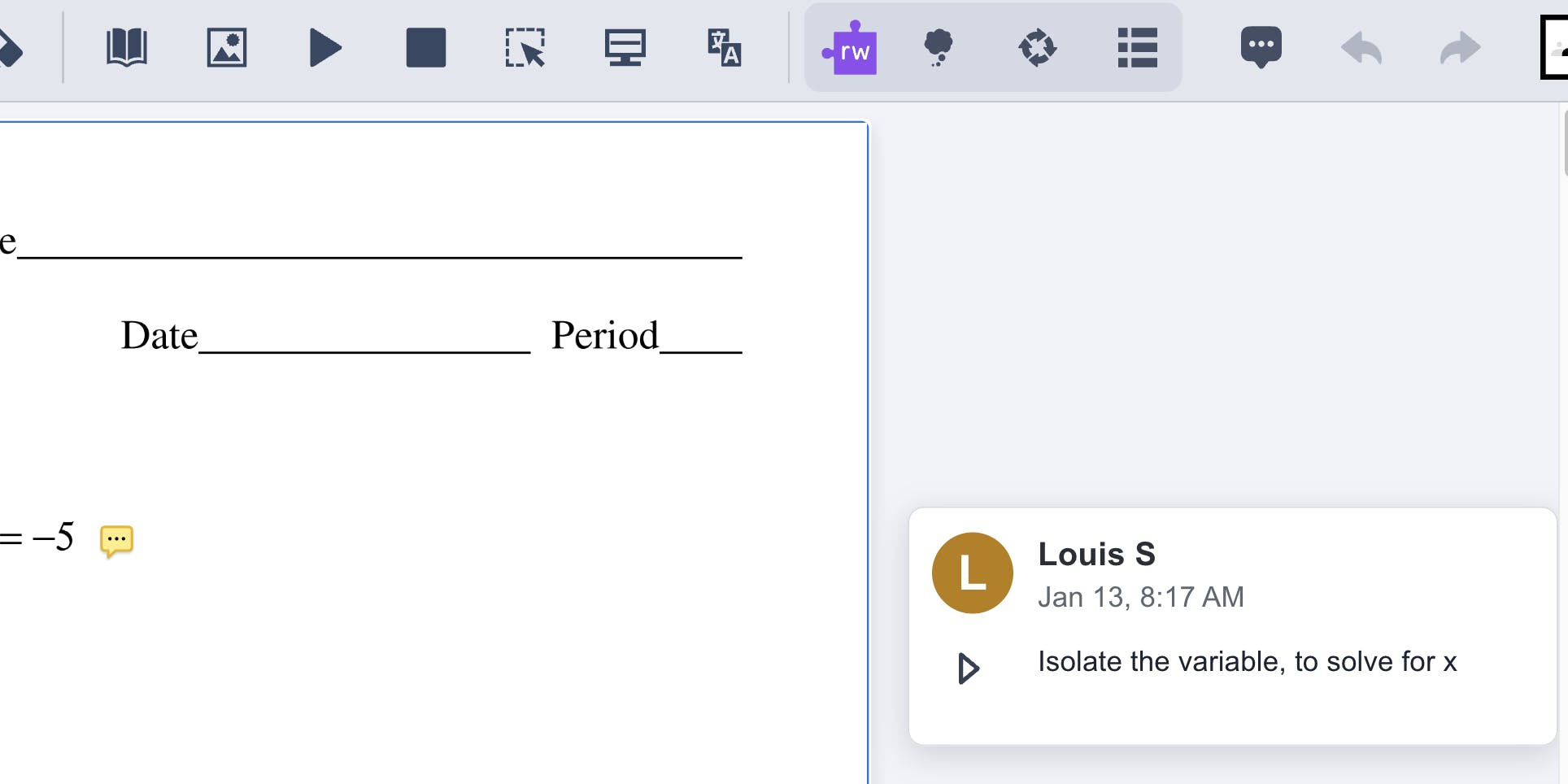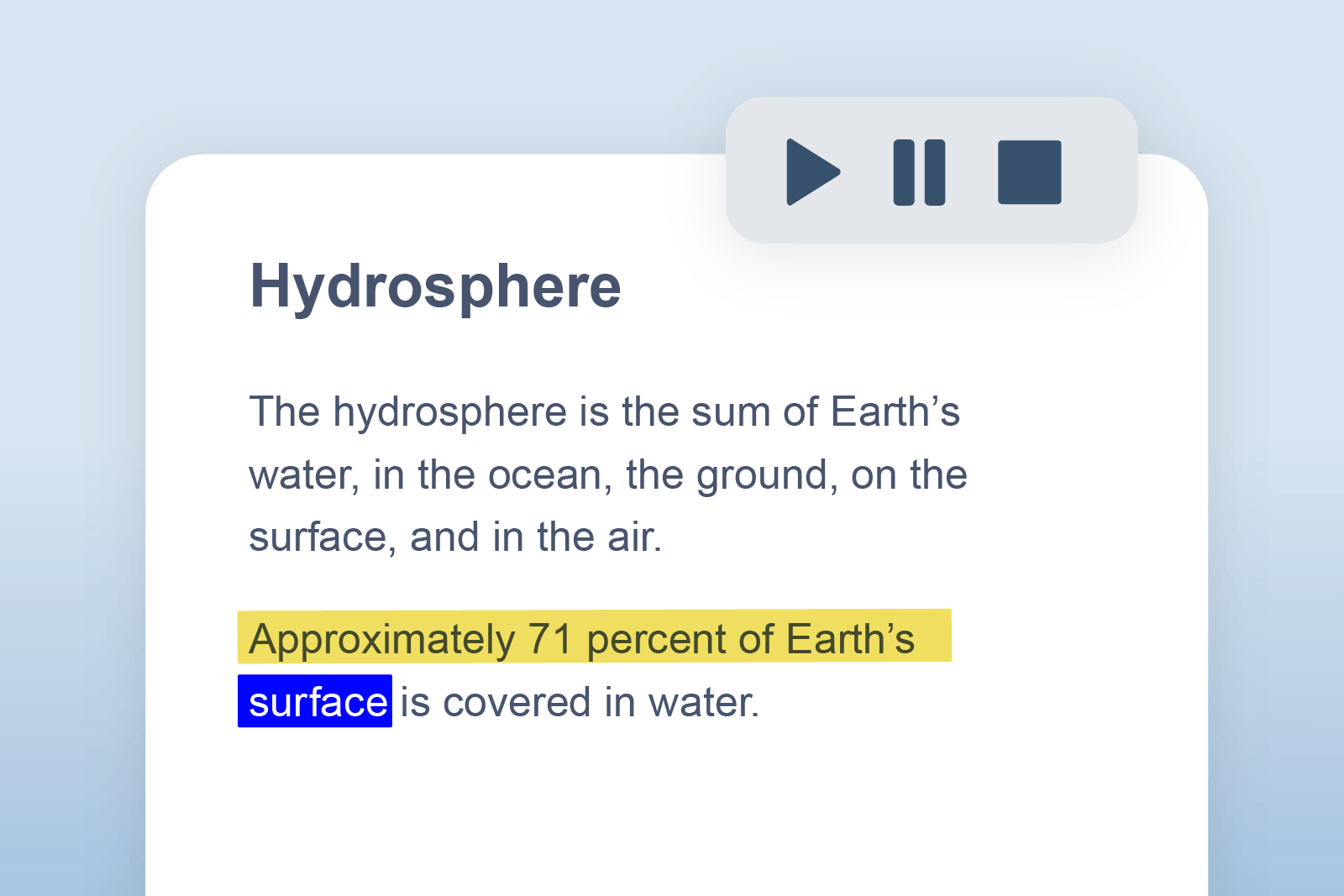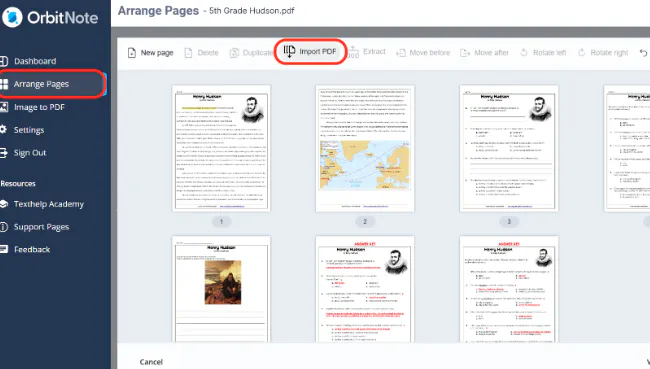
We’ve expanded page management in OrbitNote Modern, making it easier to work with multiple documents and organize content across files.
With new tools available at the dashboard level, users can now combine, restructure, and manage PDFs without leaving OrbitNote.
What’s new
Users can now import PDFs from local storage, Google Drive, or OneDrive and choose how to work with them.
Documents can be merged into an existing file or saved as a new cloud-based document, giving users more flexibility in how they organize and manage their content.
Designed for real workflows
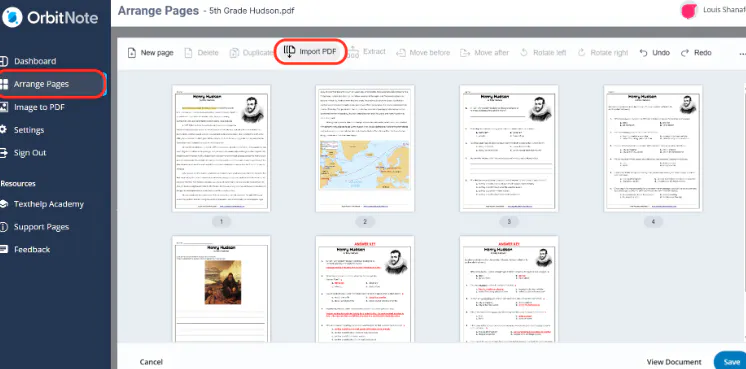
Working with PDFs often means bringing together content from different sources - combining assignments, splitting large documents, or creating new versions.
By adding split and merge capabilities directly into OrbitNote, this update removes the need for external tools and keeps everything in one place.
More flexibility, less switching
With both in-document page tools and dashboard-level file management, OrbitNote now supports a more complete document workflow.
It’s a more flexible and efficient way to organize PDFs, helping users stay focused and work more smoothly across documents.