We’ve introduced an update to help you save time when planning and assigning activities for the new school year.
A new “Confirm all” feature in Learning Pathways reduces repetitive steps, so you can set up lessons more quickly and focus on supporting your students from day one.
What’s new
Lesson planning often involves repeating the same actions across subjects and students.
The new “Confirm all” button lets you assign repeated activities in one step. Instead of confirming each activity individually, you can apply changes across multiple subjects at once. This helps reduce workload and speeds up your planning process.
Designed to reduce admin and save time
At the start of the school year, small tasks can quickly add up.
By removing the need to confirm activities one by one, this update helps you complete planning tasks more efficiently. It gives you more time to focus on teaching, rather than managing setup.
Supporting a smoother start to the year
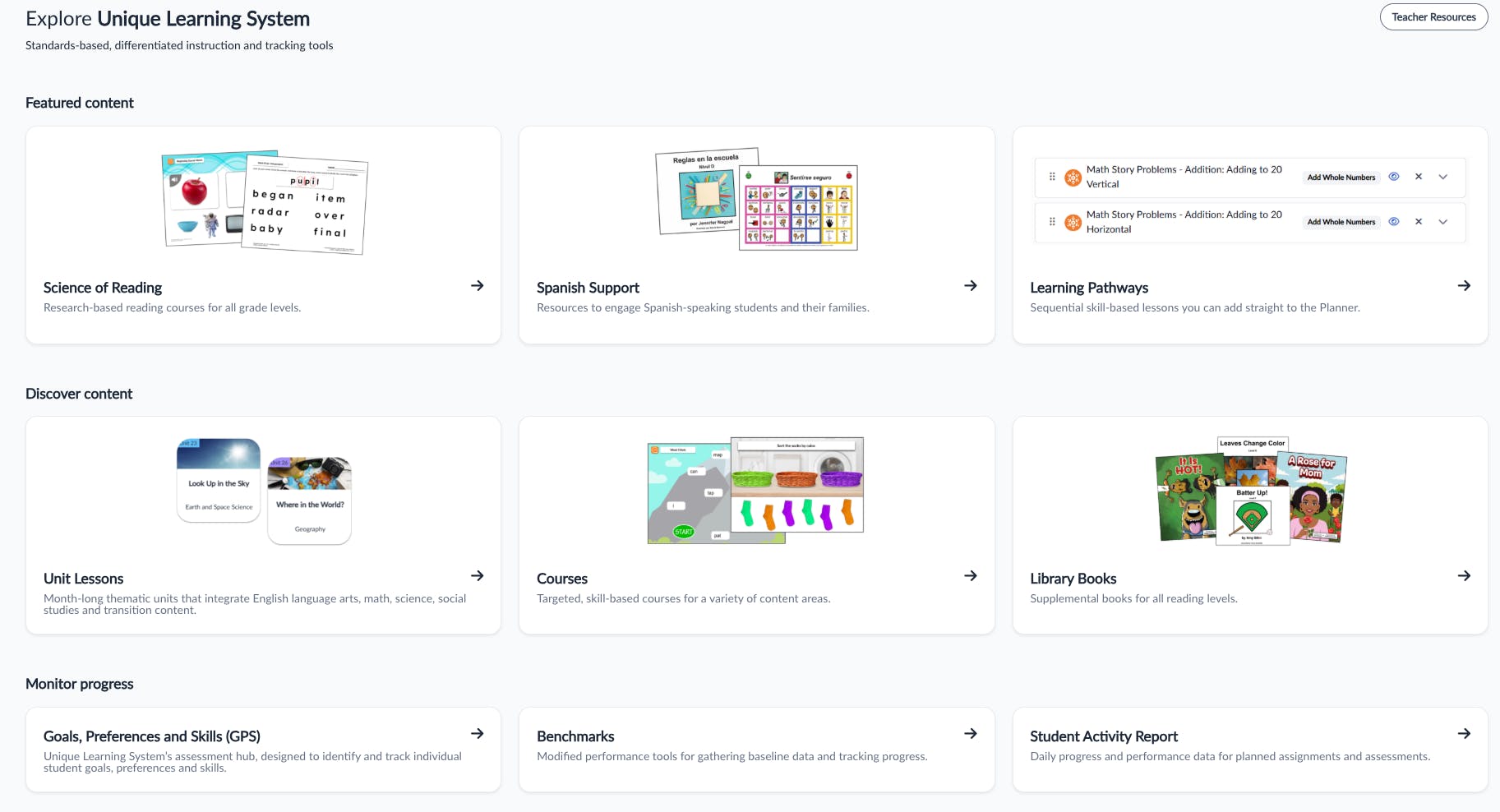
We’ve also made small updates to how content is organised. Current year thematic units now appear first in key areas, so they’re easier to find when you need them.
These changes work alongside the “Confirm all” feature to create a more streamlined planning experience.
Better outcomes for teachers and students
When planning takes less time, more time can be spent on delivering lessons and supporting students.
This update is designed to reduce admin and help you start the year with a clear, manageable workflow in place.