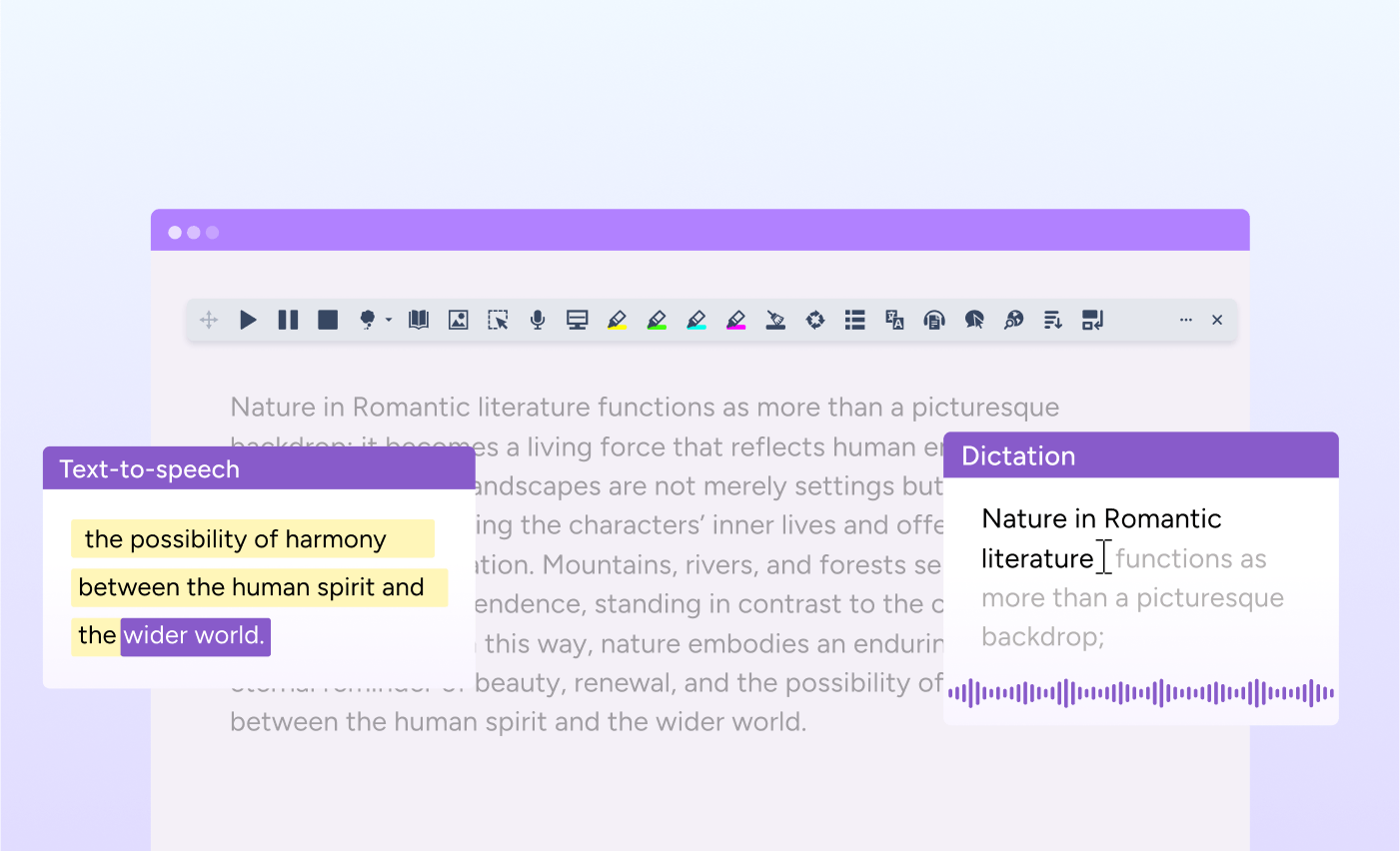
We’re making it easier for users to access the latest enhancements in Read&Write by updating the default experience for Collect Highlights.
From later this year, Advanced Collect Highlights will become the default mode in Read&Write for Google Chrome and Edge.
These updates are designed to help more users benefit from the newest features automatically, without needing to change settings manually.
What’s changing?
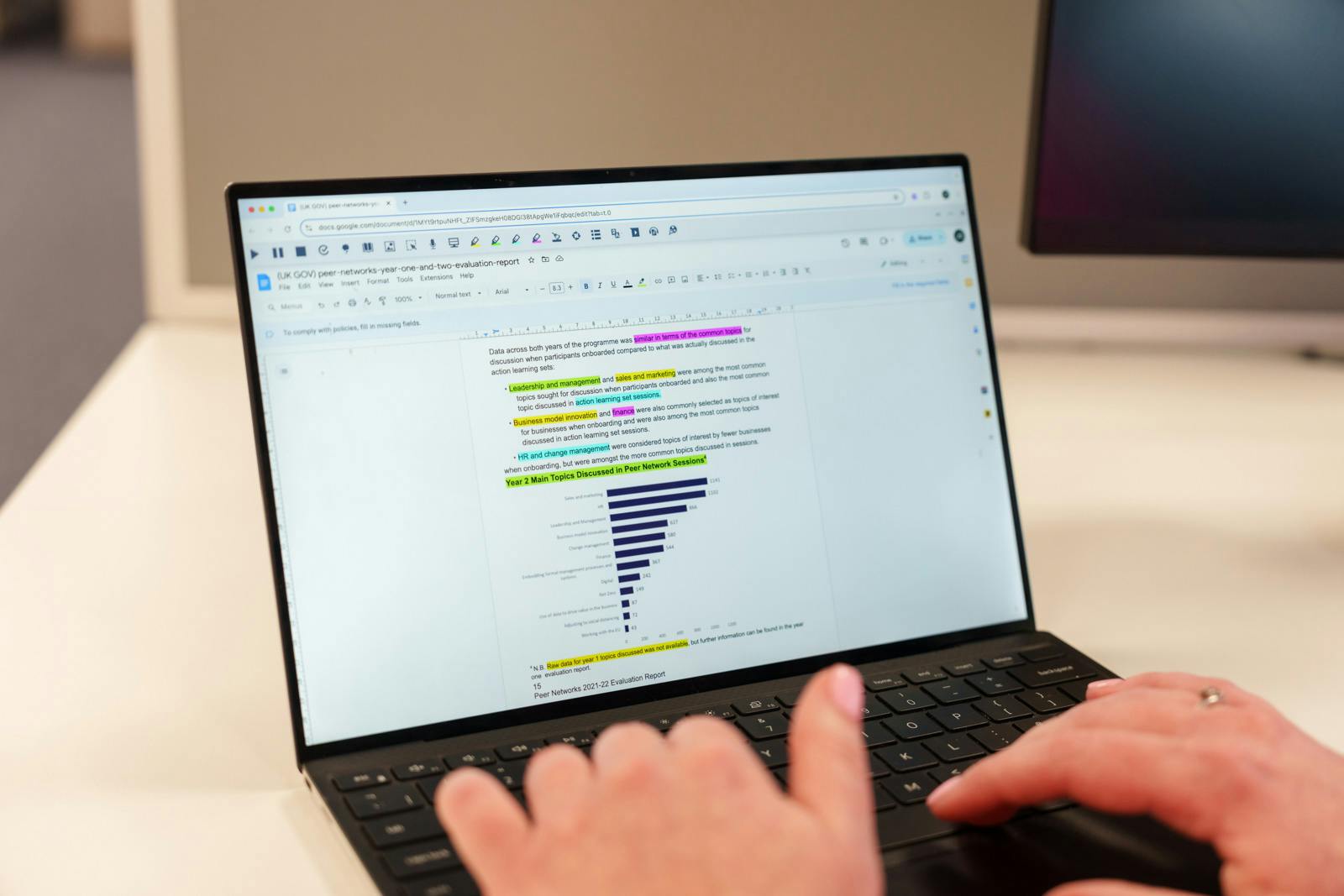
Advanced Collect Highlights brings together highlights from multiple tabs into one central panel inside Read&Write.
As you read across websites, articles, or documents, your highlights are collected automatically in a single place. This makes it easier to organise ideas, review information, and move from reading into writing or research tasks.
Previously, users needed to enable this experience manually in Settings. From early Q3, Advanced Collect Highlights will become the default experience for Collect Highlights.
The original “Simple” Collect Highlights mode will still be available for users and organisations that prefer the previous workflow.
How to use Advanced Collect Highlights
Using Advanced Collect Highlights works in the same way as the existing highlighting tools, with the added benefit of collecting content across multiple tabs automatically.
To use it:
- Highlight text on any webpage or document using Read&Write highlighting tools
- Continue highlighting across multiple tabs or sources
- Open the Collect Highlights panel in Read&Write to view all highlights together in one place
- Review, organise, and export your collected information when you’re ready
This helps reduce the need to switch between pages or manually combine notes from different sources.
How to switch between Simple and Advanced
If you prefer the Simple Collect Highlights experience that only collects from your current tab, you can easily switch back via the settings menu.
To switch to Simple Collect Highlights:
- Click the three dots on the Read&Write toolbar and go to Settings
- Under General, find the Collect Highlights setting
- Select Simple - Collect from your current page
Designed for how people really work and learn
Whether you’re researching a topic, reviewing information at work, or supporting structured reading in the classroom, managing information across multiple sources can increase cognitive load.
Advanced Collect Highlights helps simplify that process by bringing ideas together automatically, Together, these updates support more confident reading, research, and information management.
Supporting easier access to the latest Read&Write features
These updates are part of our ongoing work to make Read&Write easier to use and more consistent for all users.
By making Advanced Collect Highlights and experience, more users can benefit from the latest improvements from day one, without extra setup or configuration.

Explore Read&Write
Discover Collect Highlights and explore the full range of Read&Write tools designed to support every learner and user.