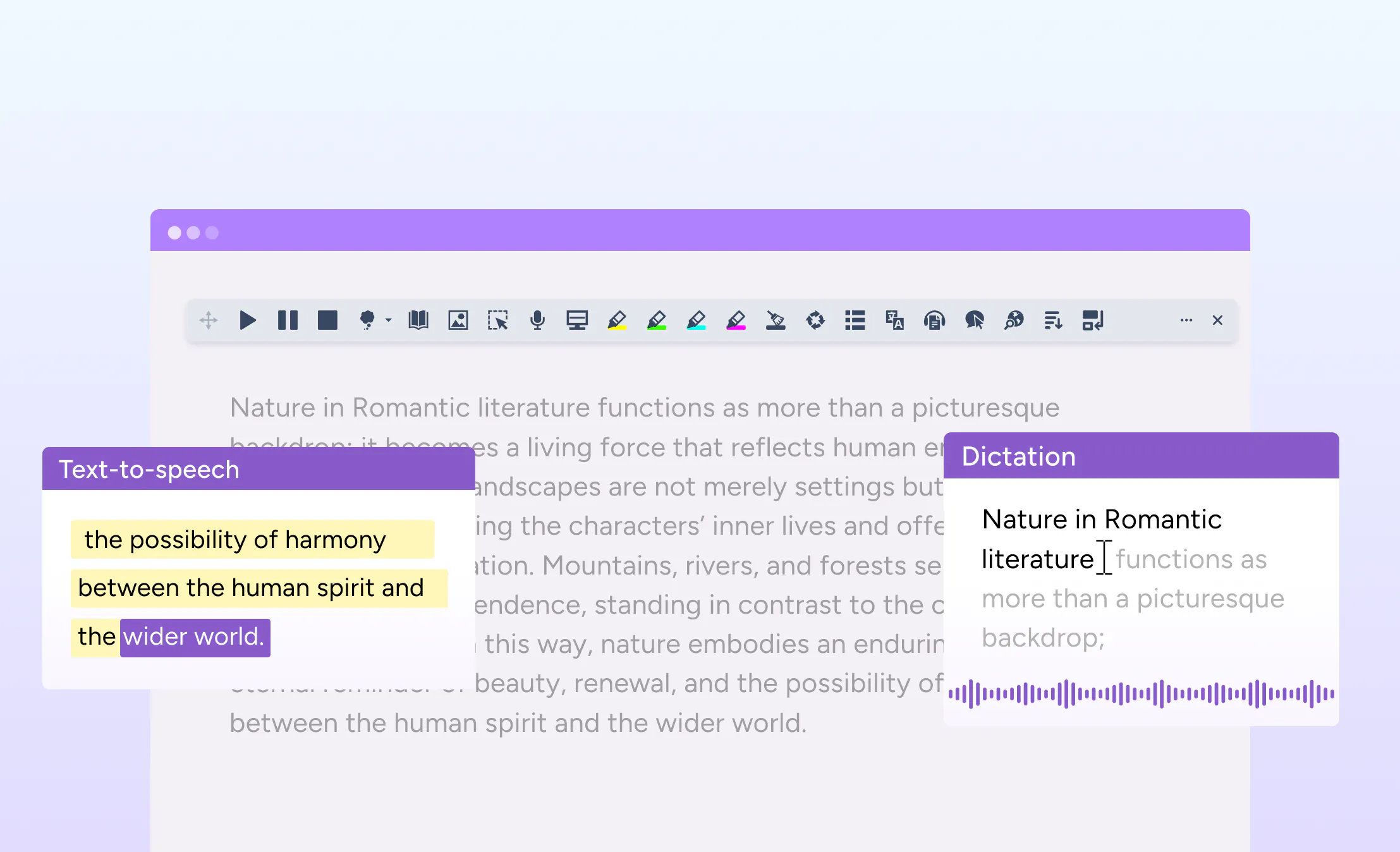
We’ve updated the settings experience on iOS with a new tabbed dashboard built around the Everway design system.
This replaces the previous long-list layout with a cleaner, more organised interface that makes settings easier to find and manage. The update also brings greater consistency across platforms, aligning the experience more closely with OrbitNote for Chrome.
Designed to create a more consistent experience
The previous interface created differences between products and platforms, which could make navigation feel less familiar from one device to another.
The new design reduces cognitive load by grouping settings into clearer sections and creating a more intuitive experience overall. Whether you use iOS, Android, or Chrome, the experience will now feel more connected and consistent.
Supporting easier access and everyday use
Settings should be simple to navigate, especially for users who rely on accessibility tools throughout the day.
This update is designed to make everyday interactions smoother, with a more modern interface that supports quicker access to the tools and preferences you use most often.