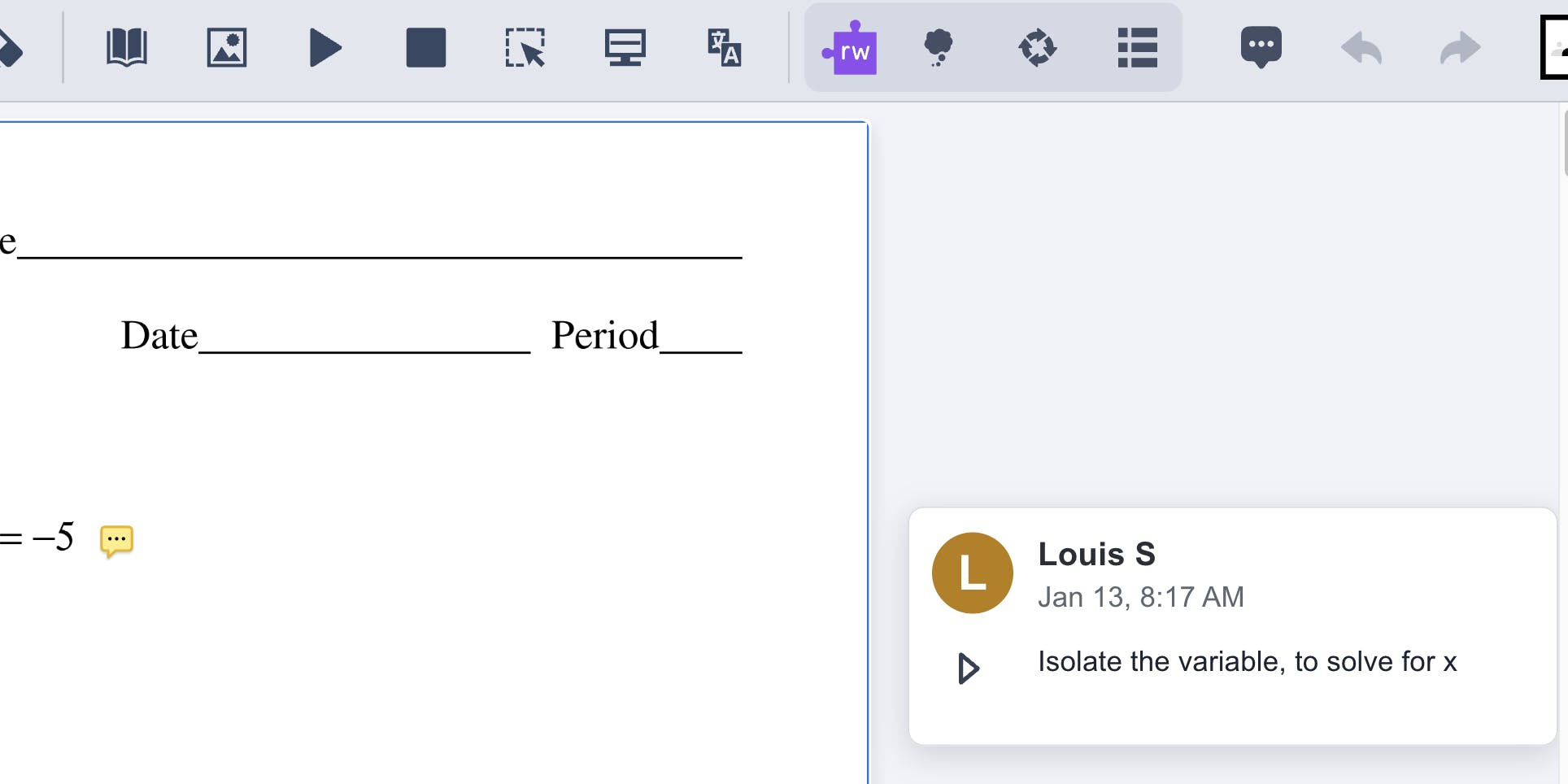
We've added digital signatures to OrbitNote Modern, making it easier to complete and sign PDF documents without leaving the application.
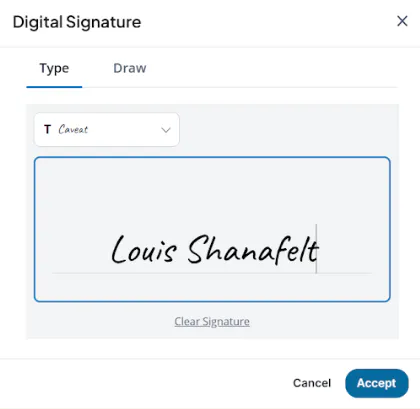
You can now add either a typed or handwritten signature directly to a PDF, helping you complete forms, agreements, and other documents in one place.
What's changing
Digital signatures are now built directly into OrbitNote Modern.
When signing a document, you can either type your signature and choose from four signature styles or create a freehand signature using a touchscreen device or your mouse. Once you've added your signature, you can place it directly into your PDF and continue working without switching to another application.
Designed to keep document signing simple and secure
Many document workflows require a signature before they can be completed. Until now, this often meant leaving OrbitNote and using another application before returning to continue working.
With digital signatures built into OrbitNote Modern, you can review, annotate, complete, and sign documents in one place, helping reduce interruptions and making the process more straightforward.
To support privacy and compliance requirements, signatures are only available during your current signing session and are not stored after you finish. This means you can sign documents confidently while keeping control of your personal signature data.
Supporting a more complete PDF experience
Digital signatures are another step in expanding the capabilities of OrbitNote Modern.
By bringing document signing alongside annotation and accessibility features, OrbitNote Modern continues to provide a more complete PDF experience, helping students, educators, and professionals complete everyday document tasks without needing additional tools.